
01
Meet the pair
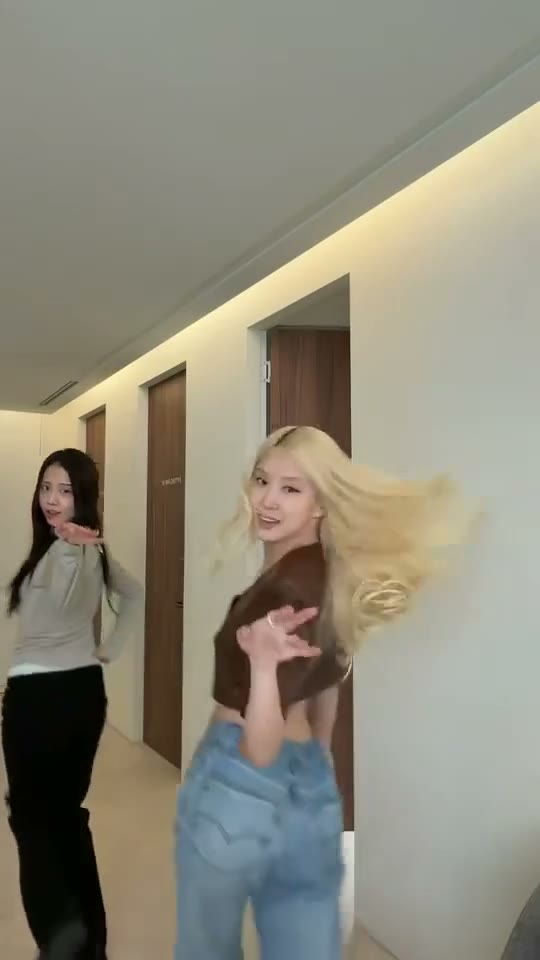
Both dancers establish their positions in the same vertical frame. Watch their outfits and faces so you can keep track of each role.
Put two portraits into a playful partner routine with a change of places.
JPG、PNG 或 WebP,每张最大 5 MB
每张一位成年人,脸和衣着清晰
确认生成失败后返还积分。
正在查询积分…
正在核实任务…只使用你本人或已获同意的成年人照片。 照片如何使用
The appeal of the JISOO ADDICTED AI Dance is the partnership: two people share a frame, move together and trade positions. Start by watching the dance rather than choosing a photograph at random. Notice how much of each dancer stays visible and where the partners cross. Then prepare separate portraits for the two roles. This page brings the reference, photo choices and creation controls together so you can plan the pairing before starting.
START WITH YOUR PHOTO
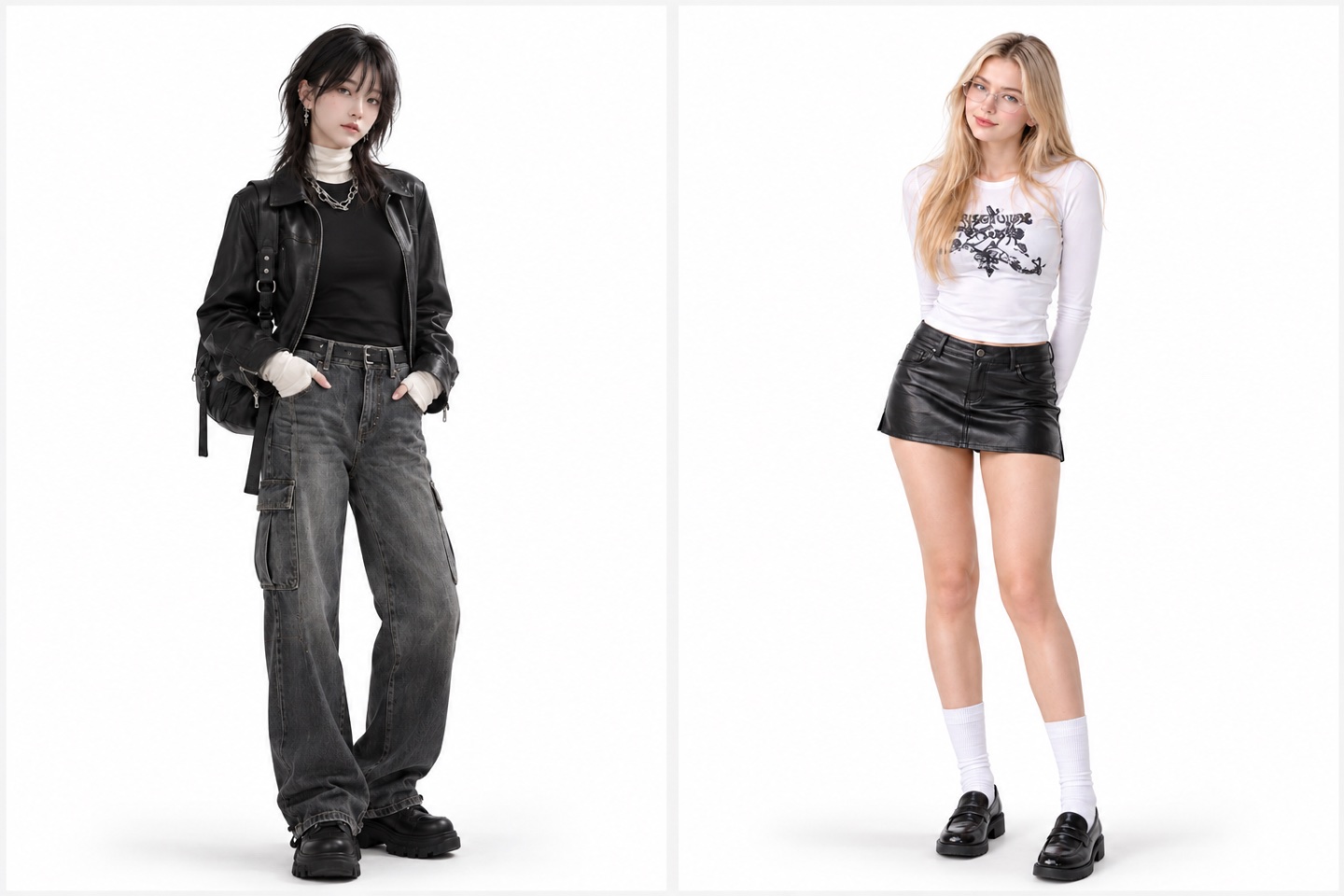
Choose one adult in each photograph. The two files identify the two dancers; a single crowded group picture makes that assignment harder to read. Similar lighting and a comparable camera distance give the pairing a more coherent starting point. Look for visible faces, clean hair outlines and clothing that is easy to distinguish.
Use a solo portrait for the first dancer and another solo portrait for the partner. Check the thumbnails in the upload controls before continuing. When the dancers change places, follow their identities through the movement rather than treating the left side of the screen as a permanent role.
An uncluttered full-body or generously framed portrait is a useful choice for this routine. Keep arms away from the face and leave some separation between the body and background. Contrasting outfits also help viewers tell the two people apart during a quick crossover.
Try two photos with similar exposure and camera height. A bright outdoor portrait next to a very dark selfie can make the pair feel mismatched. Simple, evenly lit photographs let the movement and the relationship between the dancers carry the idea.
WATCH THE DETAILS
Both dancers establish their positions in the same vertical frame. Watch their outfits and faces so you can keep track of each role.

The interest comes from their shared timing and interaction. Keep the full frame visible when comparing the steps.

The partners cross and change places. Follow the same person through the crossover instead of assigning identities by screen side.
THE IDEA
A partner dance can say something before a caption appears. Two friends can turn it into a shared joke; a couple can use matching clothes; a dance team can compare two different styles. Decide which relationship you want the viewer to notice. That decision helps you choose photographs with compatible expressions and clothing instead of spending time on details that disappear once the routine starts.
For a playful contrast, pair a relaxed outfit with a dressed-up look while keeping the photographs equally clear. For a coordinated version, use similar colors with different silhouettes. Very busy prints on both people compete with the crossing movement. One recognizable detail per dancer is usually easier to follow on a phone screen.
YOUR WORKFLOW
Play the reference once from beginning to end. On a second viewing, follow only the first person; on a third, follow the partner. This quick check makes the swap easier to understand. Add the portraits to their labeled upload slots and inspect each thumbnail. If you want to reverse the pairing, change the files in the controls before starting.
Review the quality choice and the credit amount shown beside the generation action. Those controls describe the version you are about to request. Keep the page open to follow its status, then watch the finished clip in the current page. Check the beginning, the crossover and the ending before downloading the version you want to share.
FRAMING
This is a two-person composition, so a tight crop can remove the interaction that makes the routine work. When preparing a social post, preserve the space around both dancers and keep their feet visible whenever the shot includes them. Position captions away from the crossing point. A large label in the middle of the frame can hide the exact moment viewers are waiting for.
Choose a cover frame in which both faces are readable. A still taken in the middle of a fast crossing may be less clear than the opening pose. If you are making a series with the same pair, use a consistent cover style and change the outfit pairing. That gives each post a visible reason to exist while keeping the series recognizable.
It is a partner-dance concept built around two people moving together and changing positions. The reference on this page shows the timing and arrangement. Watch the whole routine to decide whether its playful duet format fits the photographs you want to use.
Prepare clear, separate adult portraits for the labeled roles. Faces, hair and outfits should be easy to distinguish. Generous framing is useful because the reference includes movement between two people rather than a fixed close-up of one face.
Separate photographs are the clearer choice. Each upload should identify one person. Crop a group photo into individual portraits only if each crop still contains enough detail to read the face and clothing without enlarging a tiny, blurred subject.
Treat the roles as people rather than fixed screen positions. The dancers change places during the routine. Use their outfits and faces to follow them, and check the role labels beside your photos before you start.
Matching outfits are optional. Similar lighting matters more for preparing a coherent pair. Coordinated colors suit a couple or team concept; distinct silhouettes make a playful crossover easier to follow. Keep both faces clearly visible in either case.
Use the quality options shown in the creation panel. Check the displayed credit amount after making your selection. Choose the setting for the file you intend to use, especially if you plan to crop the video for a social post.
Look at both identities through the crossover, the spacing between the dancers and the final pose. Watch the clip at normal speed before judging individual frames. Keep captions clear of their faces and the point where they change places.
Browse the video templates below to compare a different interaction and mood. Hop Hop Hop uses foreground and background positions, while A2O Neon gives a two-person dance a different setting. Choose by the actual movement shown in each preview.
YOUR NEXT IDEA
 Hop Hop Hop
Two dancers swap foreground and background.
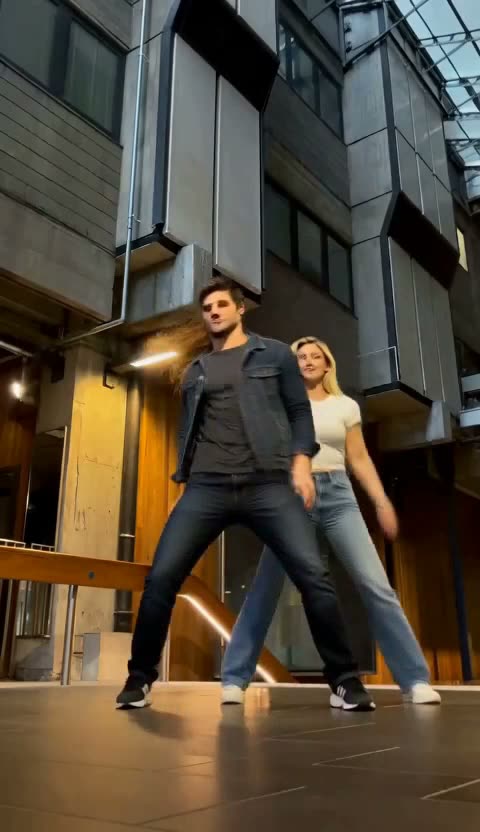 A2O Neon Dance
Two photos, dancing together under the neon.
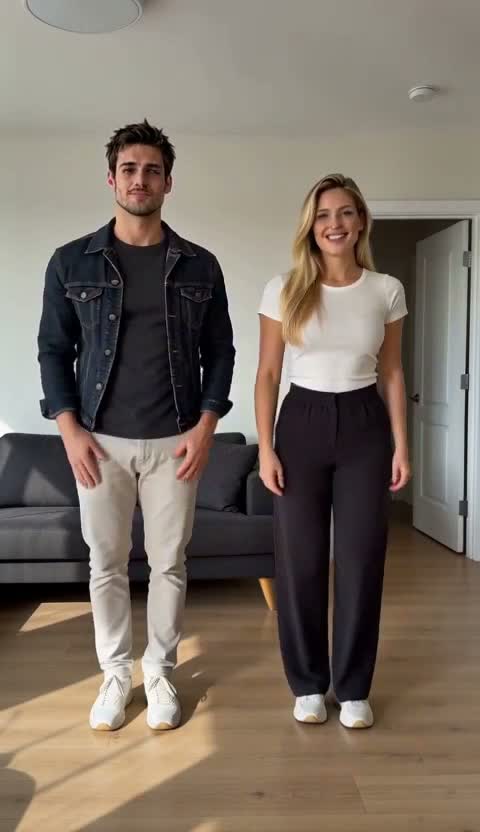 Abra Kadabra
Start solo. Snap. Your friend joins in.
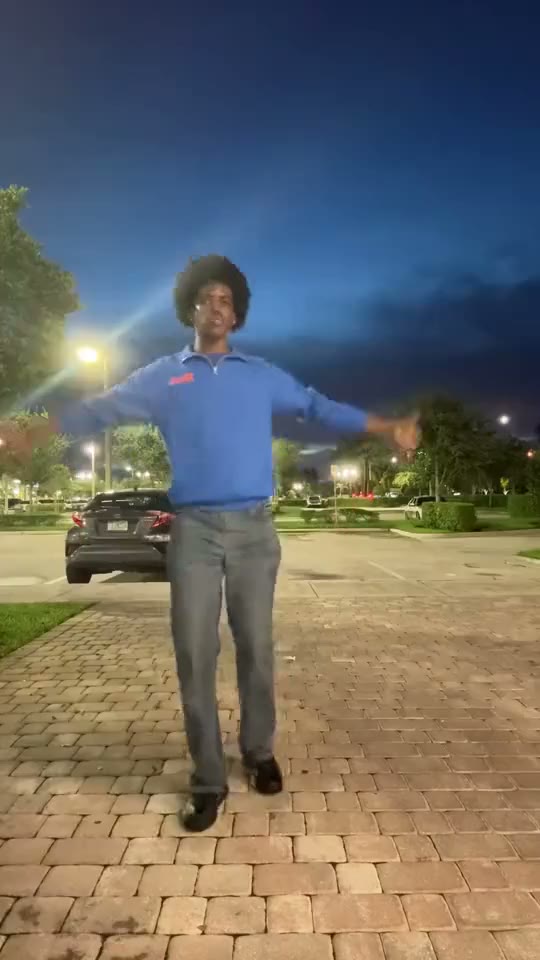 Pick It Up Make It Jump AI Dance
Use a clear full-body photo for a routine built around turns, low moves and a jump.