
01
Meet the snow leopard
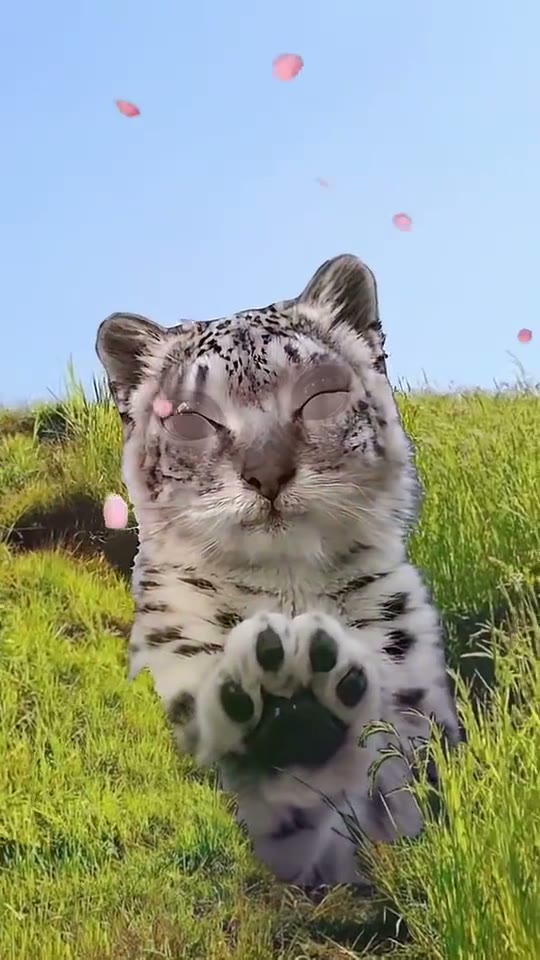
The animal faces the viewer in a bright meadow. Its large eyes and rounded appearance establish the gentle character of the scene.
Explore the Snowmei look: a big-eyed snow leopard reaching toward the camera in a flower-filled meadow.
JPG、PNG 或 WebP,每张最大 5 MB
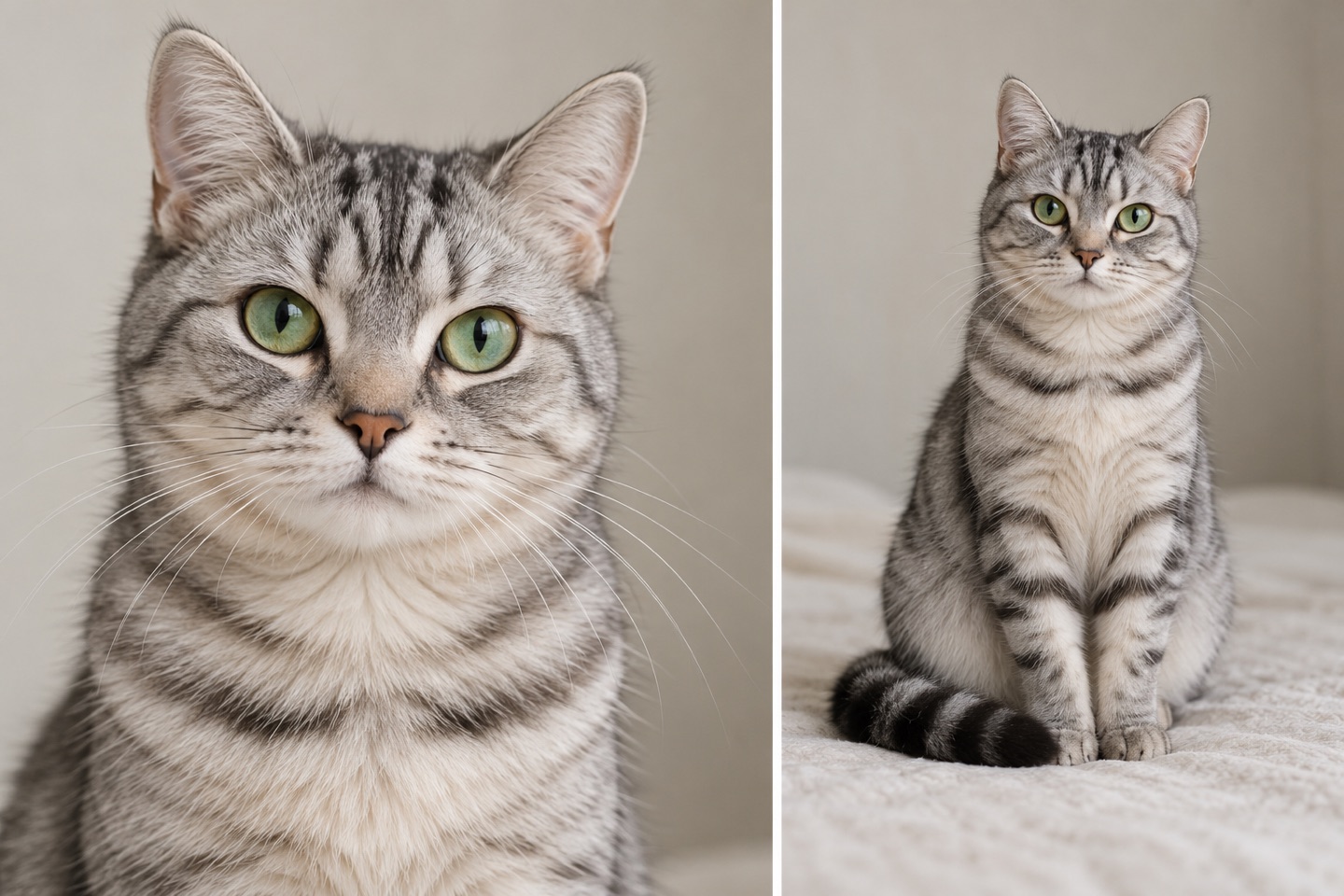
单个主体,面向镜头,脸部清晰
确认生成失败后返还积分。
正在查询积分…
正在核实任务…请使用有权使用的照片;人物照片须为成年人。 照片如何使用
Snow Leopard Paws at You AI, also searched as Snowmei, turns a small reaching gesture into the whole story. The version shown here uses a meadow, blue sky and drifting pink petals, with a snow leopard lifting its front paws toward the lens. Choose a clear person or pet photograph as the starting subject. The photo guide and scene notes explain how to prepare that input and keep the soft, playful idea easy to read.
START WITH YOUR PHOTO
Use one adult or one pet with a visible face. For a person, choose a straightforward portrait; for a pet, keep the eyes, ears and muzzle in view. This is an animal-transformation concept, so the resulting subject is a snow leopard. Choose this page for the meadow pawing scene rather than a glass-tapping variation.
Choose a photo that makes the intended subject obvious. A person holding a pet beside their face creates two competing candidates. Use a separate portrait of the person or pet you want to start with, and check the thumbnail before continuing.
Big eyes and forward-facing paws are central to this concept. Prepare a photograph with a readable gaze, clear head shape and little obstruction around the face. For pets, a sharp picture taken at their eye level is more useful than a blurred overhead snapshot.
Avoid bright glare over the eyes or a dark face against a bright window. Soft daylight and a quiet background make the source easier to inspect. With a pet, wait for a calm moment rather than forcing a pose that hides the muzzle or ears.
WATCH THE DETAILS
The animal faces the viewer in a bright meadow. Its large eyes and rounded appearance establish the gentle character of the scene.
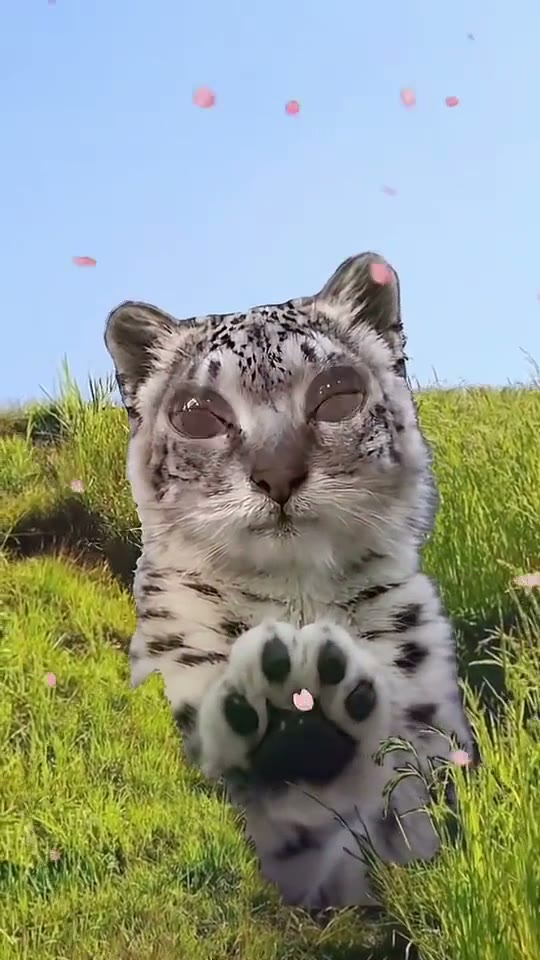
The snow leopard raises its paws toward the camera. Keep attention on the face and the reaching gesture as the action develops.
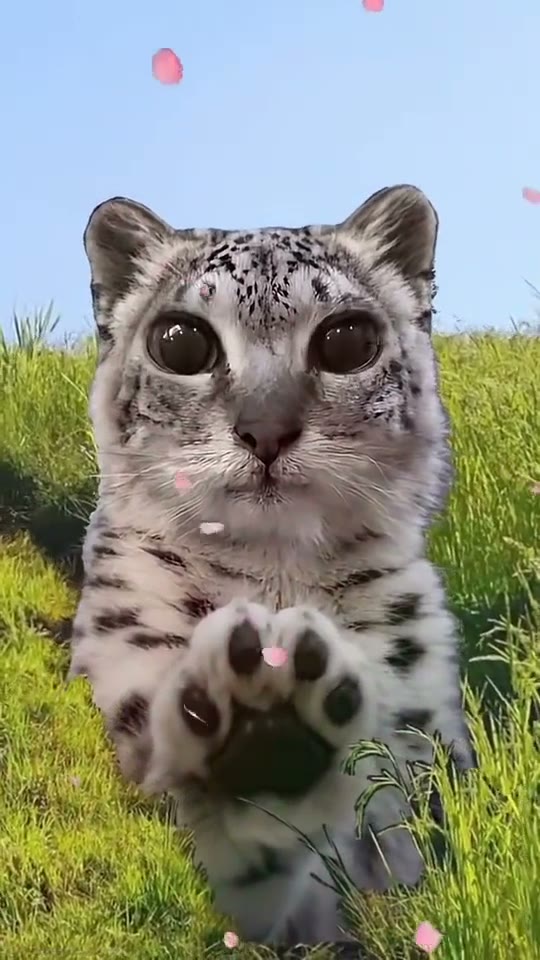
Pink petals drift across the blue-sky scene as the snow leopard reaches toward the camera.
CHOOSE THE VERSION
The phrase “paws at you” can describe several different clips. Some show an animal tapping a pane of glass; others place it outdoors. The reference on this page is the outdoor meadow version, with a front-facing snow leopard and drifting petals. Check the setting before choosing your source image so you are planning the scene you actually want.
The charm comes from a simple action and an expressive face. You can build a pet-themed greeting, a playful reply or a gentle surprise around that moment. Keep the idea small enough that the viewer understands it on the first watch. A long story about the animal’s journey would compete with a scene whose main event is a paw reaching toward the lens.
PERSON OR PET
A person portrait and a pet portrait supply different starting shapes, but both benefit from a visible face and a calm background. For an adult, keep the eyes and mouth unobstructed. For a pet, include the full ears and muzzle whenever possible. If the animal is moving, take several photographs and choose the sharpest one rather than using a frame with obvious motion blur.
Your person or pet becomes the snow leopard in this scene. Choose this template for the animal transformation and reaching-paw gesture. For a portrait or dance clip featuring a person, compare the templates below.
SHARE THE GESTURE
Add the selected photograph in the creation area and review the displayed settings and credit amount. When a video is ready, play it through on the page and watch how the paws move toward the viewer. Choose a cover that shows both the eyes and enough of the body to explain the gesture. A frame filled only by a paw can hide the character that makes the idea appealing.
For a greeting or reply, a few words are enough. Put them in open sky or another clear area, leaving the face and paws visible. Check the ending before trimming: the last part of a reaching motion may be the moment your audience wants to see. Preserve a little breathing room around the animal when you make a vertical social edit.
It is an animal-transformation idea centered on a snow leopard reaching its front paws toward the viewer. The version shown here takes place in a bright meadow with drifting pink petals. Snowmei is another name people use when looking for this style.
This page uses the meadow version. Look for the grass, blue sky, petals and forward-reaching paws in the reference. If the clip you have in mind shows a glass pane between the animal and the viewer, that is a different scene choice.
Prepare one clear adult portrait or one clear pet portrait for the single subject input. Keep the face visible. Avoid photographs where a person and pet overlap near each other’s faces, since the intended starting subject becomes less obvious.
Choose a sharp, eye-level picture with visible eyes, ears and muzzle. A quiet background makes the outline easier to inspect. If you have several similar photos, zoom in on the eyes and choose the one with the least motion blur.
The concept’s character is a snow leopard. Choose it when you want an animal transformation and a pawing gesture. A conventional portrait or dance template is a better match when keeping a human appearance is the central purpose of your video.
A plain source background is fine. Concentrate on the subject’s face and outline. The reference establishes the meadow and petals, so you do not need to arrange a flower-filled scene or photograph your pet outdoors to prepare a useful input.
Confirm that the single uploaded photo shows the intended subject, then review the options and credit quote in the creation panel. Watch the reference setting once more if you are comparing the meadow concept with another snow-leopard variation.
Keep the animal’s eyes and both reaching paws visible through the main gesture. Place short text in a clear part of the background. Watch the ending before trimming so the reach has time to finish and the post feels complete.
YOUR NEXT IDEA
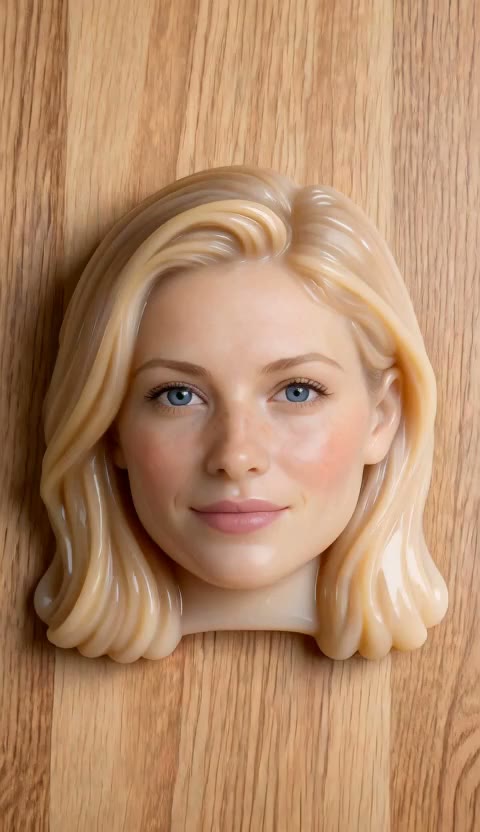 Squishy AI
Your portrait as a soft silicone toy.
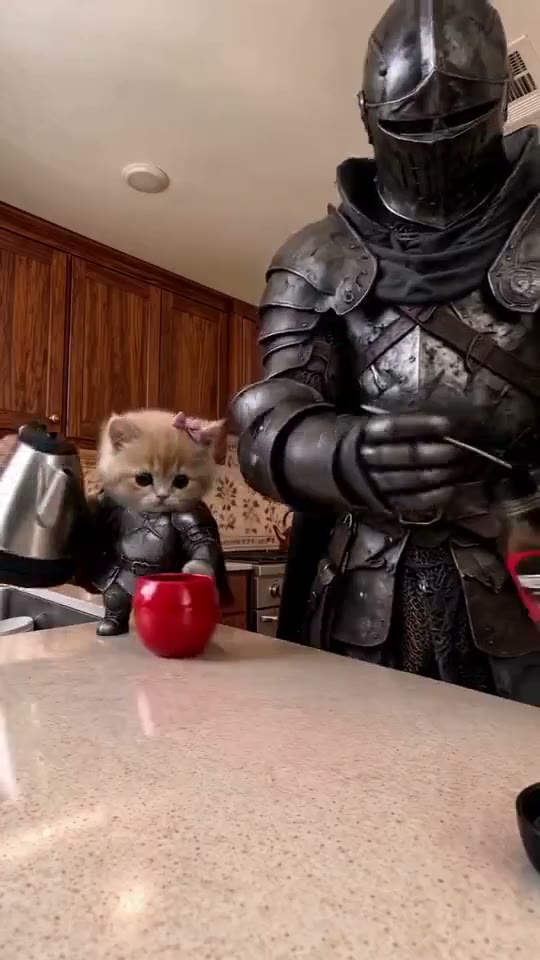 Coffee Making AI Video
Make a coffee scene with your barista, your cat and a little countertop theatre.
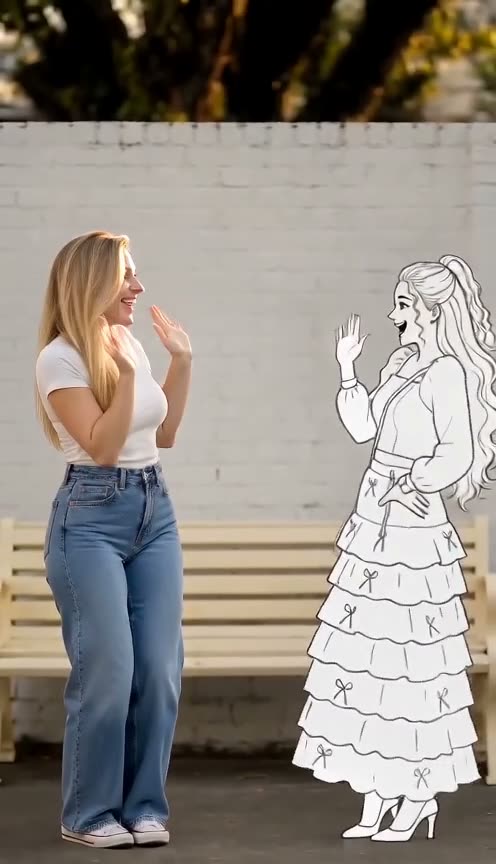 Doodle Dance Partner
You, plus a line-drawing twin dancing the same steps.
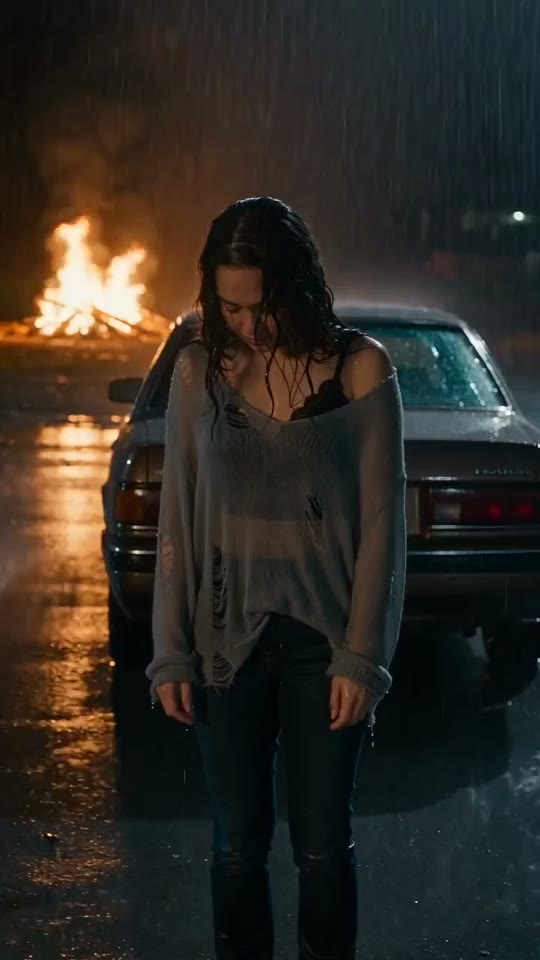 BABYMONSTER DESERVE AI Video
Build a portrait-led music-video concept around rain, night lights and a dramatic car scene.