
01
Establish the person
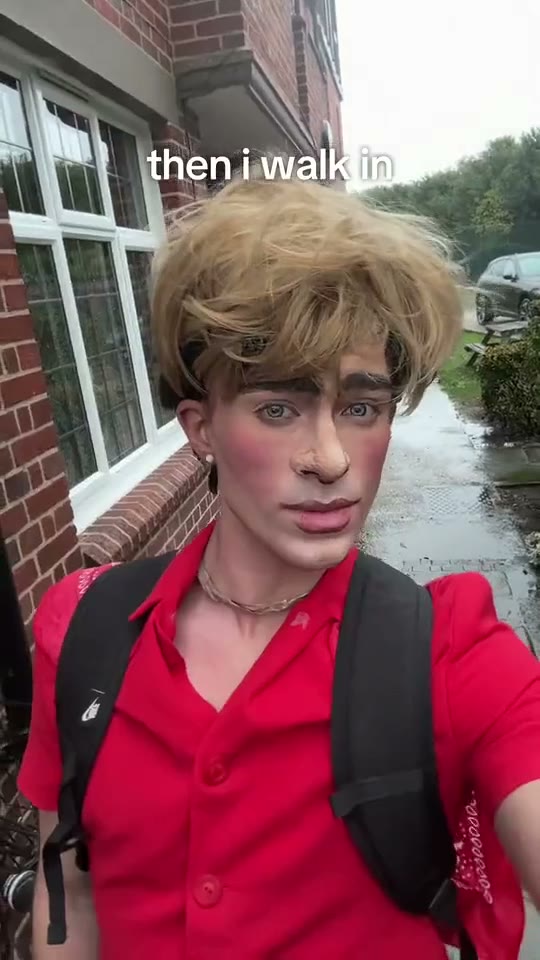
A close, selfie-like view makes the expression important from the start. Look at the calm delivery rather than expecting a full dance routine.
Turn a clear portrait into a deadpan entrance with a simple walk-by setup.
JPG、PNG 或 WebP,每张最大 5 MB
一位成年人,脸部、发型和衣着清晰
确认生成失败后返还积分。
正在查询积分…
正在核实任务…只使用你本人或已获同意的成年人照片。 照片如何使用
Then I Walk In AI Trend works as a small character moment: a person walks past a brick building with an understated expression while the caption supplies the joke. It is more about timing and attitude than elaborate scenery. Watch the walk-by, choose a portrait with a readable face and decide what your entrance means. The guide below helps you keep that idea clear from the source photo to the final social post.
START WITH YOUR PHOTO
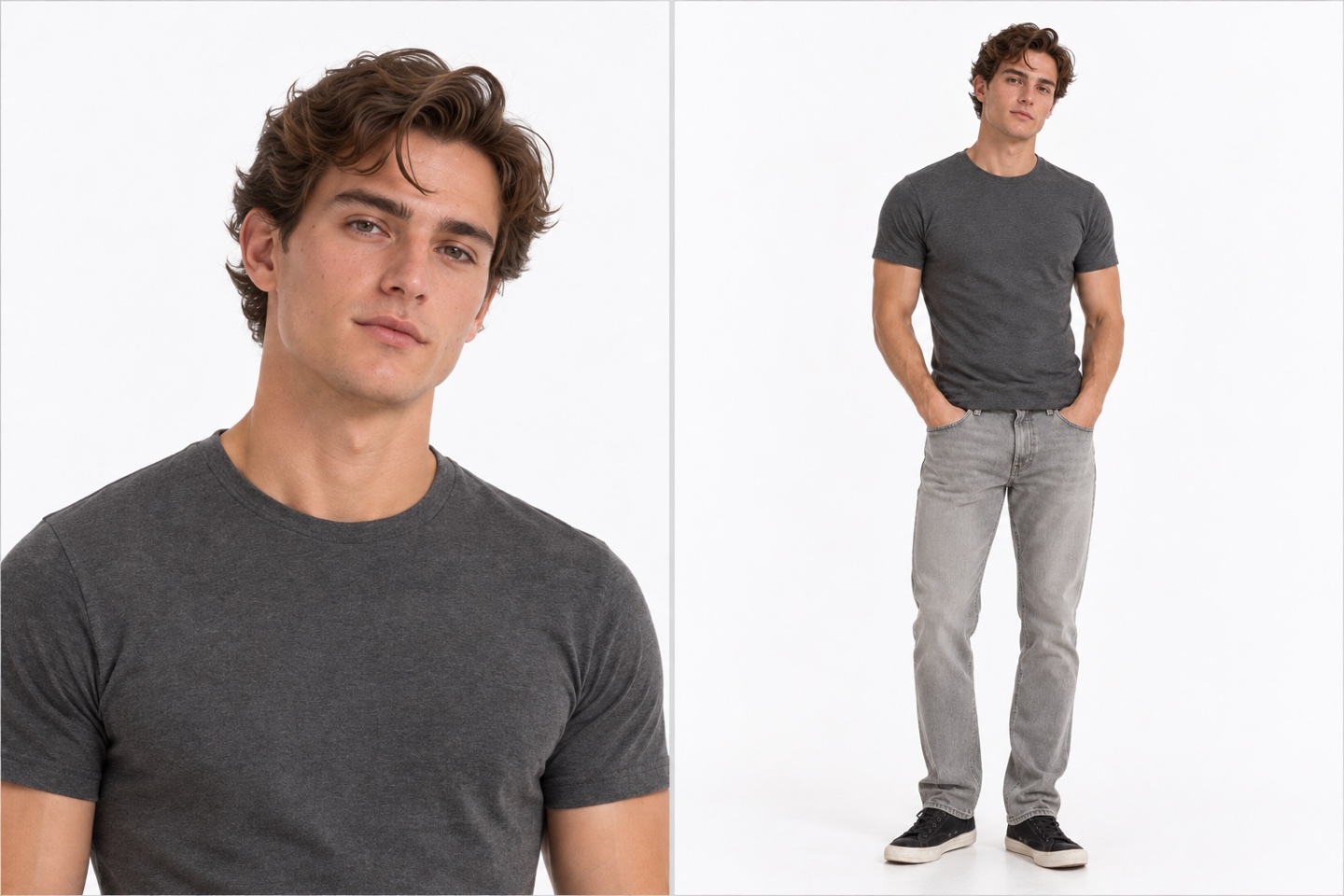
Start with one adult in a clear portrait. A relaxed or composed expression suits the deadpan setup. Keep the eyes, mouth and hair visible, and include some of the upper body rather than cropping directly around the face. A plain, evenly lit photo gives you a straightforward starting point for the entrance concept.
A natural expression gives you room to build the joke with a caption. Heavy face filters, an exaggerated grimace or a hand covering the mouth can make the person harder to recognize. Choose the photo whose face reads most clearly at thumbnail size.
Leave the whole head and shoulders inside the image. A modest amount of upper-body detail helps establish the person and outfit. Avoid an extreme wide-angle selfie taken close to the face, which can distort the features before the video concept even begins.
A jacket, shirt color or distinctive hairstyle can help the entrance feel personal. Keep the source uncluttered and avoid another person overlapping the subject. The photograph does not need the same brick wall; clarity matters more than recreating the setting yourself.
WATCH THE DETAILS
A close, selfie-like view makes the expression important from the start. Look at the calm delivery rather than expecting a full dance routine.
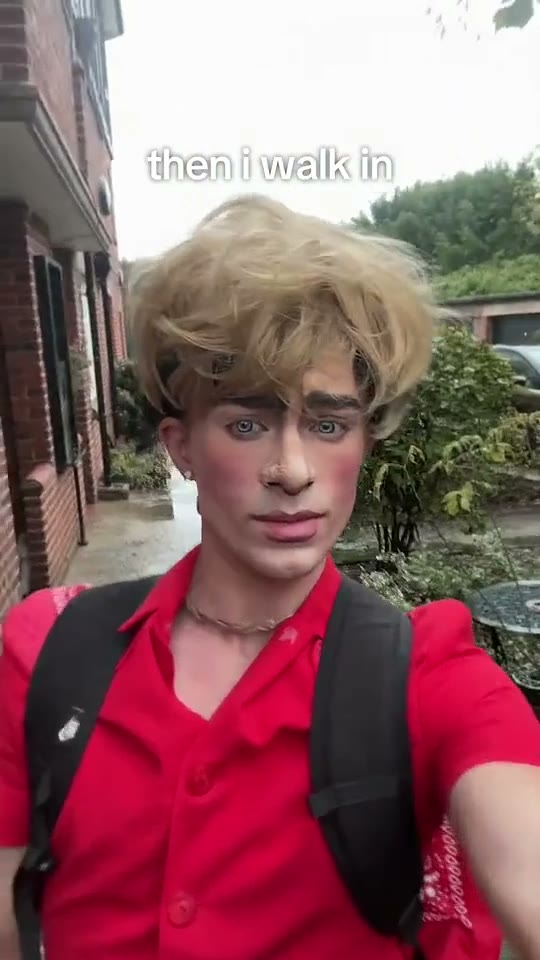
The brick setting gives the movement a simple backdrop. The action stays focused on the person and the walk-by.
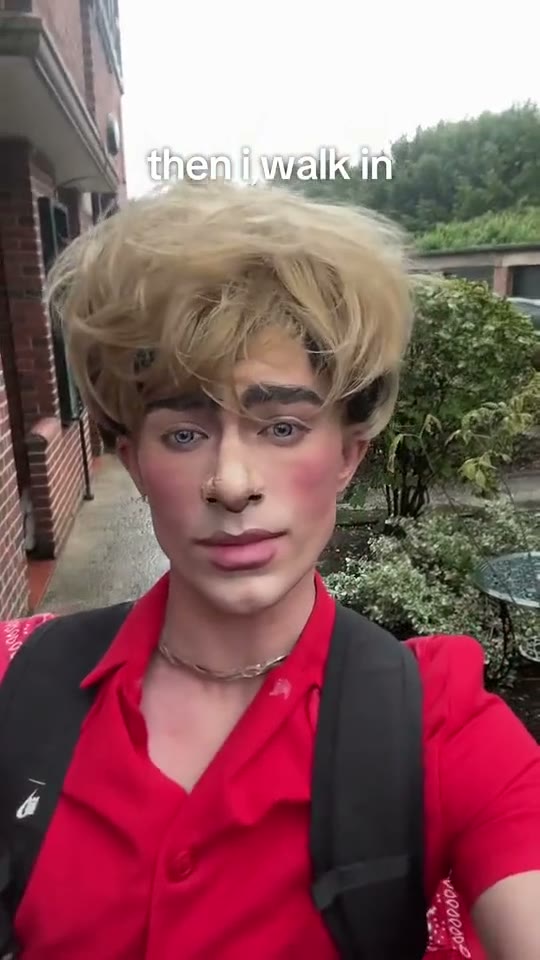
The understated entrance leaves room for a short joke. Keep any added text readable without covering the face.
THE SETUP
The useful question is “What changes when this person walks in?” Your answer can be as small as arriving late to a group chat or entering a room after everyone has agreed on a plan. Choose a situation the intended audience understands quickly. The visual action is simple, so the contrast between the calm face and the caption can do the work.
Keep the setup specific. A caption about your friend who always finds the best snack is easier to picture than a vague statement about confidence. If the joke needs three sentences of background, simplify it before you make the post. One clear situation and one entrance usually give a short clip a stronger purpose.
PHOTO CHOICE
An understated expression still needs visible features. Compare your source photographs for eye detail, the shape of the mouth and the edge of the hair. Very dark glasses, hard shadows or a strong beauty filter can remove those details. Pick a photograph that lets someone who knows you recognize you immediately, even before they read the caption.
An upper-body portrait is often easier to prepare than a very tight crop. Keep the shoulders relaxed and the camera at a comfortable distance. If you take a new photo, use indirect daylight and a calm background. Review the file itself, rather than a small messaging-app preview, to make sure it has not become heavily compressed.
THE FINAL EDIT
Add the photo in the creation area, inspect its thumbnail and review the available output setting and credit quote. Once the video is ready, watch the entrance from beginning to end in the same page. Choose a cover that shows the person clearly and sets up the caption. A frame with a readable face is more useful than an awkward instant between expressions.
Keep text away from the eyes and mouth. Put the shortest version of your setup in a clear area of the frame, then use the post description for any extra context. Check the placement against the buttons and captions of the social app you plan to use. The video should still make sense when viewed on a small screen with the sound turned down.
It is an entrance-style concept centered on a deadpan walk-by. The reference shows a person passing a brick building in a close, selfie-like composition. A short caption gives that simple entrance a situation or a punchline.
Choose a natural expression that fits the joke you want to make. A composed face suits the understated reference, but the most important preparation is a clear view of the person. Avoid choosing a heavily filtered image just for its expression.
A readable face with the head, shoulders and some upper body is a practical source for this close entrance concept. Keep the person generously framed. If your main goal is a full-body walk or dance, compare the movement templates below.
The photograph can have a simple, different background. Use it to establish the person clearly. You do not need to recreate the reference location yourself; focus on even lighting, visible features and a clean outline around the head and shoulders.
Name one situation that makes the entrance funny to your audience. Keep the wording short enough to read during the walk-by. A specific shared experience usually needs less explanation than a broad statement about personality or confidence.
You can prepare your own caption or add text in your usual video editor after downloading. Keep the face unobstructed and preview the text at phone size. Check any text already visible in the video before adding another large caption.
Use the options and quote in the current creation panel. Review the displayed amount after changing a supported setting and before starting. The quote belongs to the selected template and options, so check it again when switching to another idea.
Watch the opening expression, the walk-by and the ending as one sequence. Check that the cover frame and caption explain the same joke. Keep a clear area around the face when you crop or add social-platform text.
YOUR NEXT IDEA
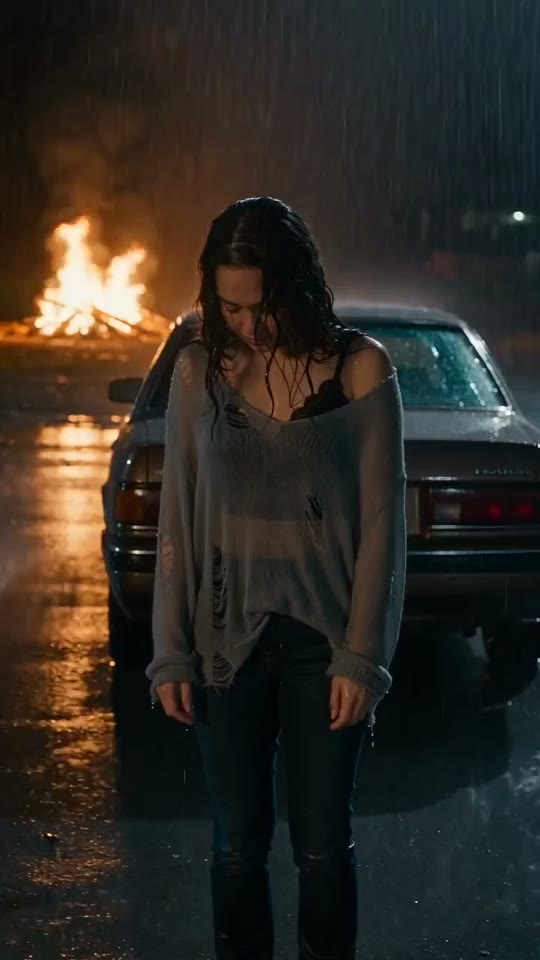 BABYMONSTER DESERVE AI Video
Build a portrait-led music-video concept around rain, night lights and a dramatic car scene.
 Passenger Princess
Two pets share a playful car ride.
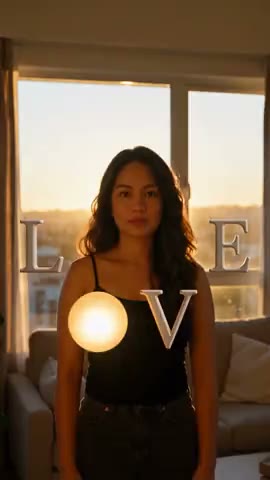 Love Me Letters
Four portrait scenes inspired by the letters of LOVE.
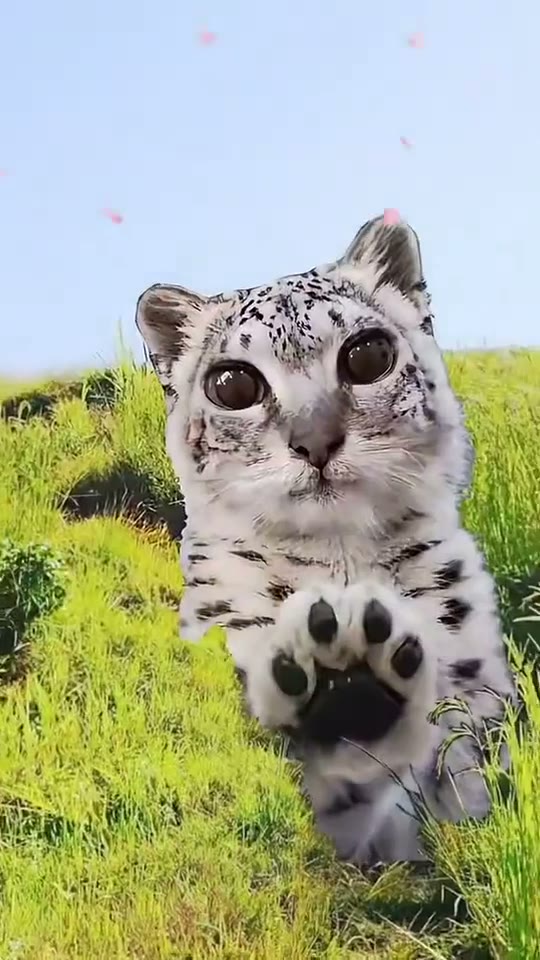 Snow Leopard Paws at You AI
Explore the Snowmei look: a big-eyed snow leopard reaching toward the camera in a flower-filled meadow.