Halloween Ceiling Fan Trend: How to Make a Costume Change Video
 ReelBoop
Learn how the Halloween ceiling fan trend works, choose a strong photo, and plan a costume-change video with practical prompts and editing tips.
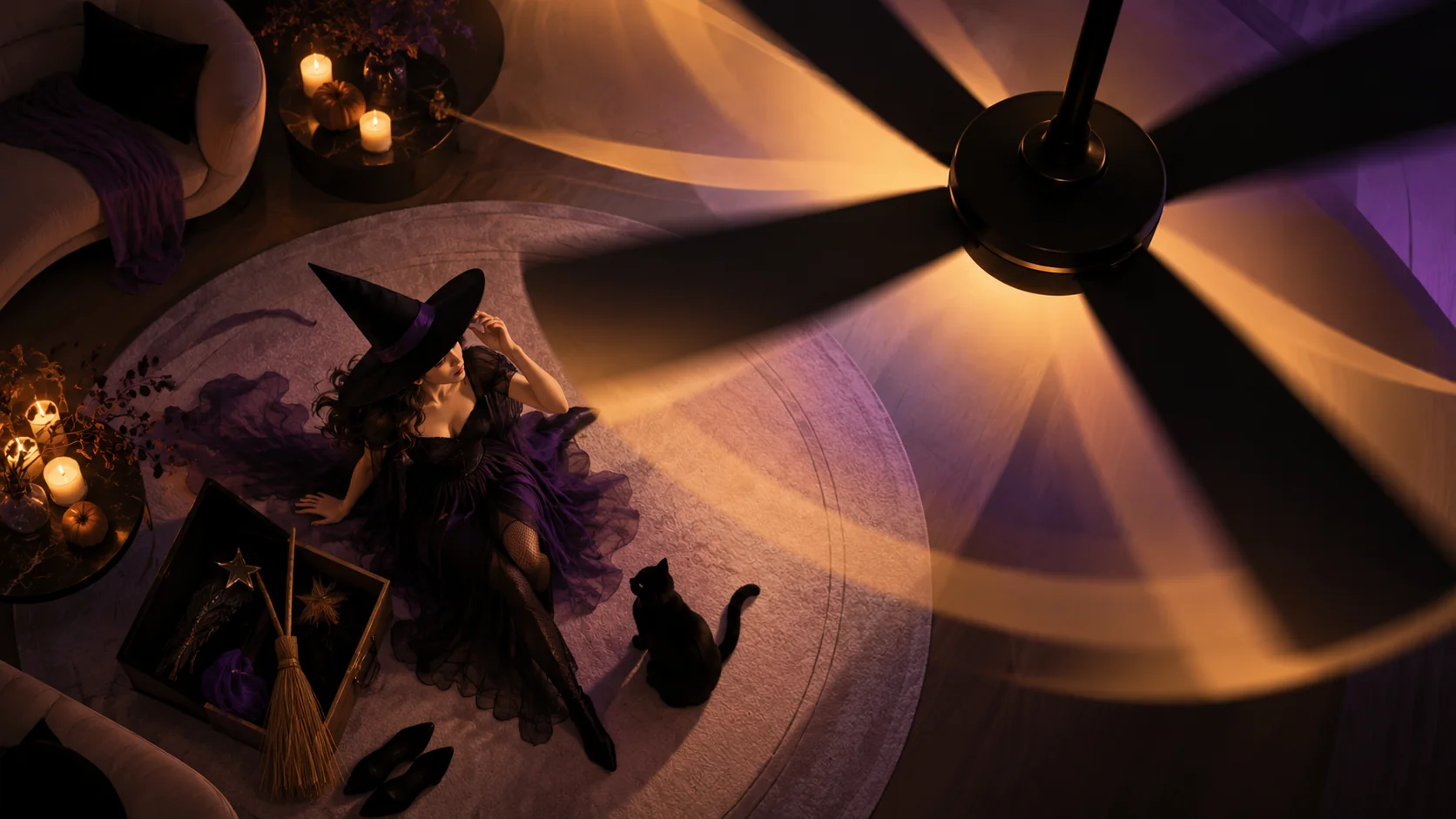
The Halloween ceiling fan trend turns a simple costume change into a little magic trick. A camera looks down through rotating fan blades, and each time a blade covers the frame, the outfit changes. This guide breaks down the idea, the photo to start with, and how to make a version that feels like yours.
You can explore the Halloween Ceiling Fan template and check its current status on the page. The updated template’s video generation and delivery have not yet been verified. Check the template page for current availability and pricing. The manual method below is available now.
How the Halloween ceiling fan trend works
Think of the fan blade as a moving curtain. When it fills the camera view, the edit has a place to hide. Once it passes, the same person appears in a different costume. The repeating blade movement gives the changes their rhythm; a steady camera and consistent position make them easier to follow.
You can make the effect with a video editor and multiple takes, or explore a photo-to-video template. With AI, a description is a creative direction rather than a guarantee: clothing, motion and resemblance can vary. The ideas below are a starting point, not a promise of an exact result from any particular generator.
Choose a photo that gives the model a clear start
A good input is easy to read at a glance. Before uploading, check four things:
- Use one adult subject. Choose a photo you own or have permission to use. Avoid group shots if the template asks for one person.
- Keep the face visible. A front-facing or gently angled portrait with even light gives the model more useful detail than a shadowy selfie.
- Leave room around the head and shoulders. Extreme crops can make a convincing costume difficult to frame.
- Skip heavy filters and busy backgrounds. Simple lighting and a clear subject make it easier to judge the result.
Plan a four-look costume sequence
Pick costumes that look distinct even on a small phone screen. Color and silhouette do more work than tiny accessories. Here's one imagined four-look sequence to inspire a manual edit or a compatible custom tool:
- Witch: A pointed hat and dark cloak; add deep green or violet accents.
- Vampire: A high collar and dark red lining; try a velvet jacket instead of a cape.
- Skeleton: Bold white bones on black, or simple skull face paint.
- Pumpkin: Rounded orange shapes, or an orange sweater and hat.
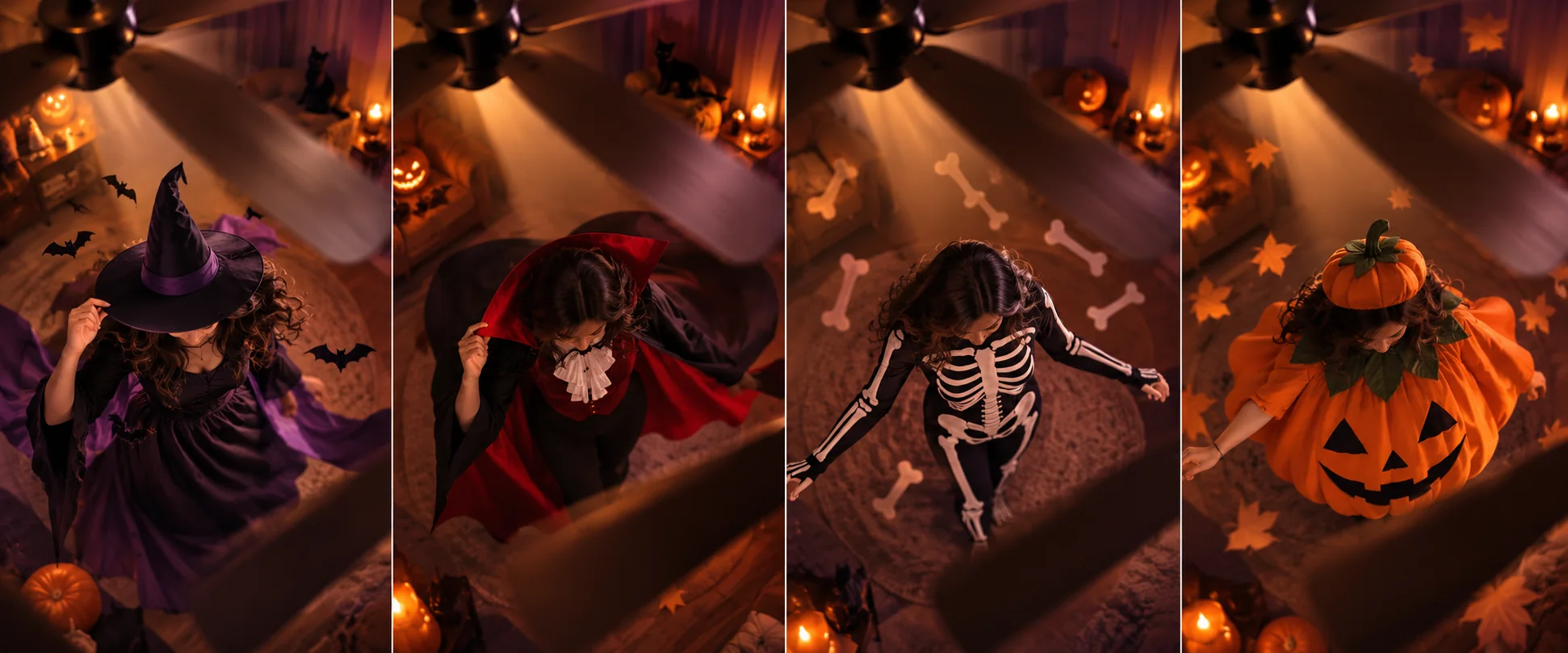
Concept illustration: an imagined sequence, not a ReelBoop generation result or a promise of the preset's costume options.
Check the template
The Halloween Ceiling Fan template shows the preset's current controls and price. For a method you can follow immediately, use the editing steps below.
A prompt to adapt in a compatible video tool
If your chosen tool accepts text direction, this example describes the visual idea. Replace the costumes with your own and adjust the input instructions to that tool:
A vertical Halloween costume reveal viewed from above. Slow ceiling fan blades cross the foreground. Each time a blade covers the frame, reveal the same person in a different costume: witch, vampire, skeleton, then pumpkin. Keep the camera angle and the subject's position consistent. Warm, moody light and simple background.
Make it manually in a video editor
You can also create the effect without AI. Film each costume from the same safe, fixed camera position and keep your pose as close as possible between takes. In an editor, place the clips in sequence and cut when the blade—or a dark object added as an overlay—covers most of the frame. Match the timing of each wipe, then trim to a short vertical video.
Keep people and equipment clear of moving blades; use a digital overlay if needed.
Fix the most common problems
The costumes look too similar. Give each look a different silhouette and color. A tall hat, a high collar and a rounded pumpkin shape are easier to distinguish than four dark outfits.
The transition feels jumpy. Check that the cover happens before the costume changes. In a manual edit, move the cut a few frames until the foreground hides the switch.
The person looks inconsistent. Start with a clear, evenly lit photo. AI results can still vary, so review the full video before sharing.
The framing is wrong for social. Use a vertical composition where available, then leave space at the top and bottom for app controls or captions.
More Halloween ideas
For a different transformation built around a portrait, explore the Halloween Makeup Filter. You can also browse ReelBoop's trending templates for other short-video ideas.