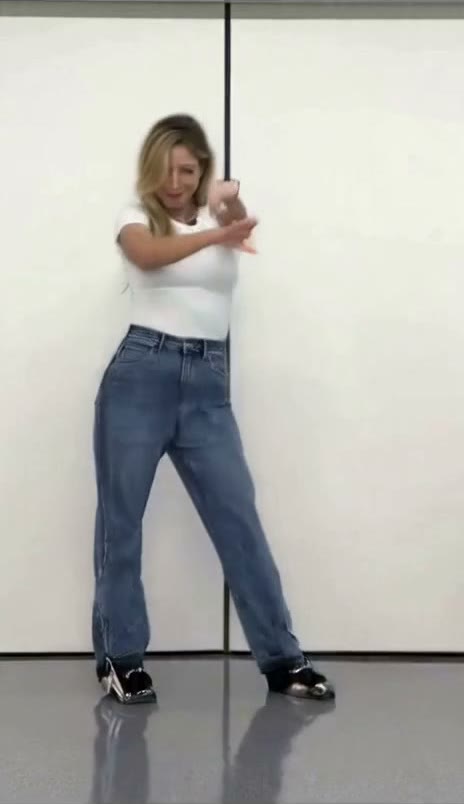
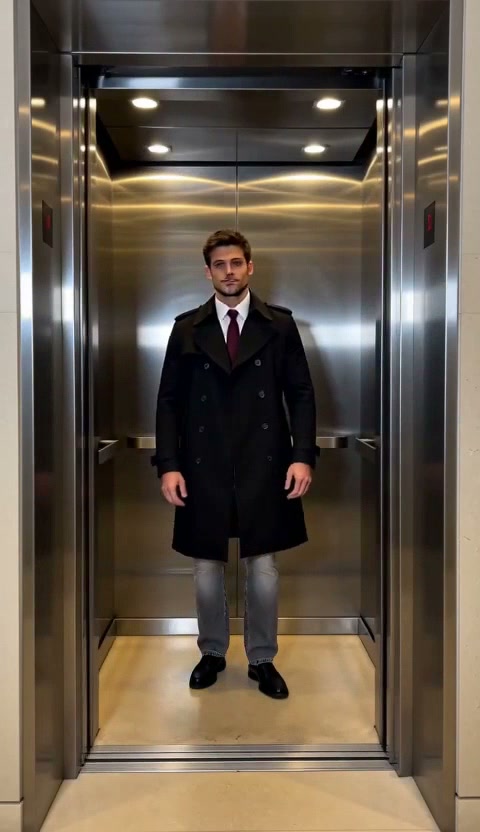
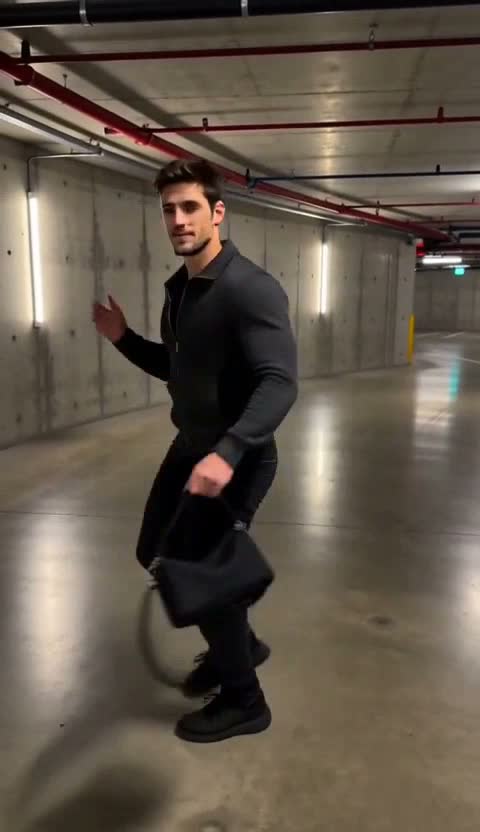
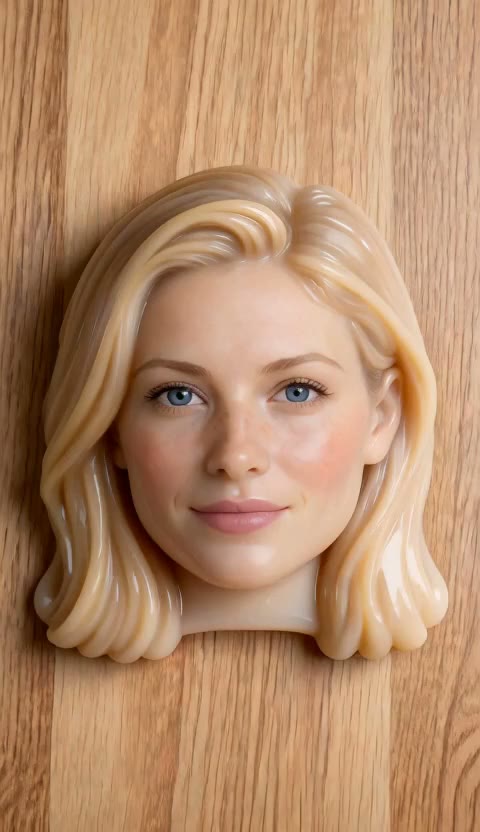
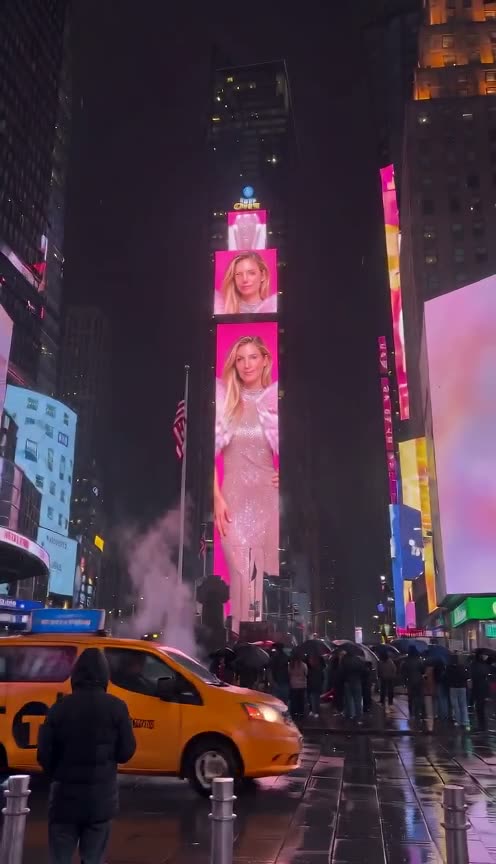
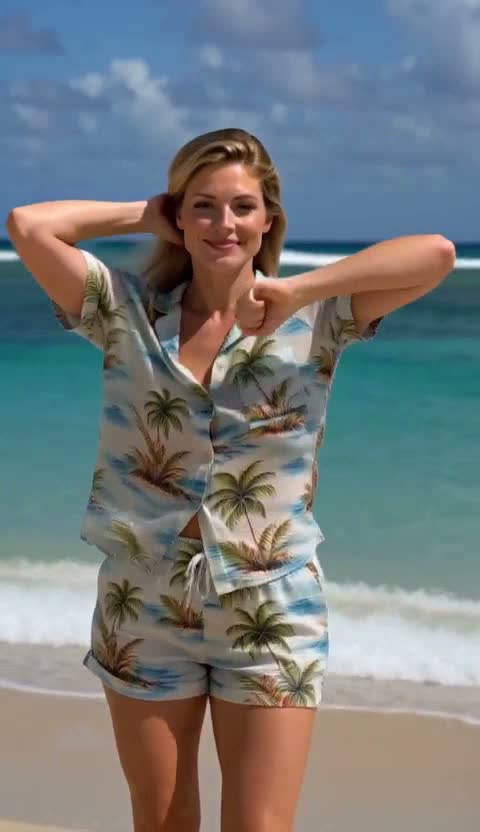
Add a photo
Start with a clear photo you have permission to use.
Give your photo a little motion
Add a photo. You can also describe the motion you want to see.
Add an image you have permission to use to get started.
Credits depend on the model. View plans · Photos and privacy
FIND YOUR NEXT SCENE
Find the look you like, then add your photo to make it yours.
FROM PHOTO TO MOTION
Create a video here from one photo, or choose a trending template and make your version on its page.
Start with a clear photo you have permission to use.
Choose a model or format if you like, and optionally describe the motion.
Once approved, play or download your video from your private creations.
A GOOD STARTING POINT
Start with a clear subject and a simple motion. Add a camera move, expression or detail to shape the moment.
“A gentle turn, a breeze through the hair, and a slow push in.”
A prompt is optional.Add a photo, choose a model or format if you like, and optionally describe the motion. Credits depend on the model.
Use a JPG, PNG or WebP image you have permission to use. A clear subject is a good starting point.
Describe what the subject does, how the camera moves and the setting you want to keep.
The photo generator makes clips of about 5–6 seconds, depending on the model. Check each template for its length.
The photo generator price appears next to the create button. Check each template for its credit cost.
Yes. The product film page also has an example for product photos.
Play and download approved videos from your private creations.
Credits are returned for confirmed generation failures. Check your creations for an unconfirmed task.