
Blog
Photo ideas, video prompts and practical guides for your next creation.

How to Make a Dialogue Animatic From Two Stills
Make a dialogue animatic with two stills and separate voices. Download the practice kit, run the tested FFmpeg edit, and hear what a J cut changes.
 ReelBoop

How to Make a Video Ad With Stock Footage
Make a 12-second video ad with licensed stock footage, a three-part edit plan, a tested FFmpeg kit and practical checks for the finished video.
ReelBoop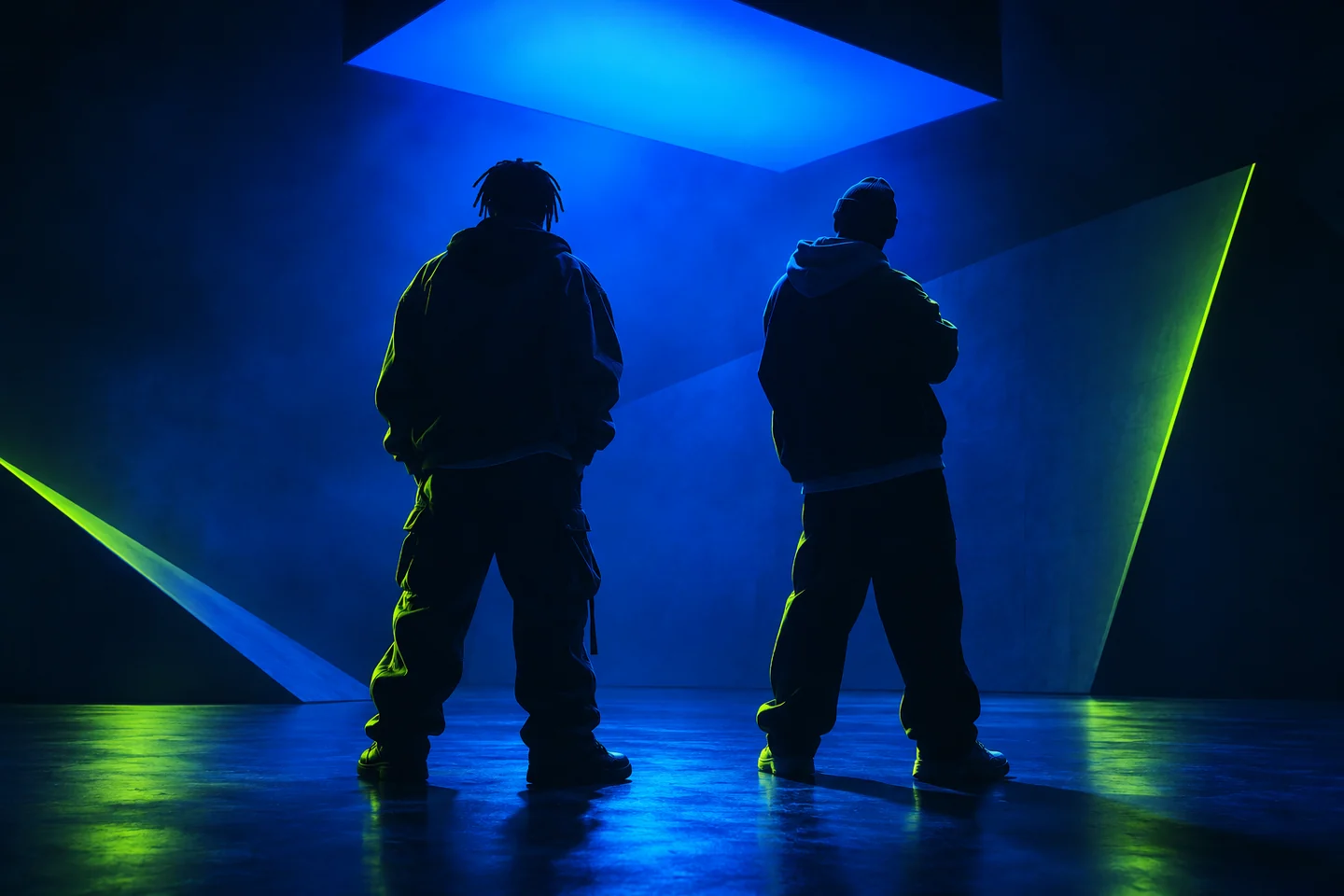
Bandit AI Trend: Plan a Two-Person Rap Video
Understand the Bandit AI trend, choose two clear role photos, and plan a short rap edit with a three-shot storyboard and simple checks for identity and sync.
ReelBoop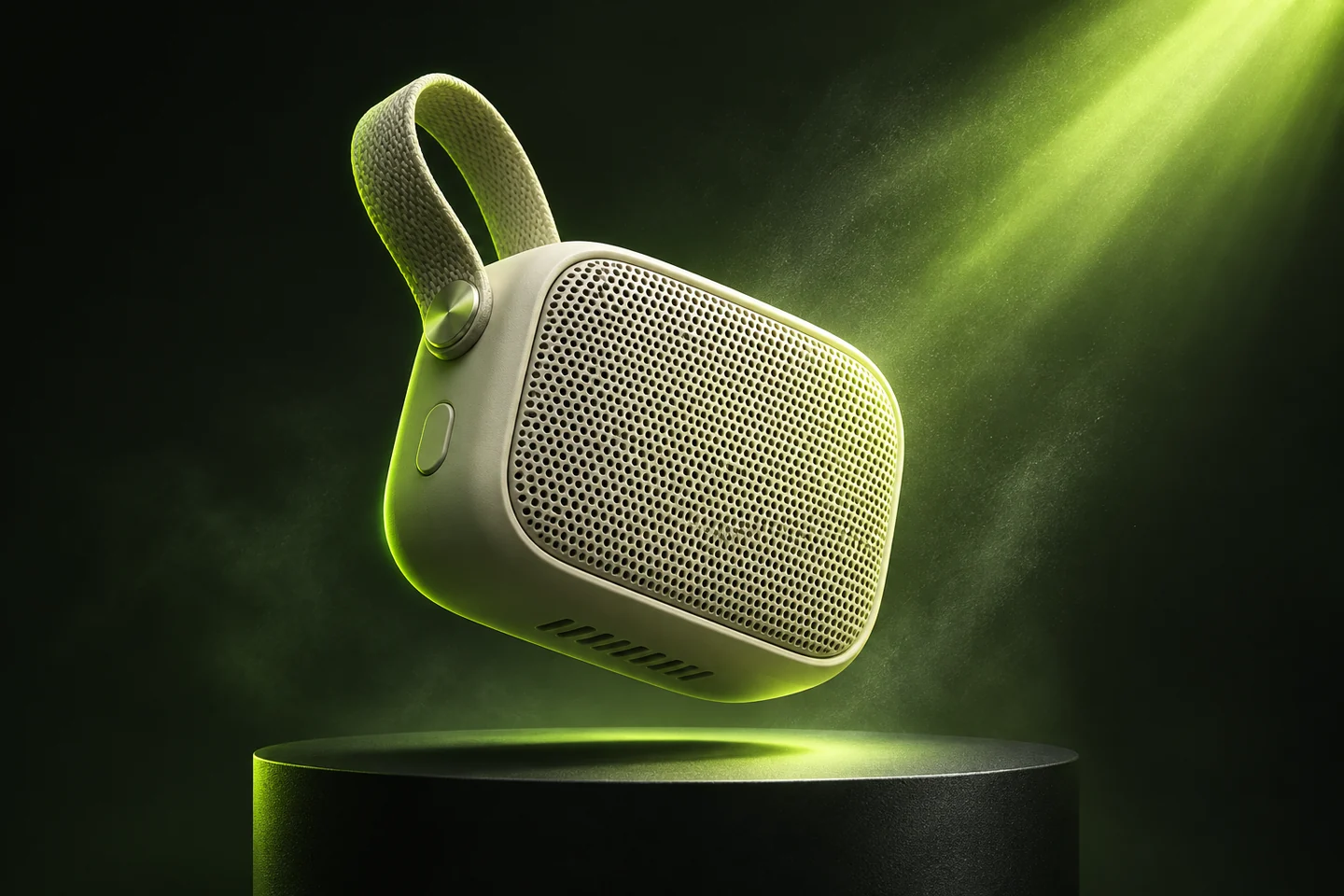
How to Make a Product Reveal Video from Photos
Turn three product photos into a 12-second launch teaser. Plan the reveal, keep your product true to life, and reframe the finished cut for each placement.
ReelBoop
How to Make a Music Visualizer Video
Turn a finished song into a waveform or spectrum video. Follow a tested FFmpeg export, choose a visual style, and check timing and sound in the final MP4.
ReelBoop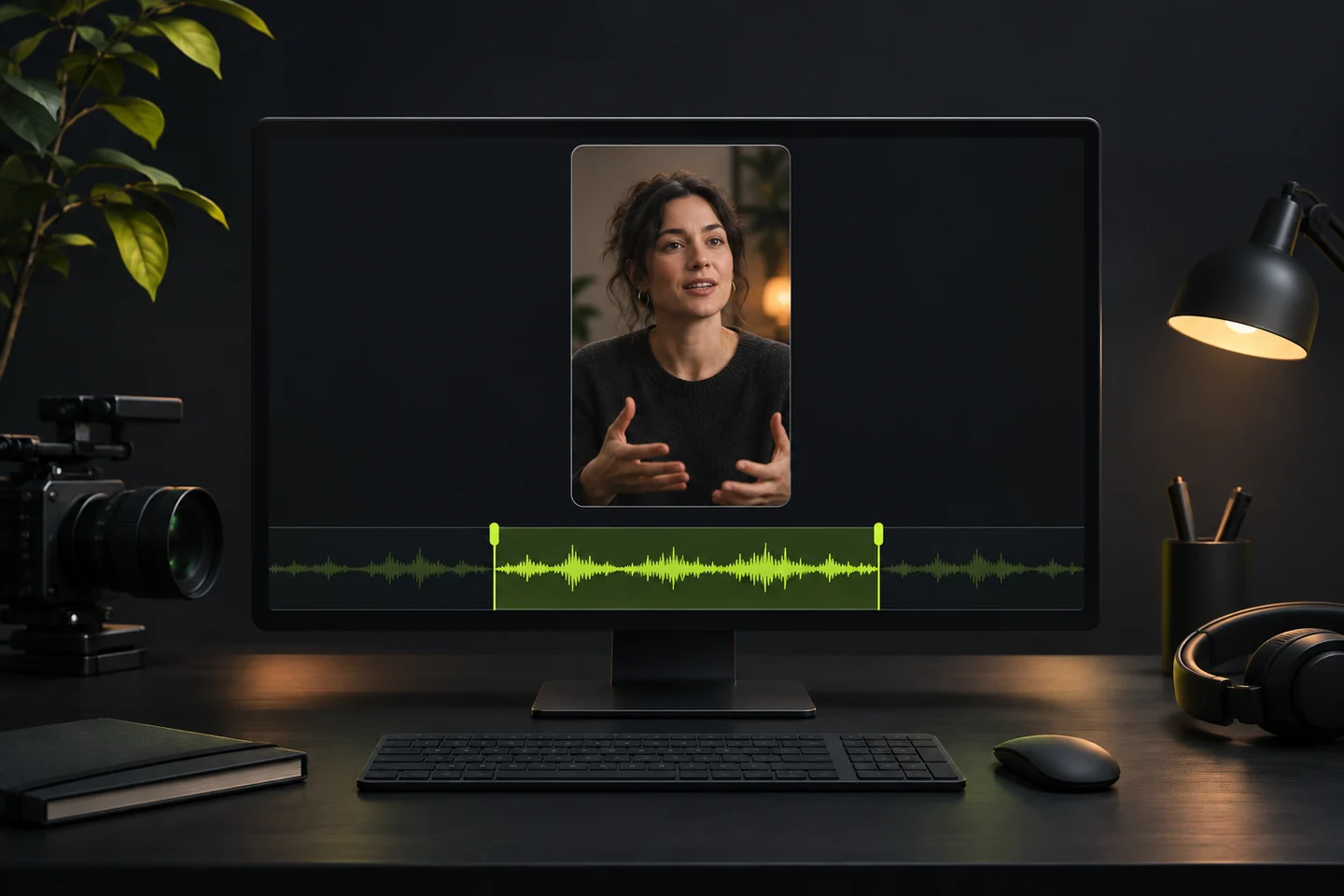
How to Edit and Submit a Clipping Campaign Video
Turn a clipping campaign brief into a short edit, pick a complete moment, check captions and credit, and submit the right post link or draft for review.
ReelBoop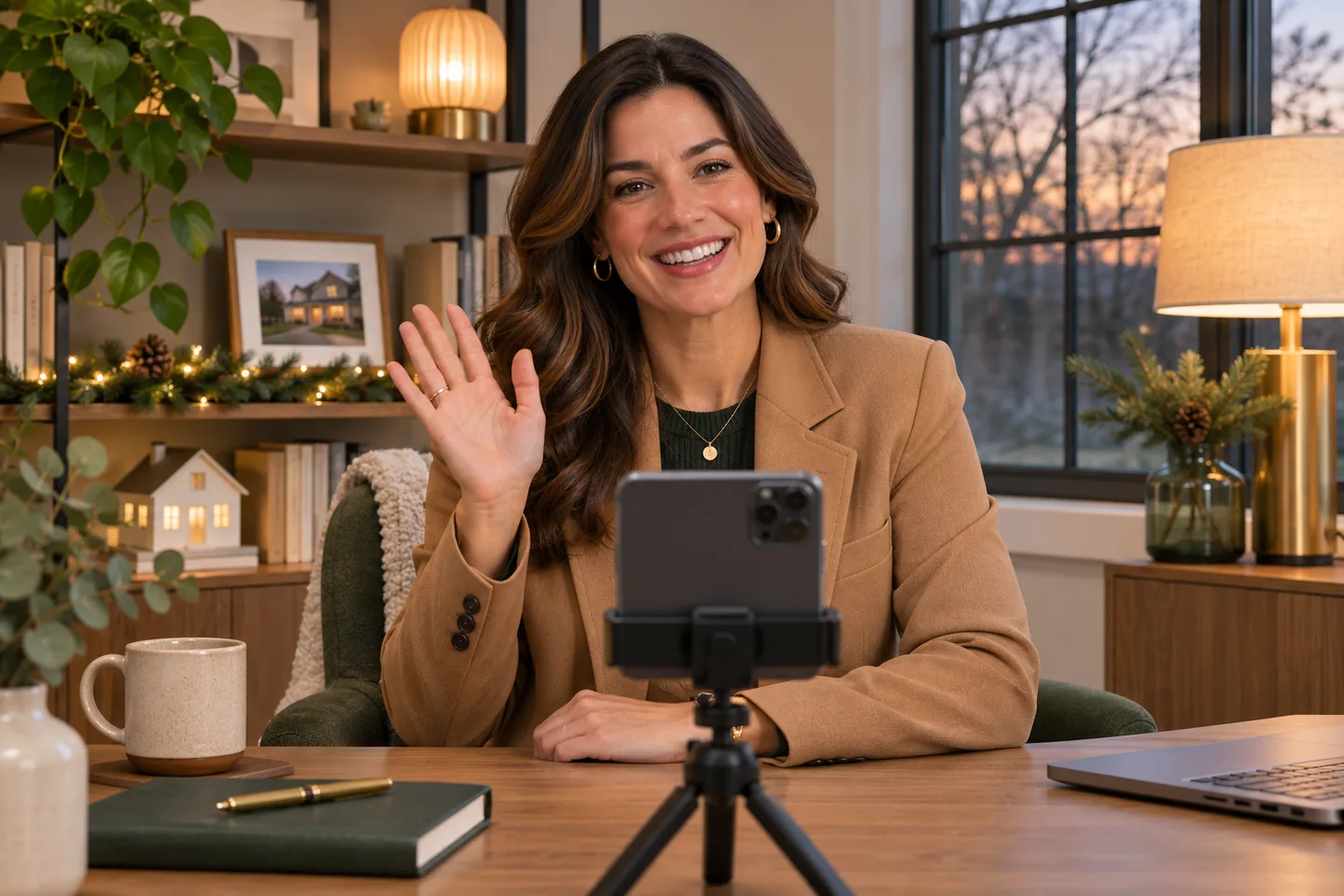
How to Make a Personalized New Year Video for Real Estate Clients
Record one New Year greeting for real estate clients, add individual name overlays, and send each copy privately. Includes a sample script and send checklist.
ReelBoop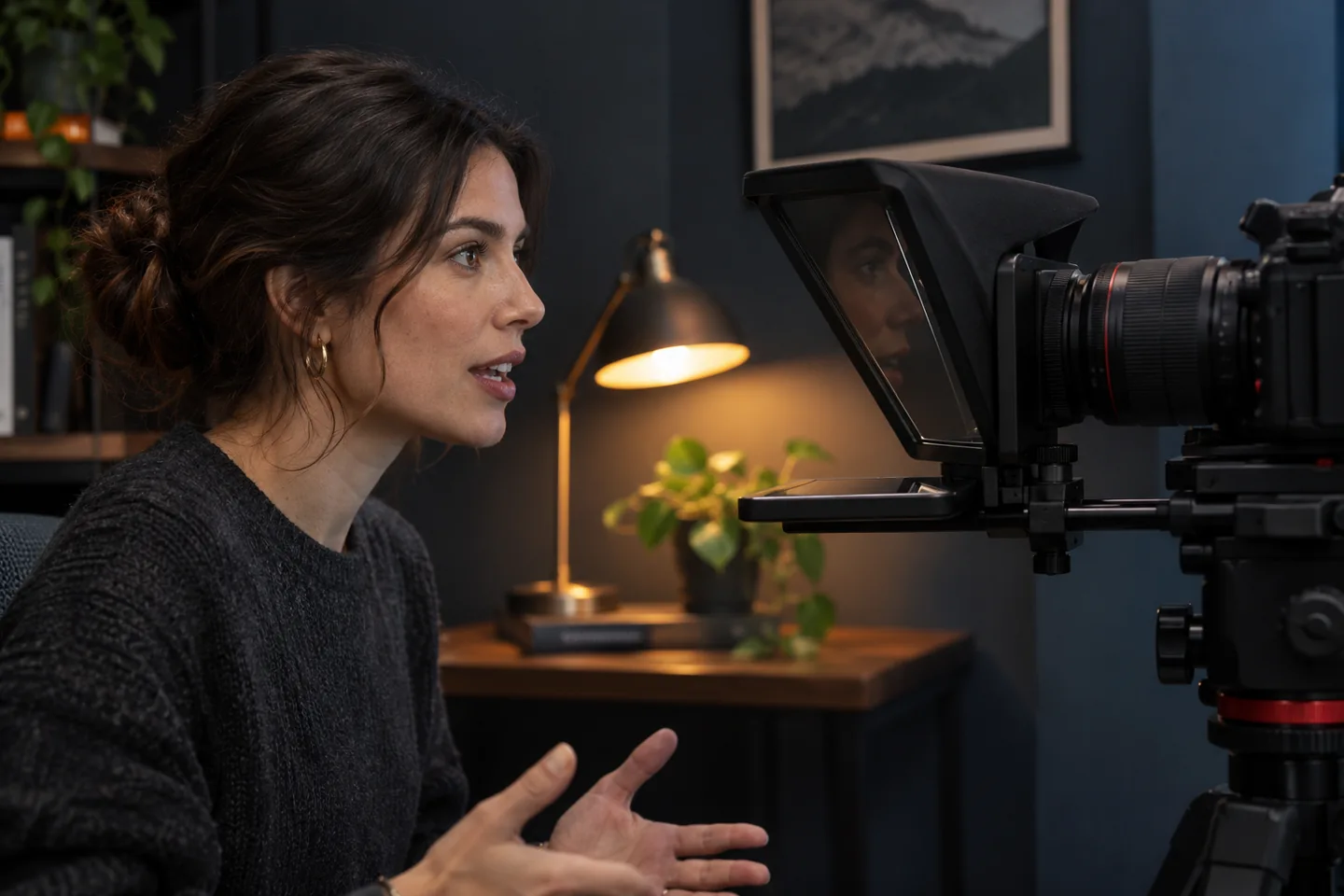
How to Use a Teleprompter for Recording Videos
Set up a teleprompter for recording videos, choose voice-follow or fixed scroll, and practice a short script to check eye contact, pace, and sound.
ReelBoop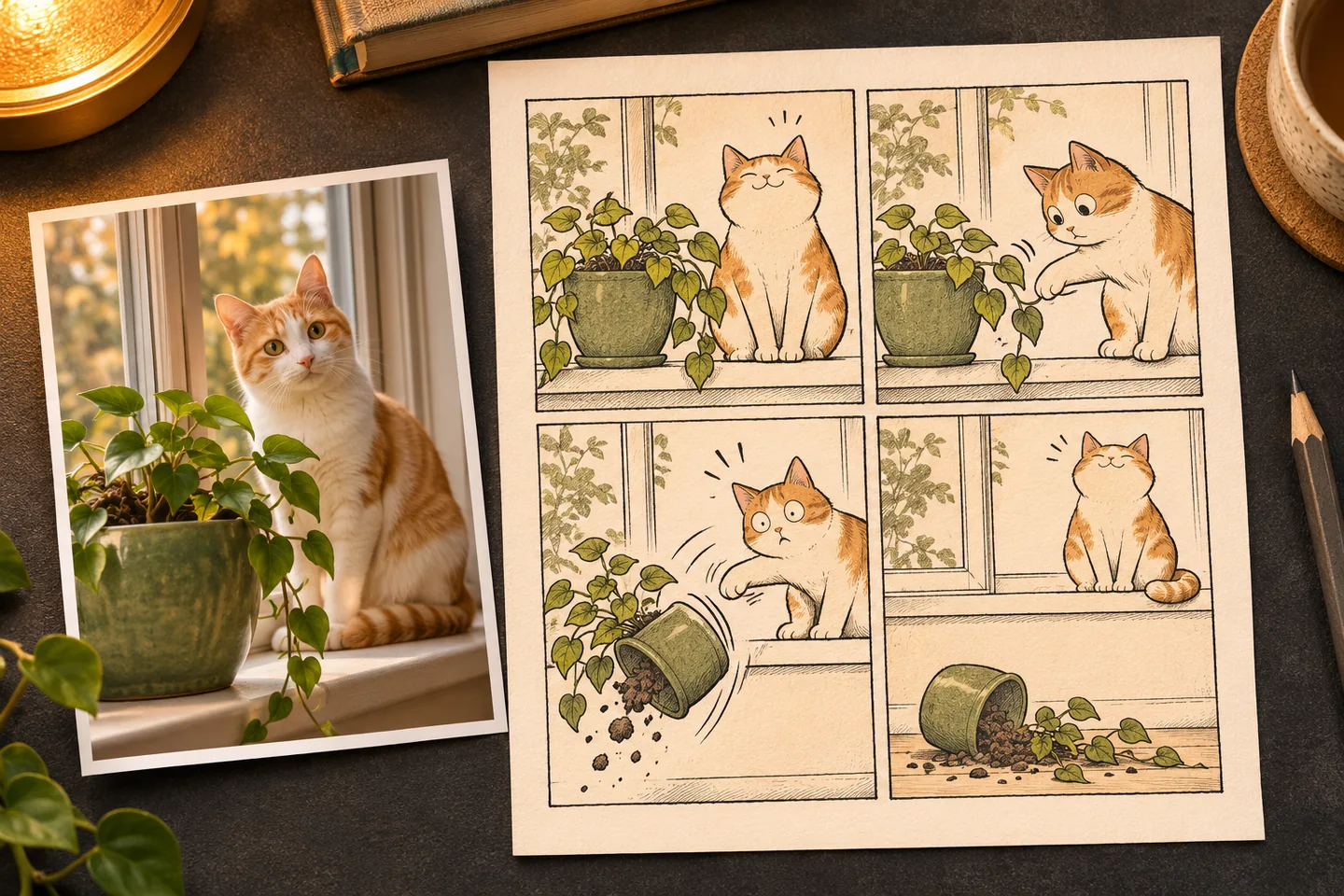
How to Turn a Photo Into a Comic Strip
Turn one photo into a readable four-panel comic. Plan the story, carry the same character across panels, and add captions you can edit before export.
ReelBoop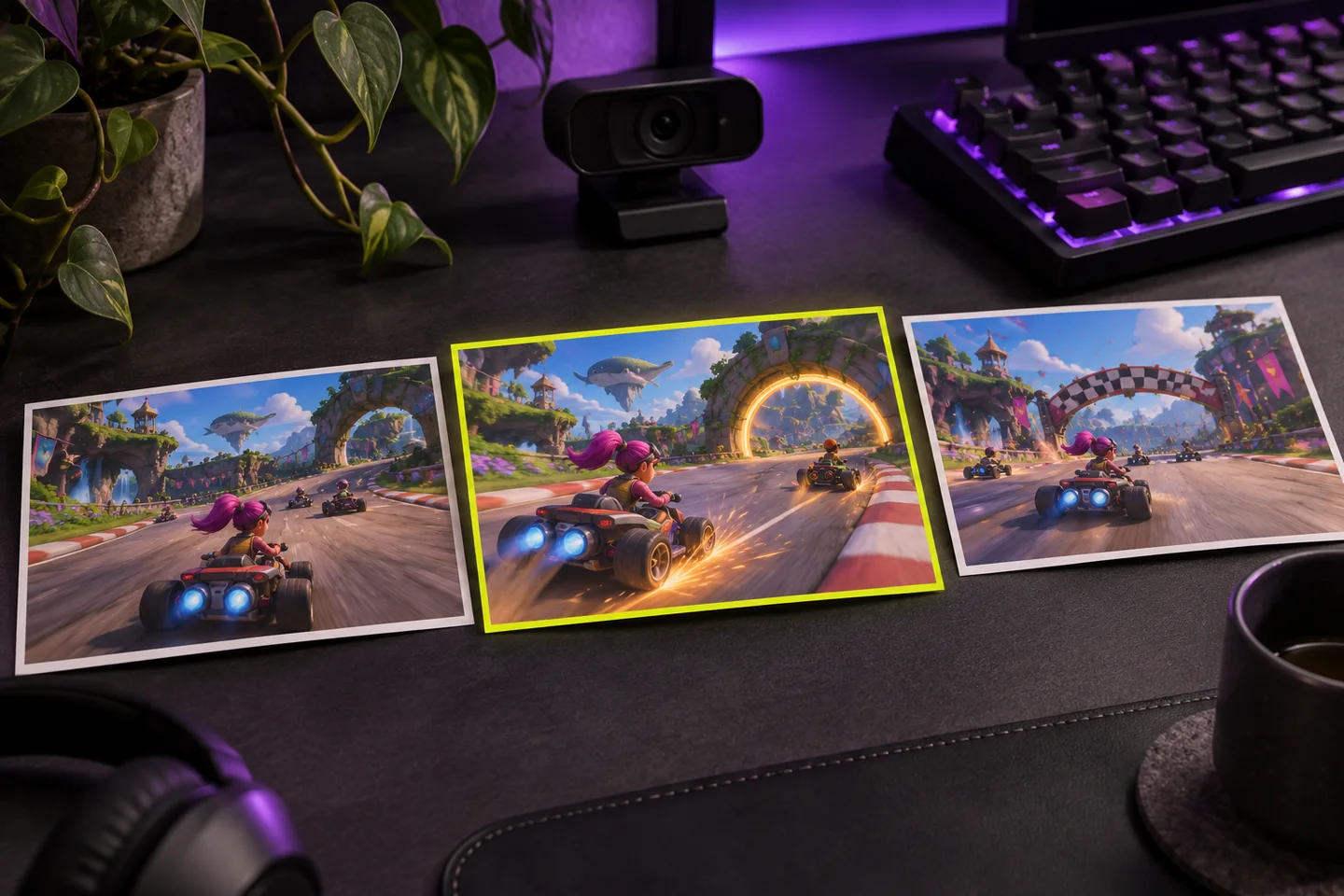
How to Clip a Twitch Stream and Share the Moment
Use Twitch Clips during a livestream or from a saved VOD. Learn how to trim around the payoff, choose a portrait layout, and share or download your clip.
ReelBoop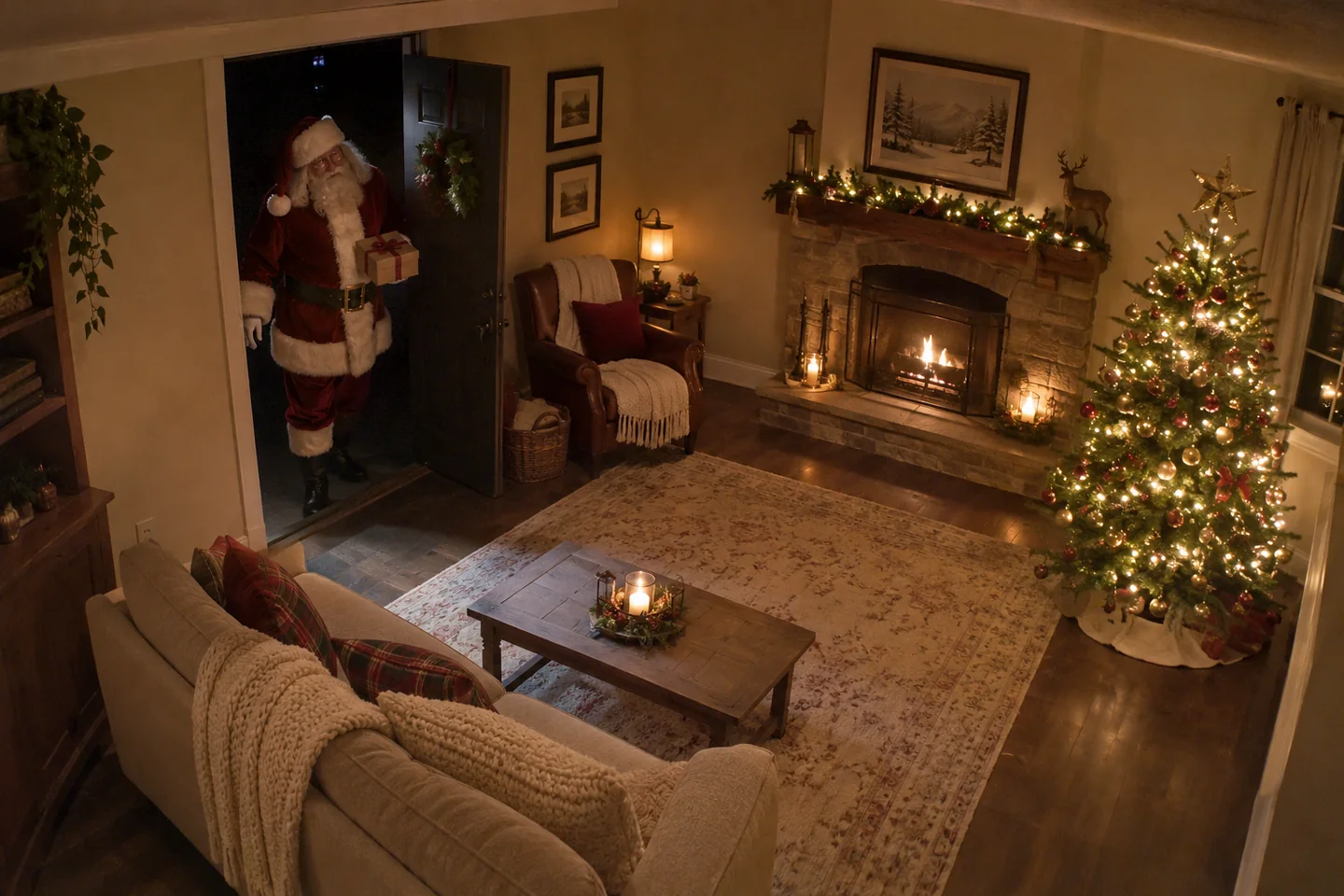
How to Make a Santa Caught on Camera AI Video
Make a short Santa security-camera video from one room photo. Use three scene prompts, a fixed-camera framing guide, and a timestamp you can add in an editor.
ReelBoop
How to Remove Silence From Video and Keep Natural Speech
Find long pauses, choose the right take, and cut picture and sound together. Follow a free Shotcut workflow and a downloadable FFmpeg practice edit.
ReelBoop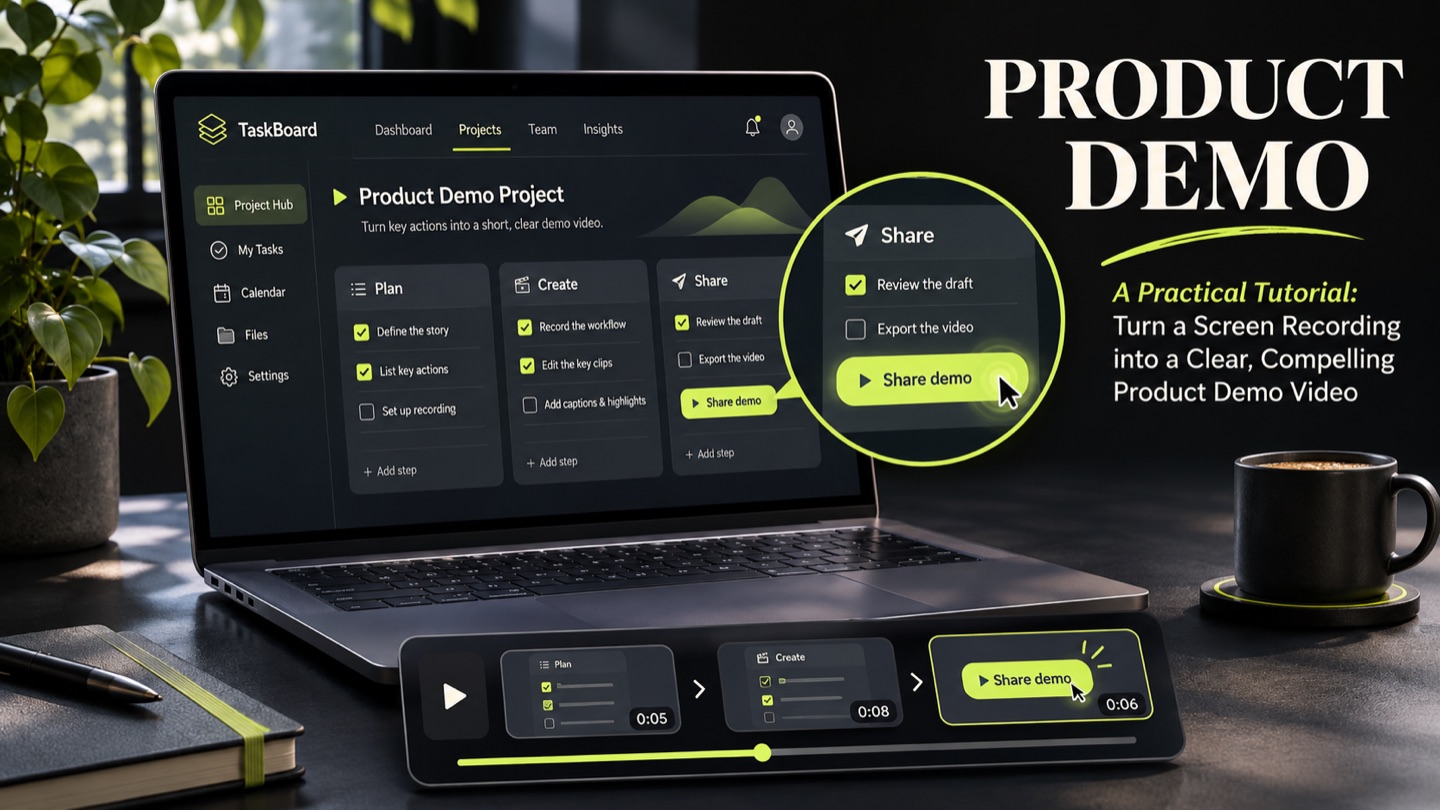
How to Make a Product Demo Video From a Screen Recording
Plan one clear task, record a clean screen, add useful zooms and narration, then caption and export. Includes a free practice app and a 30-second script.
ReelBoop
How to Turn a Long Video Into Shorts With Free AI
Use a free AI clipper to find a moment in a long video, then trim, caption and export a vertical Short. Follow a worked example with source timecodes.
ReelBoop
How to Separate Audio Stems for Video Editing
Split a mixed track into vocals and backing or four music stems. Export aligned WAVs, compare them with the original and mix them into your video.
ReelBoop
Multi-Reference Video: Keep the Same Person and Product
Plan a multi-reference AI video with one presenter photo, one product photo, and a camera guide. Copy a six-second prompt and check identity and motion.
ReelBoop
Active Speaker Tracking for Podcast Video Editing
Learn when to crop a wide shot, switch multicam angles, and keep reactions in a video podcast. Follow a worked handoff and a short quality check.
ReelBoop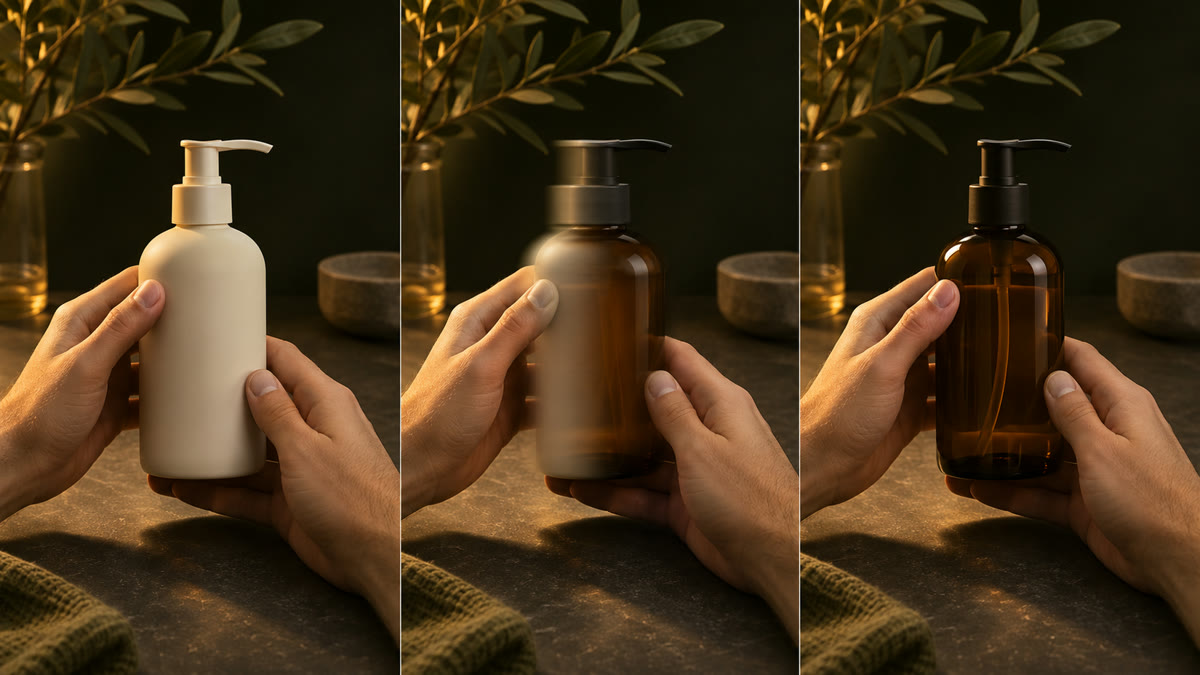
How to Swap a Product in a Video Without Reshooting
Choose video editing or planar tracking, prep a clean product photo, and check hand contact, labels, reflections, and continuity before exporting.
ReelBoop
Who Is the BbY WOW Guy? The Concha Meme Explained
Find the original BbY WOW Guy quinceañera clip, the song used in later edits, and a three-beat timing guide for recreating the concha bite and stare.
ReelBoop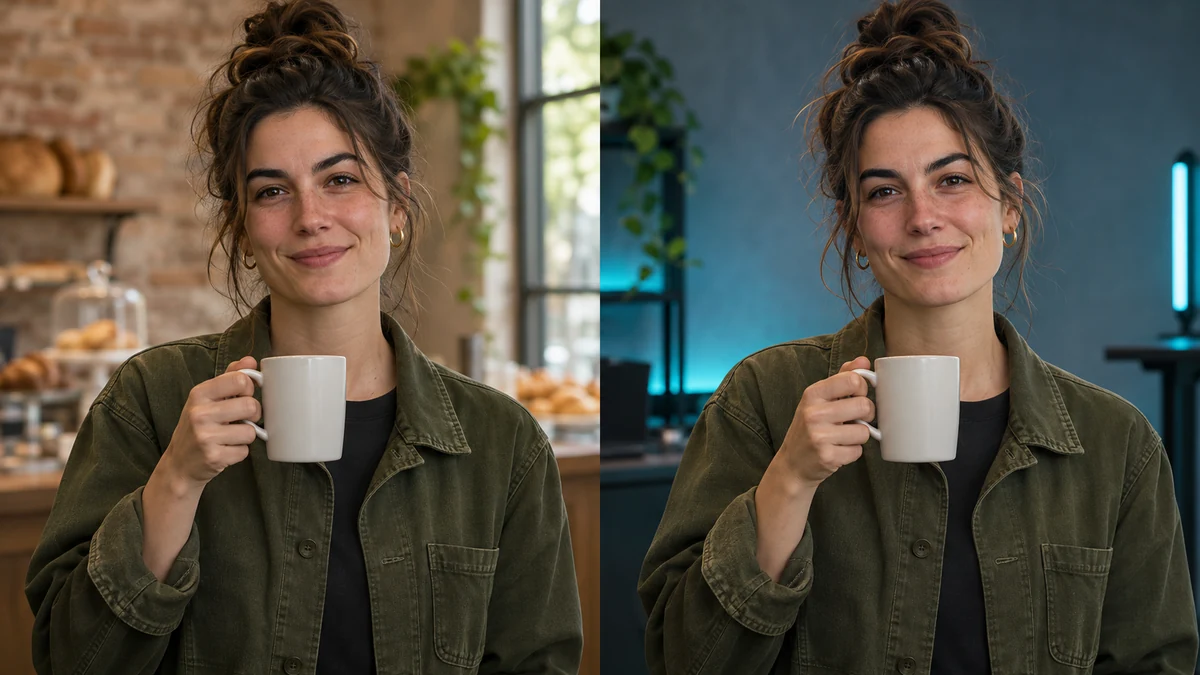
How to Change a Video Background and Keep the Subject
Replace a video background with CapCut or a tracked mask. Learn to preserve faces, objects, and motion, then check edges and timing before you export.
ReelBoop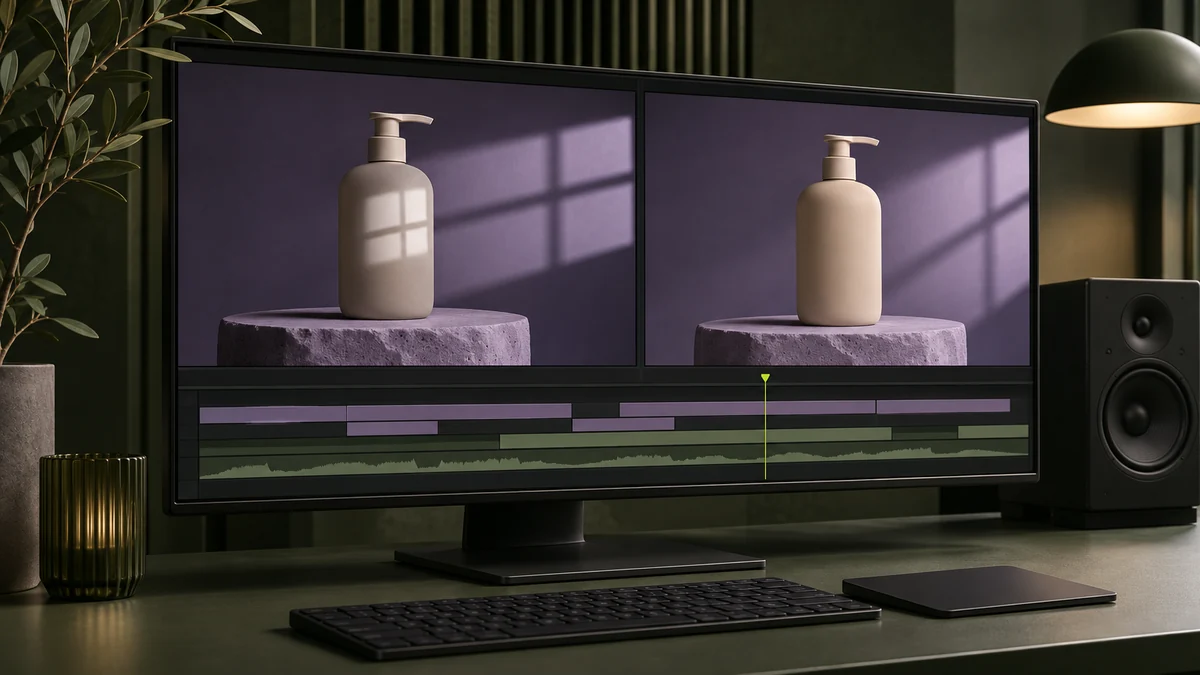
Video Review and Approval: Turn Feedback Into Edits
Run a video review with timecoded comments, checkable shot revisions, and version-specific sign-off. Use a version log and worked product-ad example.
ReelBoop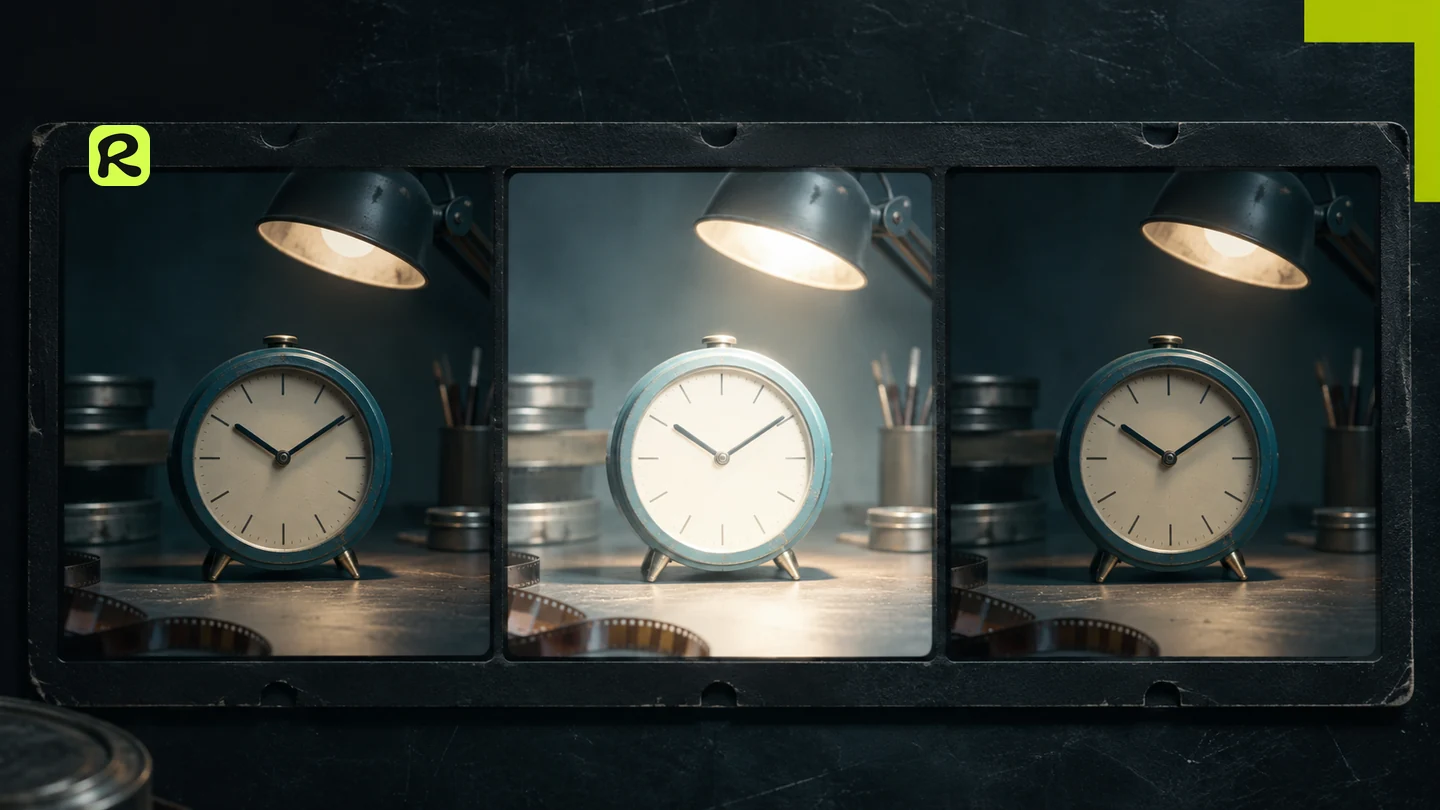
How to Remove Flicker From Video
Tell exposure flicker from moving light bands and unstable AI detail. Test a deflicker pass, check the result frame by frame, and fix what still moves.
ReelBoop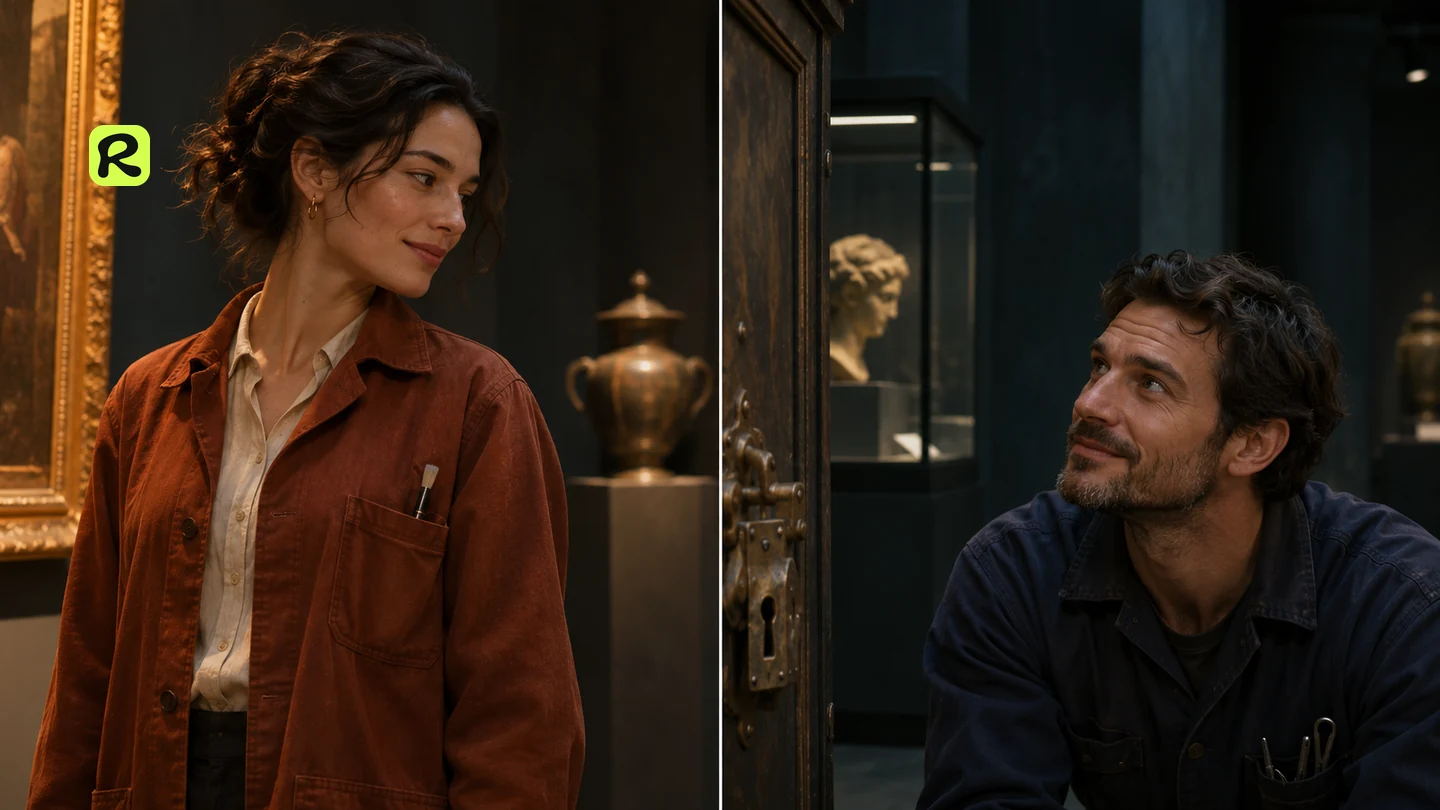
Eyeline Match: How to Fix Awkward Dialogue Cuts
Match screen direction and gaze height across dialogue shots. Follow a museum scene to choose a better cut, repair a mismatched shot, or reveal a target.
ReelBoop
Color Correction vs. Color Grading in Video
Learn when to correct white balance and exposure, when to add a creative grade, and how to preserve product colors across shots using scopes and stills.
ReelBoop
Continuity Editing: How to Match Action Between Shots
Learn how to cut on action, match eyelines, and keep screen direction clear. Follow a package handoff example and fix common continuity errors.
ReelBoop
Video Quality Control Checklist Before You Publish
Check picture, audio, captions, safe zones, and export settings before posting. Use a 15-second vertical ad to spot common failures and see how to fix them.
ReelBoop
How to Convert MP4 to MP3 with VLC, Audacity or FFmpeg
Convert an MP4 to MP3 for free on your computer. Follow the VLC or Audacity steps, or use tested FFmpeg commands to pick the right audio track.
ReelBoop
How to Write a Video Brief (Template and Example)
Write a one-page video brief with a clear goal, audience, deliverables and approval plan. Copy the template and follow a worked example for a short product ad.
ReelBoop
How to Make a Seamless Video Loop
Make a seamless video loop from a clip or still image. Compare a before-and-after example, then follow steps in Clipchamp, Firefly, or FFmpeg.
ReelBoop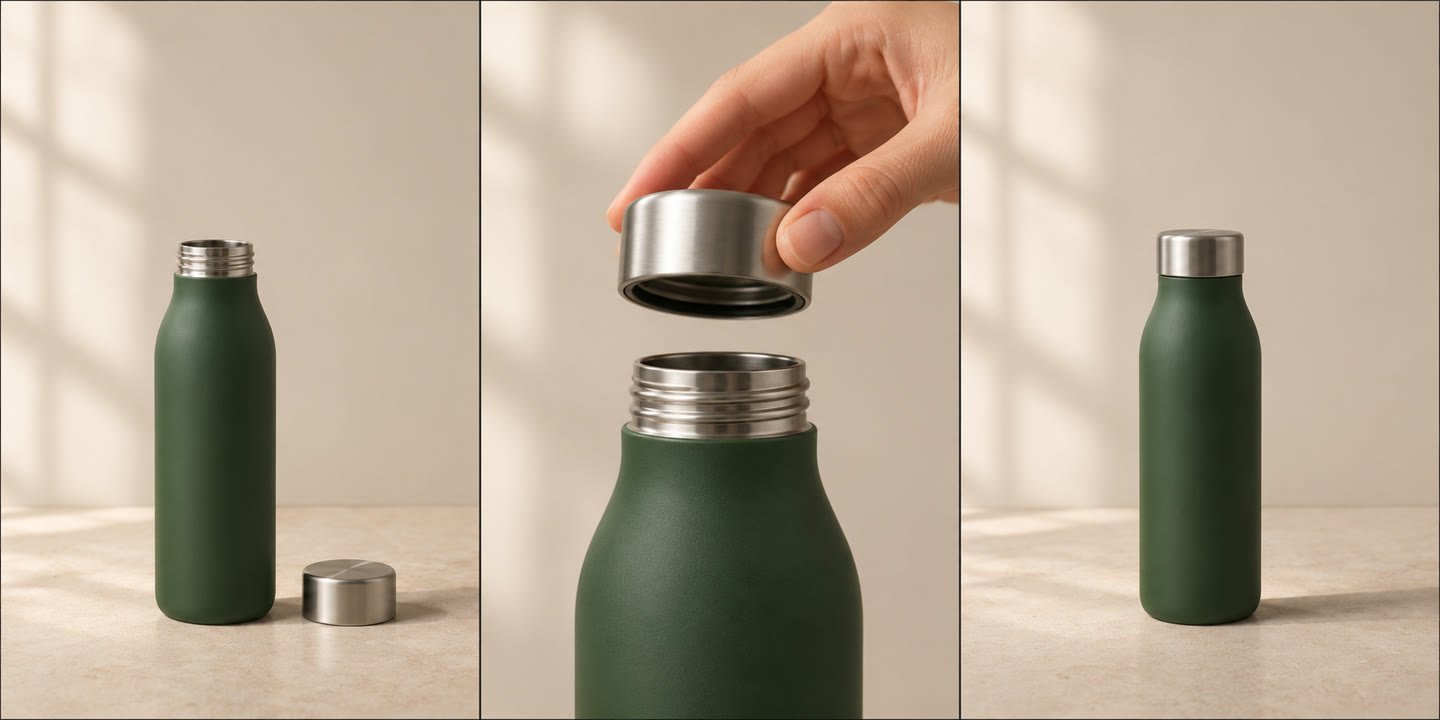
How to Storyboard an AI Video: Template and 3-Shot Example
Turn a short video idea into a timed storyboard, check the pacing with stills, and make the clips one at a time. Includes a copyable shot card.
ReelBoop
AI Video Camera Movement Prompts: 7 Copyable Examples
Choose the right camera movement, copy a prompt, and check the result. Includes pan versus slide and frames from a real Kling 3.0 Pro push-in.
ReelBoop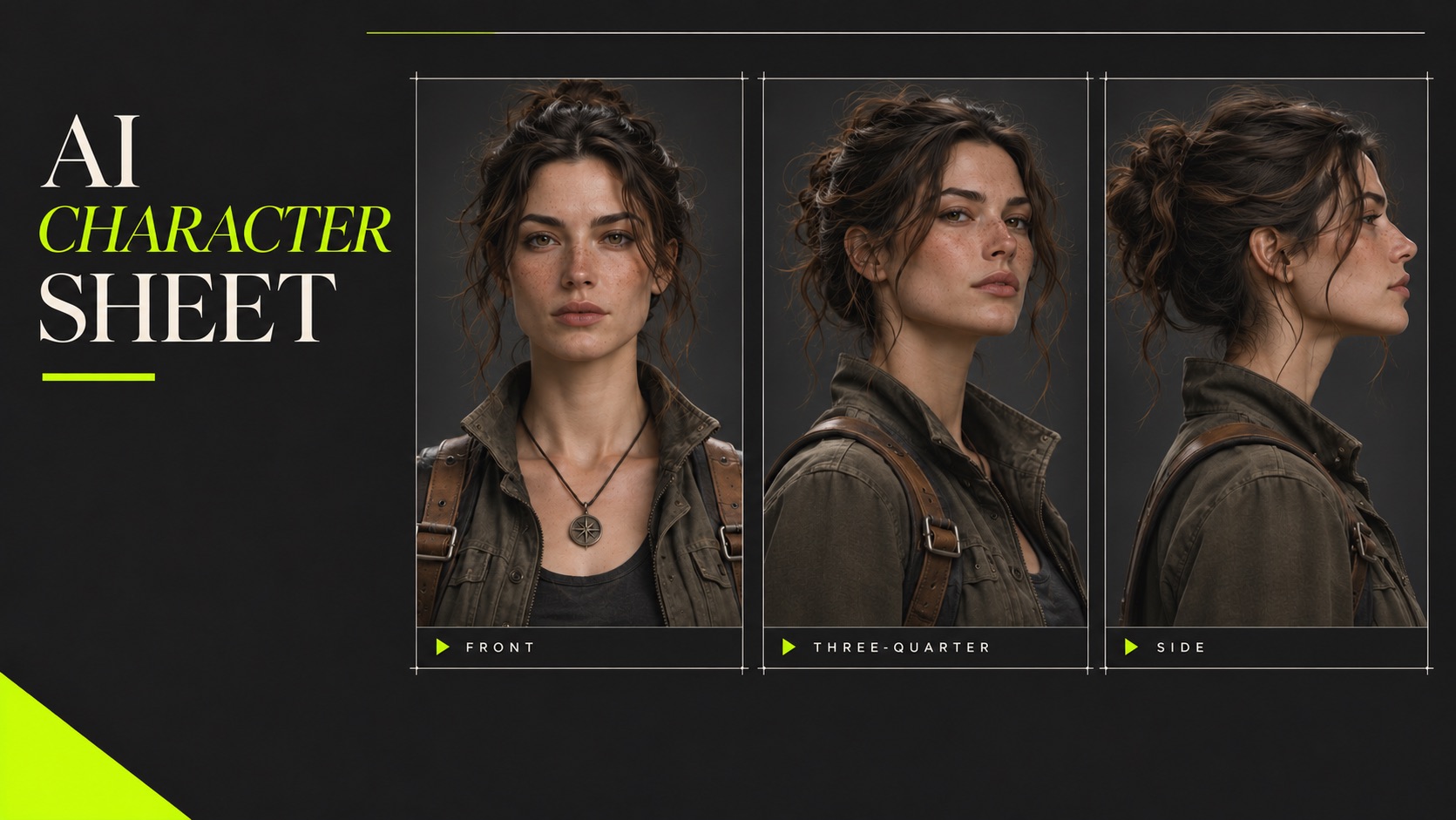
How to Make an AI Character Sheet for Consistent Images
Build an AI character sheet from a portrait. Use practical prompts, compare different views, and prepare a clear reference for your next image or video.
ReelBoop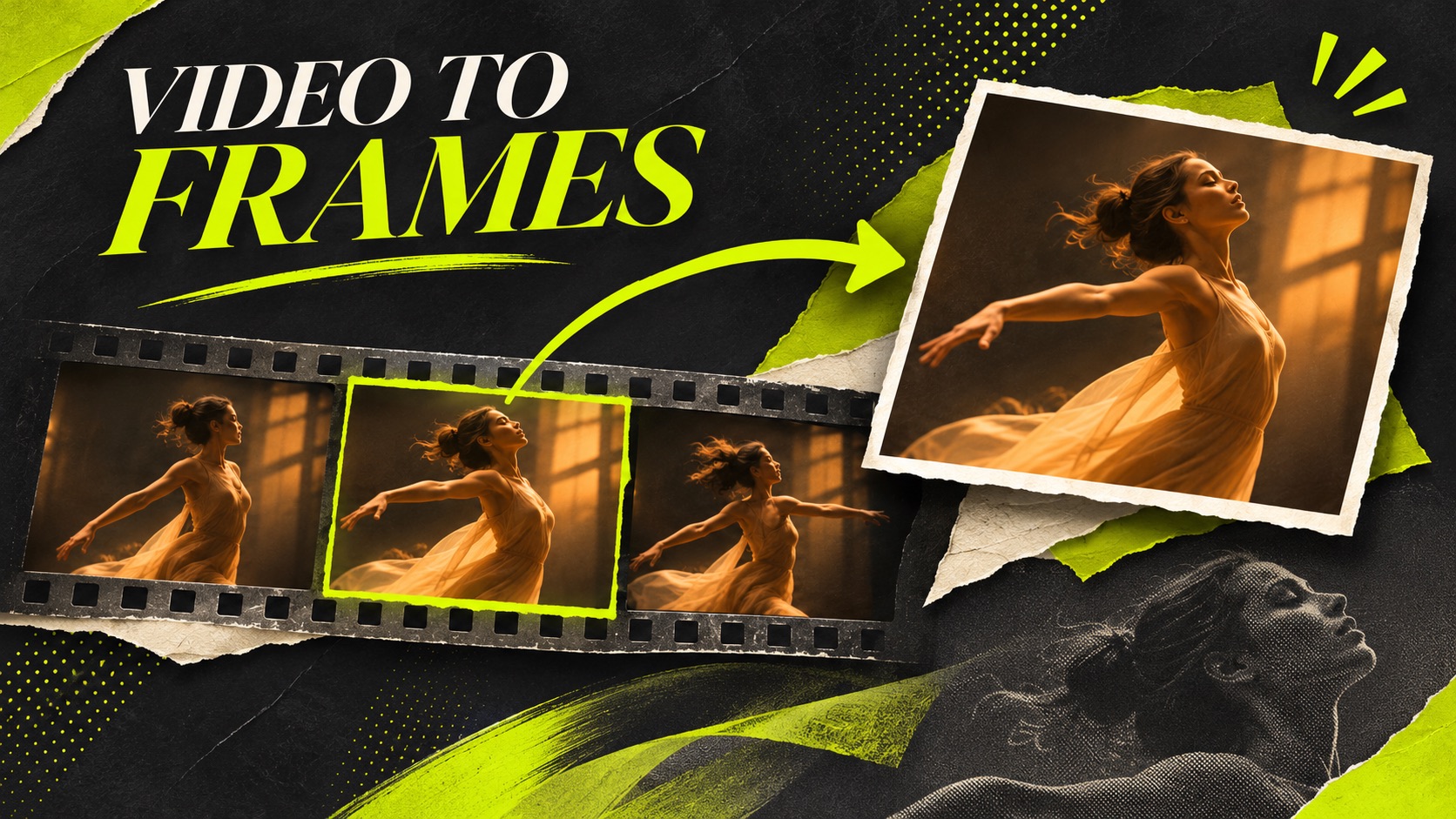
How to Extract Frames from Video for Images and AI References
Learn how to save a frame from video, pick a sharp reference image, and use it for a thumbnail, image edit or the next AI video shot.
ReelBoop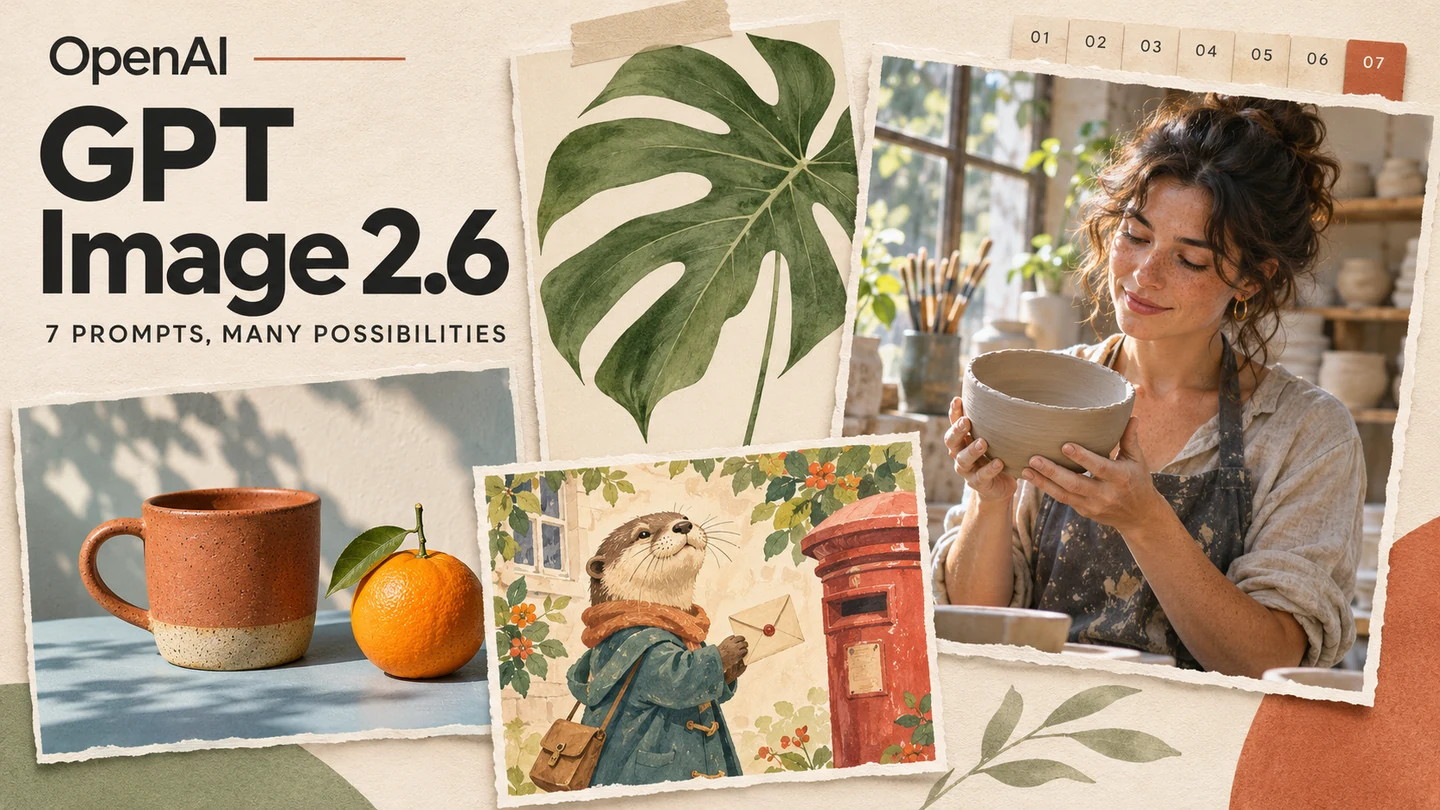
7 GPT Image 2.6 Prompts for Images You Can Refine
Copy seven GPT Image 2.6 prompts for campaign concepts, portraits, illustrations and reference edits, with a practical check for every image.
ReelBoop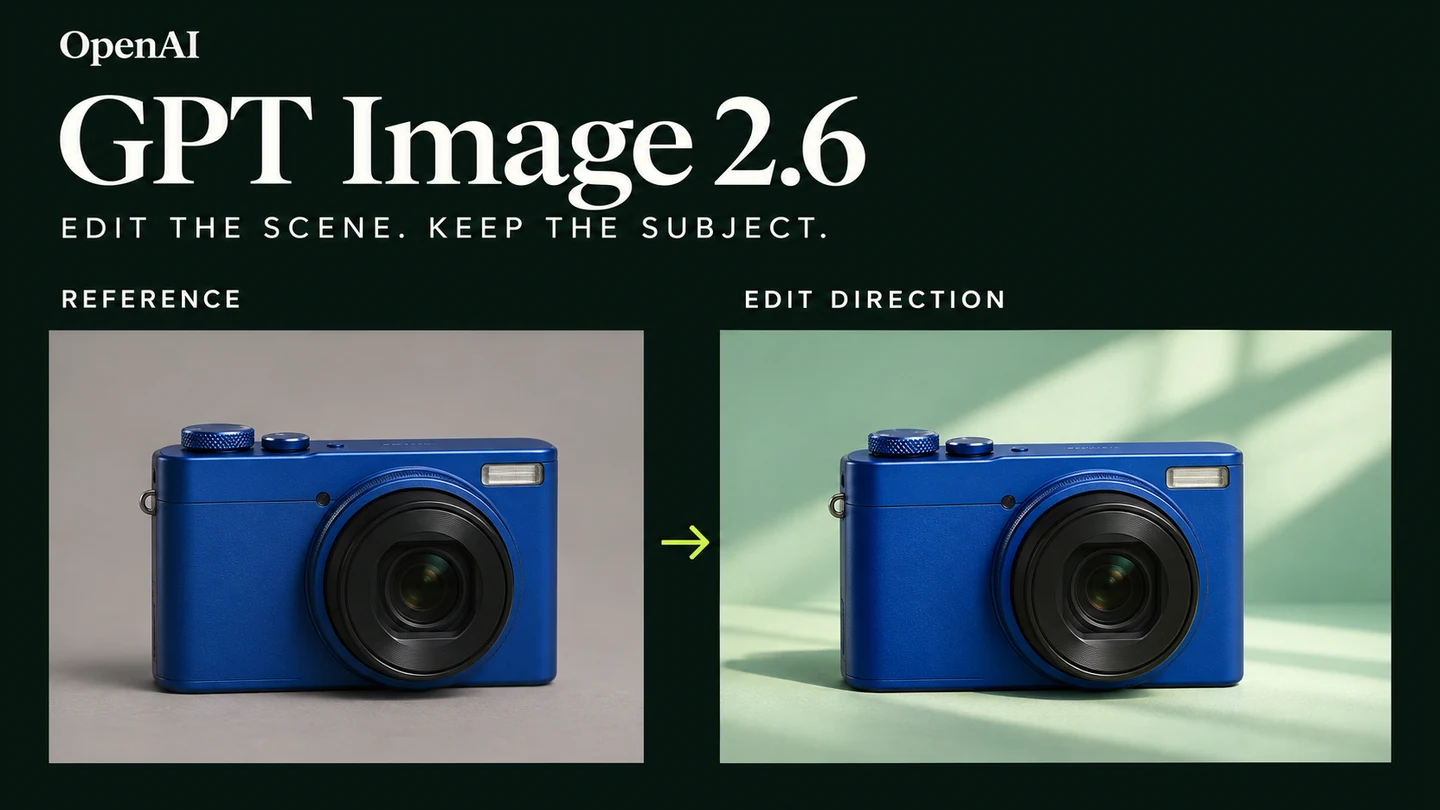
How to Edit an Image with GPT Image 2.6
Upload one reference image, describe a focused change, choose Flare or Sunburst, then review and download your edited PNG on ReelBoop.
ReelBoop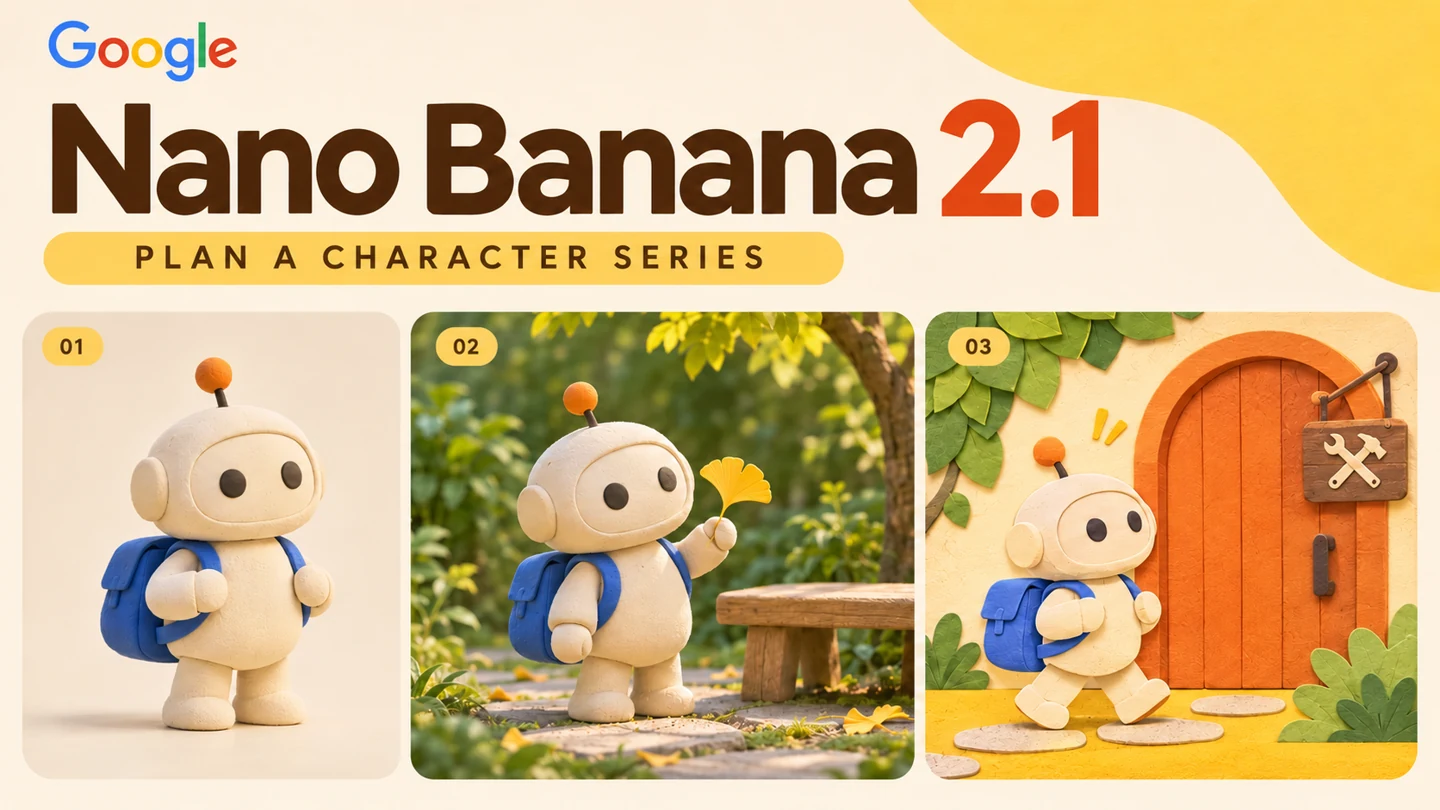
Nano Banana 2.1 Prompts: Make a Small Visual Series
Use six Nano Banana 2.1 prompt recipes to create an anchor image, change its setting, reframe it and plan a visual series with one reference at a time.
ReelBoop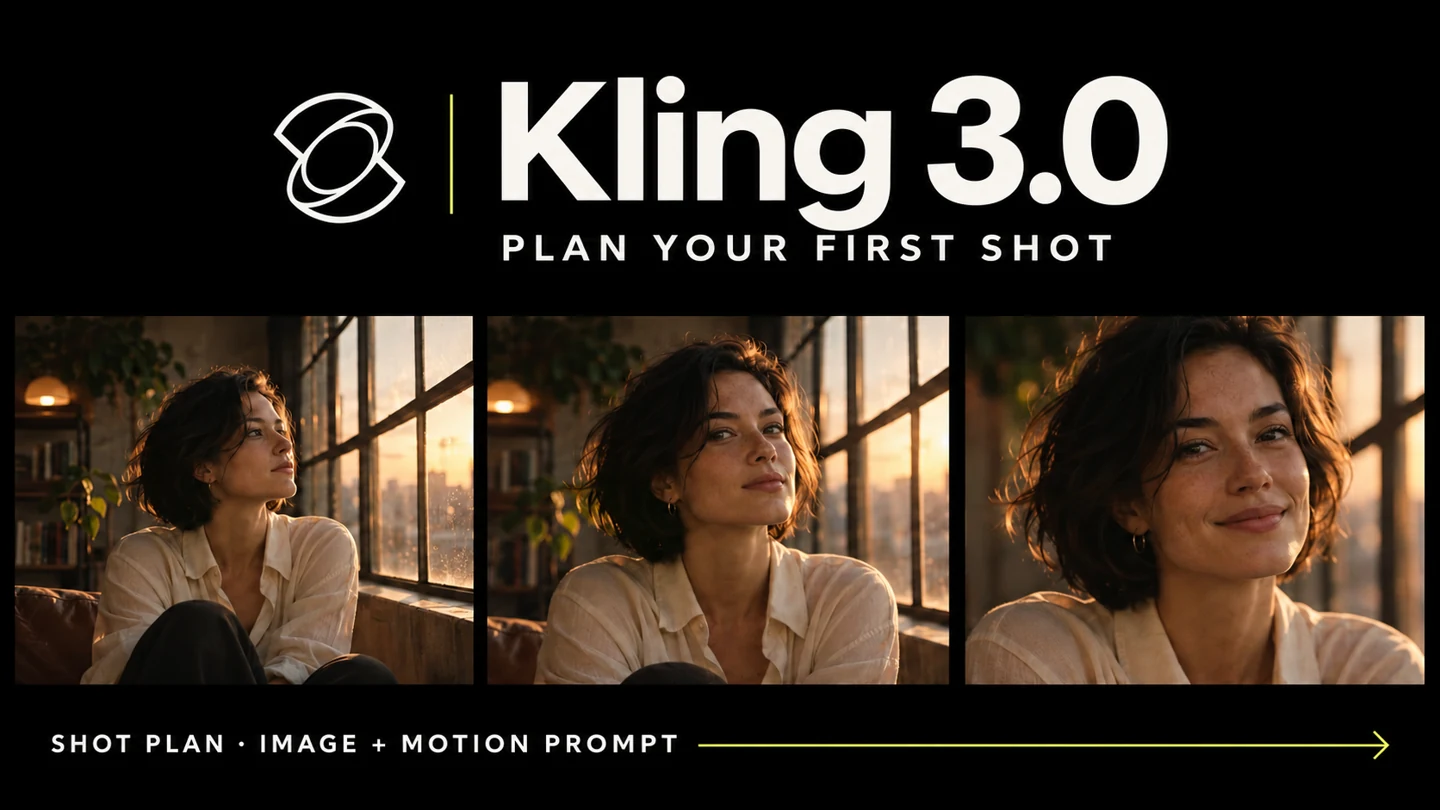
Kling 3.0 Image to Video: Plan a Focused 5-Second Shot
Prepare one starting image, write a focused motion prompt and review a five-second Kling 3.0 Pro clip on ReelBoop. Includes four shot recipes.
ReelBoop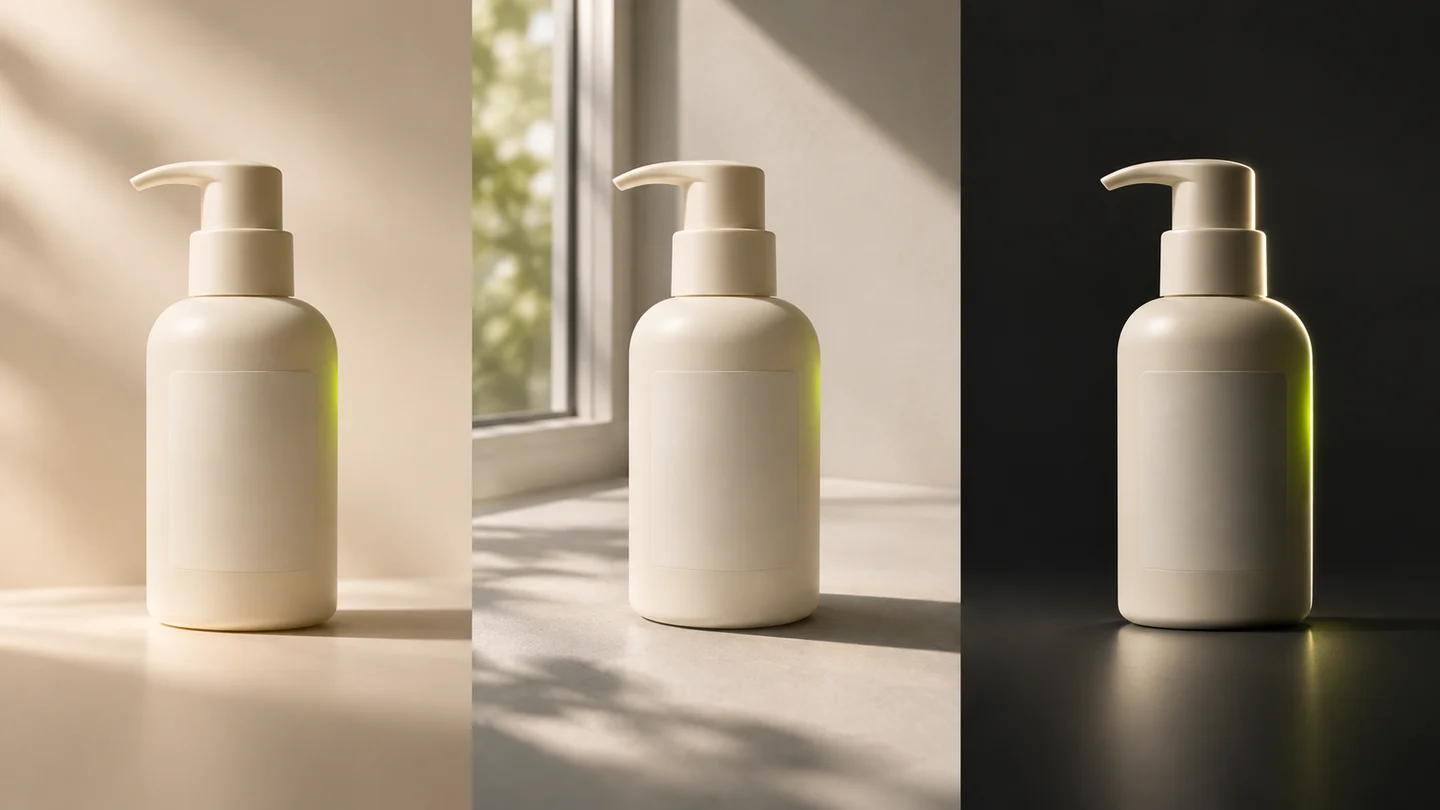
7 Product Photography Prompts for Light, Texture and Composition
Copy seven product photography prompts for studio, window light, flat lay and detail shots. Learn what to change and how to check product accuracy.
ReelBoop
5 Product Video Ad Prompts for One Clear Shot
Plan product video ads from a photo with five copyable motion prompts, source-image tips, a three-shot storyboard and a practical export checklist.
ReelBoop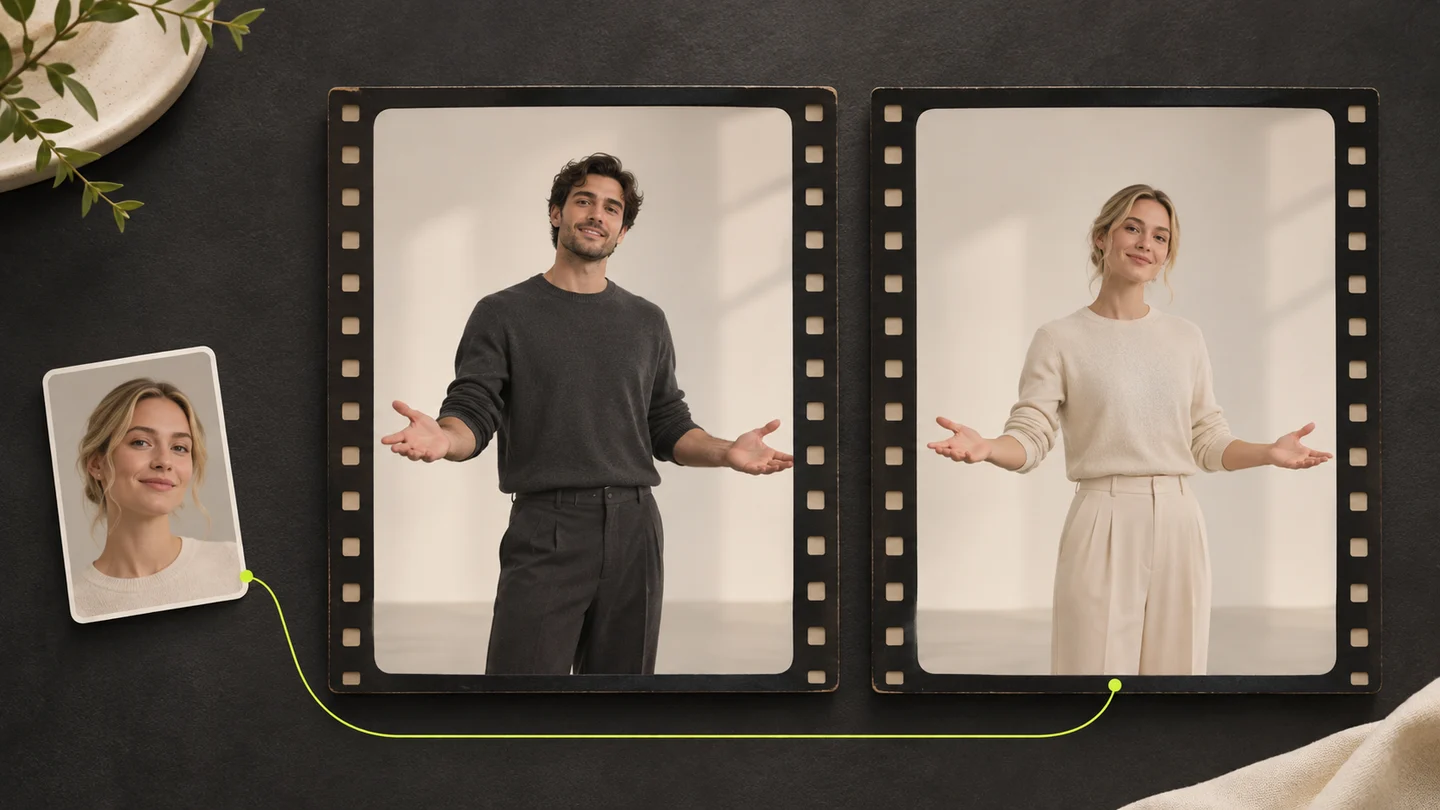
How to Replace a Character in a Video: Photo, Clip and Checks
Replace a character in a video with a photo and a short clip. Choose Character Swap or Body Swap, prepare the files, check credits and review the result.
ReelBoop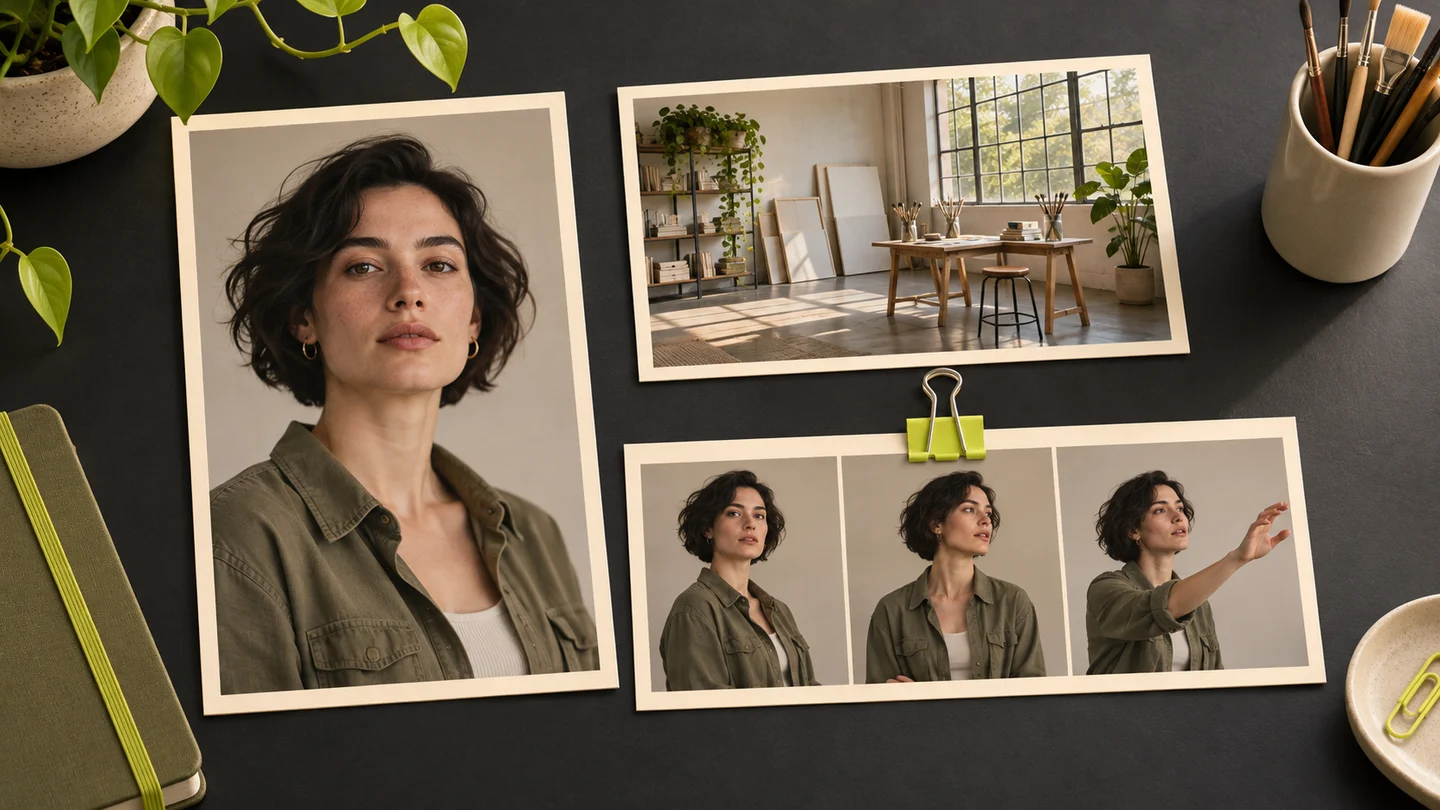
MiniMax H3 Reference to Video: A Character Consistency Guide
Understand MiniMax H3 reference images, video and audio, choose a useful character photo, and separate official API capabilities from ReelBoop’s tools.
ReelBoop
Halloween Ceiling Fan Trend: How to Make a Costume Change Video
Learn how the Halloween ceiling fan trend works, choose a strong photo, and plan a costume-change video with practical prompts and editing tips.
ReelBoop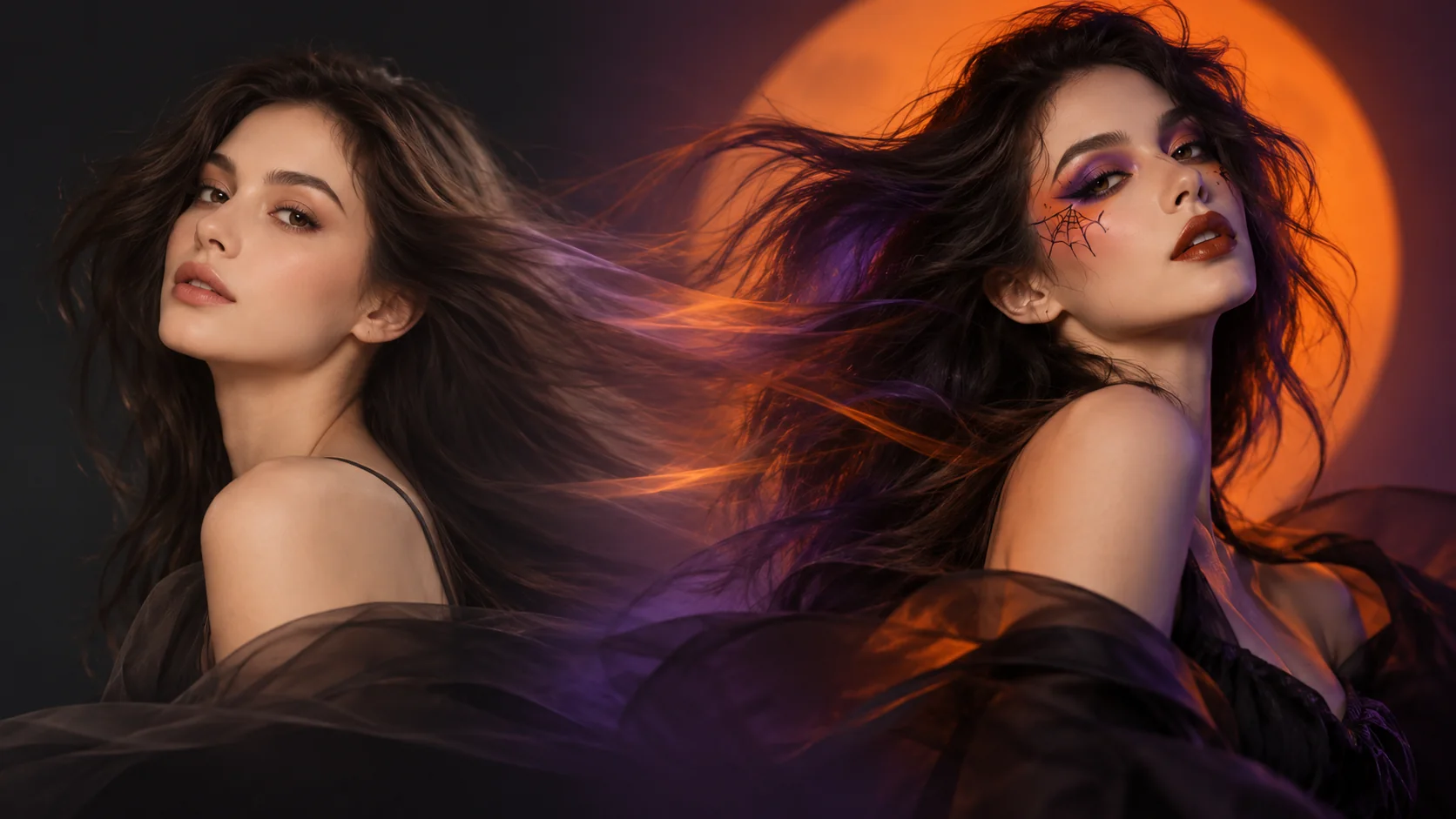
Halloween Makeup Filter: Create a Hair-Flip Transformation Video
Plan a Halloween makeup filter video with a clear portrait, creative makeup ideas, an adaptable prompt and a simple editing alternative.
ReelBoop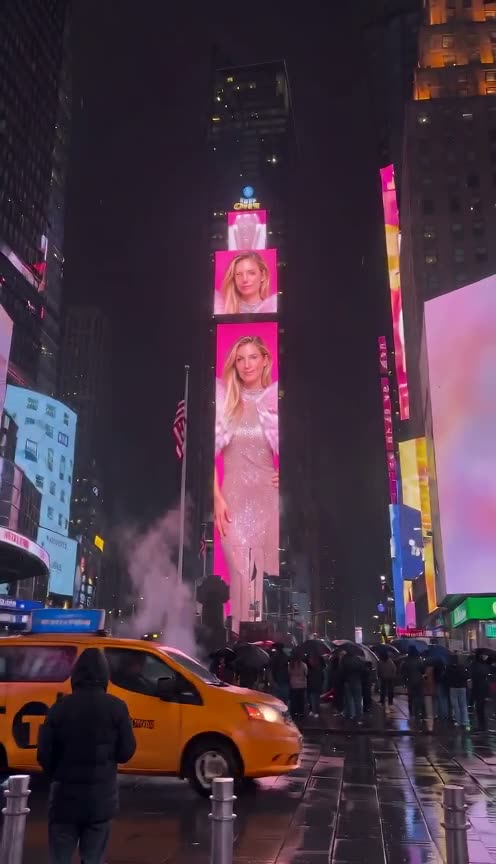
How to Make a Times Square Billboard Video With AI (One Photo)
A step-by-step guide to turning one photo into a Times Square billboard clip with AI: which photo to pick, what the generated camera actually does, and how to share it.
ReelBoop