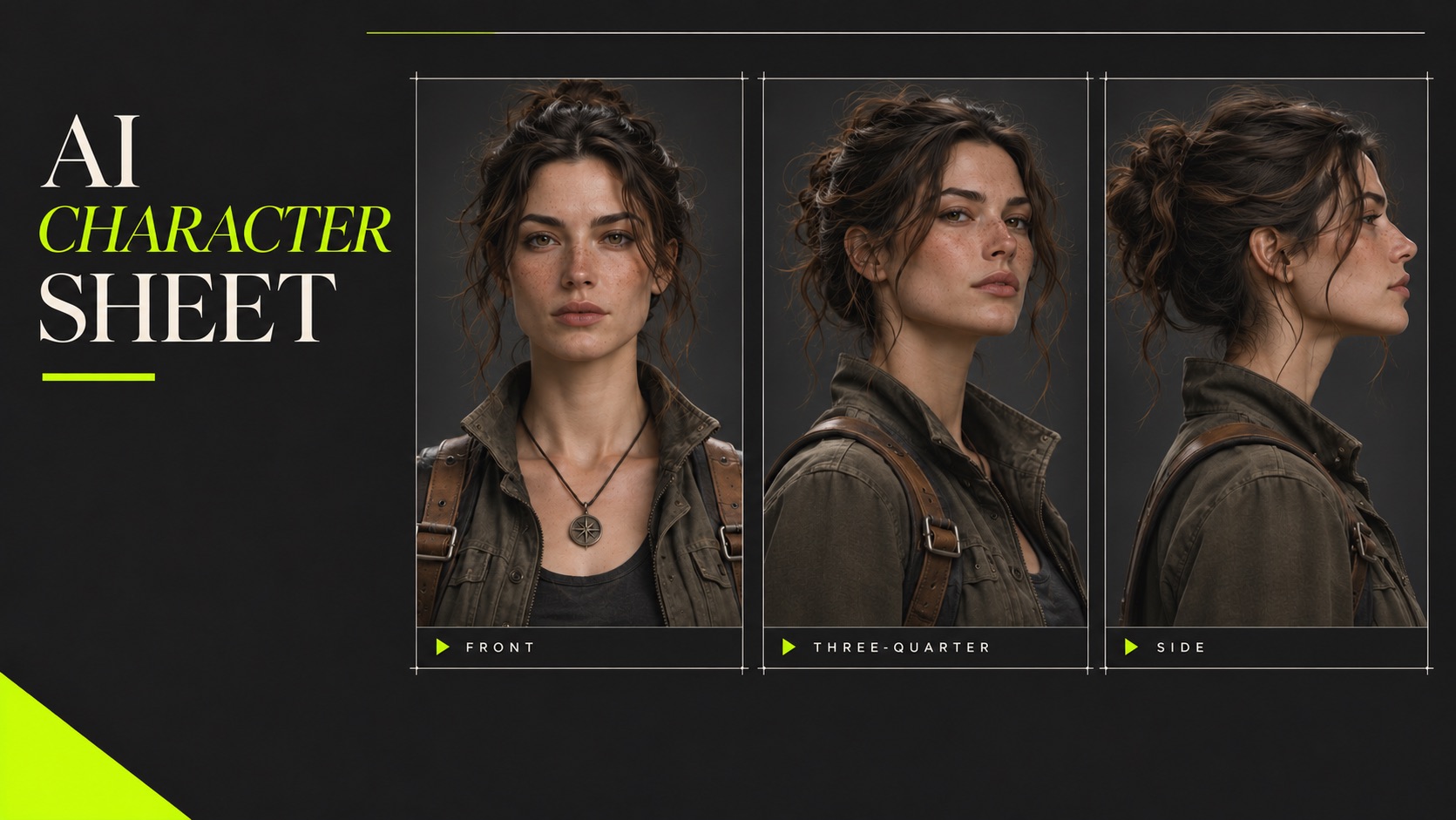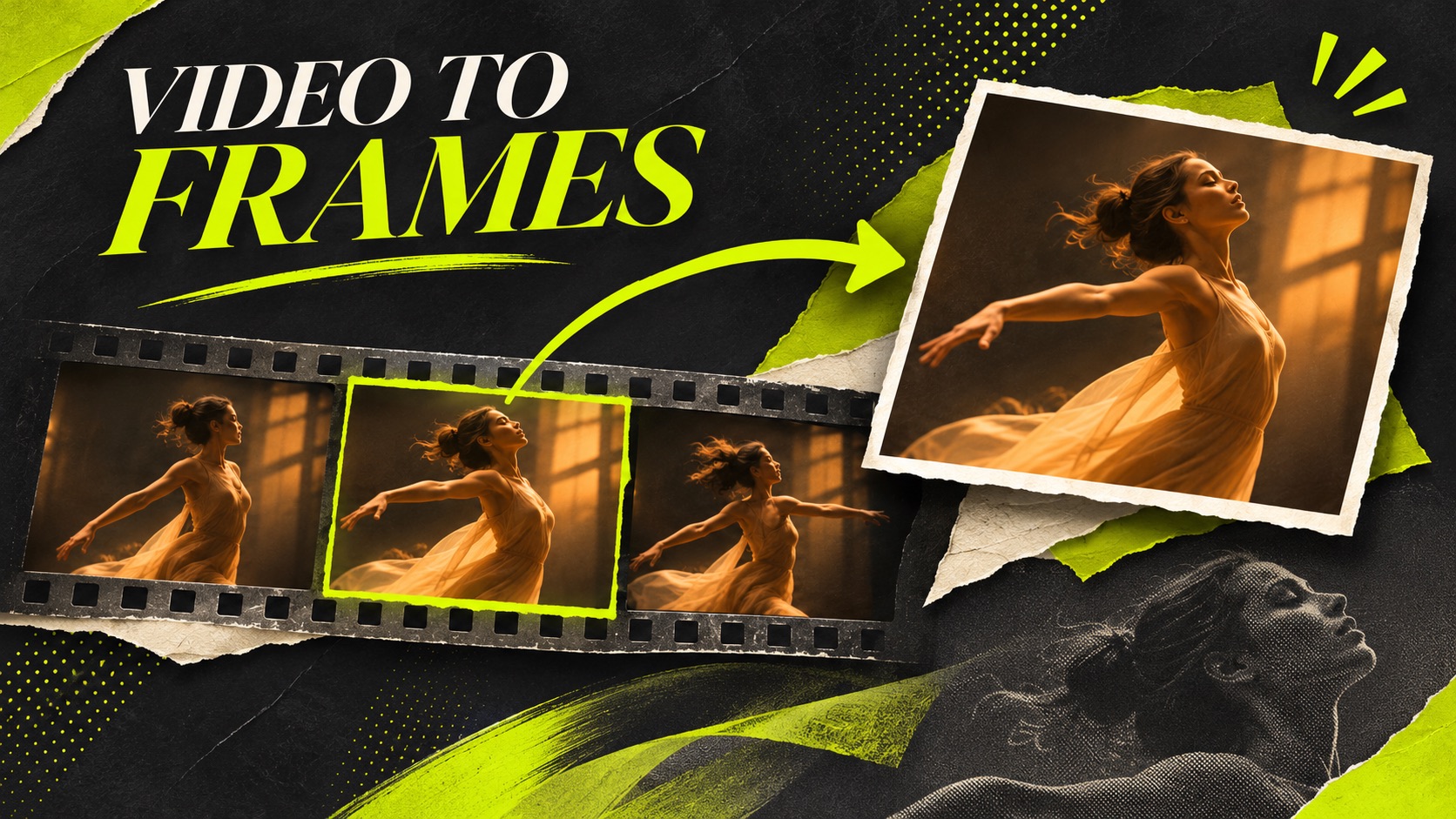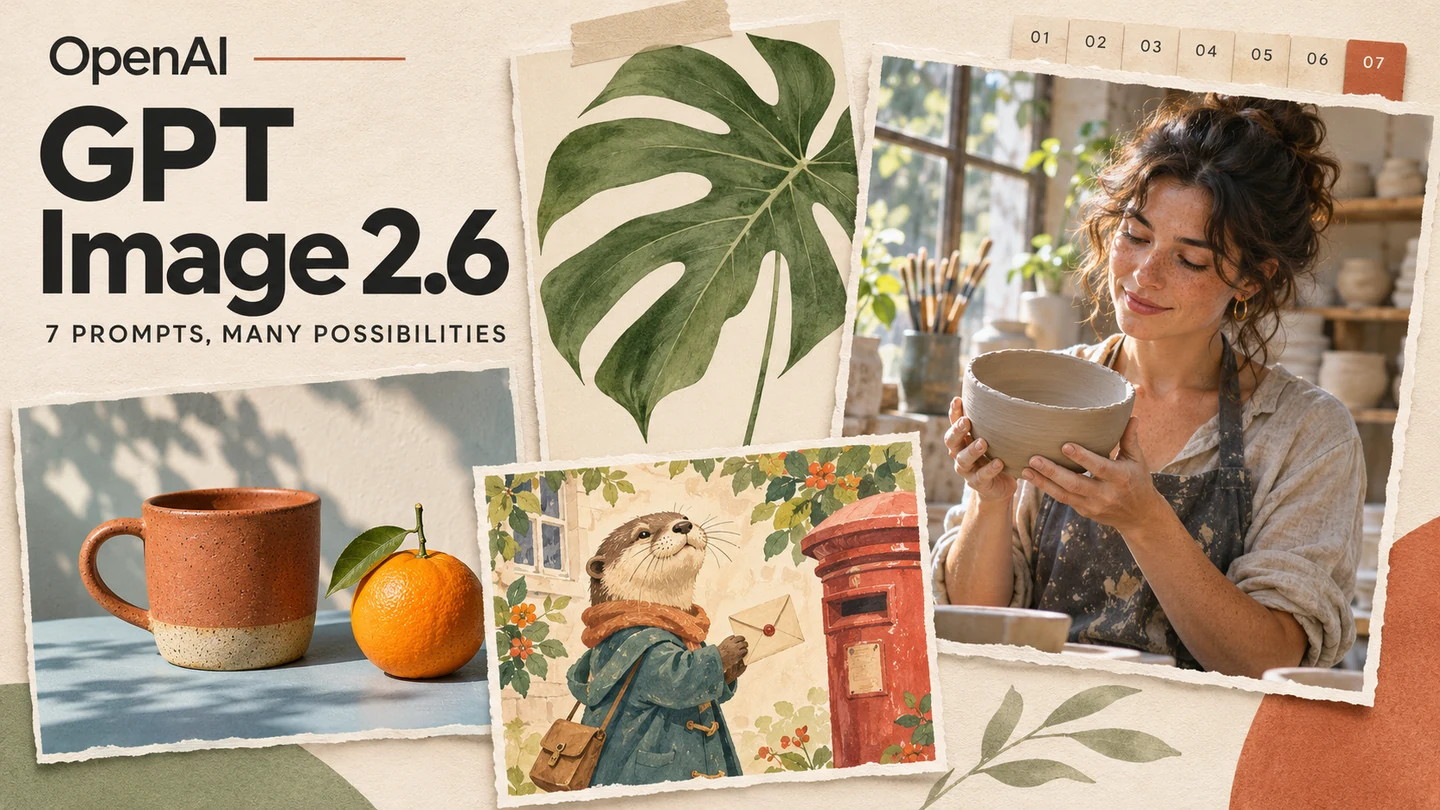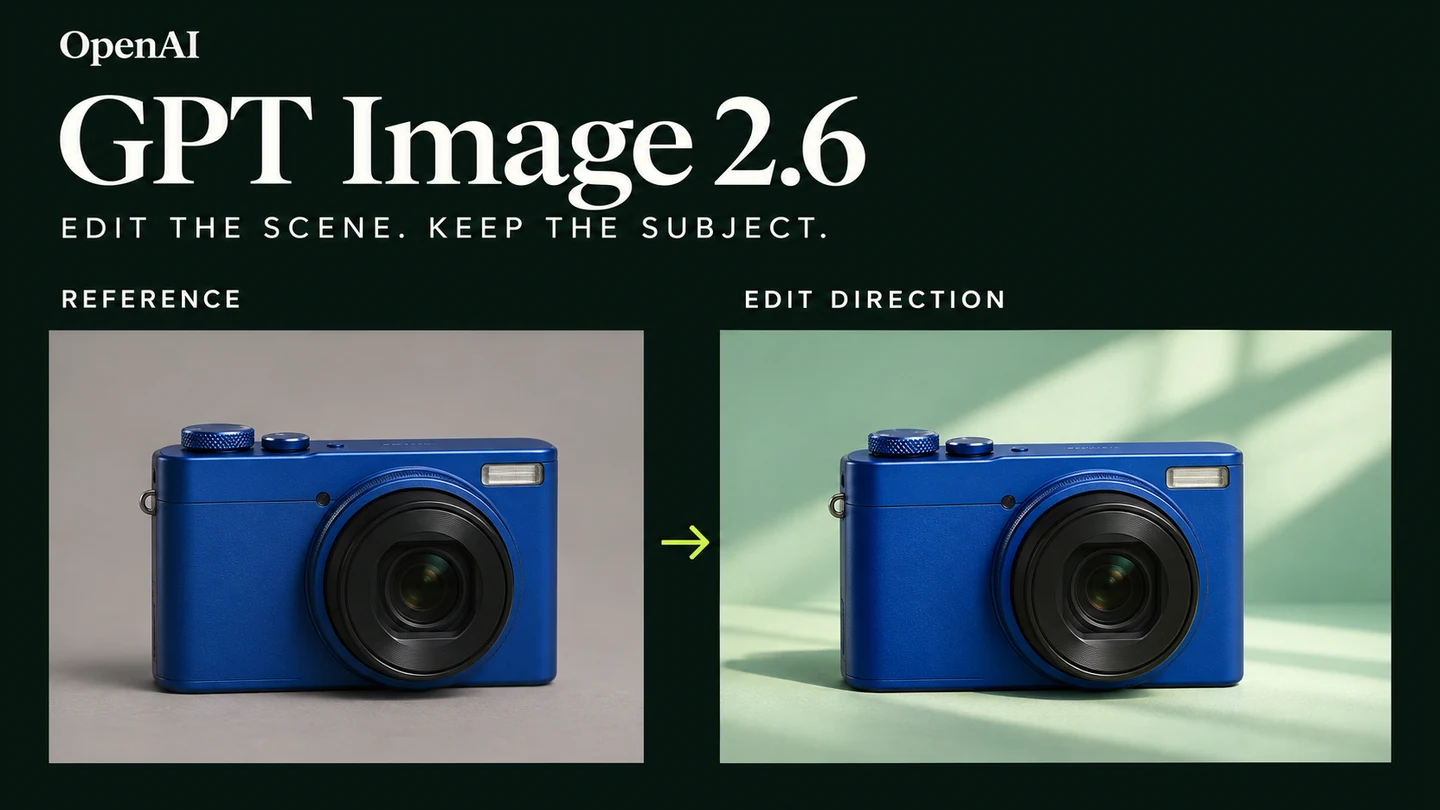

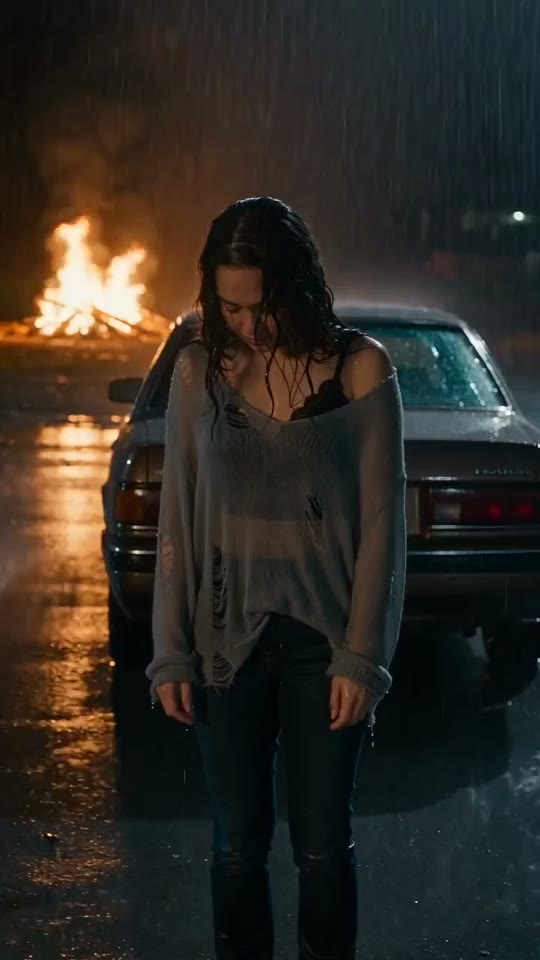

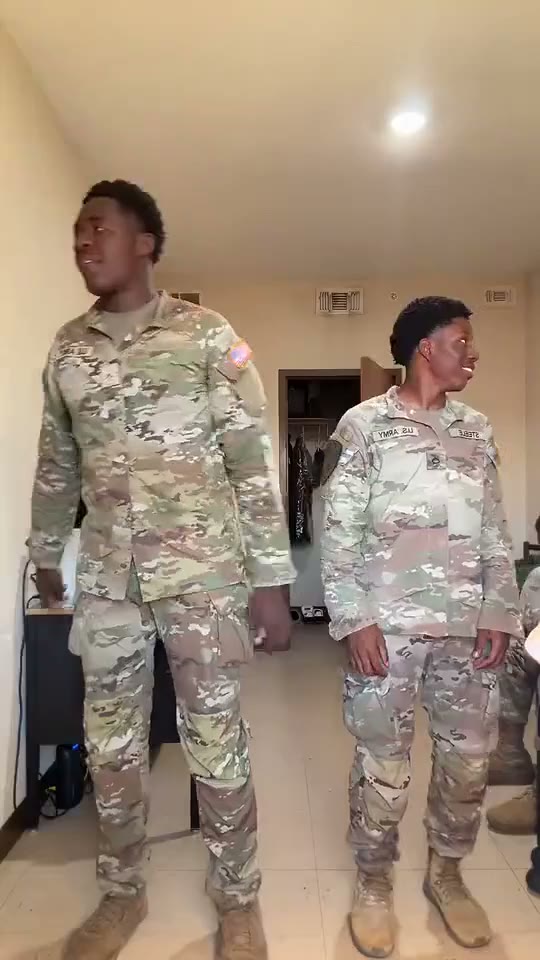








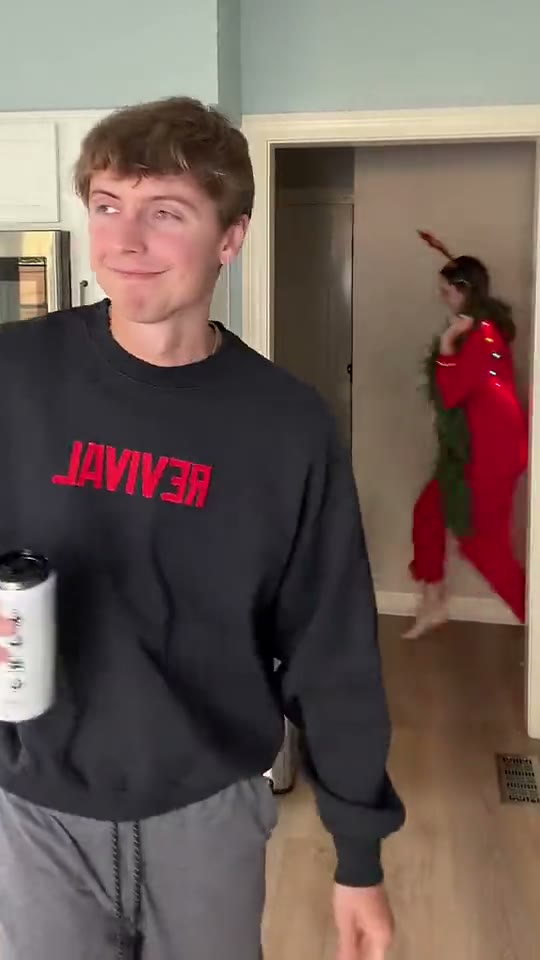
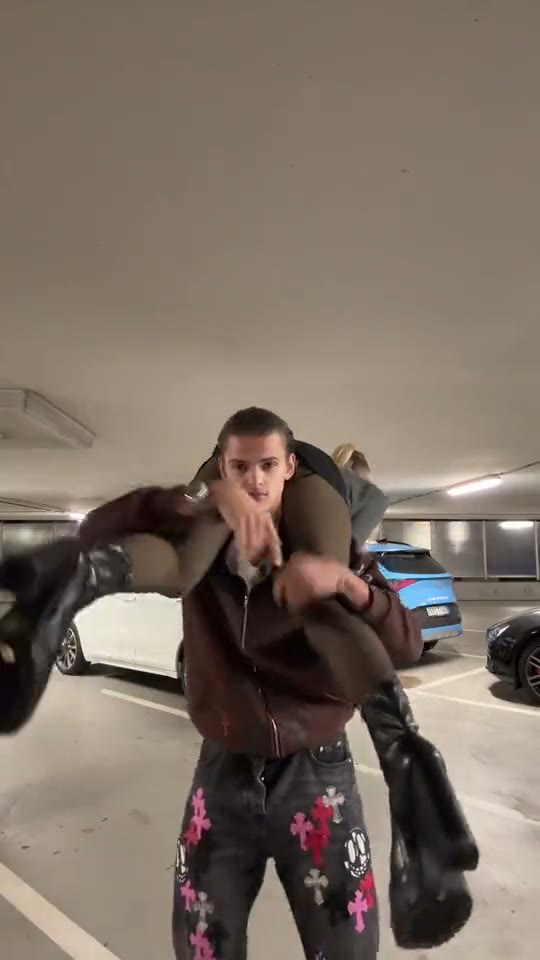





AI VIDEO TEMPLATES. YOUR PHOTOS.

See the trend.
Make it yours.

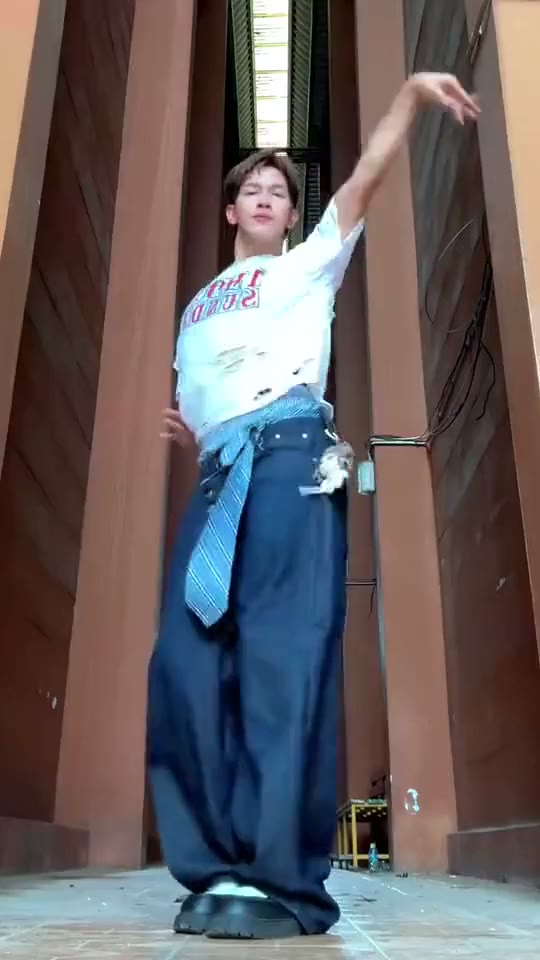
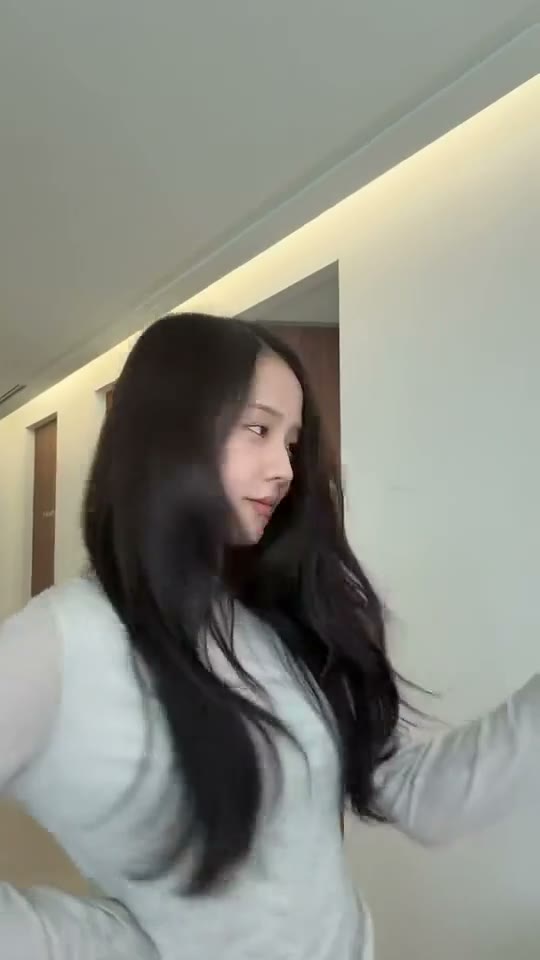
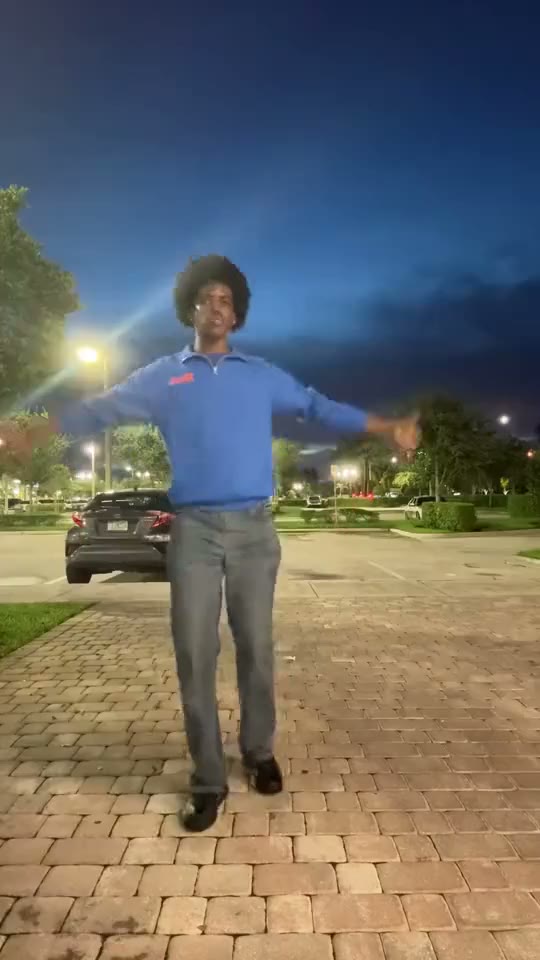
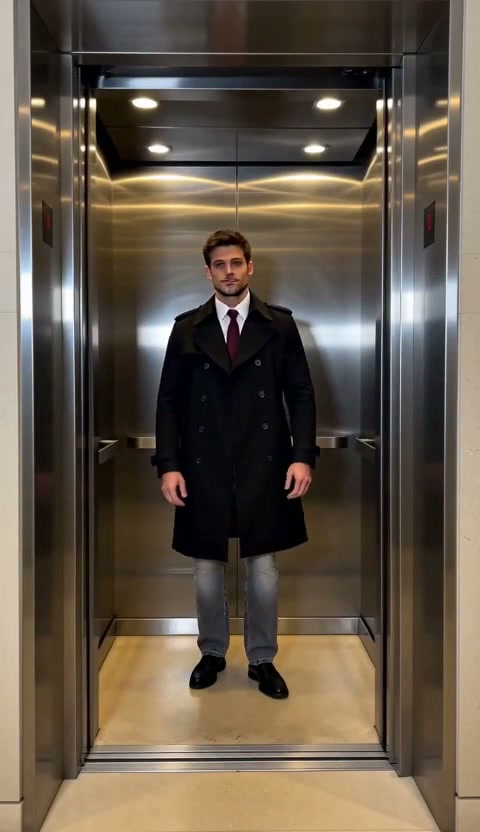
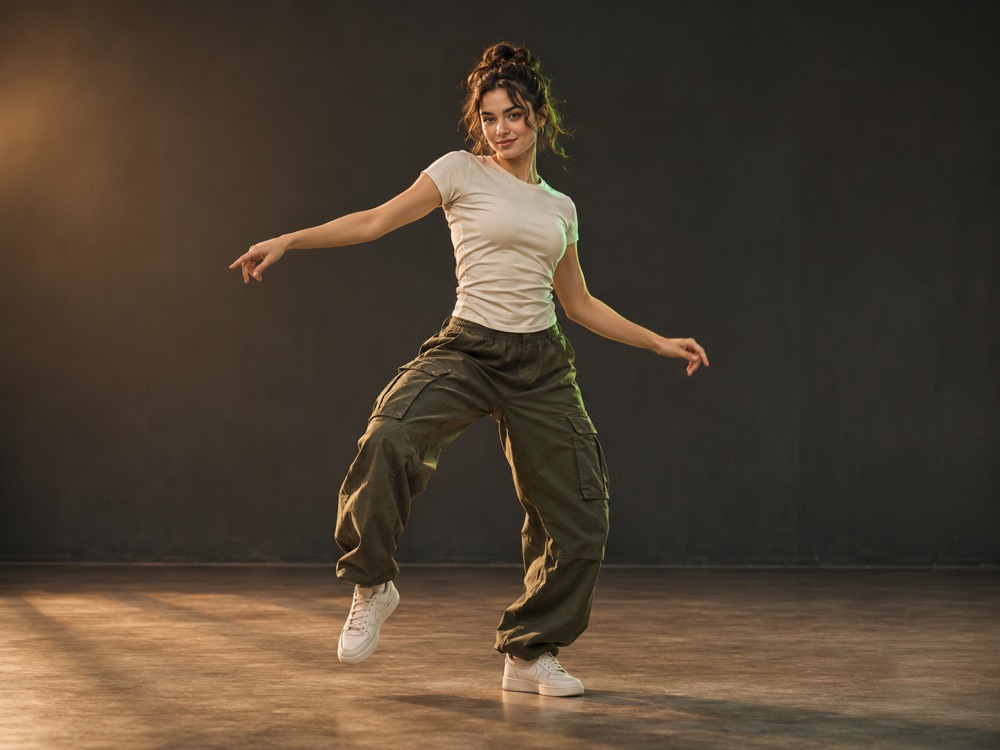
Dance moves, duets, pet moments and a whole new look. Watch the video, pick your template and add your photos.

Start creating

Photo to video—Sign in to create

Loading model and credit details.

View my creations ↗

Join creators making videos

Fresh ideas for your next video.

See all templates

Find your kind of video.

Dance, transform, share a scene or show off your product.

A whole new look.

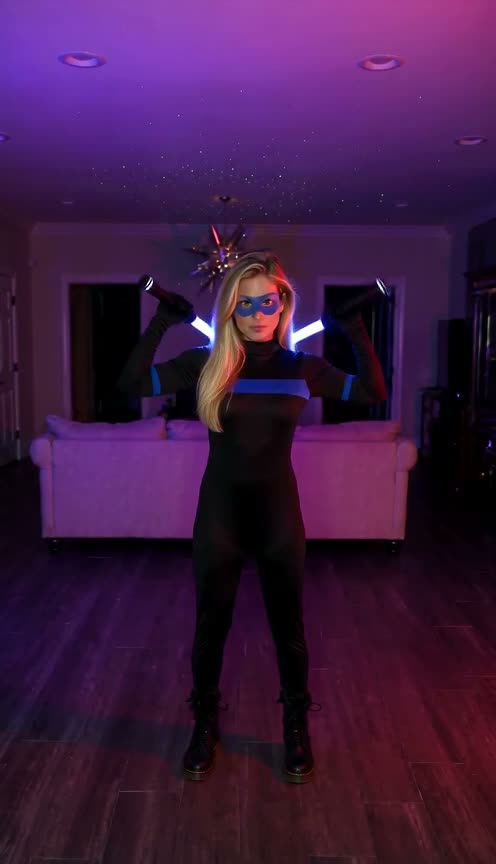
Switch outfits or step into a new character. Start with a clear portrait and choose your reveal.

Explore transformations

Give your product a scene.

Give your product a cinematic close-up or a playful ad scene. Start with a product photo and choose the story.

Explore product videos

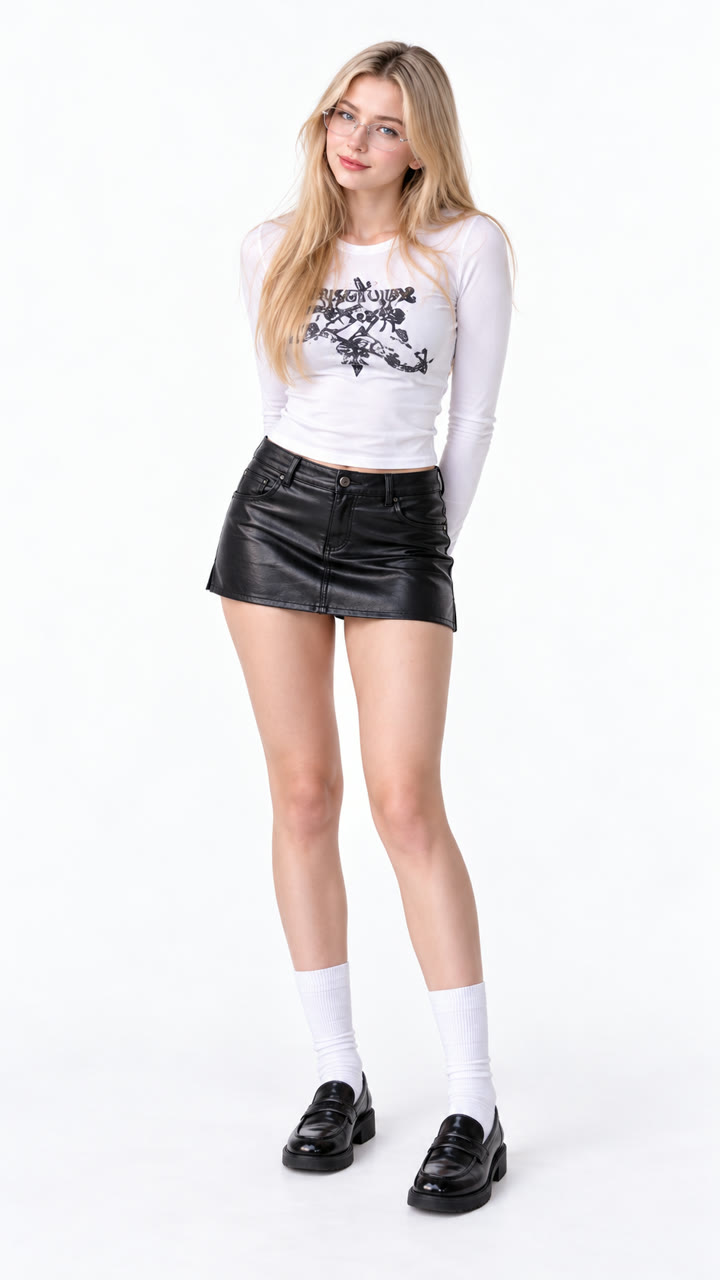
Your photo. A flex-to-heart moment.

Add a clear portrait to the Bicep Heart template for a seven-second flex-and-heart video.

Try Bicep Heart
Input photo of a blonde woman wearing glasses
Input photo
Generated video7s

The tools behind your next idea.

Explore tools

Still choosing your creative tool?

Compare ReelBoop with Pollo AI, Summrs and MakeViral by use case, workflow and how you pay.

Compare platforms

Make more of your ideas.

Find your pace. Pick your credits. Start creating.

Creator

Save ~17%
$8.25/month

Monthly rate $9.90

$99.00 billed yearly

Save $19.80 / year

A flexible place to start

2,400 credits / yearAll yearly credits available upfront

Renews until canceled. Credits expire at period end.

Create with leading models

  • GPT Image 2.6Generate & edit images5 credits/ image
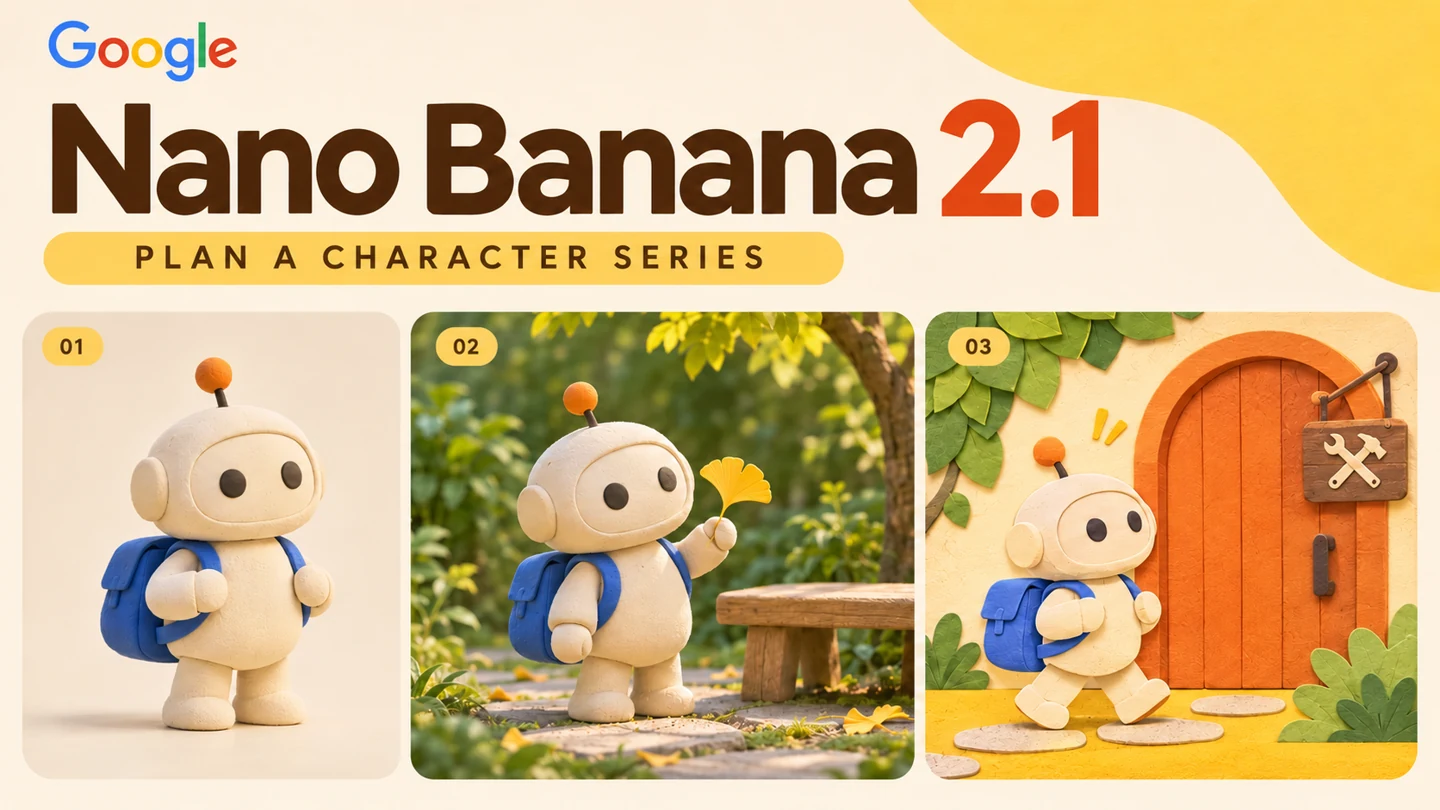
  • Nano Banana 2.1Generate & edit images5 credits/ image
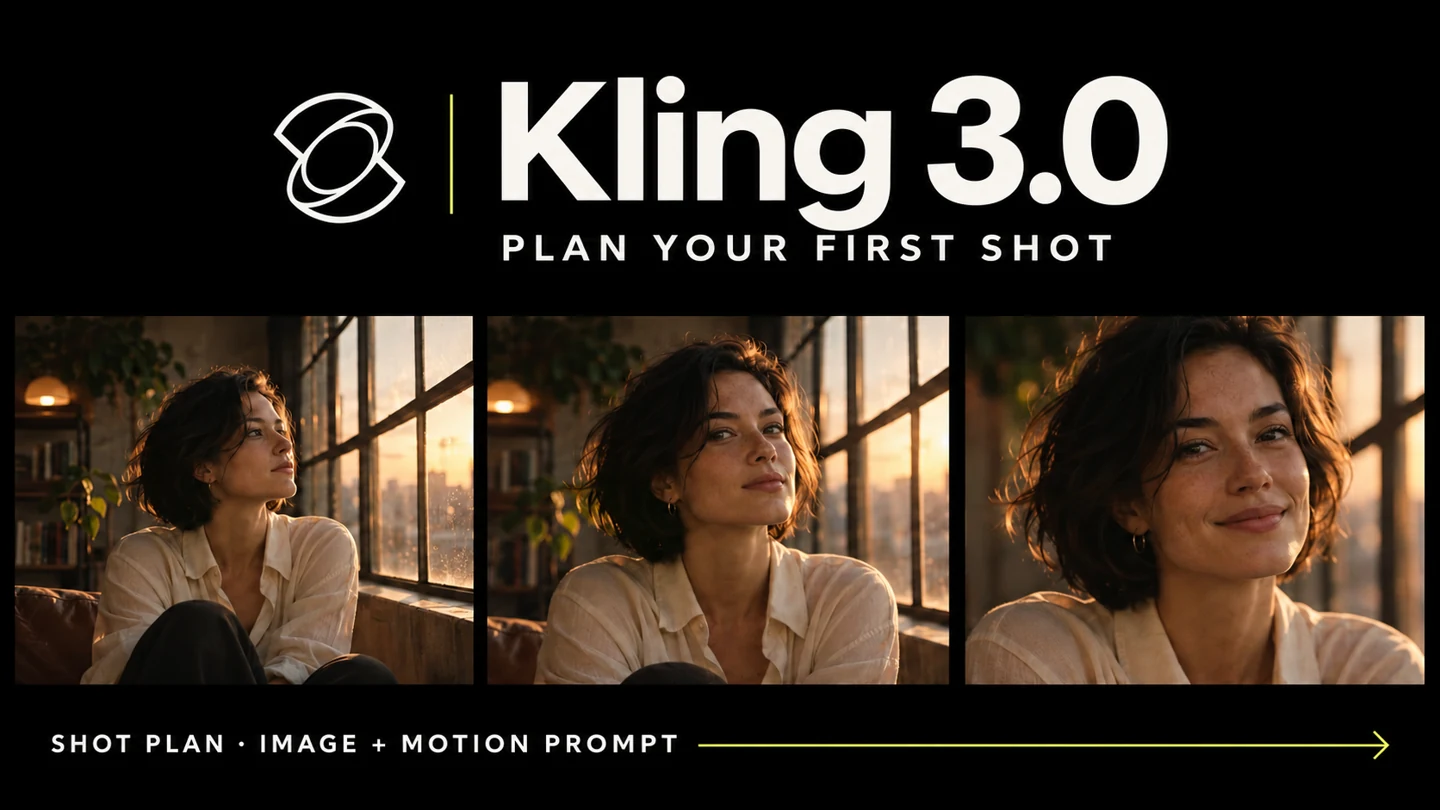
  • Kling 3.0 ProPhoto to video60 credits/ 5s video
  • Seedance 2.5Photo to video100 credits/ 5s video

Use your plan credits across these models and trend templates.

More benefits & usage examples

$4.13 per 100 credits

Up to 480 Nano Banana images or 40 Kling clips

  • All available trend templates
  • Private creations, image & MP4 downloads
  • Credits returned for confirmed failures
  • Manage renewal from Billing

Studio

Save ~17%
$49.92/month

Monthly rate $59.90

$599.00 billed yearly

Save $119.80 / year

39% lower cost per credit than Creator

24,000 credits / yearAll yearly credits available upfront

Renews until canceled. Credits expire at period end.

Create with leading models

  • GPT Image 2.6Generate & edit images5 credits/ image
  • Nano Banana 2.1Generate & edit images5 credits/ image
  • Kling 3.0 ProPhoto to video60 credits/ 5s video
  • Seedance 2.5Photo to video100 credits/ 5s video

Use your plan credits across these models and trend templates.

More benefits & usage examples

$2.50 per 100 credits

Up to 4,800 Nano Banana images or 400 Kling clips

  • All available trend templates
  • Private creations, image & MP4 downloads
  • Credits returned for confirmed failures
  • Manage renewal from Billing

Every tool shows its credit cost before you generate. Examples use Nano Banana at 5 credits/image or Kling 3.0 Pro at 60 credits/5-second video, separately.

Compare plans & billing details ↗

FROM IDEA TO YOUR VIDEO

Find it. Make it. Play it.

01

Find the scene

Open a template and watch the full clip. Check its roles and the number of photos it needs: a solo portrait, a partner or your pet.

02

Add photos and generate

Follow the guidance for each photo slot, choose the available settings and review the credit cost before you start.

03

Play your version

Follow progress in My creations. Once your video is approved, play it or download the MP4.

Ideas, tips and how-tos.

Read the guides

Common questions

Photos, credits and where to find the video you made.

See pricing and credits
What do I need to start?

Pick a template and prepare the 1–3 images it asks for. Use clear JPG, PNG or WebP images you have permission to use.

Do I need to write a prompt?

Templates come with the video direction. Follow the selected template’s instructions. For your own idea, use the image or video creator and describe what you want.

Should I use a template or the general creator?

Choose a template when you want a particular dance, transformation or scene. Use the general creator when you have your own image and an idea for the motion or camera.

How does generation use credits?

The required credits are shown before you generate. Video generation requires credits; it has no free trial. A confirmed failed generation returns its credits.

What photos do I need for a two-person video?

Upload separate photos following the role labels on the template. A duet may ask for full-body views or a particular left, right, front or back role; check those instructions before choosing your photos.

Where can I find my videos?

Return to the tool page you used and sign in with the same account. Find your task in My creations for progress, private playback and MP4 download.

Bring your photos. Make your version.