Halloween Makeup Filter: Create a Hair-Flip Transformation Video
 ReelBoop
Plan a Halloween makeup filter video with a clear portrait, creative makeup ideas, an adaptable prompt and a simple editing alternative.
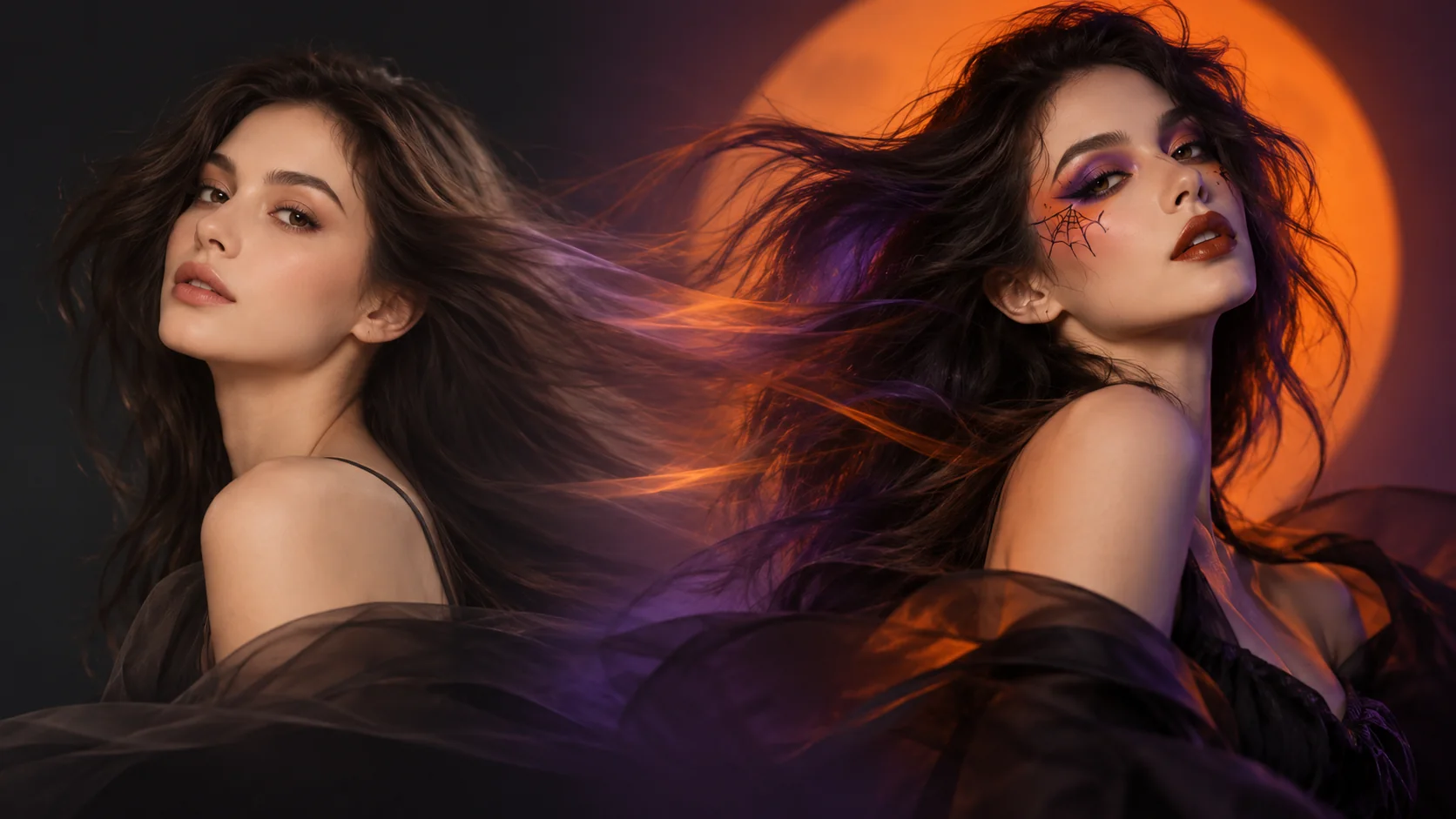
The Halloween makeup filter trend turns a hair flip into a reveal: the subject starts with an everyday look, moves out of view, and returns with a dramatic Halloween makeup style. A single clear portrait can be a useful starting point for a photo-to-video preset. Here's how to plan a look, prepare your photo and review the result.
Explore the Halloween Makeup Filter template and check its current status on the page. The updated template’s video generation and delivery have not yet been verified. Check the template page for current availability and pricing. The manual method below is available now.
What is the Halloween makeup filter trend?
The change happens during a brief moment of motion. Hair, a hand or a quick head turn hides the face; when it comes back into view, the makeup has changed. That hidden moment makes the transition feel smoother than an abrupt before-and-after cut.
A photo-to-video tool can interpret the concept from an image. Results vary, and fixed presets may not offer custom makeup or a text prompt.
Choose the right starting photo
Start with a photo that makes the face easy to read. Check the following before you upload:
- One adult subject: a single face is easier to interpret than a crowded frame. Use your own photo or one you have permission to use.
- Even, soft light: avoid deep shadows across the eyes and mouth. A window-lit portrait is a good place to start.
- Face and hair visible: leave a little space around the head so the image is not tightly cropped.
- A simple background: a plain wall or softly lit room keeps attention on the transformation.
- A clear original: use a sharp image rather than a screenshot that has been repeatedly compressed.
Pick a makeup direction
Choose a look that has a clear shape and one or two dominant colors. Here are four ideas to help you plan:
- Porcelain doll: Fine painted cracks and defined eyes in ivory, black and muted rose.
- Gothic glam: Smoky eyes and a bold lip in charcoal, plum and silver.
- Playful clown: A painted smile and graphic eye shapes in white, black and red.
- Cosmic witch: Small stars around the eyes in deep violet, silver and blue.
Use these ideas with compatible effects or for a manual edit; fixed presets may not support custom looks.
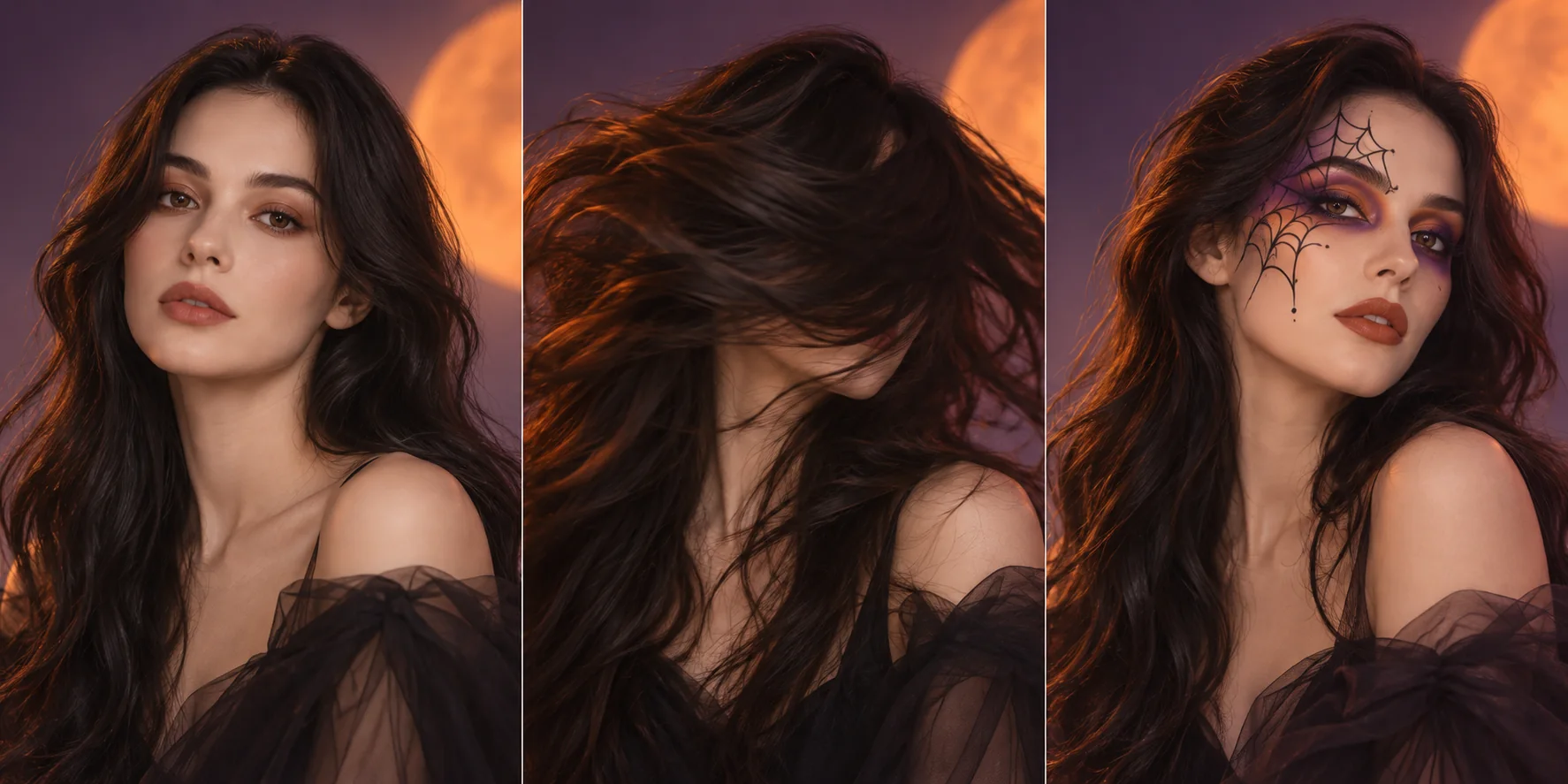
Concept illustration: a planned makeup reveal, not a ReelBoop generation result or a promise of the preset's final look.
Check the Halloween makeup filter template
The Halloween Makeup Filter template shows its current controls and price. You can follow the manual editing steps below.
An adaptable makeup transformation prompt
A preset may take only a photo. If you use a separate tool that accepts prompts, adapt this direction to the input controls it actually provides:
A vertical portrait video of one adult against a simple dark background. Begin with a natural makeup look. The subject makes a gentle hair flip that briefly hides the face, then looks back toward the camera with a gothic Halloween makeup look: smoky plum eyes, a deep berry lip and subtle silver accents. Soft, even light; keep the framing consistent.
Try replacing the makeup description with fine painted cracks and muted rose accents.
Make a hair-flip reveal with ordinary editing
You can make a version without AI. Record two short clips from the same camera position: one before makeup and one after. In both takes, make a similar head turn or bring a hand briefly across the lens. In your editor, cut at the moment when the face is most hidden, then align the movement and lighting.
A dark background and a small, comfortable turn can make the reveal clear.
Troubleshooting
The makeup change is hard to see. Increase contrast between the starting and final looks. A bold lip or clear eye shape usually reads better on a phone than many tiny details.
The result does not resemble the input. Try a brighter, sharper portrait with the face unobstructed. Generative tools can still vary between results, so inspect before sharing.
The cut feels abrupt. In a manual edit, place the cut while hair or a hand covers most of the face. Match the head position on both sides of the cut.
The video feels crowded. Use a simple background and leave room around the face for platform captions.
Try another Halloween transition
If you like the idea of a hidden cut, the Halloween Ceiling Fan trend uses a rotating blade to reveal a sequence of costumes. Browse more ideas in the trending template collection.