
01
Set the rhythm
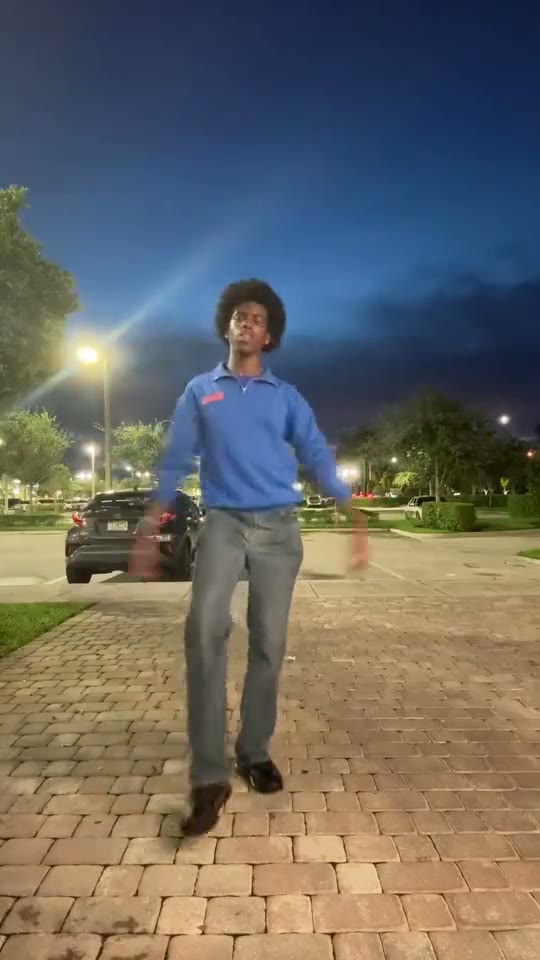
The opening establishes the dancer and the movement pattern. Notice the hand gestures as well as the space around the full body.
Use a clear full-body photo for a routine built around turns, low moves and a jump.
JPG, PNG or WebP · up to 5 MB each
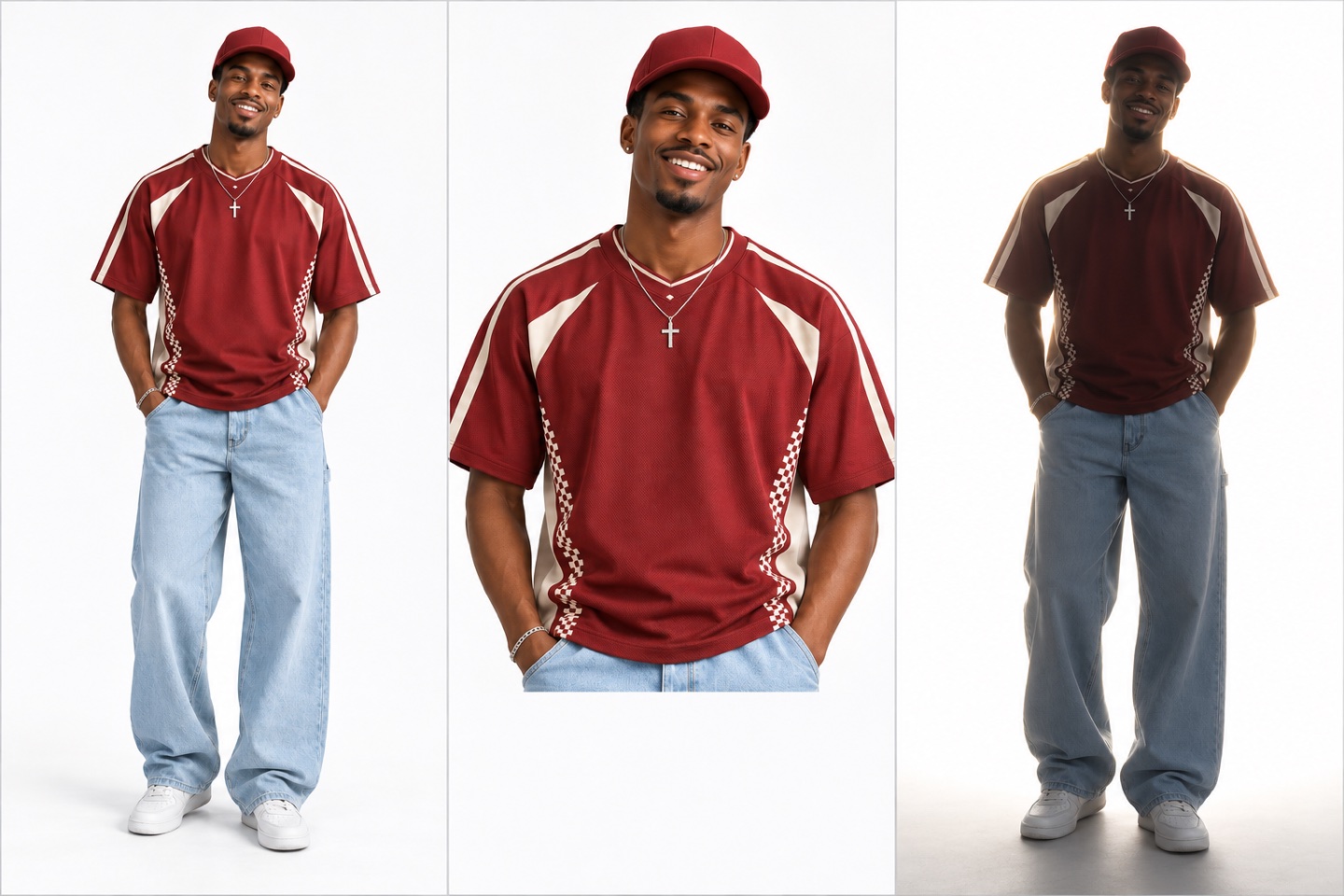
One adult, full body and both feet visible
Credits are returned for confirmed generation failures.
Checking credits…
Checking your task…Use your own photo or an adult’s photo with their permission. How your photo is used
Pick It Up Make It Jump AI Dance is a movement-first idea: the fun is in the changing levels, the turn and the jump. A tiny face crop cannot tell the whole story. Watch the reference with attention to the space around the dancer, then choose a full-body photograph with visible hands and feet. This page helps you prepare that source, understand the sequence and keep the important movement visible in a social edit.
START WITH YOUR PHOTO
Use one adult standing clearly in the frame, with both feet visible and space above the head. A simple standing pose is useful even though the routine itself moves through several positions. Choose an image with a readable outline, rather than a pose in which the arms, legs and background merge into one dark shape.
The lower body matters in a routine that changes levels and jumps. Keep the shoes inside the photograph and leave a small margin underneath. Cropping at the ankles or hiding the legs behind furniture removes useful information about the dancer’s proportions and outfit.
Choose a relaxed pose with visible arms and hands. Hands tucked into sleeves or crossed tightly over the face are harder to read. You do not need to recreate the dance in the source photo; a clear neutral pose is easier to prepare and compare.
Clothes with a distinct silhouette make turns and lower-body movement easier to follow. Avoid a dark outfit photographed against an equally dark wall. Similar brightness between the upper and lower body helps keep the whole dancer readable at phone size.
WATCH THE DETAILS
The opening establishes the dancer and the movement pattern. Notice the hand gestures as well as the space around the full body.
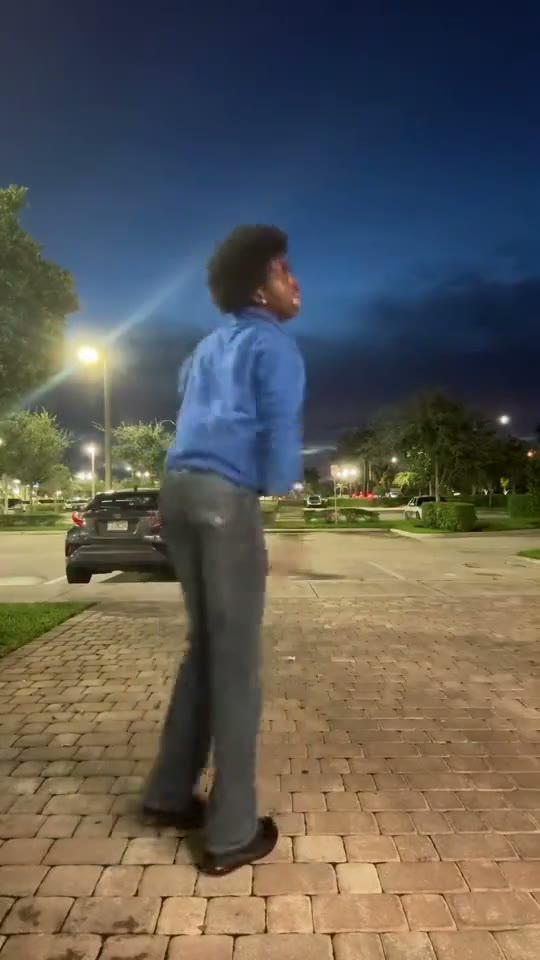
The routine changes orientation and height. These moments make a clear outline and visible lower body especially useful.
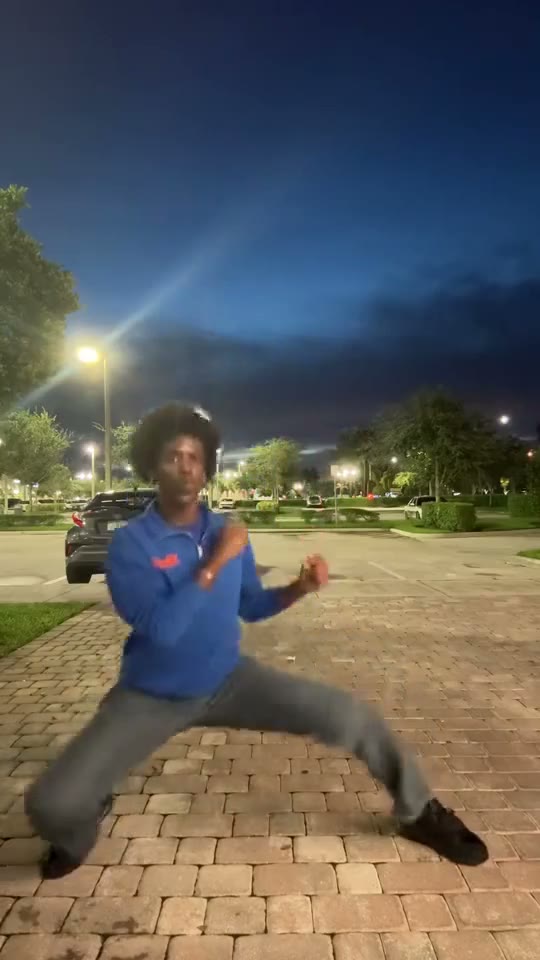
The upward movement needs headroom and a visible landing area. Preserve the full frame when preparing your final post.
WHY THIS PHOTO
A useful dance photograph describes the person from head to toe. Face detail helps recognition, while the rest of the photograph describes clothing, proportions and the shape of the body. For this routine, look at those two jobs separately. A sharp face inside a tightly cropped selfie may be a good portrait but a poor way to prepare for a full-body dance.
Take a new picture if your existing choices all cut off the feet. Stand far enough from the camera to leave a little space around the body, keep the camera roughly level and use even light. A plain room or an uncluttered outdoor wall works well for this preparation. Check the entire image before uploading instead of judging only the face.
WATCH THE SEQUENCE
Play the reference first at normal speed, then look again at the turn, the low position and the jump. Those moments define the idea more than any single frozen pose. They also tell you what to inspect in a completed clip: the body should remain readable as its height and direction change. Review the whole movement before choosing a cover or adding text.
When comparing photographs, ask which one supplies the clearest body outline. Loose fabric that hides both legs, a bag covering the torso or a hand held directly in front of the face can obscure that outline. A simpler pose gives you a cleaner starting point. There is no need to balance on one foot or photograph yourself mid-jump.
POSTING
Use the creation controls to add the photograph and review the current quality and credit quote. When the video is ready on the page, watch the first step, the lowest position and the landing. These checkpoints help you choose whether the clip is the version you want to download and share. Keep the original framing while you make that decision.
A close social crop can make the dancer larger but remove the very jump you came for. Preview your edit in a vertical frame and keep captions above or beside the movement rather than over the shoes. For a cover, a stable standing moment usually explains the subject more clearly than the instant of maximum motion. Let the moving video reveal the surprise.
It is a short dance concept with hand gestures, a turn, a lower-body level change and a jump. Watch the reference to judge the exact movement. The page focuses on preparing one clear full-body photograph for that routine.
A tight face selfie leaves out the legs, shoes and body outline needed to prepare this type of dance. Choose a full-body photograph instead. Keep enough detail in the face that the person remains recognizable after the whole body is included.
A clear standing pose is the practical starting point. Keep the feet and hands visible and leave some space around the body. Use the playable reference to understand the action rather than trying to freeze every dance move in your source photograph.
Choose a background that separates from your clothes and keeps the outline easy to see. A plain wall or calm room is useful. Avoid furniture across the legs, strong backlighting and other people standing close enough to overlap the dancer.
The routine includes upward movement. A little headroom makes the source easier to read and reminds you to preserve room in the final edit. Check the framing through the jump and landing before cropping a finished clip for social media.
Select from the options actually shown in the creation area and review the updated credit quote. A higher-resolution file can help when you need an edit, but it does not replace a clear source photograph or careful framing of the dance.
Watch the turn, the low position and the jump at normal speed. Check that the person remains readable and the feet stay inside your intended post crop. Inspect the beginning and ending too, since those frames often become the cover and loop point.
Compare Fuzzy Dream for another movement-led idea, or browse the dance generator to see routines side by side. The previews below let you choose by the actual moves and framing instead of assuming every dance template uses the same sequence.
YOUR NEXT IDEA
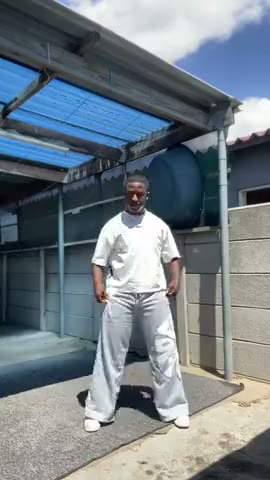 Fuzzy Dream / Skeur
An outdoor dance with low bounces and arm movements.
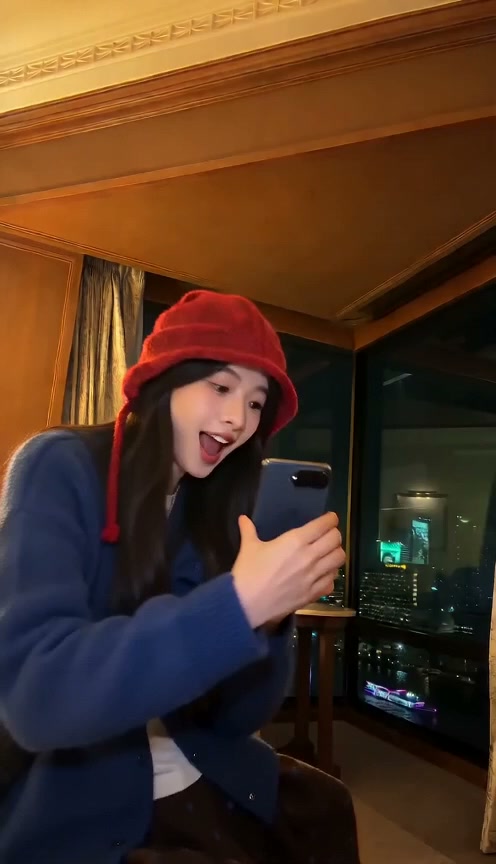 iPhone Kupi Dance AI
One photo, a phone reveal and a hotel-room dance.
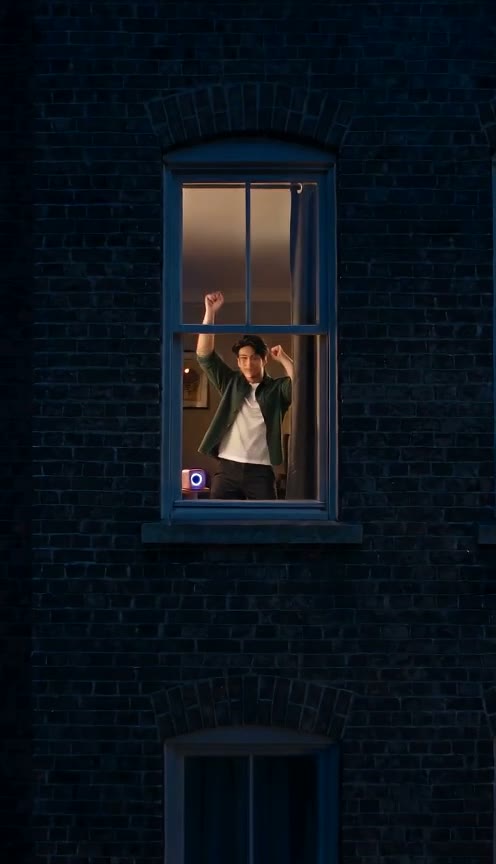 Window Dance
One photo, a dance by the window.
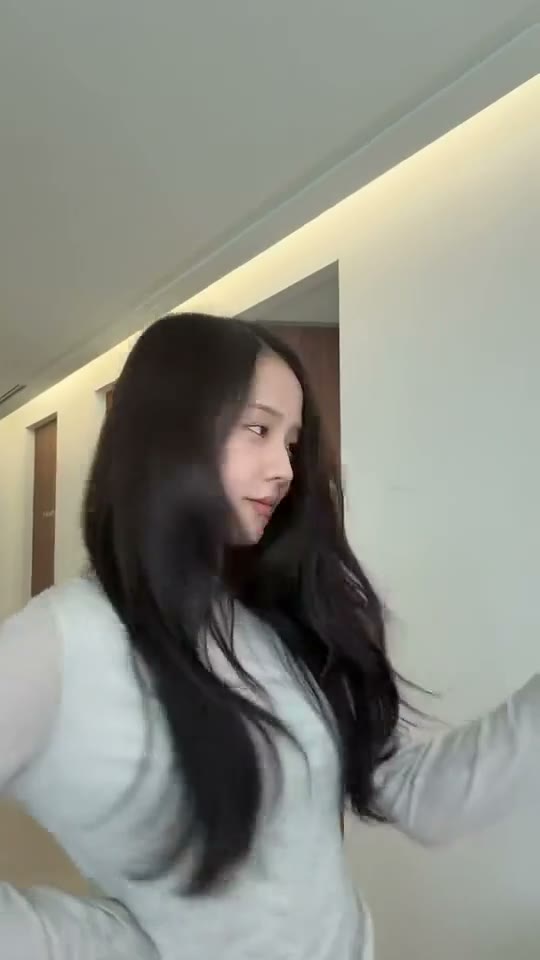 JISOO ADDICTED AI Dance
Put two portraits into a playful partner routine with a change of places.