
01
Night and rain
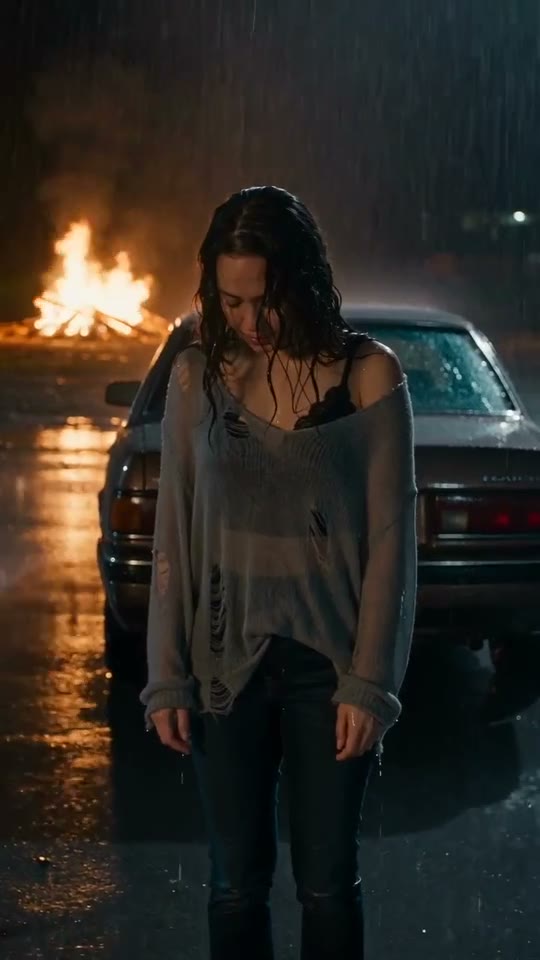
The dark setting and visible rain establish the music-video mood. Look at how the person remains readable against the scene.
Build a portrait-led music-video concept around rain, night lights and a dramatic car scene.
JPG, PNG or WebP · up to 5 MB each
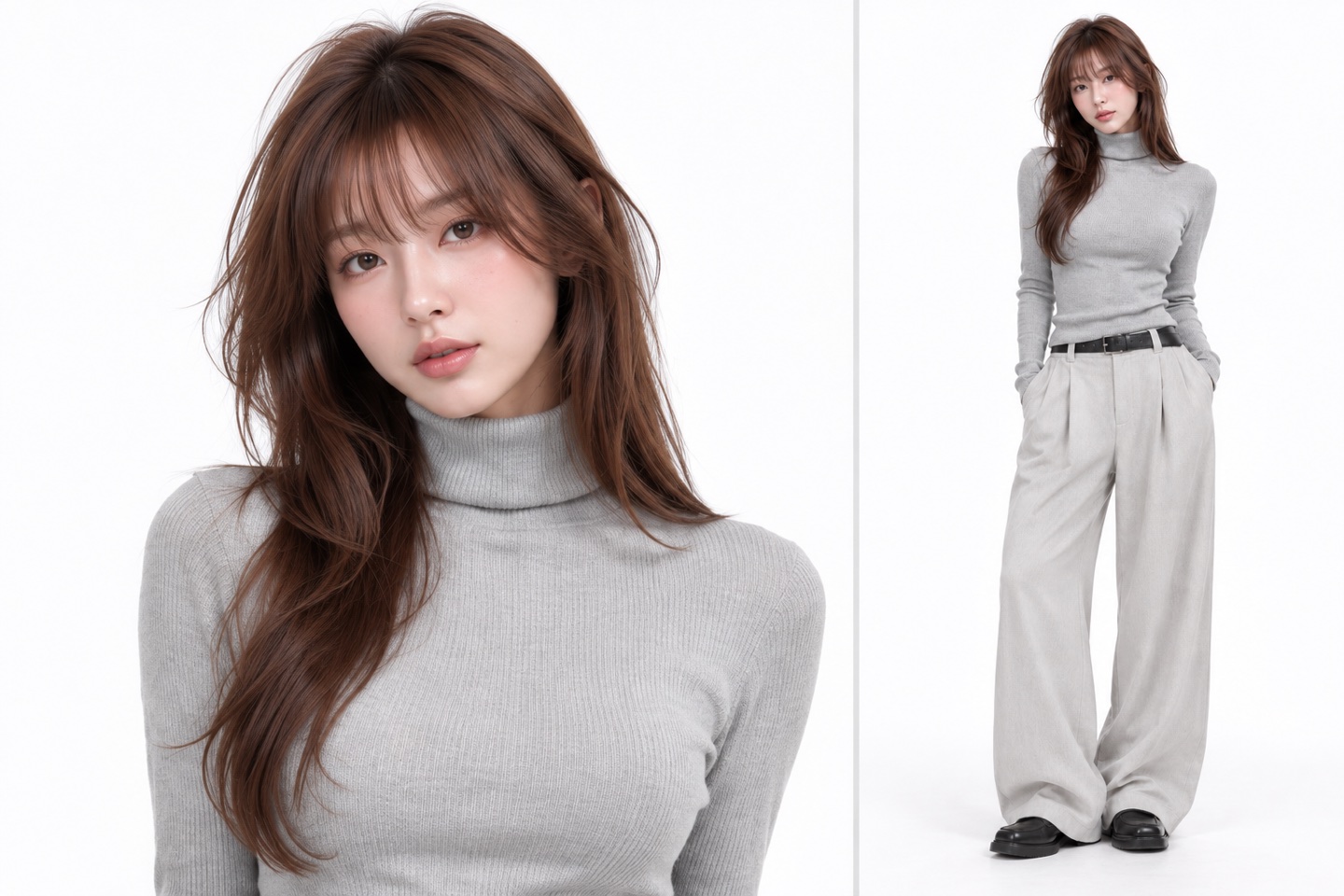
One adult, clear face and upper body
Credits are returned for confirmed generation failures.
Checking credits…
Checking your task…Use your own photo or an adult’s photo with their permission. How your photo is used
The BABYMONSTER DESERVE AI Video idea is about cinematic attitude rather than learning a dance. Rain, a nighttime car setting, warm firelight and a close portrait create its visual language. Begin with a photograph that makes your face easy to read, then watch how the example moves between the person and the scene. The creation area and guide below help you prepare that portrait and plan a short, expressive music-video post.
START WITH YOUR PHOTO
Choose one adult with an unobstructed face and enough room around the head and shoulders. A direct or slightly turned gaze works well as a starting reference. The photograph supplies identity and appearance; the video concept supplies a dramatic setting. You do not need to photograph yourself beside a car or in the rain.
Look for visible eyes, a clear hairline and natural skin detail. Remove the temptation to choose an atmospheric photograph that hides half the face in darkness. A neutral, evenly lit source is more useful than a heavily filtered night selfie for establishing the person.
Avoid cutting through the top of the head or pressing the chin against the bottom edge. A little space around the shoulders makes the portrait easier to interpret. If the original is very wide, crop deliberately while preserving the whole face and recognizable clothing.
A simple jacket, a clear hairstyle or a bold color can anchor the look. Several tiny accessories add little on a small screen. Pick the feature that matters most to your concept and make sure it is visible in the source photograph.
WATCH THE DETAILS
The dark setting and visible rain establish the music-video mood. Look at how the person remains readable against the scene.
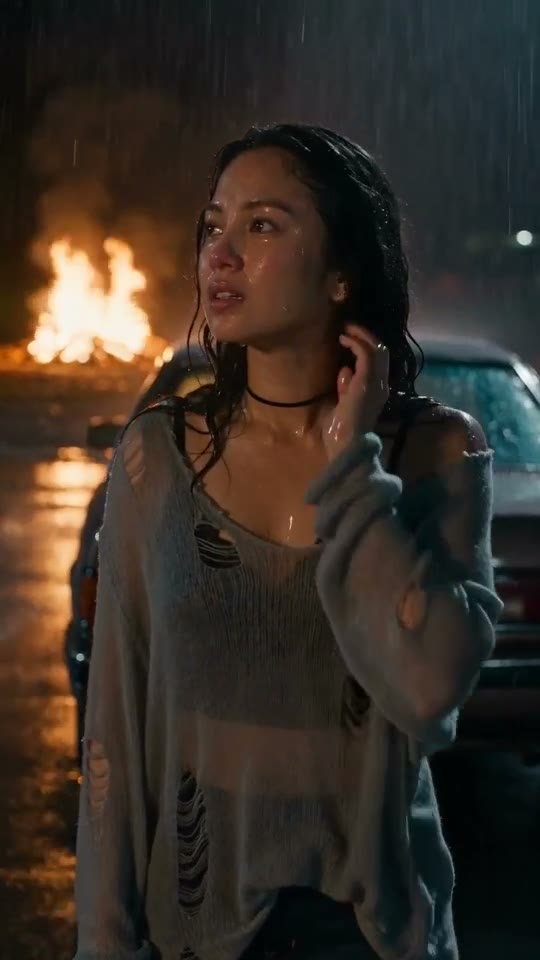
The car setting and warm flames add contrast to the cool nighttime palette. They are part of the visual concept, rather than a dance sequence.
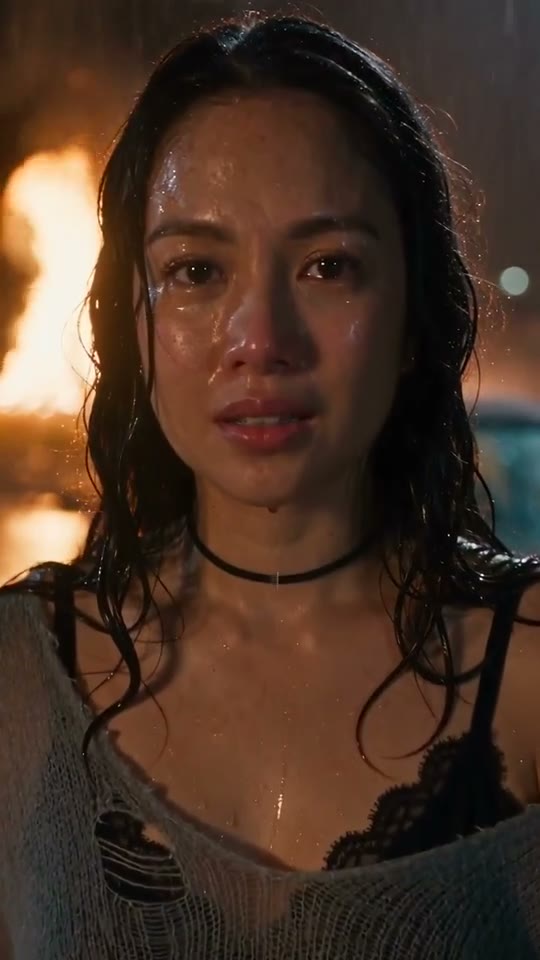
A close view brings attention back to the face and expression. This is why a clear portrait is the most useful starting photograph.
THE LOOK
A music-video concept gives a portrait a setting and a mood. Here the cool tones of rain and night sit against warmer firelight. That contrast does much of the storytelling. When choosing your photograph, think about the person you want to see in that world: composed, playful, intense or understated. A clear expression communicates more quickly than a long explanatory caption.
Choose DESERVE for its rain, car scene, firelight and close portrait. For a recognizable sequence of dance steps, compare the dance templates below.
PREPARE
Good source material does not have to look like the finished setting. Photographing a face in clear light makes its features easier to understand. Sunglasses, hair across the eyes and strong colored light can hide the details that distinguish a person. Start with a photo you would recognize immediately at thumbnail size; then zoom in to check that the eyes and mouth are still sharp.
If you have several possible portraits, compare them side by side before uploading. Prefer the one with the clearest facial structure over the one with the most elaborate background. A crowded street, a mirror full of reflections or a second person near the face adds competing information. A simple wall or calm background keeps attention on the intended subject.
MAKE IT A POST
Use the creation panel to add the portrait and review the available quality setting and credit amount. Once a clip is ready, play it all the way through in the current page. Look for a readable face in the darker moments and a consistent sense of the person when the view moves closer. Choose your cover from a frame that works before the viewer turns on sound.
For a social edit, leave the face and the strongest light contrast clear of text. A short line introducing the mood is easier to read than a paragraph covering the car scene. When adding your own title or caption in an editor, check the phone preview: platform buttons and subtitles use valuable space at the bottom and along the right edge.
It is a portrait-led music-video concept using a nighttime setting, rain, a car scene, firelight and a closer view of the face. It suits an atmospheric personal edit. The example above is the best place to judge the visual direction.
A clear face and generously framed head-and-shoulders or upper-body portrait are the priority here. Keep the hair and shoulders visible. The page focuses on a cinematic portrait concept; choose a dance template when full-body movement is your main goal.
Use clear, even light for the source photograph. A dark selfie can hide the features that identify you. The night mood belongs to the video concept, so your source photo can have a plain background and natural daytime lighting.
For a useful identity reference, choose a photograph with the eyes visible. Sunglasses, deep shadows and hair covering the eyes remove important facial information. Keep the styling focused on an outfit or hairstyle that leaves the face easy to read.
The fixed concept is selected through this template. Concentrate on choosing the right portrait and checking the controls shown in the creation panel. Use a general video tool when you want to specify a completely different location or storyline.
The creation panel displays the amount for its current options. Review it after selecting the available quality setting and before starting. The amount shown there is the relevant quote for your request, rather than a price copied from another template.
Choose a frame with a recognizable face and a clear contrast between subject and background. A very dark rain frame may look dramatic when moving but become hard to read as a tiny cover. Check it at phone-screen size.
The focus is the person inside an atmospheric scene, rather than a specific chain of dance steps. If you want visible footwork, synchronized partners or a recognizable routine, compare the playable dance previews below before choosing a template.
YOUR NEXT IDEA
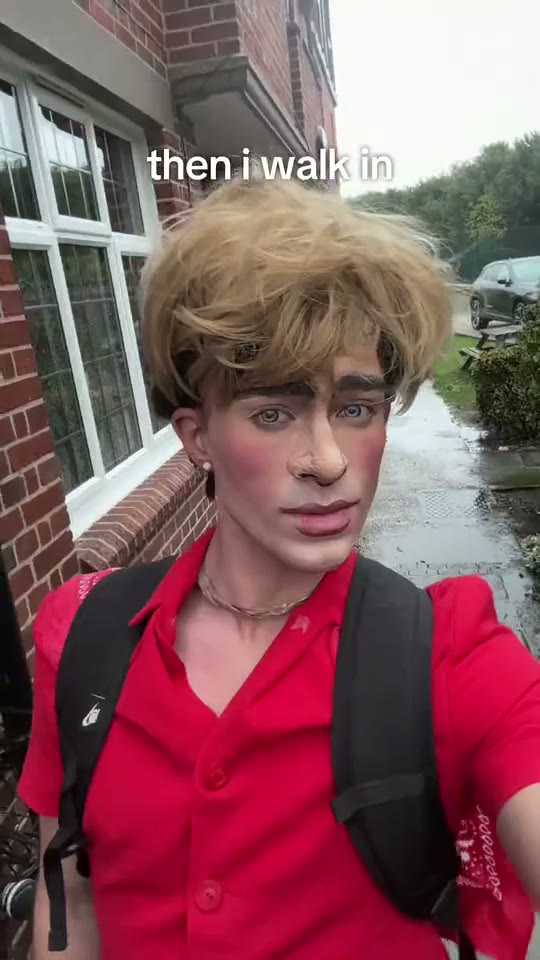 Then I Walk In AI Trend
Turn a clear portrait into a deadpan entrance with a simple walk-by setup.
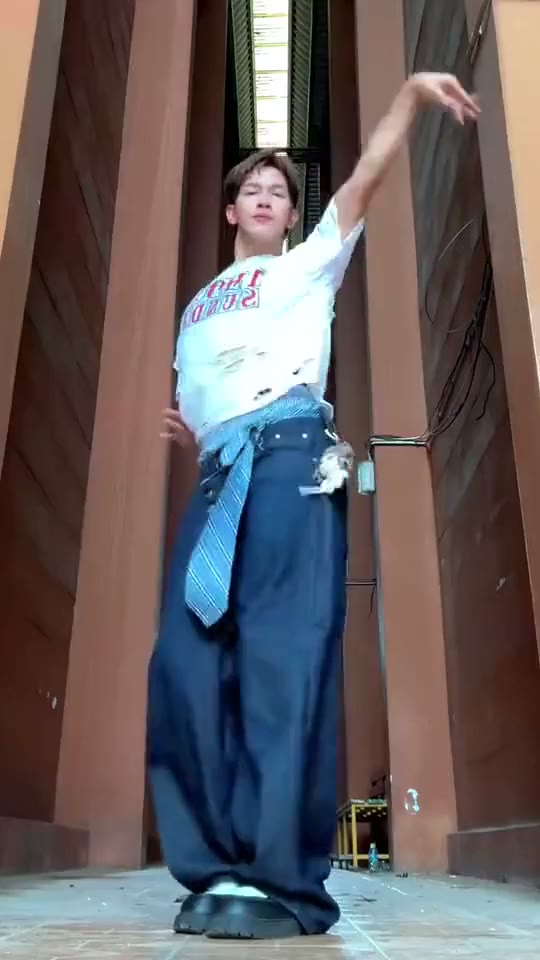 LISA Tarantino AI Dance
Prepare a full-body photo for a solo routine with arm sweeps, a knee lift and body movement.
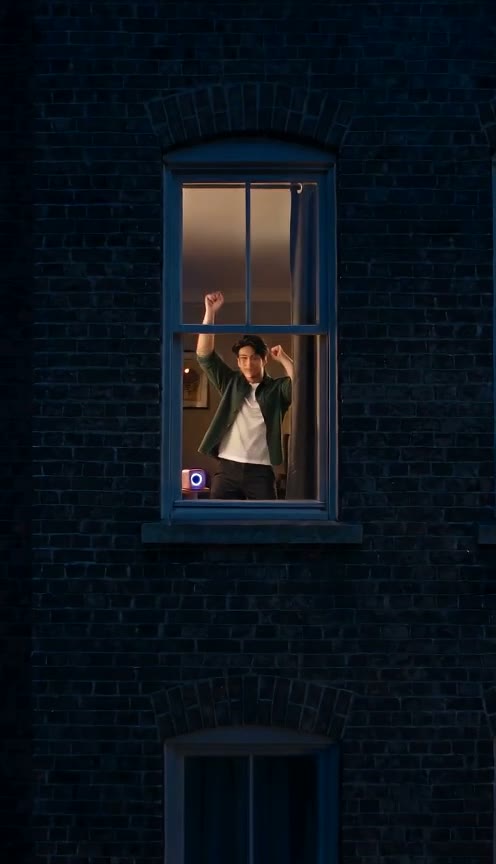 Window Dance
One photo, a dance by the window.
 Snow Leopard Paws at You AI
Explore the Snowmei look: a big-eyed snow leopard reaching toward the camera in a flower-filled meadow.