
Choose the movement
Upload a 1–10 second H.264 MP4 with one visible performer. Start with a clear dance phrase, turn or gesture. Pick a continuous shot where the head, arms and legs remain visible during the action.
Add a full-body photo and a movement video. Put your character in motion.
Checking availability…
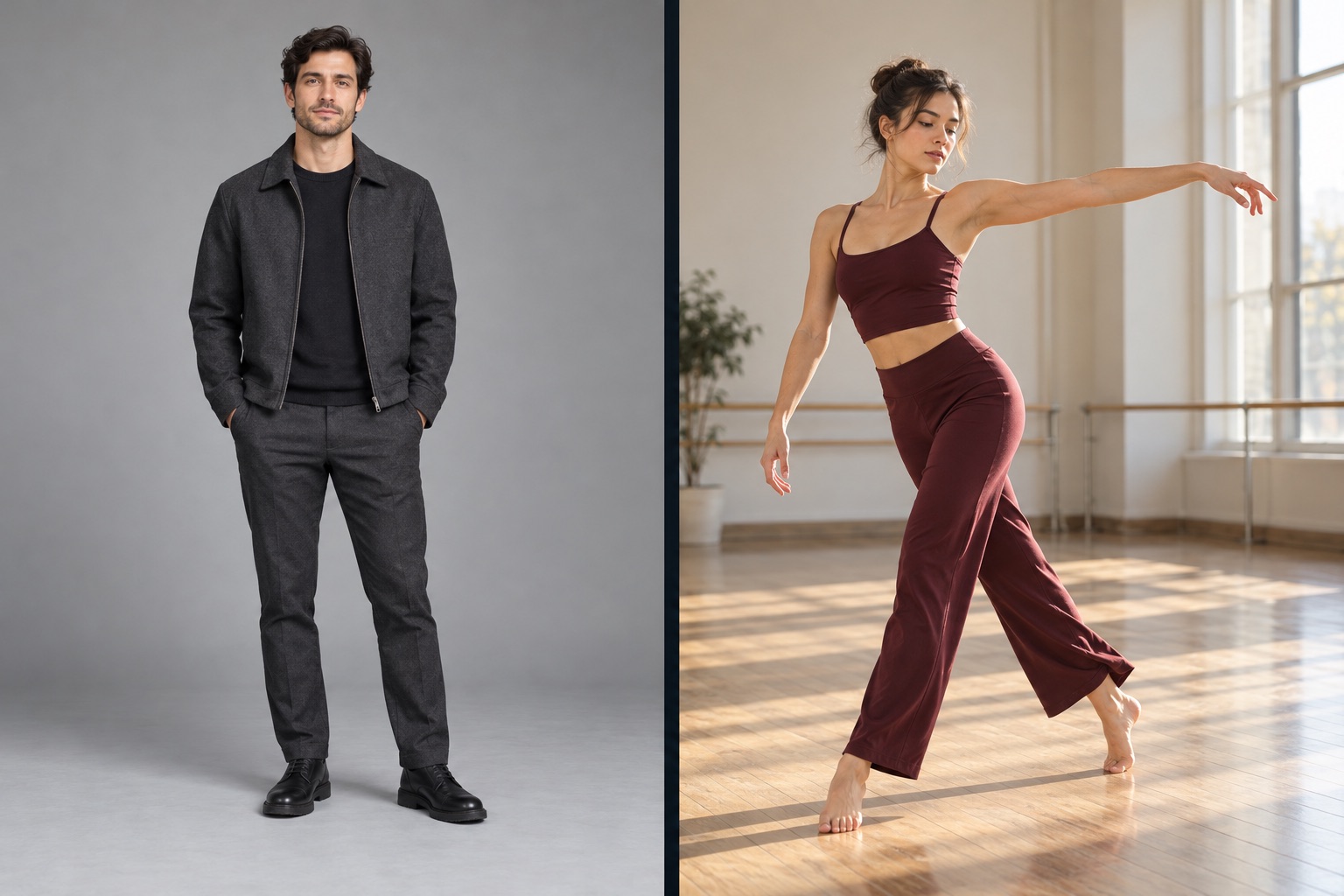
The photo sets the look. The video guides the movement.
AI body swap is for an idea that depends on the whole person: the outfit, silhouette, posture and movement together. Start with a full-body photograph of your character, then use a short video to guide the performance. This page focuses on motion transfer, so you can plan a dance, gesture or character performance around a photograph you already like.
Think of the two inputs as answering different questions. The image answers who is performing and what their visual setting looks like. The video answers how they move. That makes AI body swap useful when you want to animate your own character reference. If your priority is replacing a person inside an existing filmed scene, use Character Swap instead. If you already know which ReelBoop dance you want, choose its prepared template.
Upload a 1–10 second H.264 MP4 with one visible performer. Start with a clear dance phrase, turn or gesture. Pick a continuous shot where the head, arms and legs remain visible during the action.
Use a sharp JPG, PNG or WebP that includes the whole person and the setting you want to animate. Leave space around the limbs and choose a pose with a clear silhouette, rather than crossed arms or hidden feet.
Upload your two files to get a quote for the selected clip, then generate. Follow the current request here, play the finished video in the same page, and download the MP4 when it is ready.
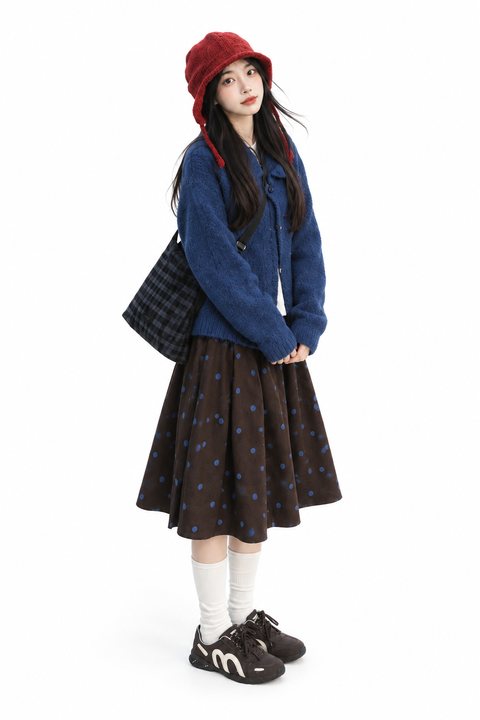
Give arms and legs room against a simple background.
Keep the performer and the complete movement in frame.
For AI body swap, the best motion reference is easy to read without pausing. Look for one person, a stable camera and movements that stay inside the frame. A short phrase with visible hands and feet is a useful first test. Rapid scene cuts, a crowded foreground or limbs leaving the frame make it harder to understand which motion you intended to transfer.
The reference photo does more than identify a face. It gives the generated performance its character appearance and visual setting. Show clear body proportions, a visible outfit and enough background space for the movement. A seated portrait and a standing jump ask for very different poses; choosing compatible inputs makes the idea more coherent. Begin with a simple performance before moving to more complex choreography.
Pair your full-body reference with a short routine you want to explore. Keep the first test focused on one phrase, then check the rhythm, footwork and silhouette together before planning the next clip.
Turn a clearly framed character photograph into a performance idea. Choose gestures that communicate the character quickly, such as a small turn, a wave or a short entrance with a readable pose.
Use a photograph that already shows the clothing you want. A simple movement reference can help you explore how that overall look reads in a short social video or a creative presentation.
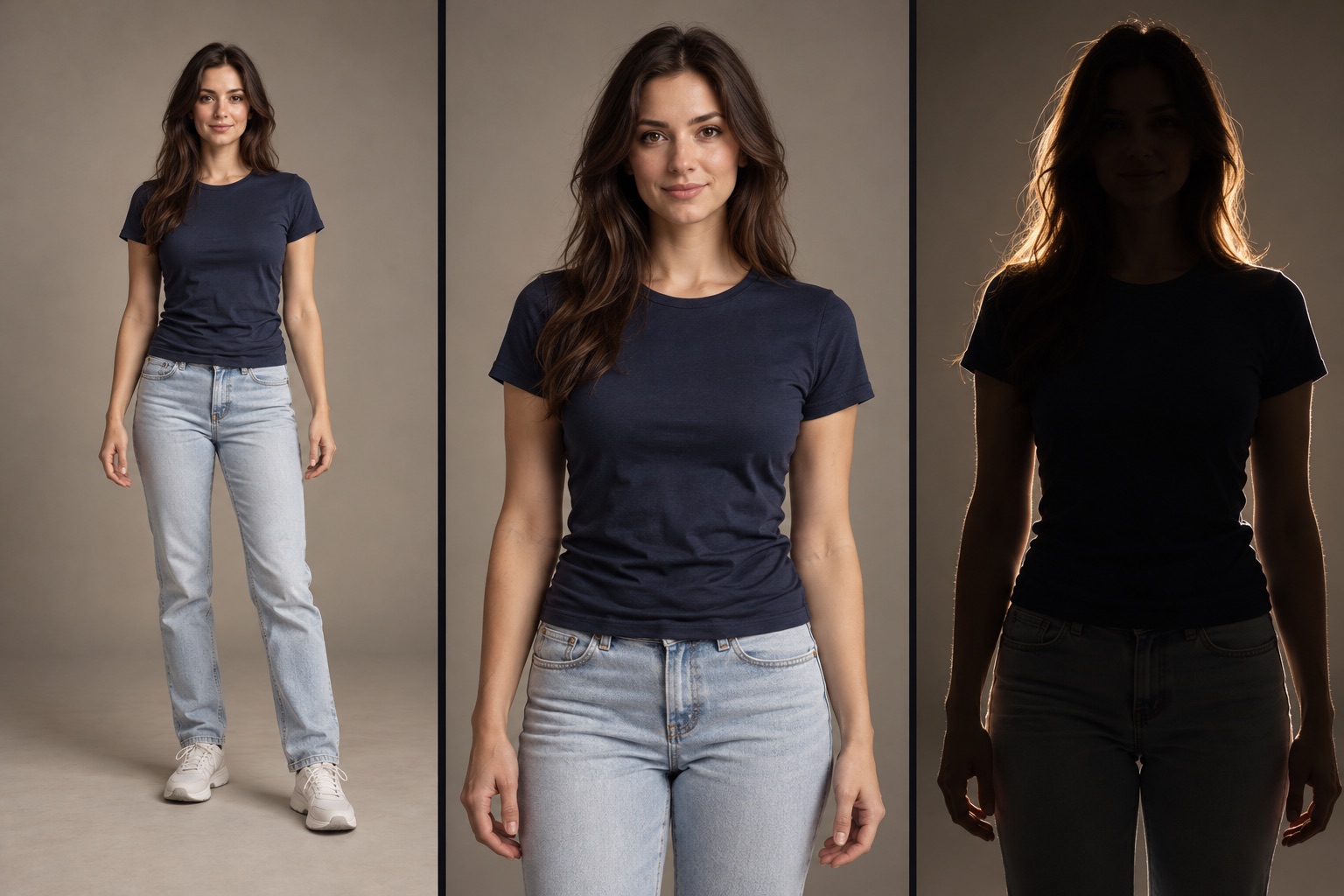
Watch your AI body swap at normal speed and check the full silhouette. Do the feet remain connected to the ground? Are the arms and hands readable through a turn? Does the outfit stay coherent as the character moves? Compare the main poses with the reference video, then replay the opening and closing frames to check whether the clip starts and ends naturally.
For TikTok or Reels, choose a composition that leaves space above the head and below the feet. Keep your opening pose visible around captions and app controls. Listen to the audio before sharing, and make any final trimming in your usual editor. The finished MP4 can be played and downloaded here; completed body-swap requests remain accessible through Completed body swaps when you are signed in.
This AI body swap workflow transfers movement from a reference video to the character in your photograph. The image supplies the character appearance and visual setting; the video guides the action.
This page uses motion transfer to animate your reference image. Choose Character Swap when your intention is to replace the person inside a filmed scene.
Choose a full-body photograph of one adult with the head, hands and shoes visible. Even lighting and a clear silhouette help you assess the intended performance.
Use a H.264 MP4 lasting 1–10 seconds and no larger than 20 MB. Choose one clearly visible performer with continuous movement and minimal obstruction.
A full-body photo is more useful for this workflow because it shows the outfit, limbs and proportions that should appear in the generated performance. Use a photograph that matches the movement you want.
A dance template already has a prepared routine. AI body swap lets you bring your own movement video and character photograph, giving you more control over the performance you want to explore.
The tool checks the duration of your uploaded video and shows the exact credit quote before generation. A longer accepted clip can require more credits than a shorter clip.
AI Body Swap uses fixed output quality. There is no resolution selector for this workflow.
Watch the performance at phone size and keep the face, hands and feet clear of captions and app controls. Check the sound, then make any final trims in your usual editor before sharing.
Your current request, playback and download stay on this page. Completed body swaps lists completed body swaps for your account. Confirmed failed generations return the consumed credits.
Have a move in mind?