
Choose your scene
Upload a 1–5 second H.264 MP4 with one prominent adult. Trim a longer recording to the moment that matters. A continuous shot with even light gives you a clearer starting point than a montage with fast cuts.
Upload a video and a character photo. Give your scene a new lead.
Checking availability…
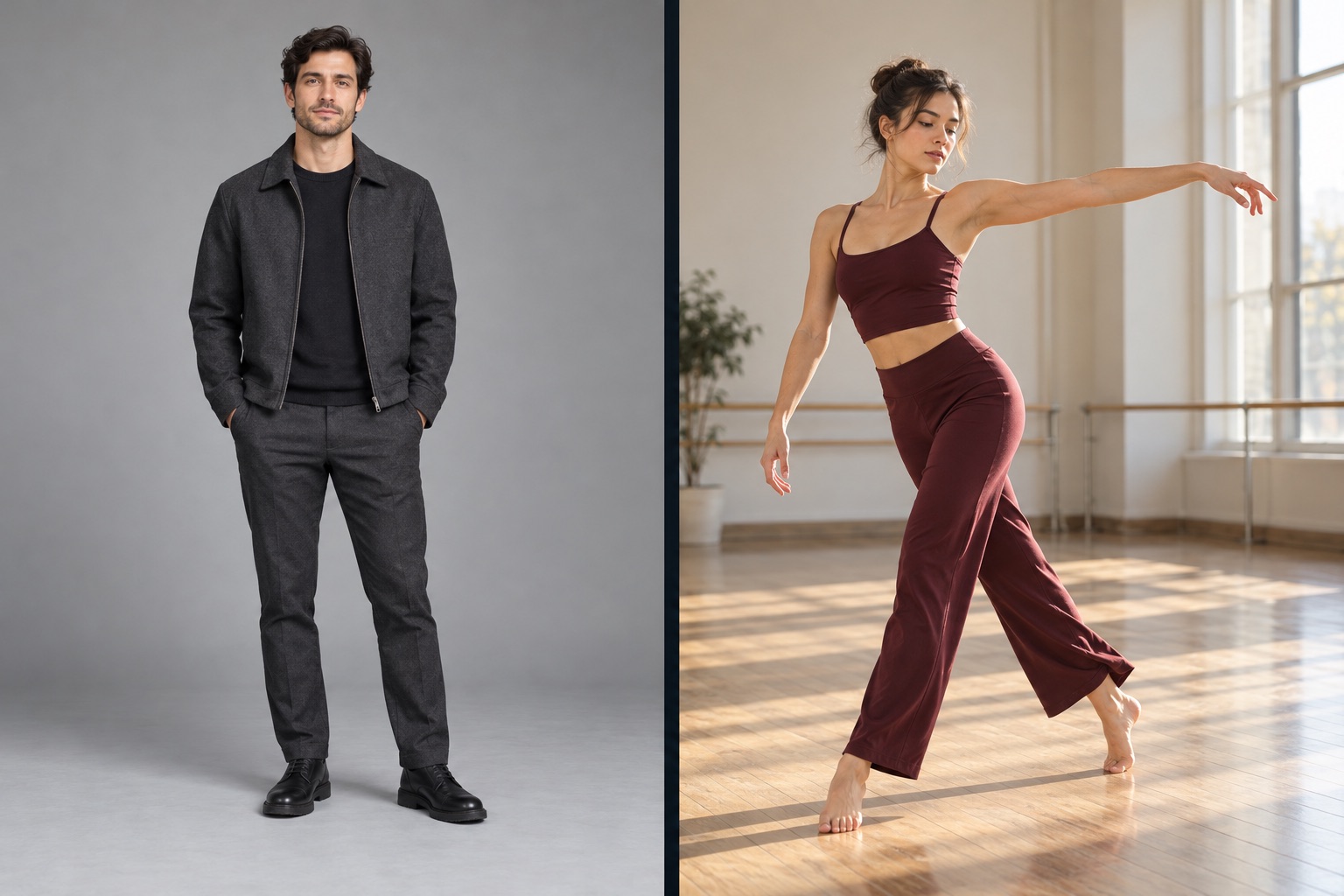
Choose the scene, then the person you want to introduce.
AI character swap starts with a scene you already have. A source video provides the performance and a reference photo introduces the person you want to see on screen. Use it to explore a different lead in a short scene, build a recurring character for a social series, or try a new creative direction before planning another shoot.
The useful question is what you want to change. For AI character swap, choose the person in the scene. For a fixed dance routine, a ready-made dance template is a shorter route. If your main goal is to animate the person and setting in a full-body photograph with movements from another clip, choose AI Body Swap. Each workflow starts with a different creative intention, even when both use a video and a photo.
Upload a 1–5 second H.264 MP4 with one prominent adult. Trim a longer recording to the moment that matters. A continuous shot with even light gives you a clearer starting point than a montage with fast cuts.
Choose a JPG, PNG or WebP showing the person you want to introduce. Match the framing of the source where possible: a full-body scene benefits from a full-body photograph, while a closer scene needs a clearly visible face.
Upload the selected files to check the exact credit quote, then generate. Your current request stays on this page while it is processed. When it is ready, play the video here and download the MP4.
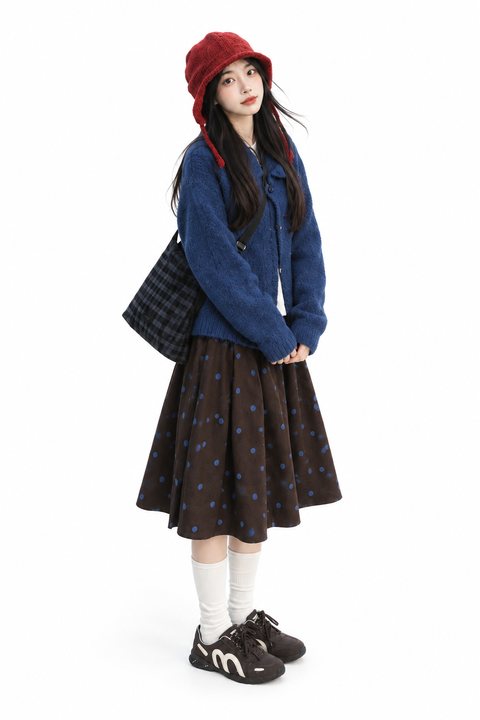
Keep the face, hair, outfit and silhouette visible.
A short, continuous shot makes the subject easy to follow.
A good AI character swap begins before you press Generate. Watch your source clip from beginning to end. Can you follow the same person throughout it? Is the face visible near the start? Does an arm, another person or a prop repeatedly cover the subject? Choose a moment with a readable silhouette and enough space around the performer. Clear source material makes your intended casting easier to communicate.
Treat the reference photograph as a casting reference. It supplies face, hair, clothing and the overall look you want to explore. Keep it sharp and evenly lit, with one person in the frame. A reference with a similar viewing angle to the source is easier to judge than a close selfie paired with a distant full-body performance. Keep the clothing and silhouette you want visible instead of relying on a written description.
Plan several short scenes around the same reference photograph. Keep a consistent face, hairstyle and outfit in the source material you choose, then compare each finished clip before adding it to the series.
Explore another casting direction around a short performance. Use a simple shot first, review the face and hands in motion, and keep the strongest version as a visual reference for the next creative decision.
Test a performer concept for a storyboard, presentation or short social idea. Frame the swap around a single scene and a clear creative objective so that the finished clip is easy to assess.
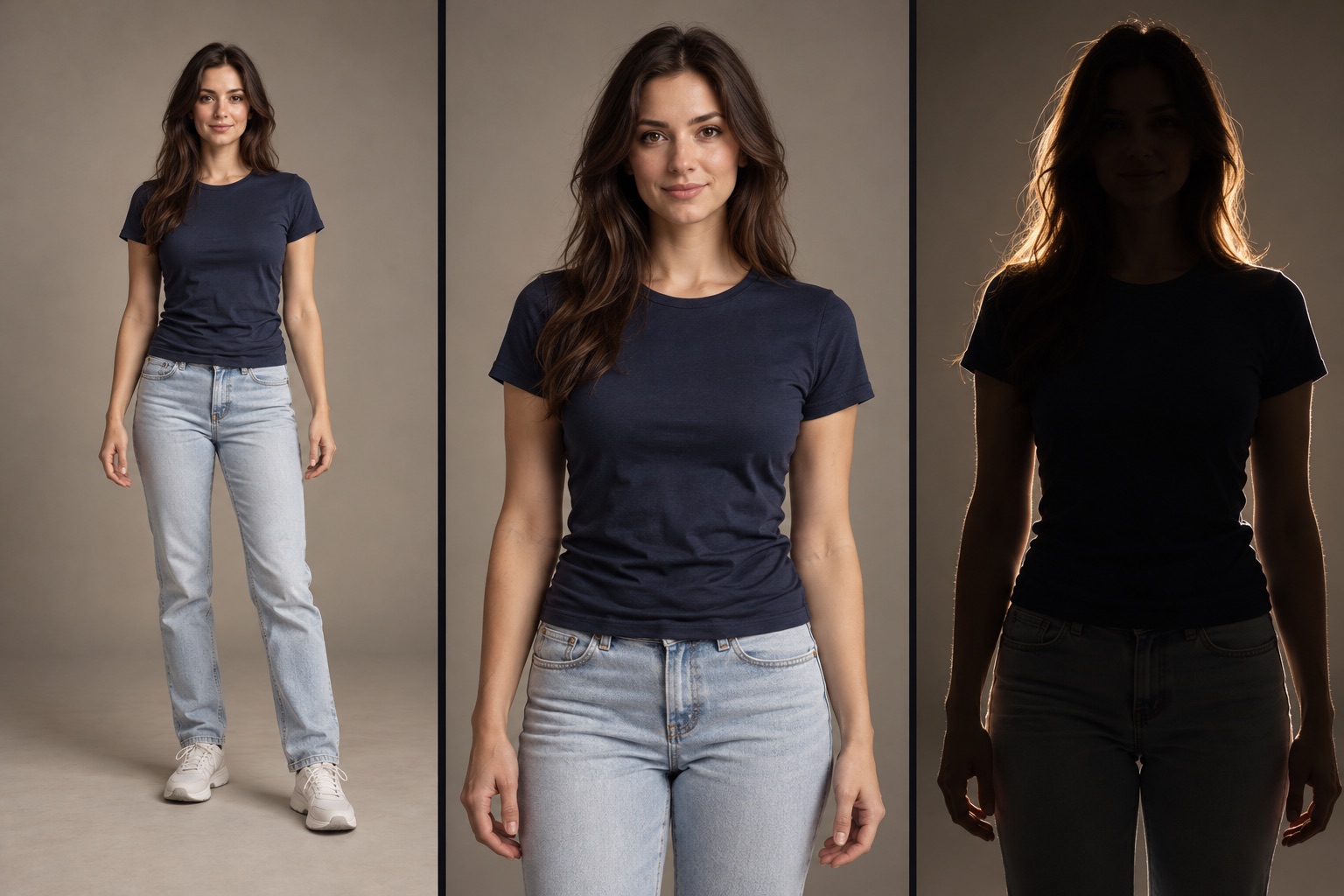
Play the AI character swap all the way through before you share it. Check the face at the beginning, middle and end, then look at the hands, hair, clothing edges and moments when the performer turns. A frame that looks good when paused may still reveal an awkward transition during playback. Compare the timing with your source and check the sound before sharing.
For a vertical social post, leave space for the app interface and captions. Make the character readable at phone size and choose an opening moment that communicates the idea immediately. Keep the downloaded MP4 as your finished file, and use Completed character swaps on this page to return to completed character swaps from your account.
AI character swap uses a source video and a reference image to replace the person in a scene. The source sets the action; the photograph provides the intended character appearance.
Use one H.264 MP4 lasting 1–5 seconds, up to 20 MB, and one JPG, PNG or WebP photograph up to 5 MB. Trim a longer video before uploading it.
Choose one clearly visible adult in even light. Show the face, hair and outfit; for a full-body scene, include the person from head to shoes.
Face swap concentrates on facial identity. AI character swap works with the appearance of the person, including hair, clothing and silhouette. Choose it when the creative change involves the whole character.
Use the source as the scene and performance reference. Review the finished video for changes to the background, hands, clothing and transitions before using it in an edit.
This tool is set up for one prominent person. Choose a shot where that person remains clearly visible; a prepared two-person template is a better starting point for a duet.
Select and upload your files to see the exact credit quote before generating. The quoted amount is confirmed before the generation request begins.
Watch the complete MP4 at normal speed, then check the face, hands, framing and sound. Add captions or a soundtrack in your usual editor, leaving room for the app interface.
Play and download it on this page. When signed in, open Completed character swaps to find completed character swaps associated with your account.
A confirmed failed generation returns the consumed credits. If a request is still being checked, use its status controls to follow that same request until its outcome is confirmed.
Ready to recast your scene?