
FIND A MOVE. MAKE IT YOURS.
AI Dance Trend
Find your next dance, preview the moves, and join in with your photos.
JPG, PNG or WebP · up to 5 MB each
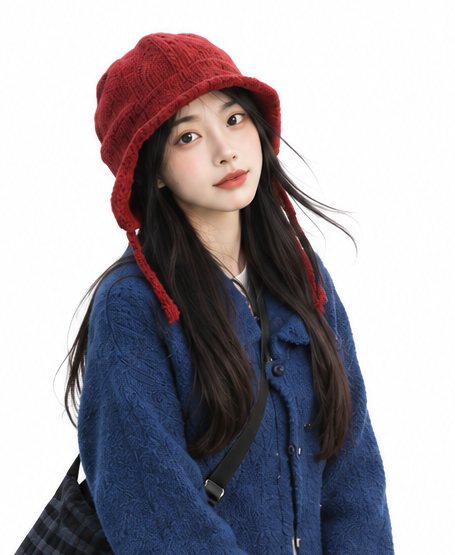
Use a separate, well-lit photo for each person.
Confirmed failures are refunded.
Checking credits…
Checking your task…Upload a separate photo of each adult. Get permission from anyone whose photo you use. How your photo is used
My creations
YOUR SOLO MOMENT
A dance for your kind of energy
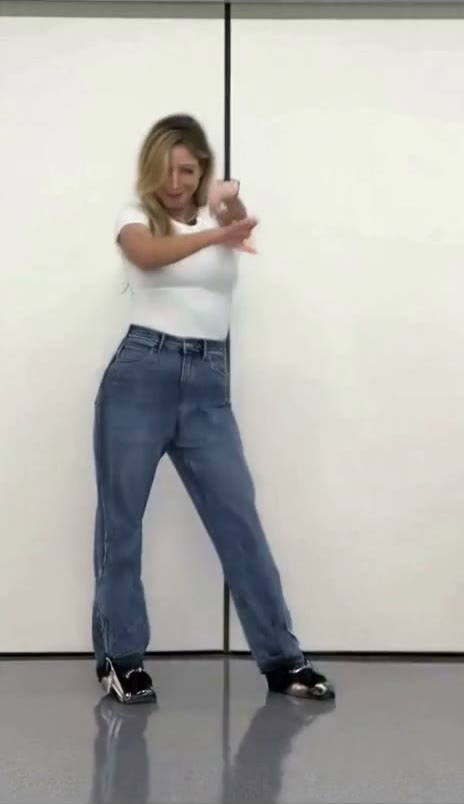
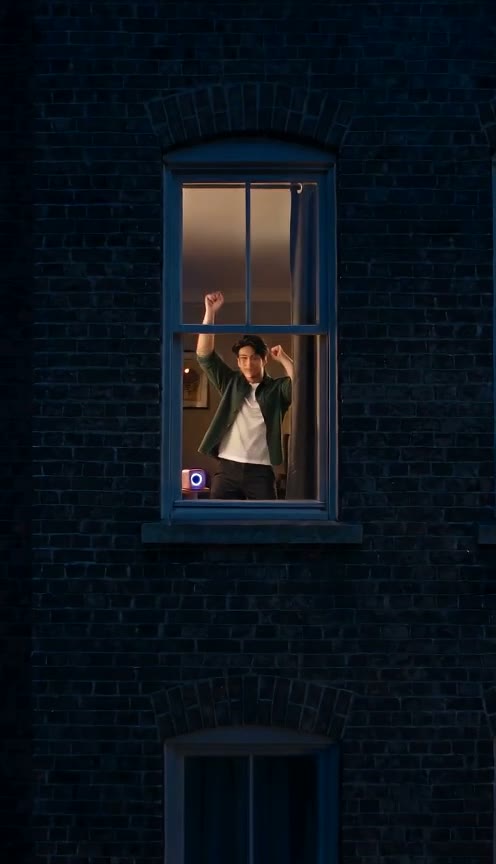
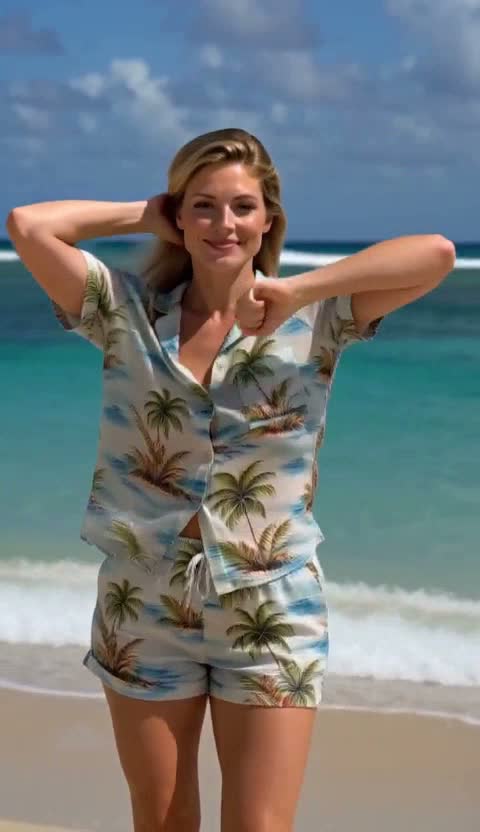
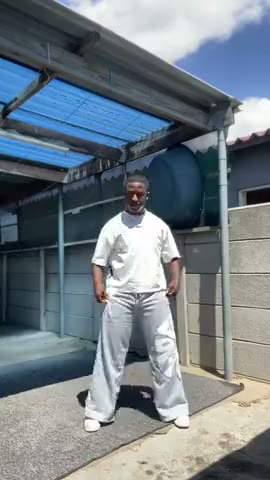
A casual window scene, stage energy or a surreal performance: play the examples and pick the mood.
BETTER TOGETHER
Two people. One shared moment.
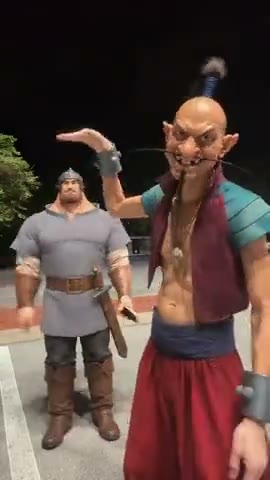
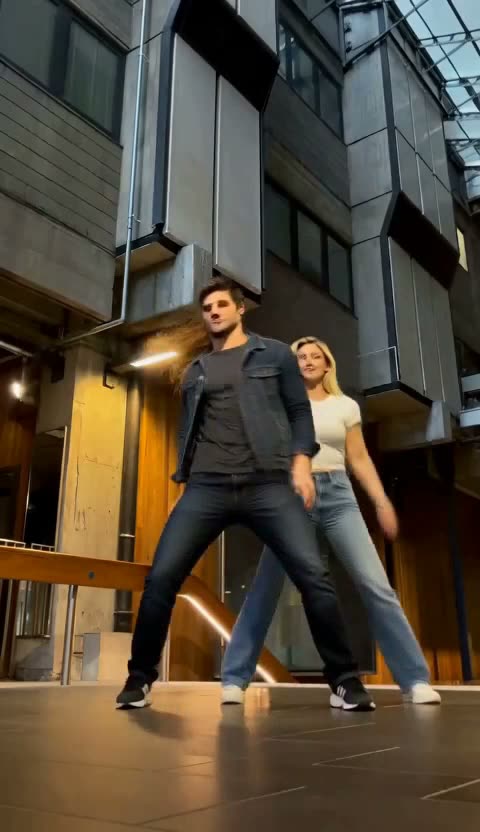
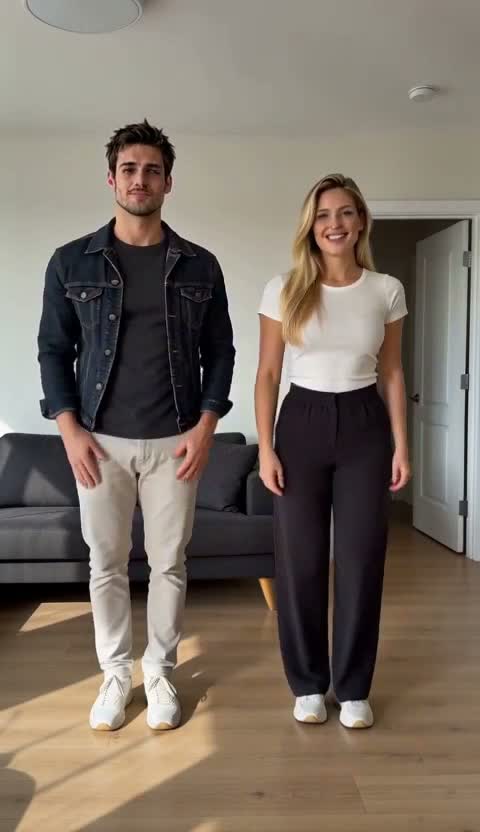
Compare the roles, entrances and movement before choosing a duet.
JOIN THE FORMAT
The same dance. Your own take.
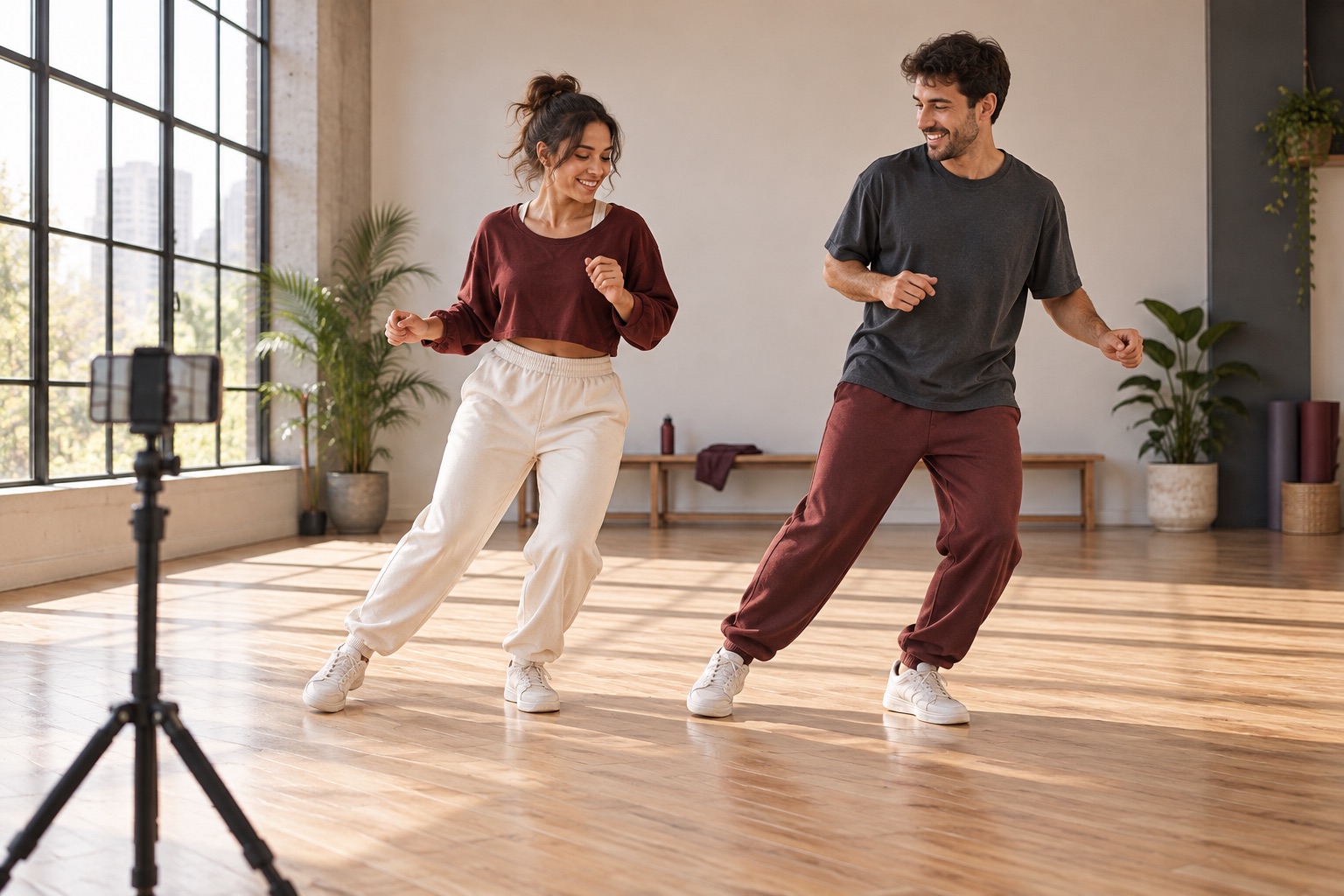
An AI dance trend works because people recognize a shared movement, scene or reveal. Before you join, watch how the example starts, where the main move happens and how the clip ends. That helps you choose a version that fits the moment you want to share.
A solo clip can introduce an outfit or give a personal post a playful opening. A duet can celebrate a friendship, make a birthday greeting or let two people share the reveal. Your photo and caption make the familiar format personal.
From seeing a trend to making your version
Recognize the specific format
“AI dance trend” covers several different things: a song-driven routine, a surprising entrance, a partner interaction or a visual transformation. Save the name of the dance you actually enjoyed, then compare its example here. Hop Hop Hop and Fuzzy Dream have their own pages because the movement and visual idea are different. A name alone is less useful than seeing the full clip and deciding which moment you want to recreate.
Match the photo to the performance
For an outfit-focused performance, use a clear image that shows the clothes and enough of the body. A face hidden behind a hand or lost in shadow gives less useful reference detail. For a duet, choose separate photos with a clearly visible person in each one. Check the first and second roles in the example so the right person takes the right place. The creator shows the photo slots for the selected dance.
Choose an occasion before a caption
A trend becomes more memorable when it has a reason to exist in your feed. You could make a two-person birthday message, a playful outfit introduction or a dance-themed greeting for a friend. Pick the mood first, then write a short caption that explains the occasion. Watch the full video before sharing so your chosen cover, opening line and ending work together rather than competing for attention.
Prepare it for TikTok, Reels or Shorts
After your task is complete, download the clip and open it in your chosen social app. Check the visible crop and keep added text away from the app’s controls. Choose a cover that shows the person and movement clearly. If you use a platform sound, check its availability in your account; personal and business accounts can have different audio choices. The template’s own details explain the prepared video and soundtrack.
Explore trends or compare tools
This collection helps you choose a recognizable dance and make a personal version. If you want to compare photo requirements, video lengths and supported quality settings across the wider library, use the AI Dance Video Generator. If the movement you want exists only in a video you already have, explore AI Body Swap for motion reference, or Character Swap for replacing a character in a scene.
Joining an AI dance trend: questions
What is the AI dance trend?
An AI dance trend is a recognizable dance or short-video format recreated with AI. People choose the same movement or scene and add their own photos. The trend gives the video its shared reference; the person, outfit and way you present it give your version its character.
How do I join an AI dance trend on TikTok?
Choose the specific dance you want to recreate, watch its example and add the required photos in the creator above. After the video is ready, download it and upload it to TikTok. Choose your caption, cover and sound in TikTok before publishing.
Which dance should I try first?
Compare the solo examples if you want to start with one photo. Window Dance offers a casual performance setting, while IVE Looks Can Kill has a stage-performance feel. For two people, compare Hop Hop Hop and A2O Neon, then choose the movement and scene you prefer.
Do I have to record myself dancing?
The prepared templates use the photos requested by the selected dance. The movement is already set by that template, so you can participate without filming a performance. For your own movement reference, explore AI Body Swap instead.
Can two people join the same trend?
Some templates have two roles. Hop Hop Hop asks for a separate photo for each person; the photo order decides who occupies each role. Select the duet and check its example before adding both photos.
Is the AI dance trend free to make here?
Watching the template examples is free. Generating a personalized video uses credits; the selected dance and quality determine the quote shown before you submit.
How do I find the song for a dance trend?
Listen to the selected example and read its dedicated page. When sharing, use the official sound available in your social app when appropriate. Music availability can depend on your account and location.
How can I make my version stand out?
Choose a photo with a distinctive outfit and clear face, select a dance that matches your mood, and give the clip a specific occasion or caption. A birthday duet and a solo outfit reveal can use the same creation process while telling different stories.
Can I post the finished dance on Reels or Shorts?
Download the completed clip, check its full playback and framing, then upload it to your chosen platform. Leave room for that app’s captions and controls when choosing a cover or adding text.
Where do I see my finished video?
The creator keeps your signed-in creations on this page. Open a completed video to play it and use its download control. If you need to check progress, return to the existing task rather than starting it again.