
Creative control & ready-made trends
Pollo AI vs ReelBoop
Start with an idea. Or start with a video you like.
The useful question is how much of the creative decision you want to make yourself. A campaign with several kinds of assets needs a different workspace from a single dance clip featuring your photo. Use the comparison below to choose an entry point for the next video you actually want to make.
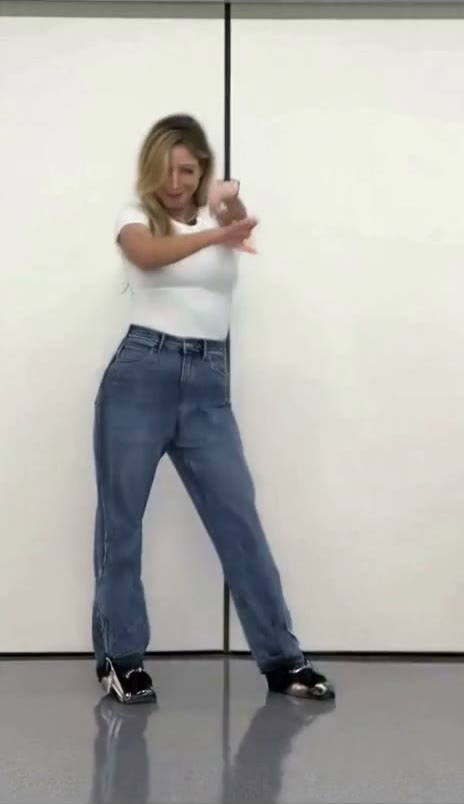
Which is a better fit for your task?
Consider Pollo AI when your brief spans image, video and audio tools, or when you want to work with a custom reference through Recast.
Consider ReelBoop when you have found a specific dance, duet, outfit change or playful scene and want its photo inputs and generation options together on one page.
See the tools01 / At a glance
Compare the working choices
| What matters | Pollo AI | ReelBoop |
|---|---|---|
| Starting point | A creative suite with video, image and audio tools. | Browse an effect in Trending, or open the general creation tool. |
| Working from a photo | Image-to-video creation with a choice of models. | Photo-to-video creation and named templates with specific photo roles. |
| Working from a video | Recast accepts a source video, images and a short direction. | Choose an existing template for its built-in performance and scene. |
| Choosing a budget | Credit use varies by tool, model, duration, output count and resolution. | The selected template or generation settings determine the credit quote. |
| Best page to inspect first | Image to Video or Recast, depending on the brief. | The exact template page, including its upload requirements and video example. |
Sources: Pollo AI creative suite · Pollo Image to Video · Pollo Recast · Pollo plans & credit rules · ReelBoop tools
Decide which parts of the video are already settled.
If you already know the performance you want, begin with that performance. Watch the whole example: the opening pose, the main movement, the camera distance and the ending. Those details tell you more about whether a template fits than a long list of model names. On ReelBoop, the template page places the upload roles next to the video, so you can check whether your photo is suitable before generating.
If the brief is still open, write down what needs to change: the subject, the setting, the movement or the shot itself. Pollo’s image-to-video and Recast pages offer different ways into that work. Our recommendation is to choose the workflow around the creative decision you need to make, then compare the available settings within it.
A dance post and a product launch ask different things of a tool.
For a dance post, a recognizable move and a useful portrait may be enough to choose a template. For a product launch, you may need a camera move that shows a label, a different aspect ratio, and space for text you add later. Write those requirements down before selecting a sample. A visually impressive clip is only useful if it answers the brief.
ReelBoop’s Photo to Video and Product Film tools are additional starting points when a named trend does not fit. The tools page brings those options together. For a recurring production process, try one representative clip first and inspect the downloaded result at the size where you plan to use it.
02 / In practice
Plan one useful comparison clip
Keep the brief consistent when evaluating two services. These steps help you compare the work rather than two unrelated examples.
- 01
Choose one task
Pick a short dance, a two-person scene or a product shot. Decide the aspect ratio and the part of the action you need.
- 02
Prepare the right photos
Use a clear image with enough of the subject visible. For a two-person ReelBoop template, prepare one photo for each labeled role.
- 03
Check the exact quote
Record duration, resolution and credits before generating. Evaluate the same kind of clip on the other service.
- 04
Review the complete result
Look at the face, hands, movement, framing and ending. Include the number of attempts in your cost comparison.
03 / Credits & costs
Compare the cost of your clip, not the credit number.
A credit is an internal unit, so 60 credits on one service does not necessarily cost the same as 60 on another. Calculate the money paid for the pack or plan, divide by the credits you can use, then multiply by the quote for your chosen video. If you need several attempts, include them in your budget.
Pollo’s pricing FAQ says subscription credits do not roll over, while add-on credits do not expire. Access to add-on purchases depends on the plan. Check those terms against how often you create. For ReelBoop, inspect the current credit pack and the quote shown in the creation tool before paying; video generation uses paid credits.
Start with a scene
Three concrete places to start on ReelBoop
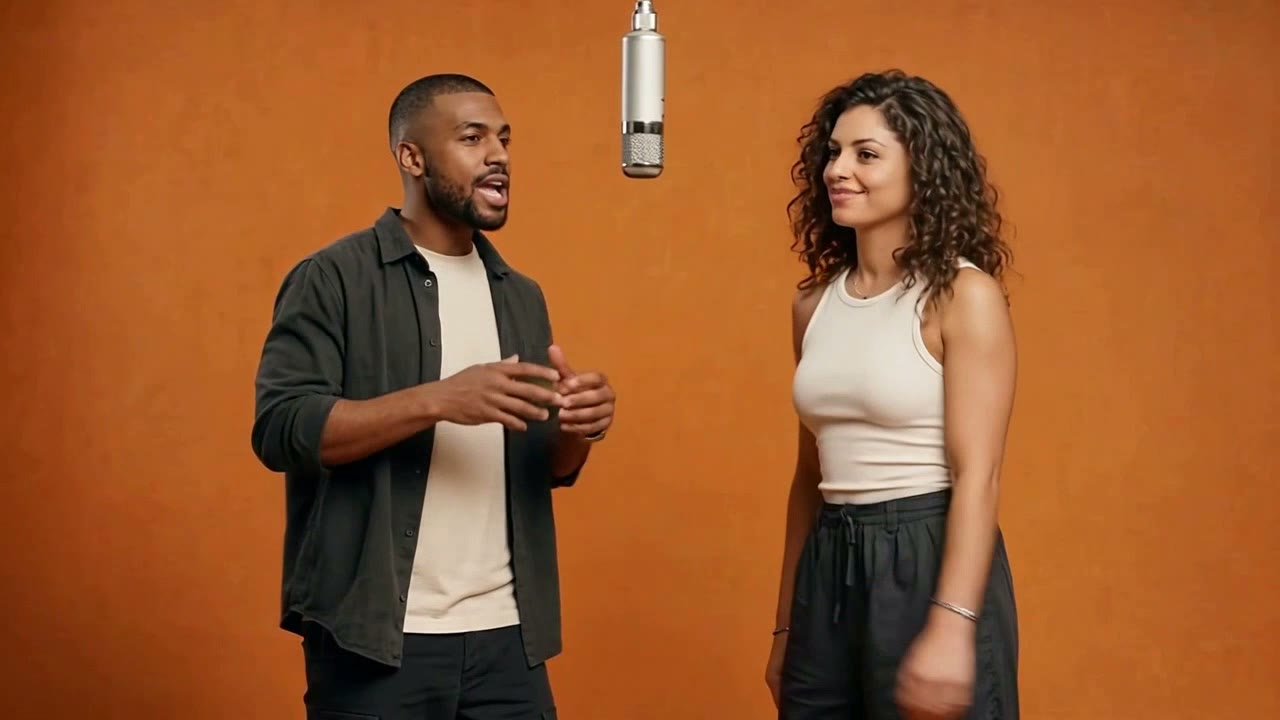
A solo dance, a two-person performance and a product clip give you different briefs to compare. Open a page to see its inputs and current quote.

Before you choose
Common questions
Does ReelBoop let me choose between a template and a prompt?
Yes. Trending leads to named effects with their own input requirements. Photo to Video and the homepage creation tool let you describe a video and choose from the settings available there.
Is Pollo AI or ReelBoop cheaper for my video?
Work it out using the quote for the same duration and resolution, the money paid for credits, and the attempts you need. Credit counts alone do not establish a cheaper service.
Can I use the same portrait for a solo dance and a duet?
A portrait may work in both, but the template’s framing matters. A full-body dance needs more of the subject visible, while a two-person page may require separate photos for each role.
Which should I use for a custom reference video?
Inspect Pollo Recast for its source-video workflow. On ReelBoop, start with the available template library and choose a page whose example matches the performance you want.
Already know the effect you want?
Watch the templates, choose a scene and prepare the photos it asks for.