
Photo-to-video trends & input choices
Summrs vs ReelBoop
Find the scene that fits your photo.
When you come for a specific trend, the exact template matters. The same song or trend name can lead to different camera angles, casts and clip lengths. Start by comparing the scene you want to join, then look at the photos and credits it needs.
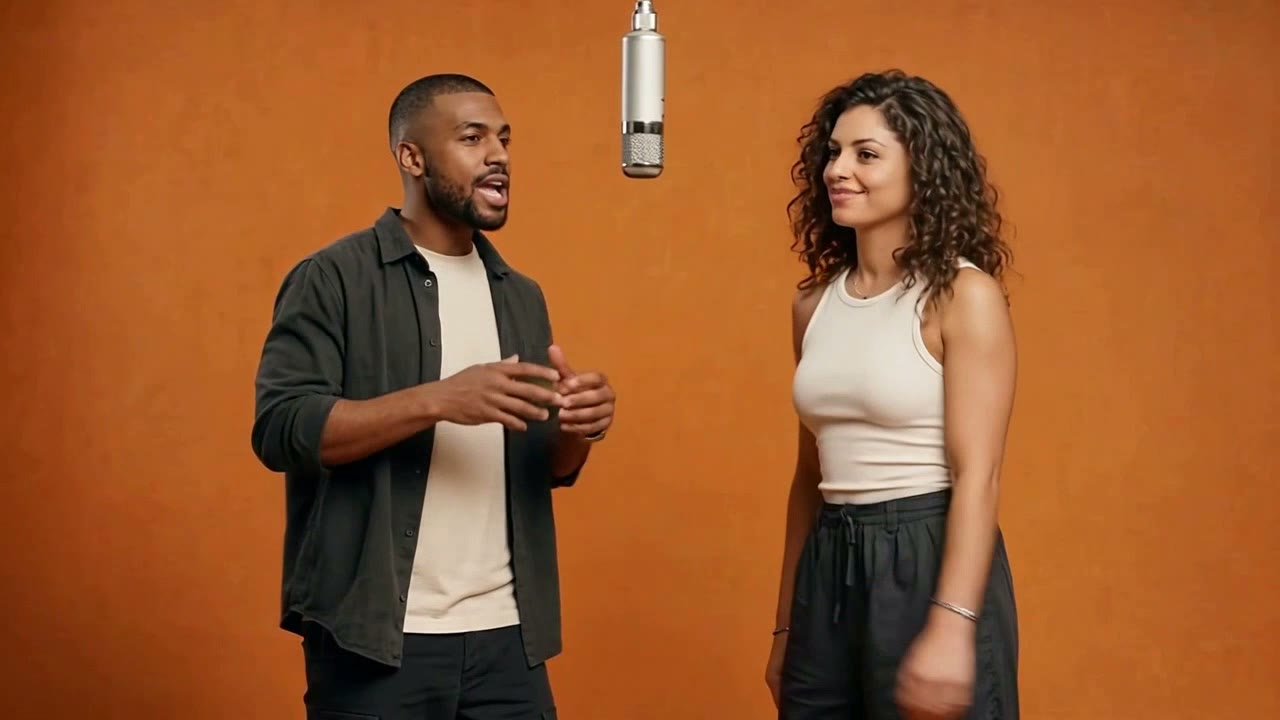
Which is a better fit for your task?
Consider Summrs when its template collection contains the scene you want, or when photo effects and color-grading tools are part of the same creative task.
Consider ReelBoop when you want to browse dances, duets, outfit changes and playful scenes, then open a dedicated page with photo roles and generation settings.
See the tools01 / At a glance
Compare the working choices
| What matters | Summrs | ReelBoop |
|---|---|---|
| Discovery | A video-led homepage and template collection. | Trending with search and categories leading to individual template pages. |
| Creative starting point | Photo or video uploads, with templates and described effects. | Named photo-based templates, plus a prompt-led photo-to-video tool. |
| Other uses | Photo effects, portraits and color grading are also advertised. | Dance, duet, outfit, playful and product-video entry points. |
| Payment options | The FAQ lists subscriptions and credit top-ups. | Buy credits and check the selected video’s quote before generating. |
| What to compare | The exact example, upload fields and selected plan. | The exact example, photo roles, duration and quality setting. |
Sources: Summrs templates, workflow & pricing FAQ · ReelBoop tools
Look beyond the template name.
For an effect such as Hotel Lobby, notice how many people appear, where they stand and how the camera frames them. One version may emphasize a close performance while another includes more movement or a longer setup. Choose the version that gives your subjects a useful place in the scene.
On ReelBoop, the Hotel Lobby page asks for two photos. Open its example before choosing those photos, then decide who belongs in each role. The same habit helps with any duet: check the interaction, the relative size of each person and the moment where both are visible. It makes your input choice more deliberate.
Prepare a photo for the action, not just the face.
A clear face helps identify the subject, but the rest of the frame can matter just as much. If you want a full-body dance, keep the feet, arms and outfit visible. For a close-up performance, choose a photo where the face is large enough to inspect. Avoid starting with a collage when the upload field asks for one subject.
For pets, pay attention to the direction of the face and the amount of the body visible. For two subjects, use the separate photo fields shown by the chosen template. Before paying, check the upload preview once more; that is the moment to catch an incorrect person, an unintended crop or a photograph placed in the wrong role.
02 / In practice
From a saved trend to a usable photo set
A little preparation makes the template page easier to use. Keep these four decisions together.
- 01
Watch the full scene
Check the opening, the interaction and the ending. Pick the version whose timing suits the post you want to make.
- 02
Count the roles
Match the number of photo fields. A pair of subjects may need two separate uploads even if you have a group picture.
- 03
Match the framing
Choose a full-body or portrait image according to the action and the page’s input guidance.
- 04
Review and generate
Check the photos, quality and credit quote. When the result is ready, play it through before downloading.
03 / Credits & costs
A small credit pack still needs a template budget.
The Summrs homepage FAQ lists subscriptions starting at $15 per month for 300 credits and top-ups from $5 for 50 credits. Those are purchase amounts; the number of videos depends on the effect you choose. Check the selected template before deciding whether a pack covers the clips you want.
For either service, write down the cost of the specific template and allow room for another attempt if your first photo is unsuitable. On ReelBoop, the tool shows its credit quote alongside the available settings. Video generation uses paid credits. Compare the total spend for your planned output, including duration and quality, rather than assuming the largest credit balance gives the most finished videos.
Start with a scene
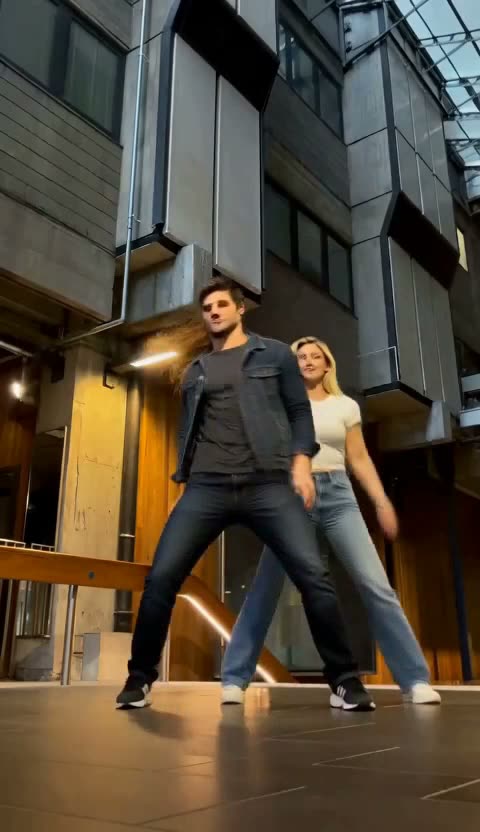
Compare these scenes before choosing your photos
Try a studio duet, a neon performance or a pet scene. Each page has its own composition and input requirements.

Before you choose
Common questions
Do the same trend names mean the same video on both sites?
They can describe related ideas with different framing, timing or casts. Play the complete examples and inspect the photo fields before choosing.
Should I upload one group photo for a two-person scene?
Use the input structure on the selected page. When ReelBoop shows separate roles, prepare one clear photo per role so you can assign the subjects deliberately.
Can I preview a ReelBoop template before purchasing credits?
You can browse the public template pages and watch their available examples. Generating a personalized video requires an account and paid credits.
Which should I choose for photo editing as well as videos?
Summrs advertises photo effects and color-grading tools alongside its videos. If you need a particular dance or scene, start by comparing the exact template available on each site.
How should I choose a quality option?
Decide where the clip will appear, then compare the resolutions and credit quotes actually offered on that template. Inspect the face and small details at the size where you plan to show the video.
Choose the scene, then choose the photos.
Browse the full template collection and find a role for your next portrait or pet photo.