


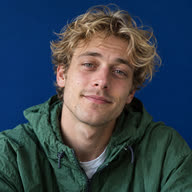

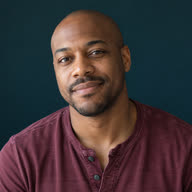
01
The lead steps forward
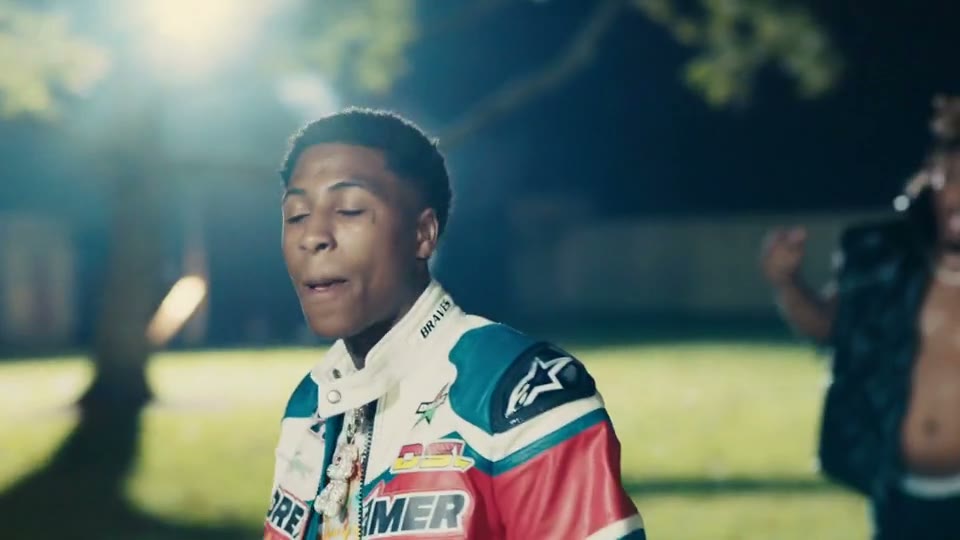
The lead faces the camera on the lit lawn, with other people further back.
Make a 15-second Bandit rap duet in widescreen. Upload two chest-up photos, one for each rapper.
JPG, PNG or WebP · up to 5 MB each
One adult per photo, framed chest up, with the face clearly visible
Credits are returned for confirmed generation failures.
Checking credits…
Checking your task…Your own photo, or an adult’s with permission. Privacy
Join creators making videos
The lead rapper takes the night-lawn close-ups. The second rapper gets separate shots and appears alongside the lead in the blue glass-block room. Choose one adult for each role.
START WITH YOUR PHOTO
Use one adult per photo. Leave a little space above the hair and show both shoulders so the faces stay easy to distinguish when the camera cuts.
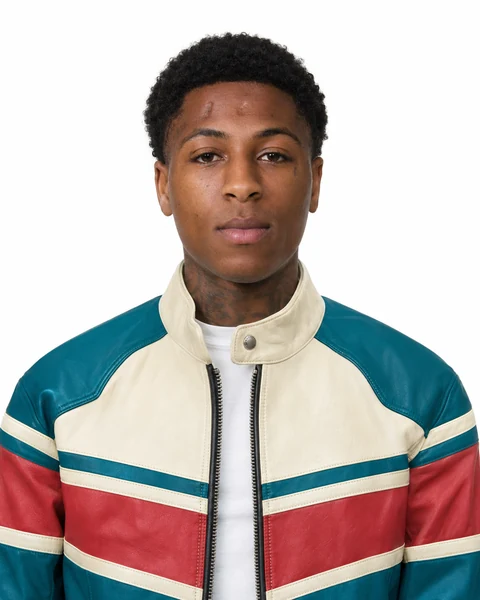 Lead rapper
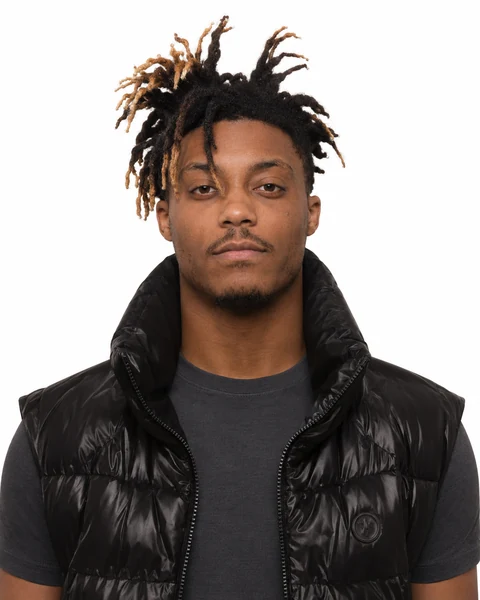 Second rapper
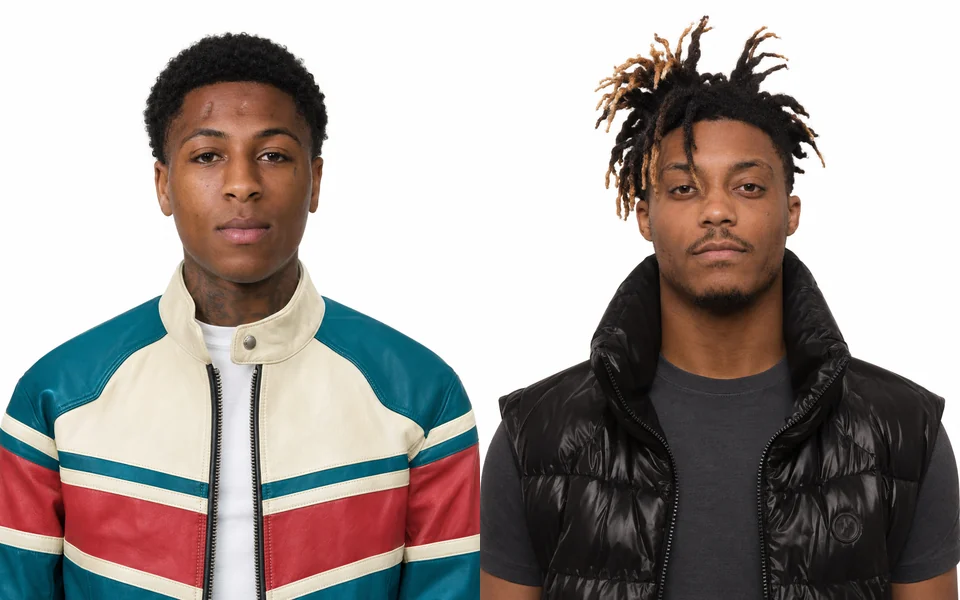
Photo 1 follows the performer in the color-block racing jacket. Photo 2 follows the performer with upright twists.
Choose faces in even light, looking towards the camera. Pick a sharper shot if a hand, shadow or brim covers part of the face.
Use similar chest-up framing for both photos. Distinct hair or necklines help you recognize each person in the wider shots.
WATCH THE DETAILS
The lead faces the camera on the lit lawn, with other people further back.
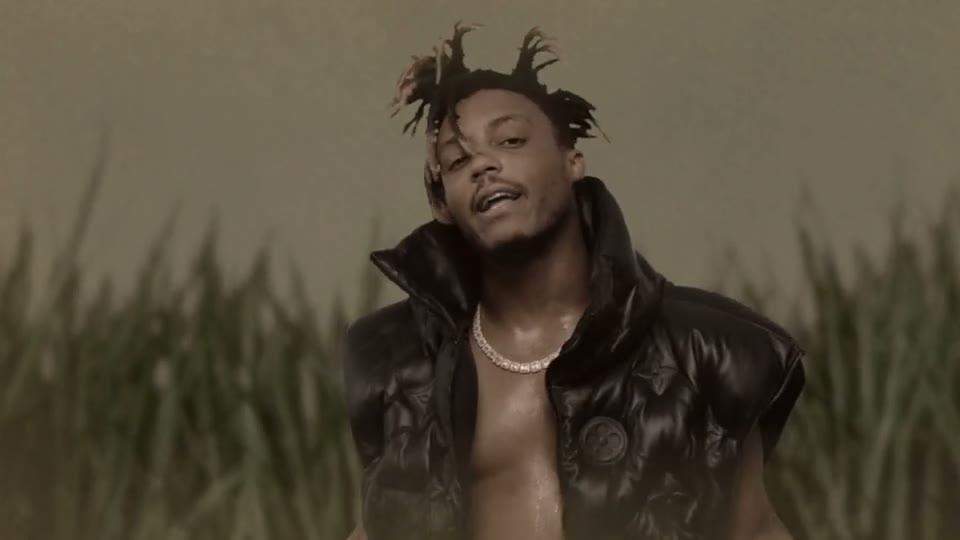
A tighter shot in the dry grass makes the second role easy to spot.
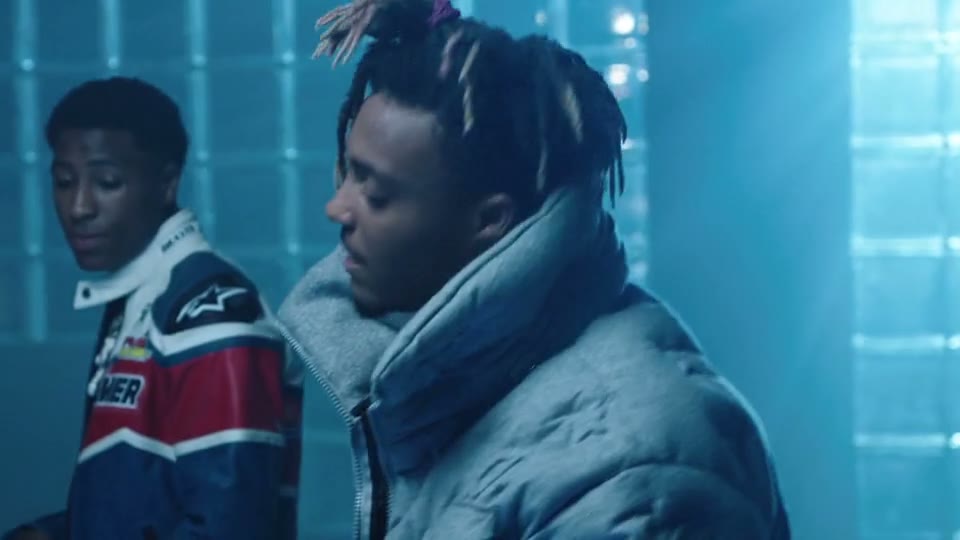
The two performers appear together in front of the blue glass-block wall.
ROLES
Play Original and look for the lead on the lawn and the second performer in the dry grass. Swap the two photos before starting if you want to trade roles.
Open the reference photos under Original to check the headroom and shoulder framing.
PLAYBACK
Play Original with sound to hear the track and see how both performers fit in the blue-room shot. If you plan to make a vertical edit afterwards, leave enough width to keep both people in the shared shot.
Use two separate photos, one adult in each. Start with clear chest-up portraits that show the eyes, mouth and both shoulders.
In Original, the color-block racing jacket marks the lead role for Photo 1. The performer with upright twists marks the second role for Photo 2.
Crop the selfie into two separate chest-up photos, with just one adult visible in each. Save each crop as its own file.
The template is set up for a 15-second landscape video in 16:9. The wide frame leaves room for both performers in the same shot.
The template is set up to use the original soundtrack. Turn on the player’s sound to hear the performance before choosing photos.
480p costs 180 credits and 720p costs 360 credits. The higher resolution gives faces and clothes more pixels in wide shots. Both options have the same roles, runtime and soundtrack.