

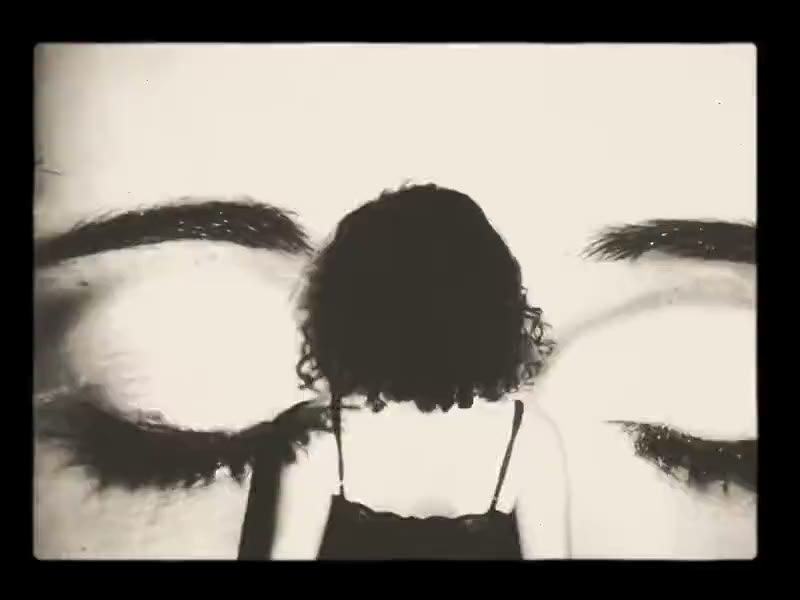
01
The projected eyes fill the wall
The large eyes blink behind the smaller performer in a high-contrast monochrome frame.
Put your portrait in the black-and-white projection scene. A performer turns in front of oversized blinking eyes to “Laisse tomber les filles.”
JPG, PNG or WebP · up to 5 MB each
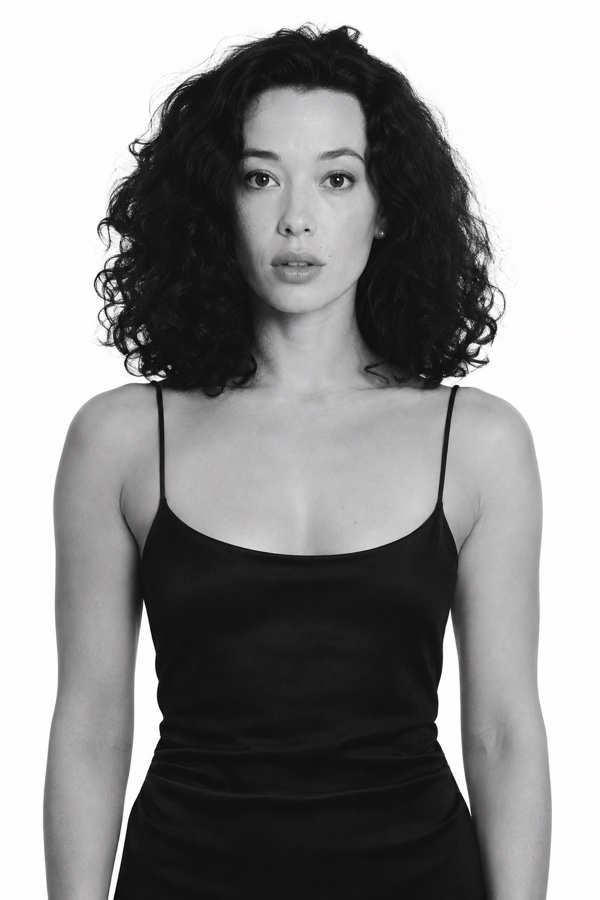
One adult facing the camera, with hair, face and shoulders visible
Credits are returned for confirmed generation failures.
Checking credits…
Checking your task…Your own photo, or an adult’s with permission. Privacy
Join creators making videos
The scene pairs a small foreground figure with a giant pair of eyes. The projected eyes blink behind the performer as they sway, turn away and glance back over a shoulder. The black-and-white lighting and the “Laisse tomber les filles” soundtrack give the portrait its retro-film mood. Use one adult photo for the person in front of the projection.
START WITH YOUR PHOTO
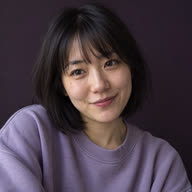
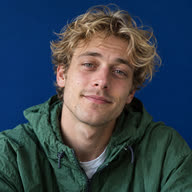
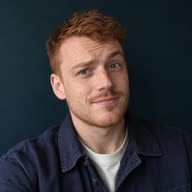
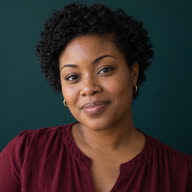
A front-facing, waist-up photo gives a useful reference for the face, hair and upper-body clothing. Show both shoulders and the complete hair outline for the side views and over-the-shoulder turn.
Keep the eyes, nose and mouth distinct. A bright, evenly lit portrait gives more facial information than a dark silhouette.
Leave a little space above and beside the hair. The curl shape or hair length helps distinguish the person during the turn.
A waist-up photo shows the shoulder line and upper-body outfit. Choose clothing whose shape remains readable in black and white.
WATCH THE DETAILS
The large eyes blink behind the smaller performer in a high-contrast monochrome frame.
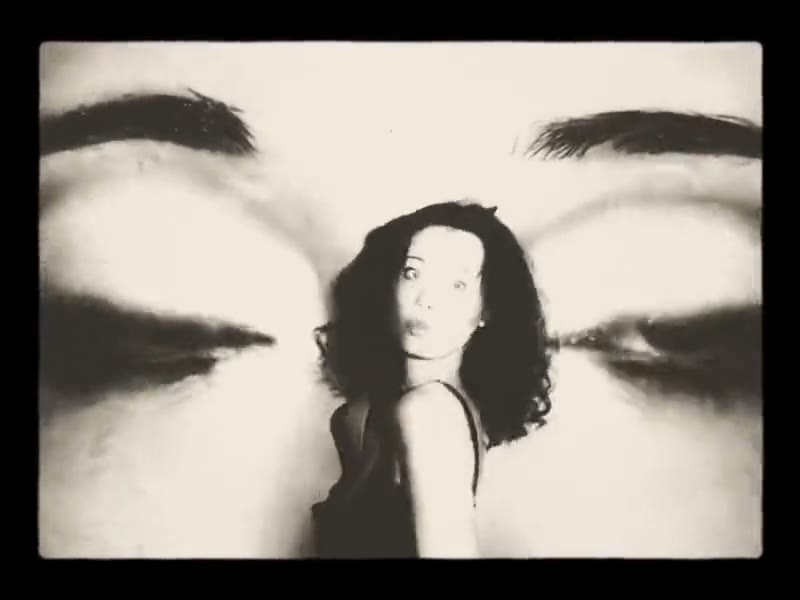
The performer sways and turns, showing their side and back while the projection keeps changing behind them.
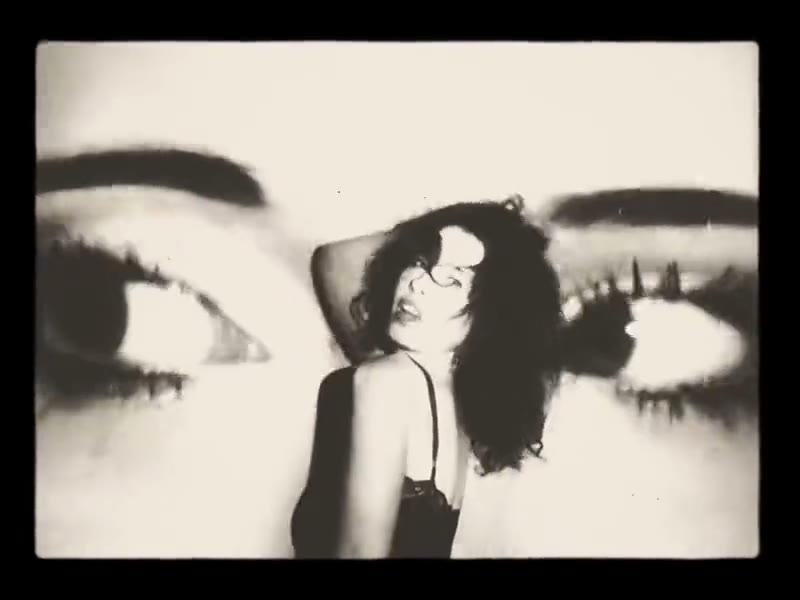
The face returns to view. The projected gaze and foreground figure continue moving through the closing beats.
THE PROJECTION
The eyes occupy almost the entire background. The person remains smaller, close enough to the projection for its light to fall across their face and dress. Keep that scale contrast when choosing a cover or making a crop.
One photo provides the foreground person and the appearance of the eyes in the projection. Choose a portrait with both eyes and eyebrows visible so the same look can connect the small figure with the enlarged background.
PHOTO CHOICE
A dark neckline, visible shoulders and a distinct hair outline stay readable when color is removed. You can upload a color photo; the template handles the black-and-white treatment.
Open the reference photo to inspect the face and shoulders, then use similar framing for your own portrait.
THE FINISHED CLIP
The video uses a 4:3 frame with the projection visible across the scene. Play the complete turn and check the face in profile, the shoulder outline and the final return toward the camera.
For a vertical post, compare your crop at the beginning, middle and end. Keep enough of both projected eyes to preserve the visual relationship with the performer.
Add one adult portrait, choose 480p or 720p and generate. The template places the person in the black-and-white projection scene with its reference soundtrack.
Yes. One clear, front-facing photo supplies the foreground performer. A waist-up view with the hair and shoulders visible is a useful reference.
The photo supplies the foreground performer and the eye and eyebrow appearance in the enlarged projection. The template keeps the projection layout, blinking rhythm and turns.
You can upload a color photo. Choose even light and visible facial features; the finished scene uses a monochrome look.
Upload a still photo. The template supplies the projection, camera framing, turns and timing shown in Original.
A 15-second, 4:3 MP4 with the reference soundtrack. The original scene includes its dark border, which you can see in the player.
Choose 180 credits for 480p or 360 credits for 720p. The selected resolution and full clip price appear beside the photo input.
Use one JPG, PNG or WebP up to 5 MB. Show one adult with a clear face, hair outline and upper-body outfit. Use a photo you have permission to use.
The completed video is available in My creations for playback and MP4 download. Confirmed generation failures return the credits charged.
YOUR NEXT IDEA
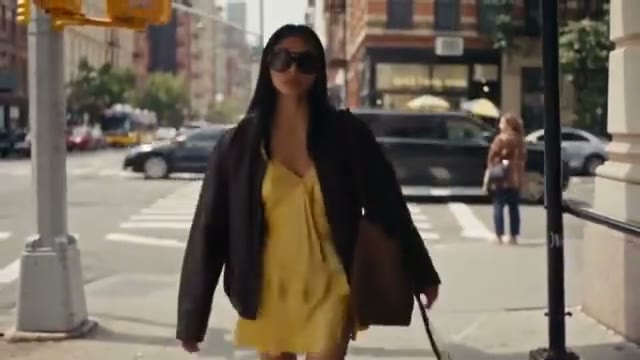 Sidewalk Drop-In AI Video
Step into the street-style clip. One full-body photo supplies the person who lands, adjusts their look and walks toward the camera.
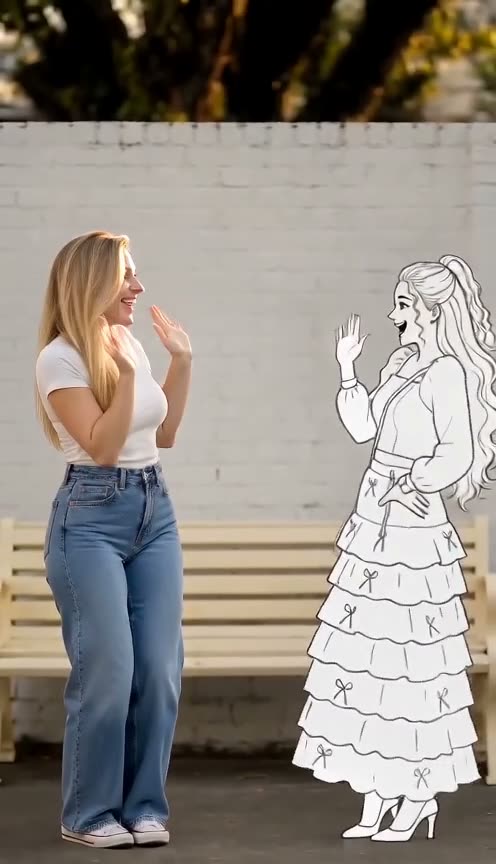 Doodle Dance Partner
You, plus a line-drawing twin dancing the same steps.
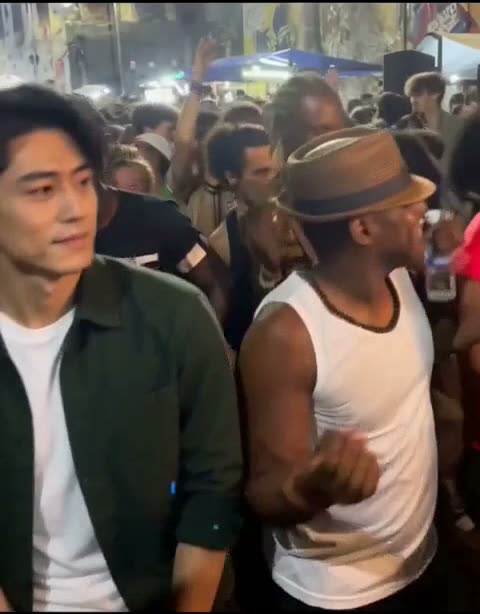 Charme Dance
One photo, dropped into the street crowd.
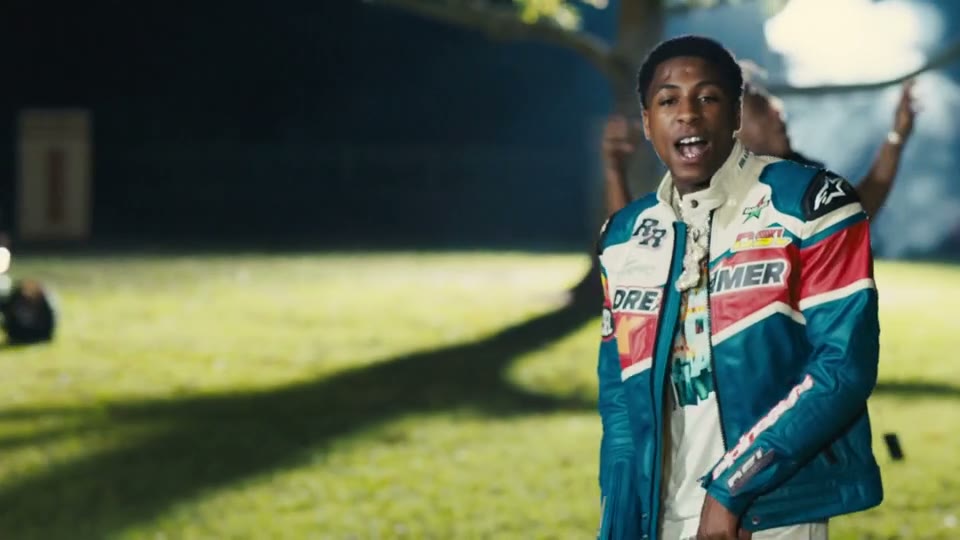 Bandit AI Trend Video Generator
Make a 15-second Bandit rap duet in widescreen. Upload two chest-up photos, one for each rapper.