



01
The glasses light up
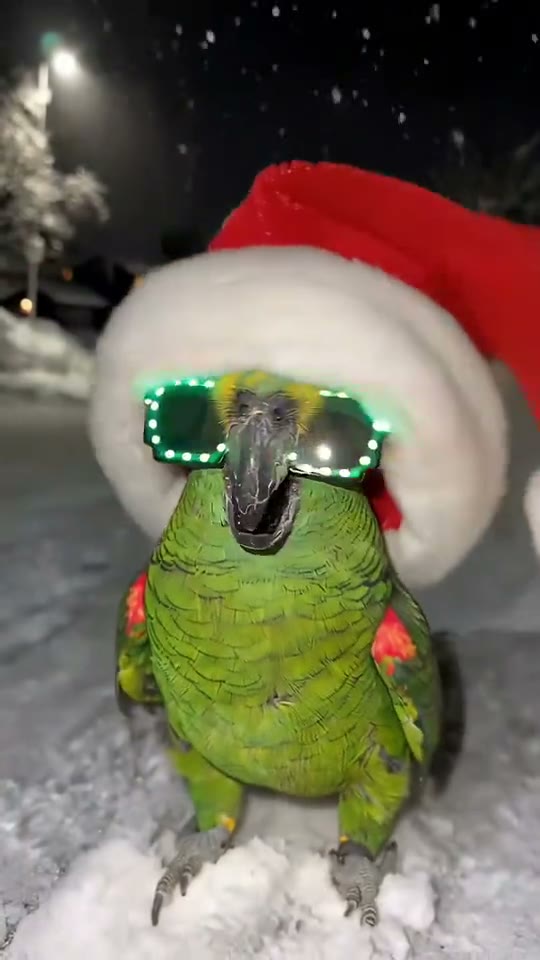
The clip opens on the front parrot under a giant red Santa hat. LEDs around its glasses change color.
Put your pet in an oversized Santa hat and glowing party glasses. Two parrots join the scene on a snowy street.
JPG, PNG or WebP · up to 5 MB each
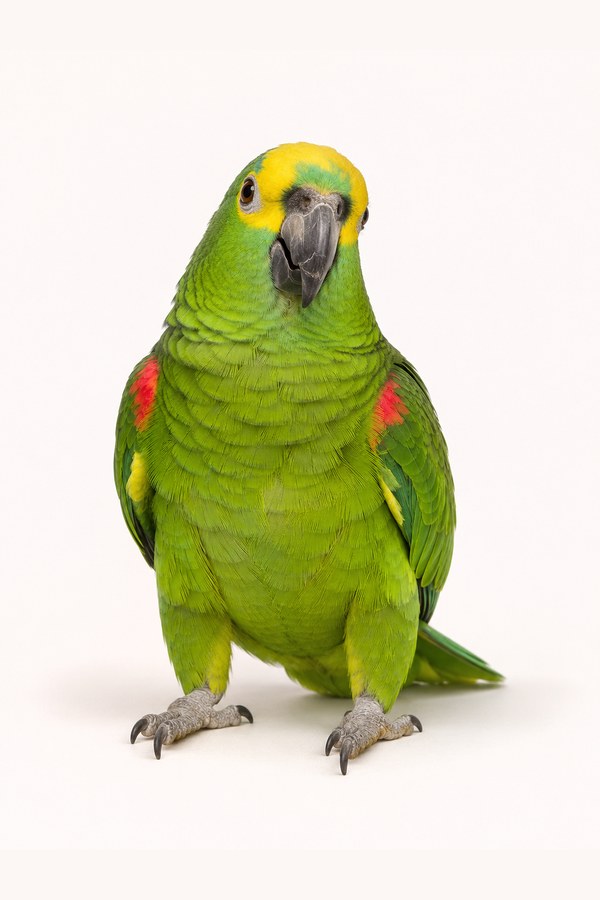
One clear pet photo with the face and body in view
Credits are returned for confirmed generation failures.
Checking credits…
Checking your task…Use a pet photo you have permission to use. Privacy
Join creators making videos
Original starts close on a parrot wearing an oversized red hat and color-changing glasses. The shot pulls back to reveal two more parrots dressed for Christmas. The front bird loses its hat, pauses, then the group heads down the snowy street. One pet photo supplies the star in the foreground.
START WITH YOUR PHOTO
Pick a still, eye-level photo with your pet’s face, body and markings in view. Include the feet when they fit in the frame.
A face turned toward the camera makes it easier to recognize the eyes, beak or muzzle in the close-up.
A seated cat or dog, or a naturally standing bird, gives a useful reference for the wider part of the scene.
Pick a shot where the markings and coat or feather colors are easy to see. A plain background makes the edges easier to read.
WATCH THE DETAILS
The clip opens on the front parrot under a giant red Santa hat. LEDs around its glasses change color.
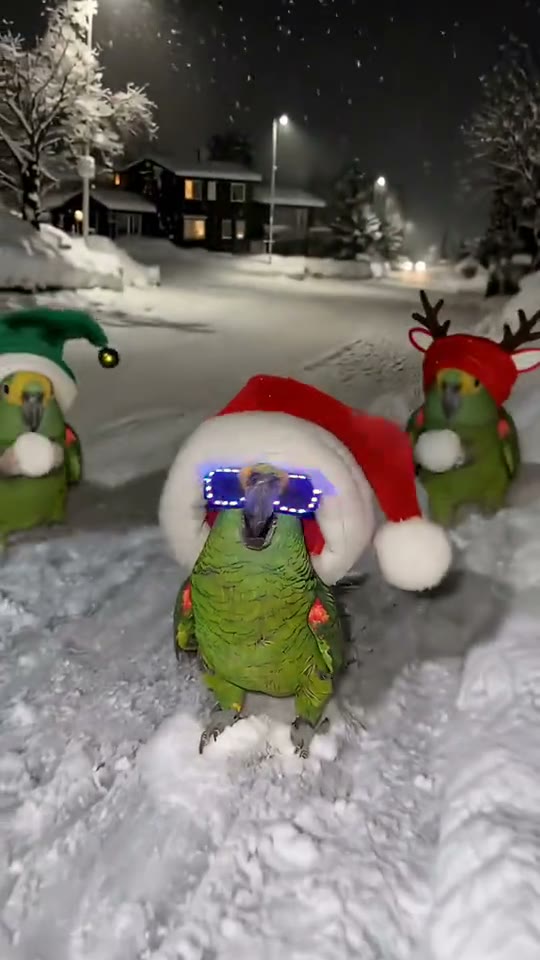
The camera pulls back to show two other parrots in holiday headwear. They frame the front bird in the snow.
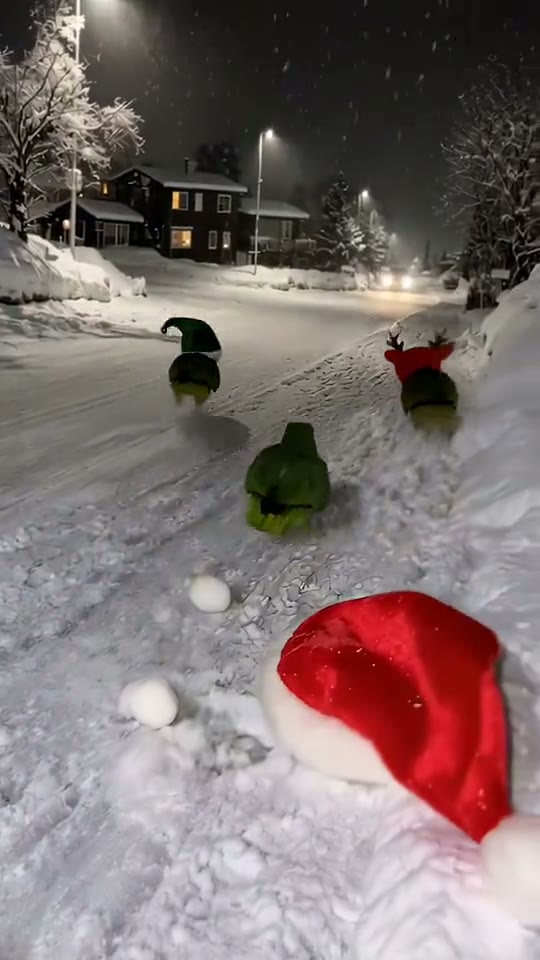
The red hat falls away. The group heads down the street and leaves it behind in the foreground.
THE LEAD
Your photo supplies the lead animal. The two birds behind it are supporting characters, so one photo is enough. The hat and glasses come from the scene.
Original shows a parrot. If you start with a cat or dog, choose a photo that makes the species and markings clear. A recognizable face is more useful than a photo already staged in snow.
THE FINISH
For a cover, look for the point when the glasses are lit and your pet’s face fills the frame. Leave space around the hat and keep any caption clear of the face.
For a wider reveal, use the shot after the camera pulls back. It shows the two helpers and the snow on the street.
Use one JPG, PNG or WebP up to 5 MB. Choose a clear solo photo of a pet you have permission to use.
It personalizes the lead animal wearing the big hat. The two supporting parrots are part of the scene.
A clear photo of your pet’s usual face and markings is enough. The holiday hat, illuminated glasses and snow are part of the video scene.
You can choose a clear solo pet photo. Original shows a parrot. Include the face and body outline so your animal remains identifiable when the shot widens.
The template is designed for a 10-second vertical MP4 with the reference soundtrack. The Original player lets you hear the clip and see the 9:16 framing.
The scene and duration are the same. The 480p option uses 120 credits, while 720p uses 240 credits and provides a larger frame.
Credits are returned for confirmed generation failures. A completed clip can be played or downloaded from My creations.
YOUR NEXT IDEA
 Santa Caught on Camera AI
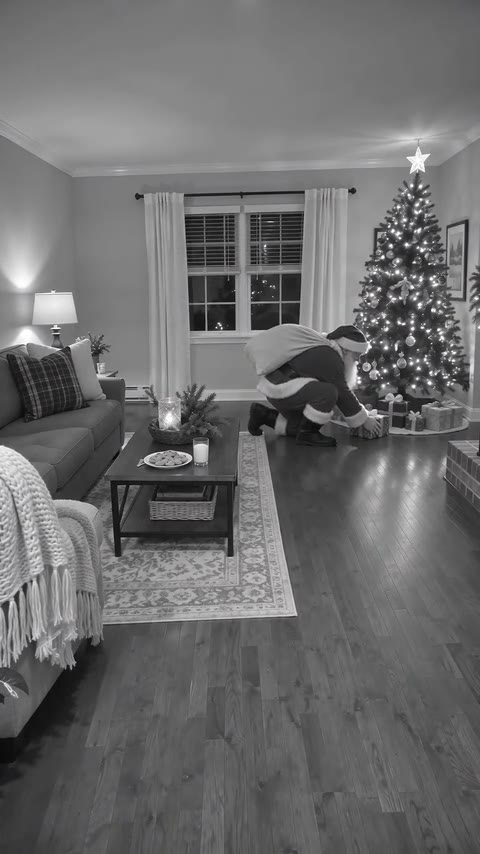
Upload one photo of an empty room, hallway or porch. Santa steps into your scene and leaves a present in a 10-second security-camera-style clip.
 Reaching Out Cat AI Video
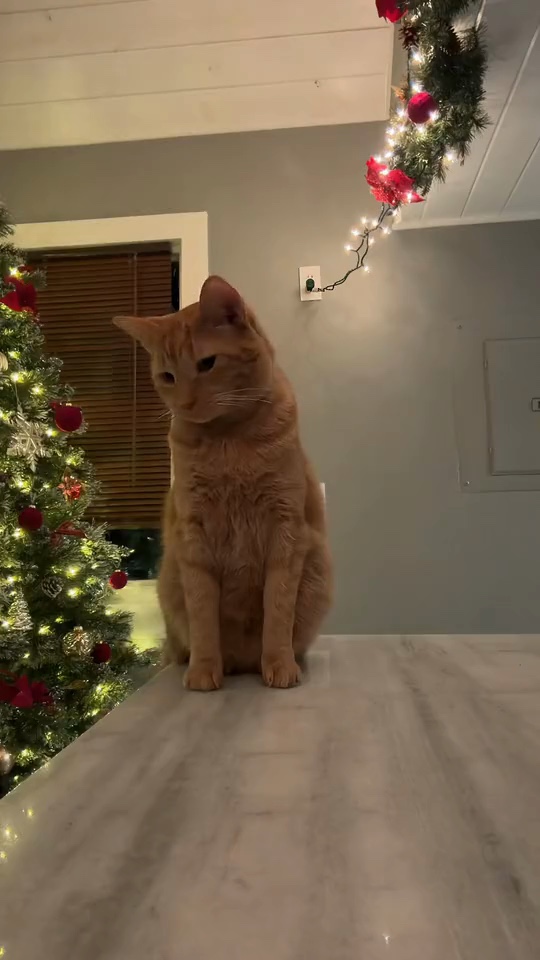
Watch the Christmas-tree version of the Reaching Out Cat meme. This template uses one cat photo for the reveal beside the tree and the pickup.
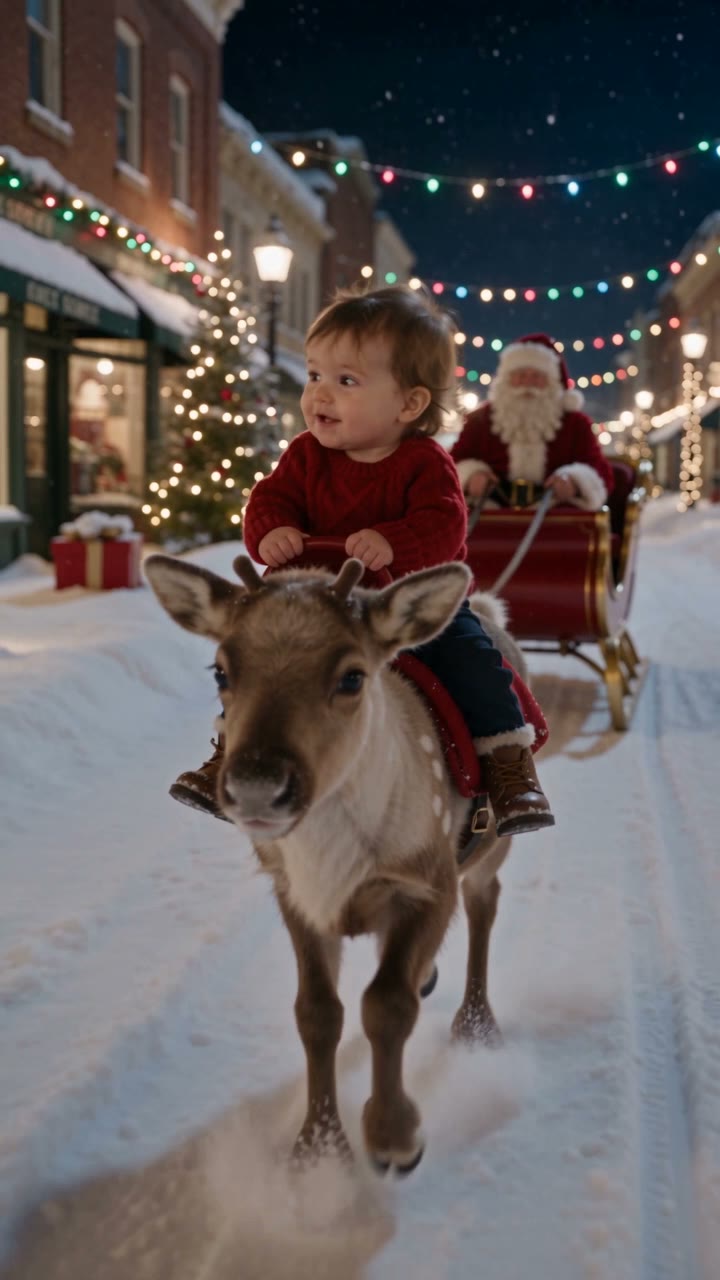 Baby Riding Reindeer AI Video
One photo of your child becomes eight seconds on a snow-covered street: a reindeer walks toward the camera, Santa follows in the sleigh.
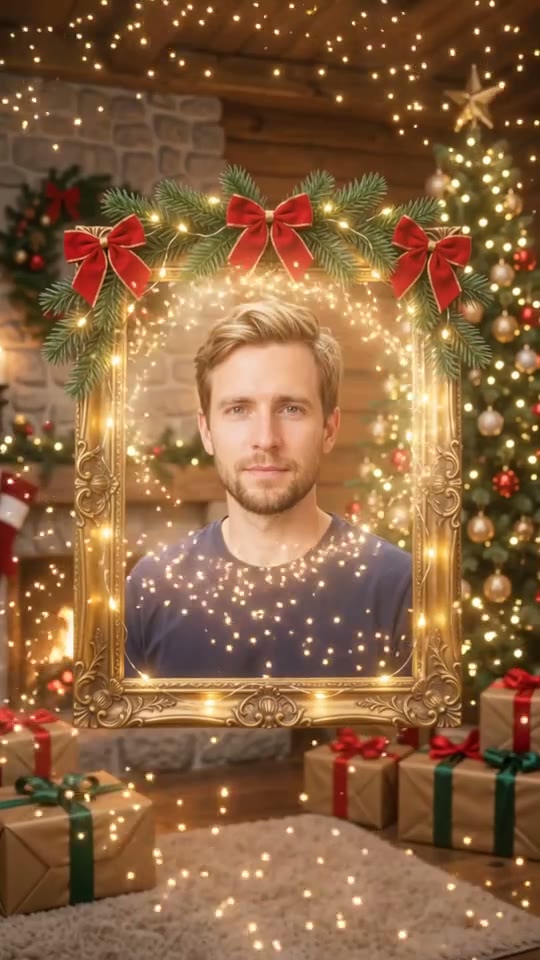 Santa Nice List AI Video
Create a festive Santa Nice List video inspired by a sparkling picture-frame reveal.
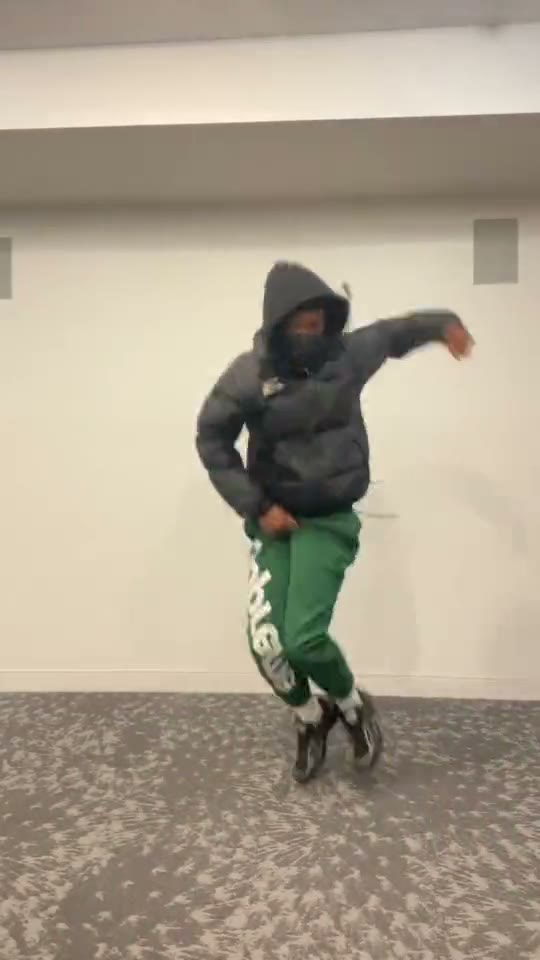 She Love the Way I Talk Dance AI
Use one full-body photo to put yourself in the solo dance, from the hands-up bounce to the quick side shuffle and walk.