




01
The bite
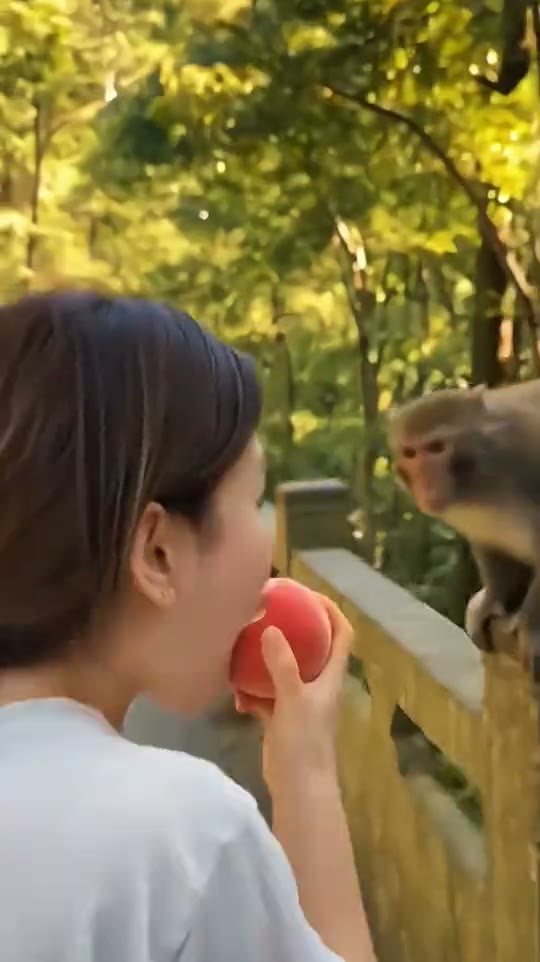
The clip opens in profile, apple at the mouth and a macaque already on the railing to the right. The person is the calm one here, which is what makes the next few seconds land.
One portrait photo becomes nine seconds on a forest bridge: a bite, a stolen apple and a very unhurried getaway, with the original sound kept.
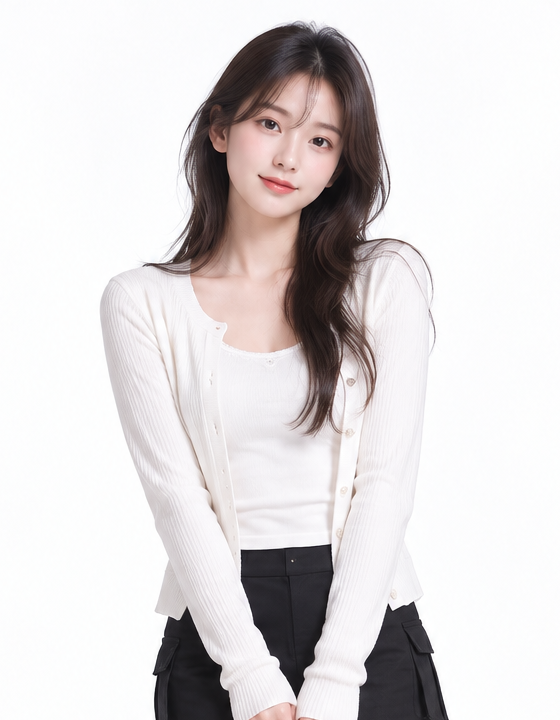
JPG, PNG or WebP · up to 5 MB each
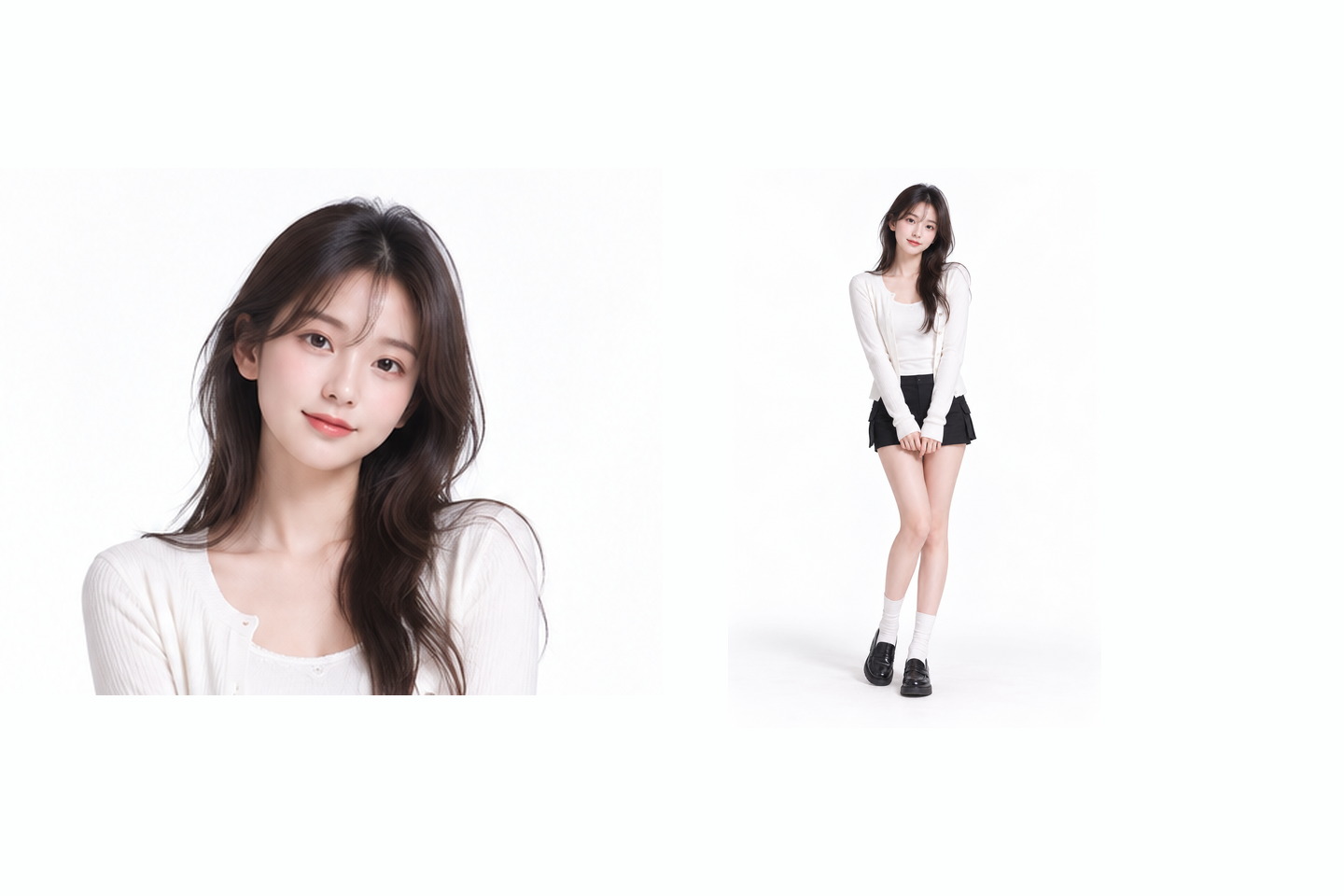
One adult, head and shoulders, facing the camera
Credits are returned for confirmed generation failures.
Checking credits…
Checking your task…Your own photo, or an adult’s with permission. Privacy
Join creators making videos
The Monkey Eating Apple trend is a nine-second scene with a plot twist built into it. A person stands beside a wooden railing eating a red apple, with two macaques perched on the rail. The person takes a bite, a monkey reaches across and closes a hand around the fruit, and by the last frame the person has turned away with an empty hand. There is no cut and no camera move, so the only thing the clip asks of you is a photograph the scene can start from. This page keeps the reference, the photo guidance and the creation controls together so you can judge that photograph before you spend anything.
START WITH YOUR PHOTO
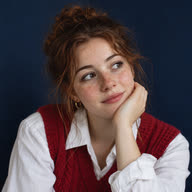
The reference sits close: from the top of the head to roughly the collarbone, angled slightly off the shoulder. The background is bright sunlit foliage, yet the face stays evenly lit and fully readable for the whole clip, which is why the expression still carries the joke when the apple leaves. Bring a photo with the same quality of light. A face that is small, turned away or lost in shadow gives the scene nothing to hold on to, and the moment the monkey arrives has no reaction to play against.
A head-and-shoulders photo puts enough pixels on the face for that small turn of the head at the end to read. The whole head has to be inside the frame, with a little space above the hair and the chin clear of the bottom edge. A full-body shot is the usual mistake here: the person ends up occupying a fraction of a frame that is built around an expression.
The reference is shot in late afternoon light coming through trees, so the leaves glow and the face is still lit from the front. A photo taken against a bright window or a low sun does the opposite and turns the face into a silhouette. If you can see the colour of the eyes in the thumbnail, the light is in the right place.
Hair falling across the cheek, sunglasses, a hand near the mouth or a second person in the background all compete with a scene that is already busy with animals and leaves. A plain outdoor background or a bare wall keeps attention on the face. Loose hair pushed back from the face works better than a style that hides half of it.
WATCH THE DETAILS
The clip opens in profile, apple at the mouth and a macaque already on the railing to the right. The person is the calm one here, which is what makes the next few seconds land.
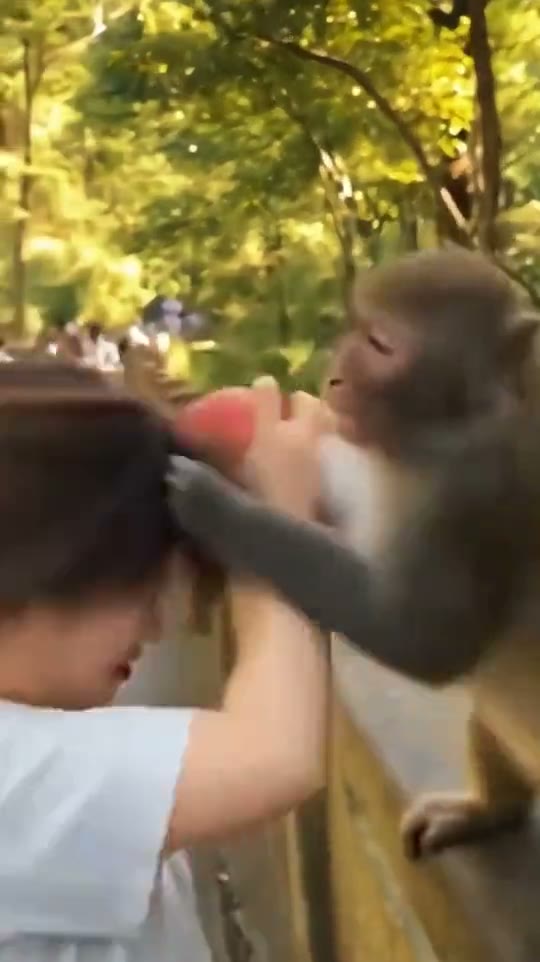
A monkey reaches across and closes its hand around the apple while the person is still holding it. The head tips back and away, and the fruit is gone from the hand rather than handed over.
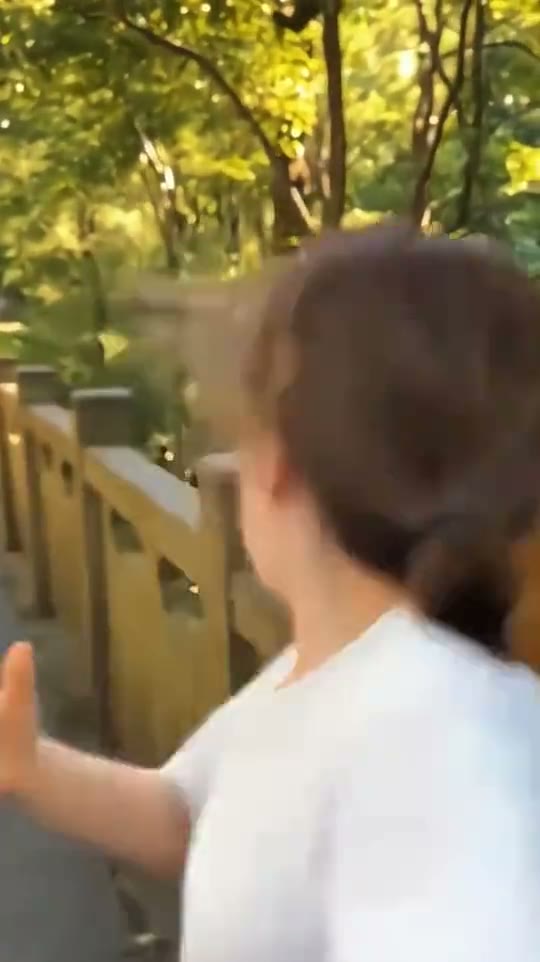
The person turns from the camera, one hand open and empty, the railing and the leaves left behind. No chase and no reaction shot: the scene simply ends on the loss.
THE IDEA
The setup is deliberately ordinary. Someone is eating an apple on a bridge in a park, the way people do on a weekend walk. Then an animal with no interest in the format takes the apple, and the scene belongs to the monkey. Nine seconds is enough to establish, steal and end. Anything longer and the joke would need a reaction, which is exactly what the reference refuses to give.
That shape tells you what kind of photograph to bring. The clip is carried by the face and by the small movement of the head when the apple goes, so a portrait with a neutral, open expression is a better starting point than a big smile or a posed gesture. Costume and props do almost nothing here. The apple is part of the scene, not part of your photograph.
YOUR WORKFLOW
Play the reference once, then watch it again looking only at the person. Notice how little of the body is ever visible and how much of the frame the face takes up. That is the area your photograph needs to cover. Upload the picture, then look at the thumbnail rather than the filename, because the thumbnail is what the scene will actually start from.
The quality setting and the credit amount beside the creation button describe the version you are about to request, so read them before you confirm. A nine-second clip at the lower setting is enough to see whether the head turn lands; move up a step when the clip is going to be published. Keep the page open while it runs and watch the result here before downloading it.
FRAMING
This is a vertical scene with the subject slightly off centre and the railing entering from the right, so the left half of the frame carries the background. When you cut the clip for a story or a short, keep the face away from the top edge: trimming to a small square pushes the head up and crops the hair. If interface elements sit along the bottom, leave the collarbone clear of that band.
A cover frame taken mid-grab explains the clip faster than the opening bite, so scrub forward before choosing a poster. Keep captions off the face, since the expression is the whole point of the last two seconds. In a series, change the setting or the fruit rather than the framing, so the format stays recognisable from the thumbnail.
It is a short scene rather than a dance: a person eats an apple beside a railing in a park, a monkey takes the fruit, and the person turns away. The reference on this page shows the framing and the timing. Watch it once before choosing a photo.
One adult, framed from the top of the head to about the collarbone, facing the camera with the face evenly lit. A plain background and hair kept away from the face help. The scene is close to the person, so the face has to be clear at that distance.
You can upload one, but the scene is built around a face at head-and-shoulders distance, so most of a full-body frame would be thrown away and the face would arrive too small to react. A closer crop from the same photograph is the better choice.
No. The page asks for one adult photo, and the apple belongs to the scene rather than to your picture. A front-facing portrait is what the framing is built from, with hands wherever they happen to be.
This page is built around one adult portrait. An animal photo is a different effect with its own requirements, and it is not what the controls here accept.
The reference runs nine seconds in a vertical frame. The quality options and the credit amount appear in the creation panel once you pick a setting. The lower setting is enough to check whether the expression reads; choose the higher one for a clip you plan to publish.
The most common cause is a source picture where the face is small, turned to one side or partly in shadow, so the scene has little to work with. A tighter crop, taken facing the light, is the first thing to try before changing anything else.
Other people, sunglasses, hair across the face, heavy backlight and poses that already cover the mouth. Each of those competes with a reaction shot that lasts about two seconds. One person and one clear face is the cleanest starting point.
YOUR NEXT IDEA
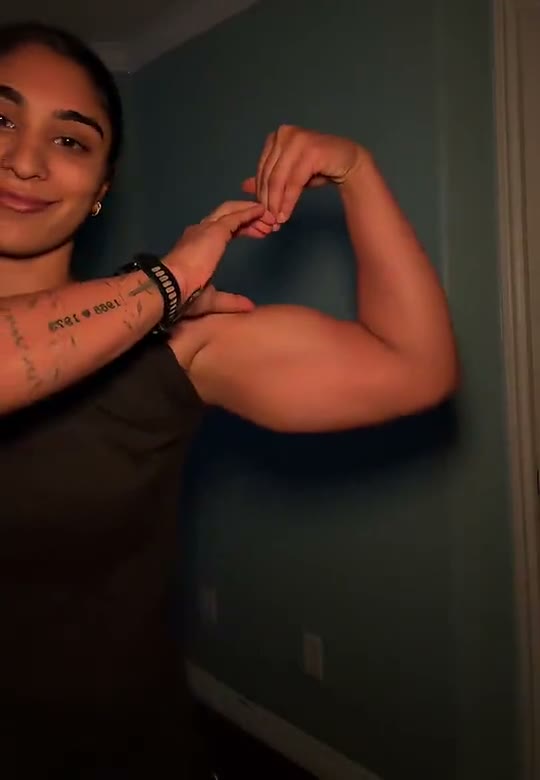 Bicep Heart AI Trend
Upload one adult photo to create an approximately seven-second Bicep Heart video.
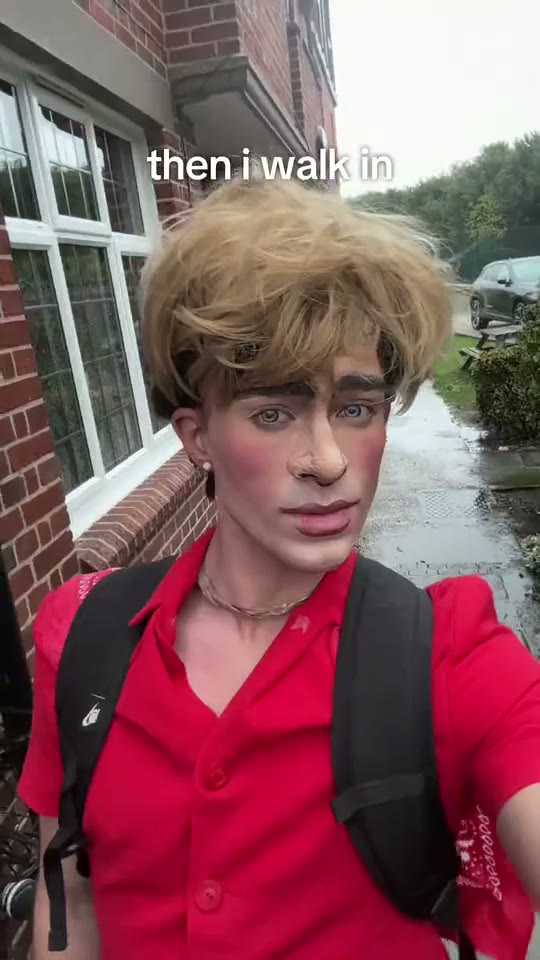 Then I Walk In AI Trend
Turn a clear portrait into a deadpan entrance with a simple walk-by setup.
 Coffee Making AI Video
Make a coffee scene with your barista, your cat and a little countertop theatre.
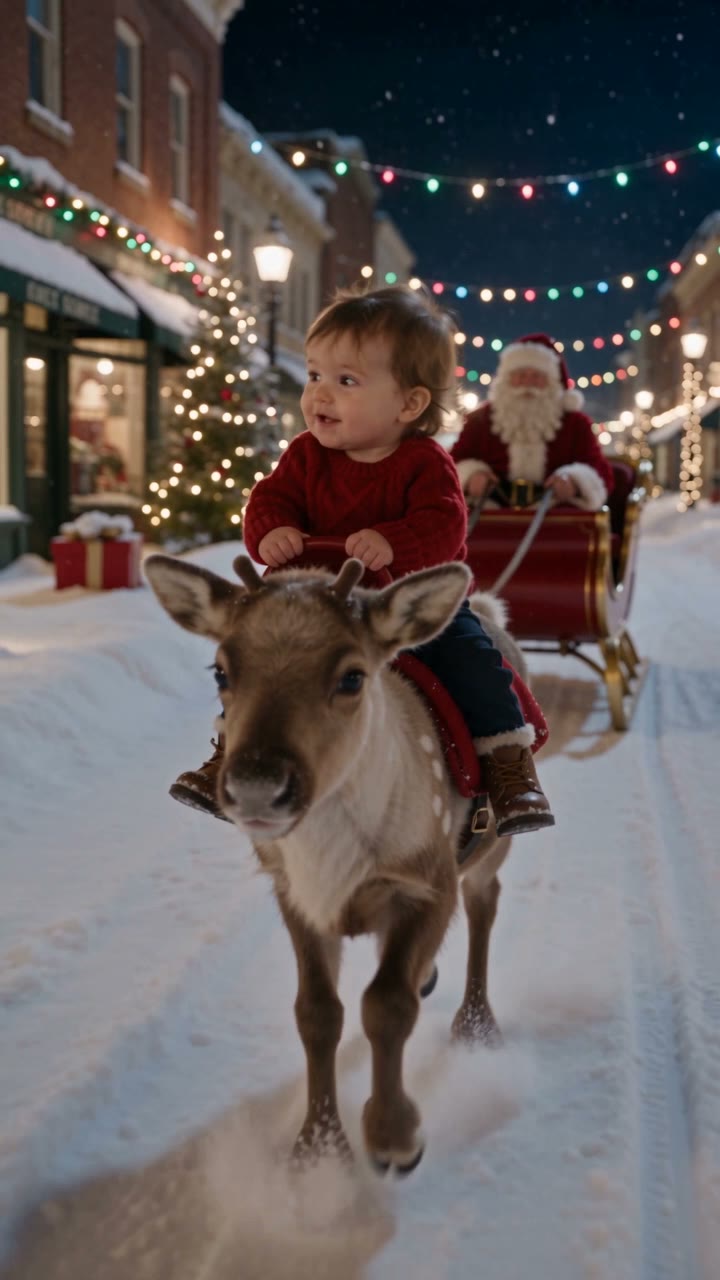 Baby Riding Reindeer AI Video
One photo of your child becomes eight seconds on a snow-covered street: a reindeer walks toward the camera, Santa follows in the sleigh.