



01
A hand enters the shot
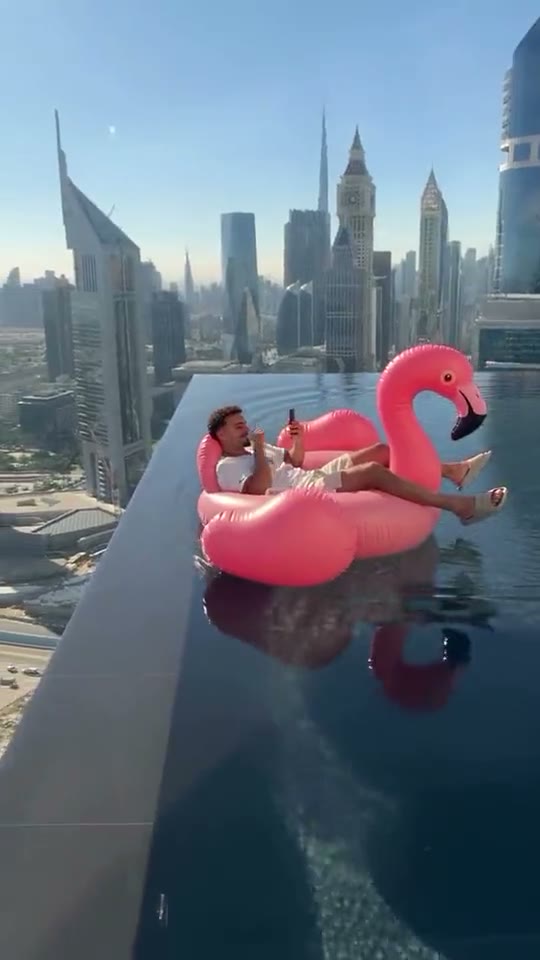
The pink float and rider are already beside the pool edge. A hand reaches into the foreground as the camera moves closer.
Watch the 11-second “Thank you bro” Original. This template uses one full-body photo for the rider on a pink flamingo in a rooftop pool.
JPG, PNG or WebP · up to 5 MB each
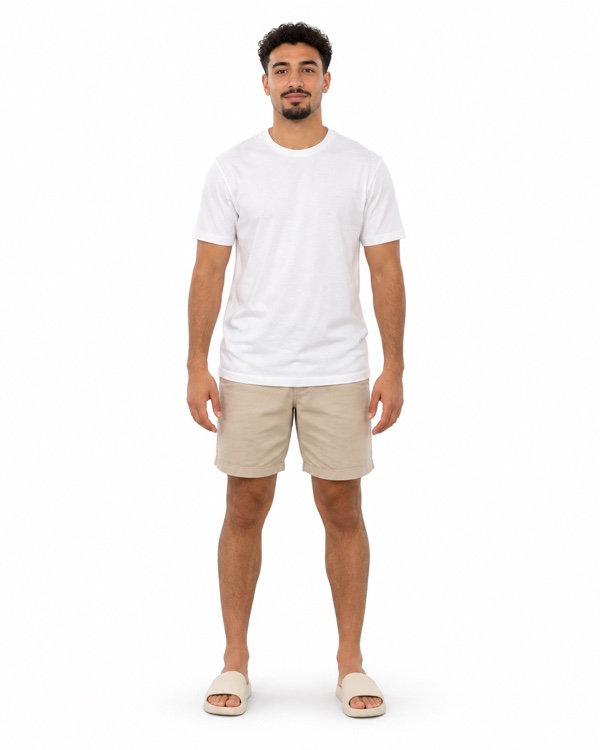
One standing adult, with their face, hands and shoes in view
Credits are returned for confirmed generation failures.
Checking credits…
Checking your task…Your own photo, or an adult’s with permission. Privacy
Join creators making videos
In the “Thank you bro” clip, the rider is already on the pink flamingo at the edge of the rooftop pool. A hand reaches into the shot and the rider looks up. The float turns away as more of the skyline comes into view. One adult photo gives you the rider’s role. The float, water, skyline and hand that enters the shot are part of the scene.
START WITH YOUR PHOTO
Start with a standing adult facing the camera. Show the whole outfit and both shoes so there is a clear reference when the rider reclines and extends their legs across the float.
Use a straight-on photo with the eyes and jawline lit. This makes the rider easier to pick out when they look toward the camera.
Choose a shot that shows the hem of the shorts or pants and both shoes. Leave a little room below the feet and beside the arms.
Pick clear sleeve and leg outlines. A plain wall makes it easier to see where light clothes end and the background begins.
WATCH THE DETAILS
The pink float and rider are already beside the pool edge. A hand reaches into the foreground as the camera moves closer.
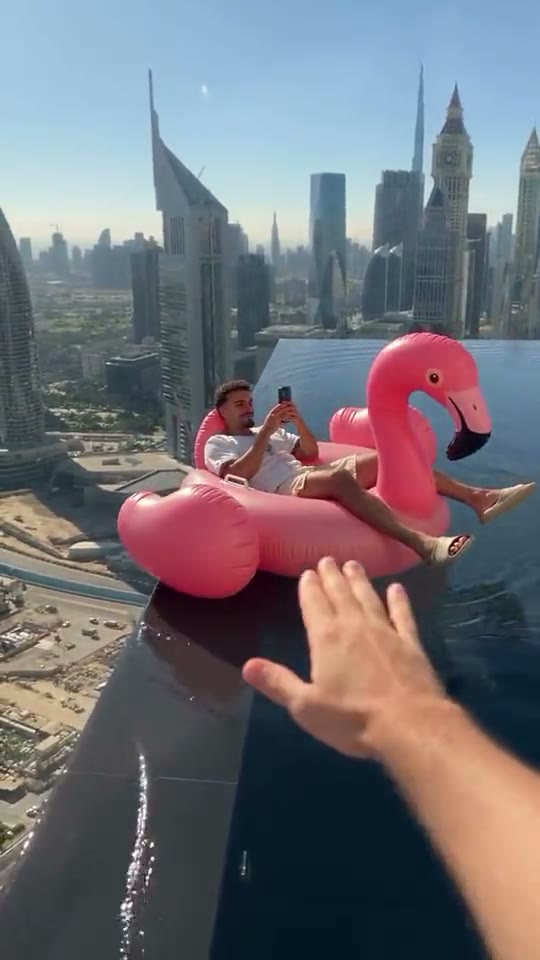
The person reclining on the float turns toward the camera with a phone in hand. The pink flamingo fills more of the frame.
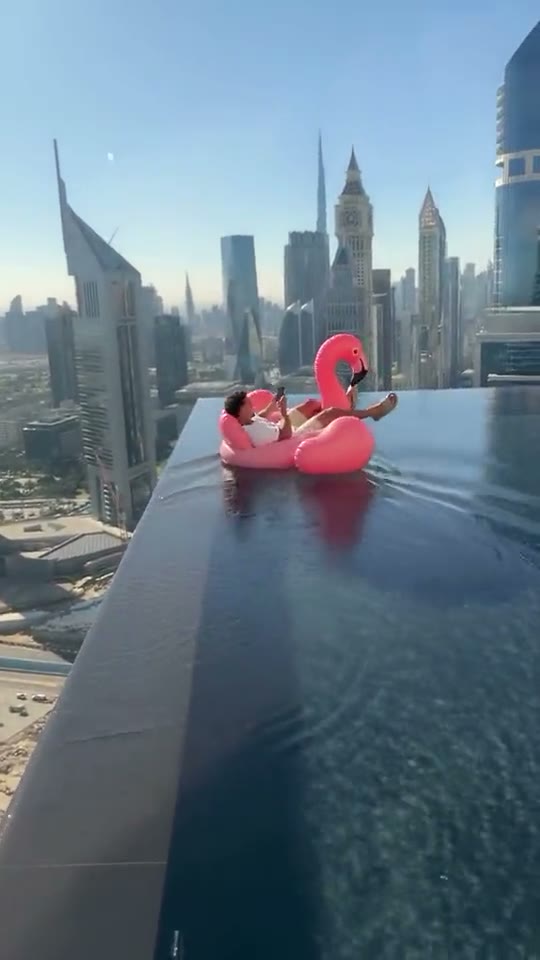
The flamingo pivots along the edge of the water as the camera opens the view to the buildings behind it.
BEFORE YOU UPLOAD
The original rider wears a white short-sleeved shirt, pale shorts and slides. Pick a photo with a similarly readable outline or give your version a different color. The poolside setting and the pink float come with the template.
AFTER GENERATING
Play the clip once with sound. Pause as the rider turns and again as the float moves away. Look for a recognizable face, legs that remain clear against the float and a cover where the flamingo is easy to spot.
The template uses one full-body adult photo for the rider. After adding your photo, choose the resolution for the rooftop pool clip.
You can take it indoors against a plain wall. Use even light and show the face, legs and shoes. The rooftop pool is part of the template.
Your photo supplies the adult riding the float. The hand entering from behind the camera stays part of the scene.
Use one full-body photo of an adult with their face and feet visible. Choose a JPG, PNG or WebP up to 5 MB.
The output is an 11-second vertical MP4. The template uses 140 credits at 480p or 280 at 720p.
Yes. The video uses the reference audio. Play Original with sound to hear it before you choose your photo.
When a video is ready, you can play it and download the MP4 in My creations.
YOUR NEXT IDEA
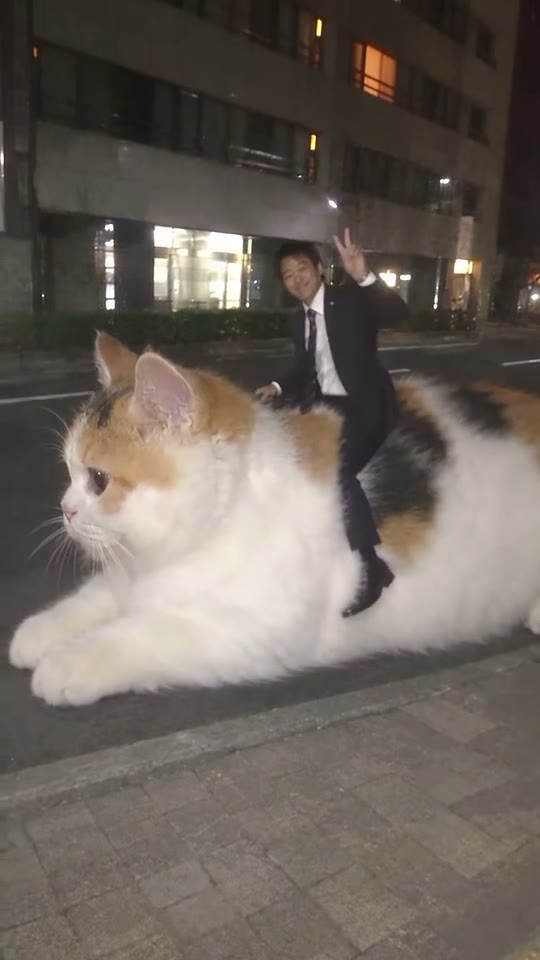 Giant Cat Taxi Ride AI Video
Giant Cat Taxi Ride is a 12-second vertical video template with a rider photo and an optional cat photo.
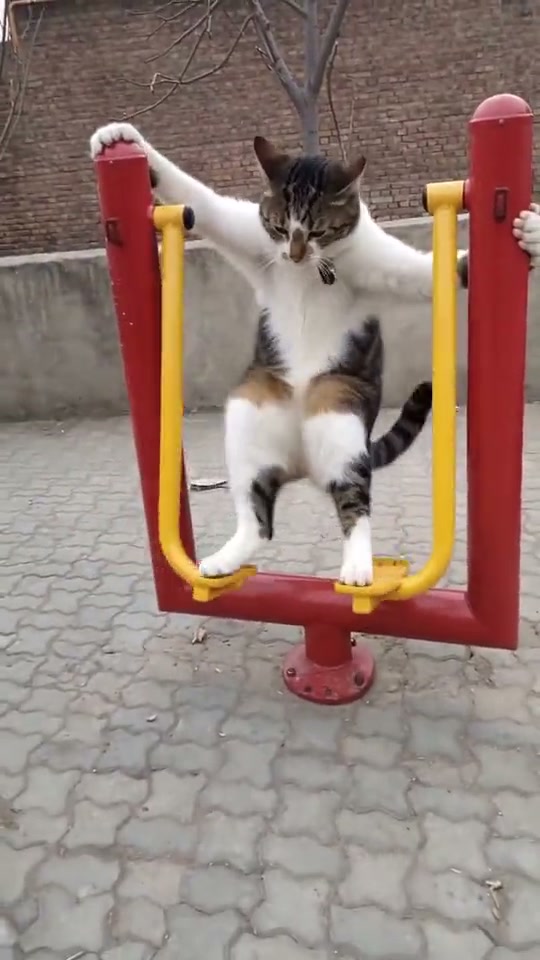 AI Cat Gym Video Generator
Use one full-body photo to put your cat on an outdoor air walker. Preview the swinging pedals and the comic slip in a 10-second vertical video with sound.
 Reaching Out Cat AI Video
Watch the Christmas-tree version of the Reaching Out Cat meme. This template uses one cat photo for the reveal beside the tree and the pickup.
 Bandit AI Trend Video Generator
Make a 15-second Bandit rap duet in widescreen. Upload two chest-up photos, one for each rapper.