





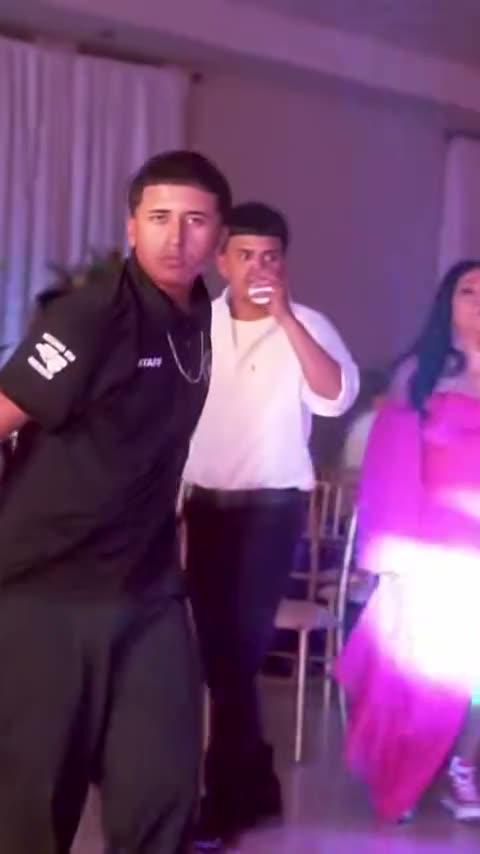
01
Walk up to the lens
The performer steps forward through the guests as colored lights sweep across the room.
The Dime Dime Baby AI template uses one adult photo for a 9-second vertical video. Watch the walk-up, concha bite, stare and turn in the Original.
JPG, PNG or WebP · up to 5 MB each
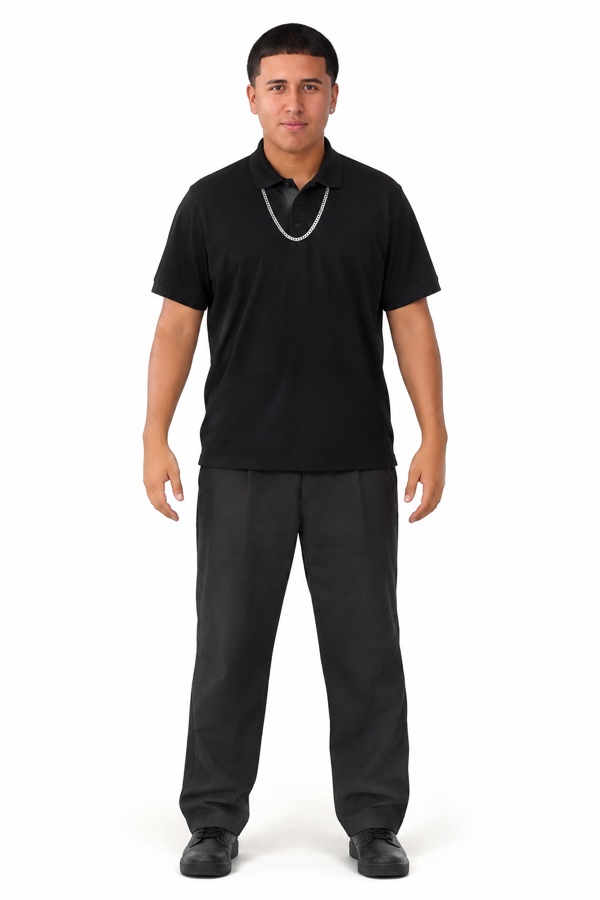
One adult standing, with their face, hands and outfit in view
Credits are returned for confirmed generation failures.
Checking credits…
Checking your task…Your own photo, or an adult’s with permission. Privacy
Join creators making videos
The photo supplies the lead role in the party scene. Preview the entrance, close-up and turn to see where the face, hands and outfit are most visible.
START WITH YOUR PHOTO
Start with one clear photo of an adult standing and facing the camera. The walk-in shows the outfit, then the camera closes in on the face for the stare.
Use even light across the face. Keep hands, sunglasses and props away from the eyes and mouth.
A head-to-toe photo gives the template enough detail for the entrance and turn. Leave a little space around the sleeves and legs.
Choose a frame where one adult is easy to pick out, with clean edges around the hair and shoulders.
WATCH THE DETAILS
The performer steps forward through the guests as colored lights sweep across the room.
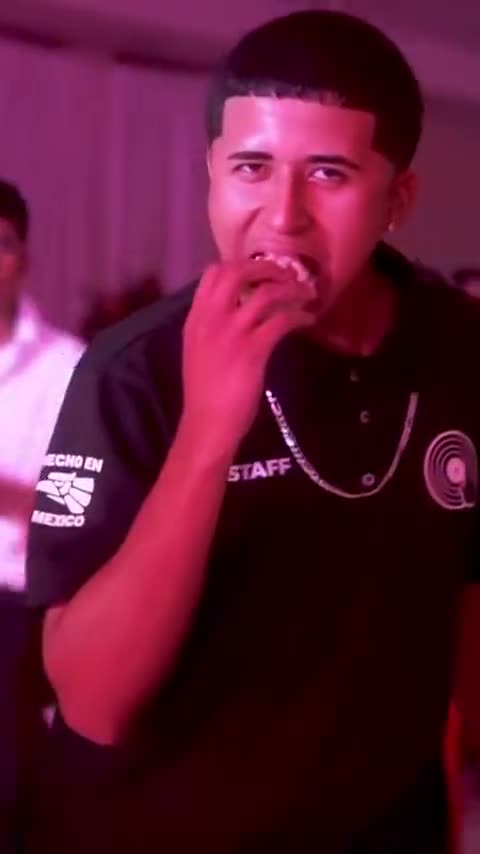
The performer raises a piece of sweet bread to his mouth, then holds eye contact while he chews.
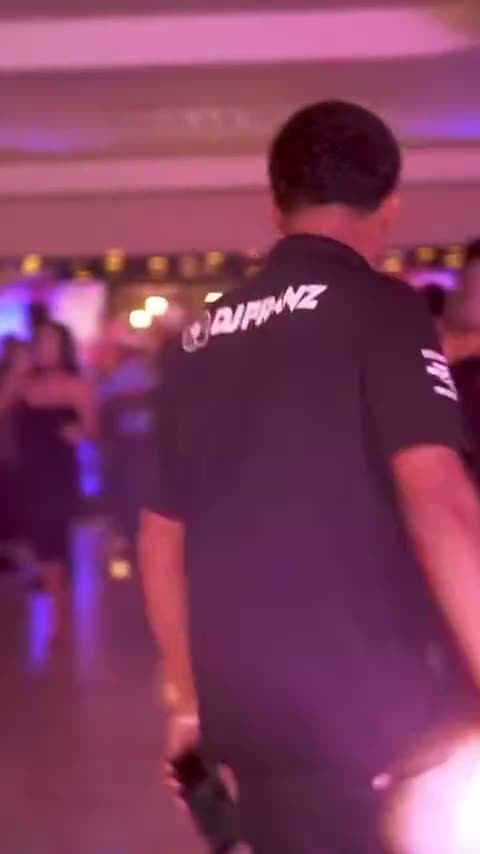
The performer turns away from the camera and back toward the guests.
Check your result
Pause once as the performer approaches and again at the bite. Check that the outfit reads at a distance and the hand stays clear of the face in close-up. If the facial features are hard to see, try a sharper photo with even light and an unobstructed face.
The adult in your photo takes the lead role. The party setting and the supporting guests come from the template.
Use one JPG, PNG or WebP up to 5 MB. A clear standing photo with the face, hands and outfit visible works best for the walk-in and close-up.
One adult photo is enough. The party, concha and choreography are already part of the template.
The template is set to make a nine-second vertical MP4 with audio from the clip shown under Original.
480p costs 80 credits. 720p costs 160 credits.
When your video is ready, open My creations to play it or download the MP4.