





01
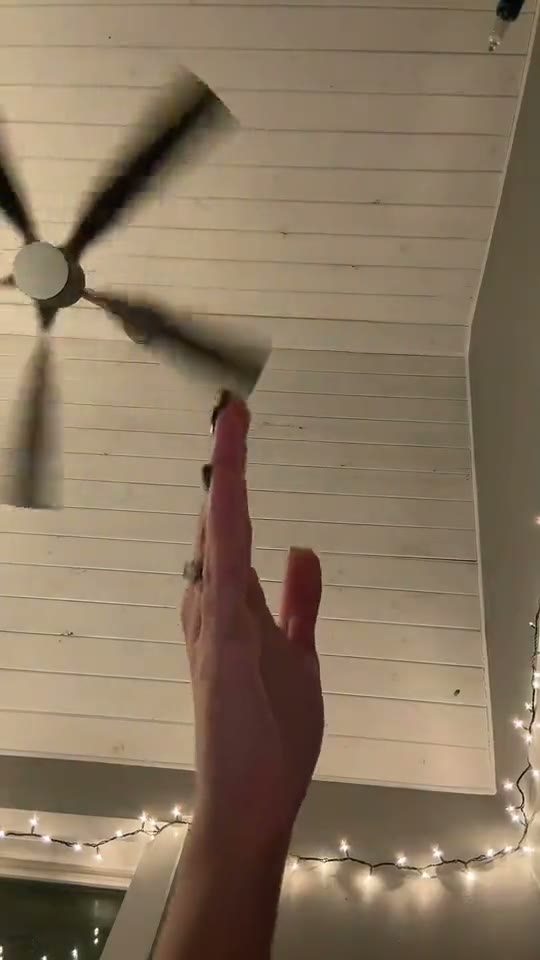
A hand reaches toward the fan
The clip opens looking up. An open hand enters the shot with the ceiling fan above it.
Watch the Christmas-tree version of the Reaching Out Cat meme. This template uses one cat photo for the reveal beside the tree and the pickup.
JPG, PNG or WebP · up to 5 MB each
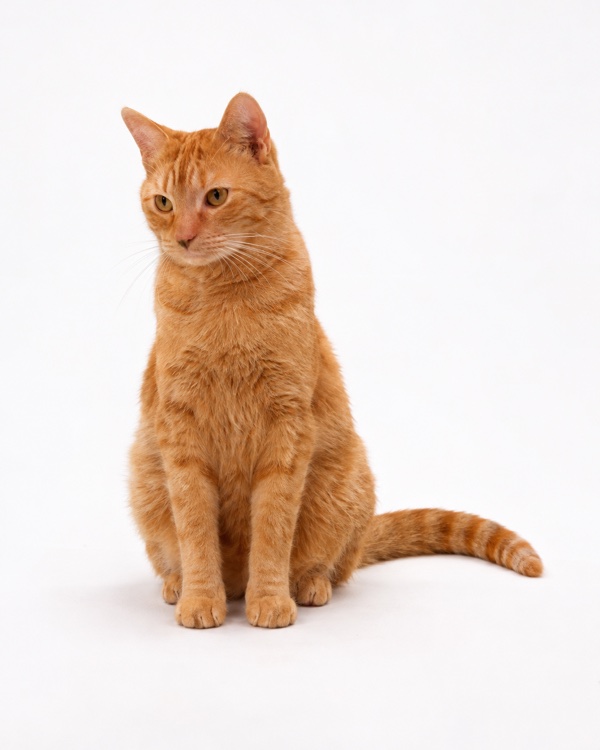
One sitting cat, with its face and both front paws in view
Credits are returned for confirmed generation failures.
Checking credits…
Checking your task…Your own photo, or an adult’s with permission. Privacy
Join creators making videos
The Christmas-tree version starts with a hand reaching toward a ceiling fan. On the cut, a cat is suddenly sitting beside the tree. An arm lifts it out of frame and the camera holds for a beat. Use one clear cat photo for the middle and closing beats.
START WITH YOUR PHOTO
A sitting pose shows how your cat holds its head and where its paws are. Take the photo at eye level and keep the ears, chest and paws in view.
Take a front or slight three-quarter photo. A low angle or a look straight down can hide the markings around the eyes.
Show the front paws on the floor with some space around the body. Include the tail if it is visible beside the cat.
Use indirect window light so stripes, patches and darker fur read clearly. A quiet background helps the outline stand out.
WATCH THE DETAILS
The clip opens looking up. An open hand enters the shot with the ceiling fan above it.
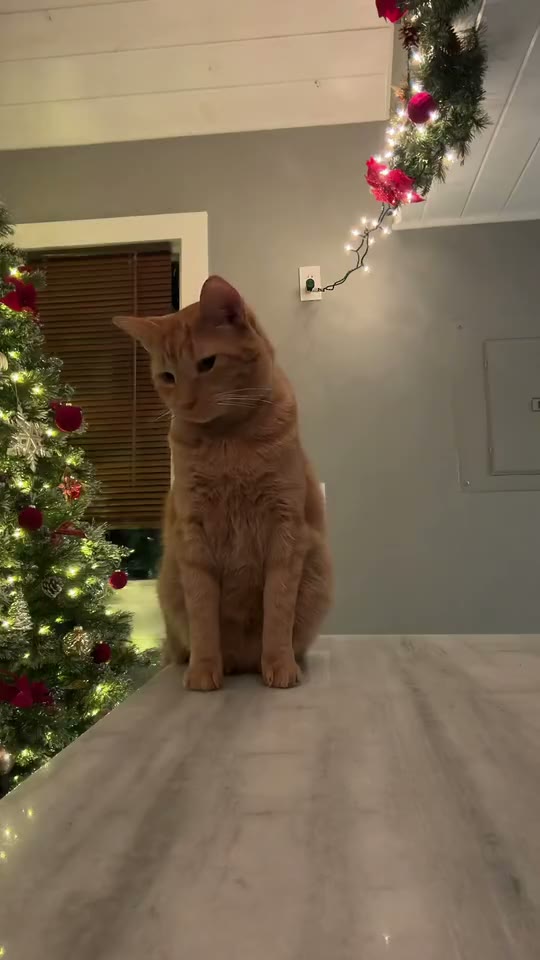
The view jumps to a cat sitting beside a lit Christmas tree. The paws and chest are visible on the light wood surface.
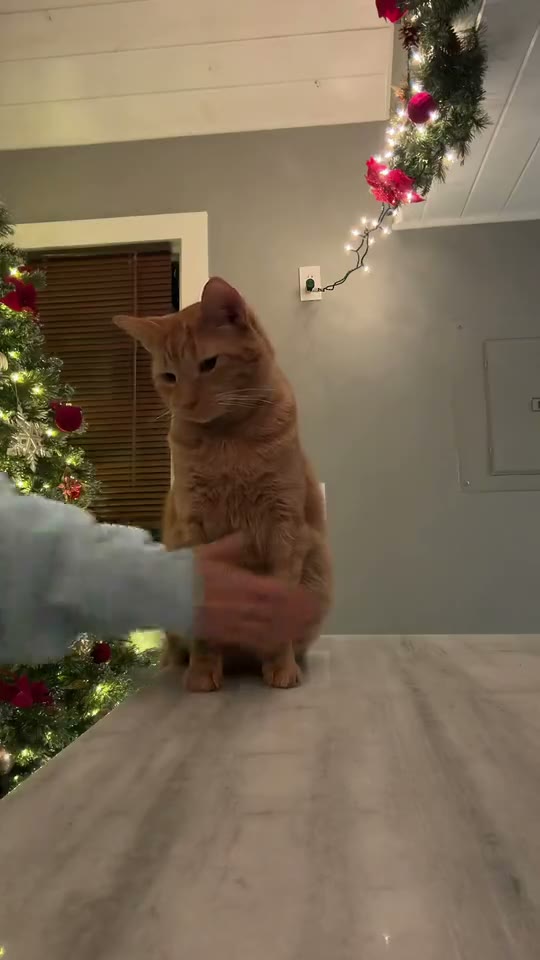
A light-sleeved arm supports the cat and carries it off to the left. The shot holds on the tree and the empty surface.
PHOTO CHOICE
The cat in Original has an orange coat. Your photo can show a different color or pattern. A sitting shot is useful because the face, chest and paws are visible together before the pickup.
FOR YOUR POST
Watch the jump from the ceiling shot to the cat. If you add a caption, place it clear of the cat’s ears and keep the empty moment after the pickup so the punch line has room.
This version jumps from a hand reaching up toward a ceiling fan to a cat sitting beside a Christmas tree. An arm then lifts the cat and carries it out of frame.
Upload one cat photo. The opening hand and the arm that carries the cat are already in the scene.
Choose any cat whose eyes, coat markings and paws are clear in the photo. The orange tabby is the cat in Original.
Choose a JPG, PNG or WebP up to 5 MB. Use a seated cat photo taken from the front or a slight angle.
The Christmas tree, tabletop and room are part of this template. For a scene of your own, start with Photo to Video and describe the setting.
The output is a six-second vertical MP4 with reference audio. Choose 480p for 80 credits or 720p for 160 credits.
When your clip is ready, open My creations to play it and download the MP4.
YOUR NEXT IDEA
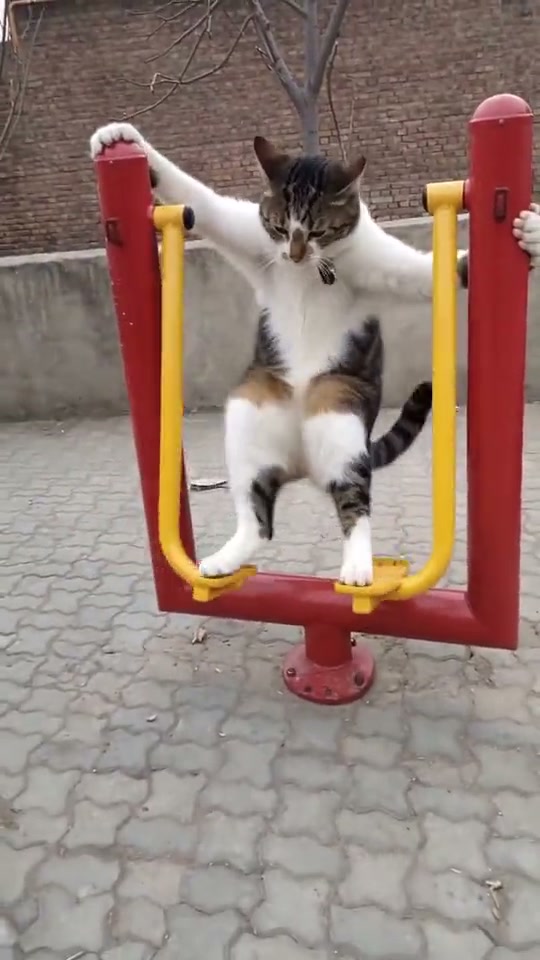 AI Cat Gym Video Generator
Use one full-body photo to put your cat on an outdoor air walker. Preview the swinging pedals and the comic slip in a 10-second vertical video with sound.
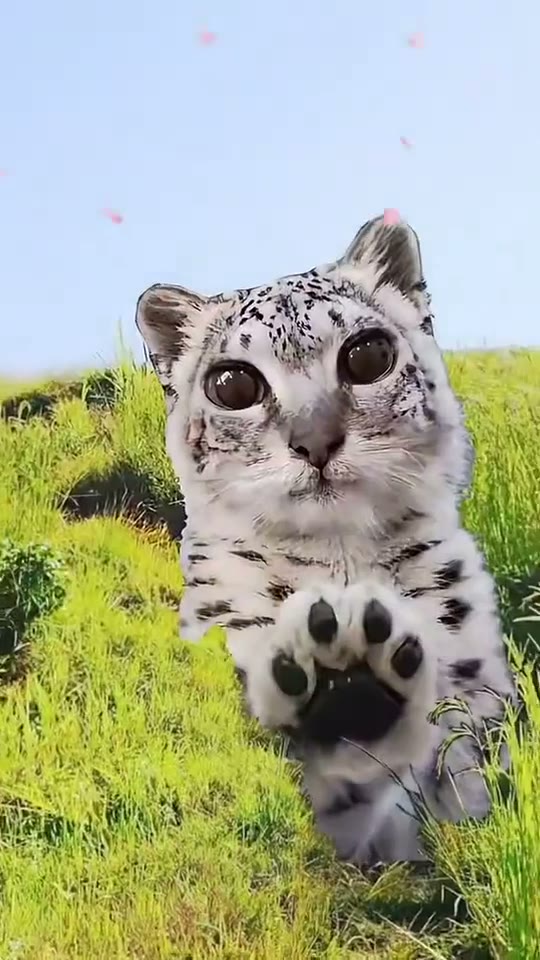 Snow Leopard Paws at You AI
Explore the Snowmei look: a big-eyed snow leopard reaching toward the camera in a flower-filled meadow.
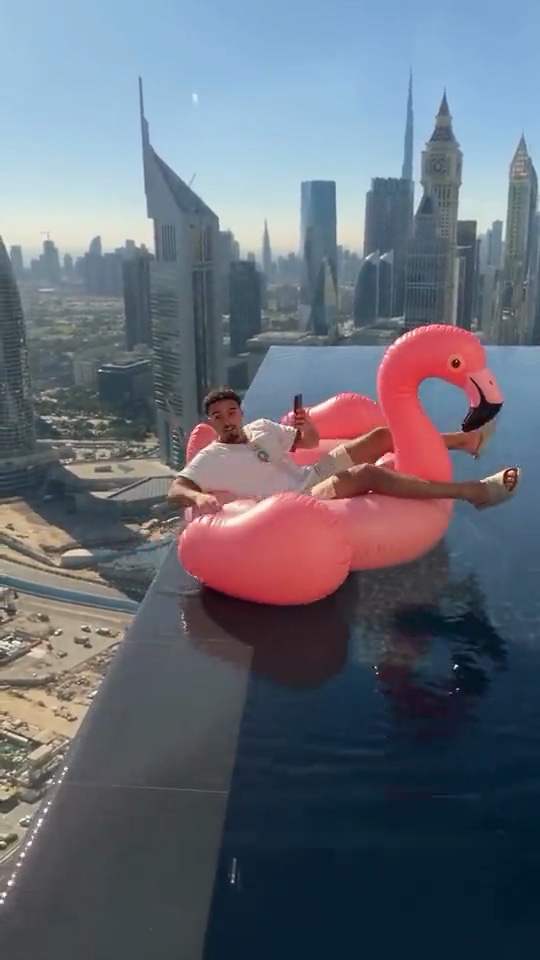 Flamingo Float AI Video
Watch the 11-second “Thank you bro” Original. This template uses one full-body photo for the rider on a pink flamingo in a rooftop pool.
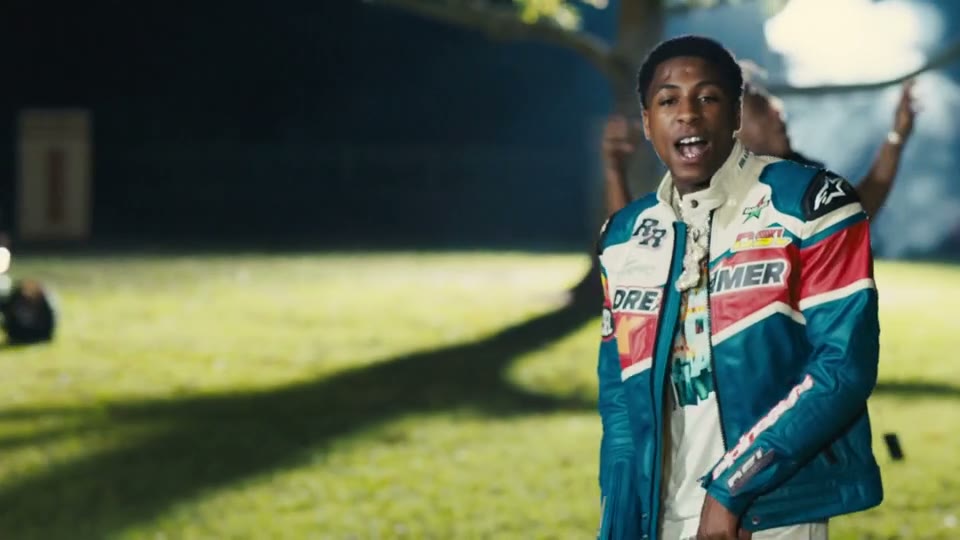 Bandit AI Trend Video Generator
Make a 15-second Bandit rap duet in widescreen. Upload two chest-up photos, one for each rapper.