





01
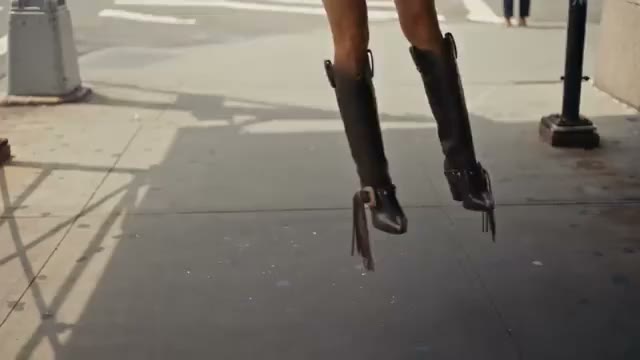
Boots touch down
The clip begins low on the legs and pavement. A small hop and landing establish the entrance before the view opens up.
Step into the street-style clip. One full-body photo supplies the person who lands, adjusts their look and walks toward the camera.
JPG, PNG or WebP · up to 5 MB each
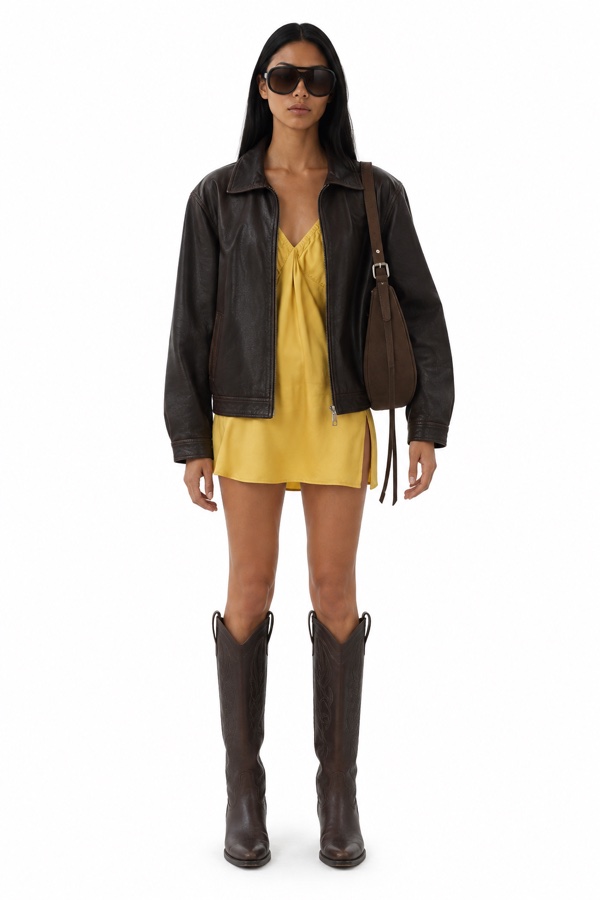
One standing adult, with face, hands and both shoes visible
Credits are returned for confirmed generation failures.
Checking credits…
Checking your task…Your own photo, or an adult’s with permission. Privacy
Join creators making videos
The Sidewalk Drop-In clip turns a small entrance into a street-style reveal. Boots land on the pavement, the person straightens up, adjusts their sunglasses and moves toward the camera. The scaffold poles and passing traffic keep the city in view. Your photo supplies the person and outfit for that sequence.
START WITH YOUR PHOTO
A standing photo gives the template a clear face, body outline and pair of shoes to work with. Leave space beside the arms and below the feet so the landing and walk have a readable starting reference.
Take a front-facing photo in even light. Keep the face large enough to recognize when the person comes close to the camera.
Show the complete hem of your skirt, shorts or pants, along with both shoes. The opening shot gives the legs and feet particular attention.
The jacket, glasses and shoulder bag shape the Example. Use a photo that clearly shows any accessories you want to carry into your version.
WATCH THE DETAILS
The clip begins low on the legs and pavement. A small hop and landing establish the entrance before the view opens up.
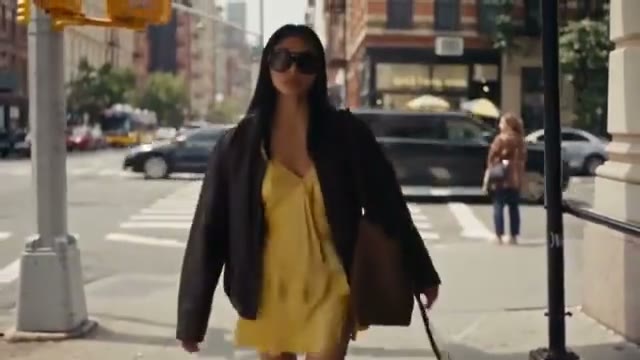
The person settles into place, adjusts their sunglasses and tips their head back for a hair flip. The yellow dress and dark jacket stand out against the street.
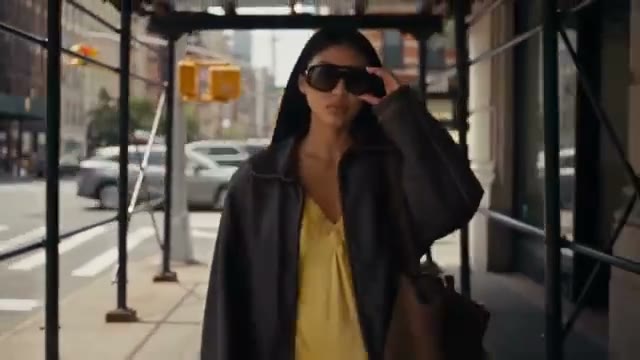
The walk brings the performer toward the camera. A hand lifts toward the mouth for a kiss gesture before the final close view.
THE LOOK
The Example combines a short yellow dress, a dark jacket, sunglasses and tall boots. It is useful for seeing how the clothing moves from the low opening shot to the closer view.
Your reference photo can show a different outfit. Pick one with clear edges around the arms and legs. A visible shoe shape matters more here than a busy background or an elaborate pose.
THE FRAME
The template uses a wide 16:9 frame. The street, traffic and scaffold poles give the entrance its setting, so review the full frame before making a vertical crop for a social post.
If you crop afterward, follow the person from the opening landing to the final close-up. Keep both feet during the landing and leave space above the head through the hair flip.
BEFORE SHARING
Play your version with sound once. Pause at the landing to check the shoes and contact with the ground, then check the sunglasses and face as the person comes closer. Use the full clip to decide where your cover frame belongs.
Upload one full-body photo of an adult, with the face, hands and both shoes in view. A relaxed standing pose is a useful starting point.
A plain indoor background works. The template supplies the city sidewalk, scaffold poles, camera movement and sequence of gestures.
The photo supplies the person and their outfit. Show the complete clothing and accessories you want the template to reference, especially the shoes used in the opening shot.
A full-body photo gives the most useful reference for this entrance. A tightly cropped selfie leaves the outfit and legs for the model to complete.
The result is a 13-second, landscape 16:9 MP4. The wide framing keeps the street setting and the walk toward the camera visible.
The full clip uses 160 credits at 480p or 320 credits at 720p. Choose the resolution after adding your photo.
Yes. The template uses the reference soundtrack. Play Example with sound to hear the timing before choosing your photo.
Choose a JPG, PNG or WebP up to 5 MB. Use your own photo or an adult’s photo you have permission to use.
Open My creations to follow the task, play the finished clip and download the MP4. Confirmed generation failures return the credits charged.
YOUR NEXT IDEA
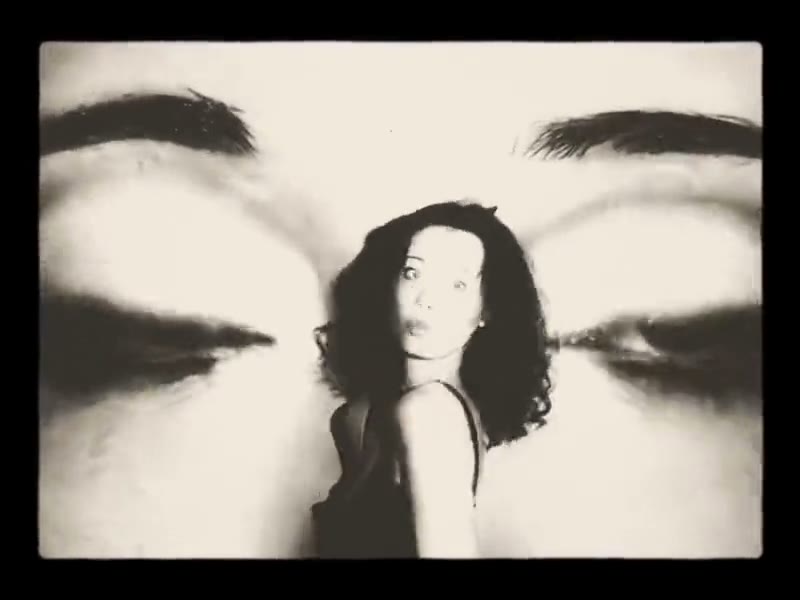 Laisse Tomber Les Filles AI Video
Put your portrait in the black-and-white projection scene. A performer turns in front of oversized blinking eyes to “Laisse tomber les filles.”
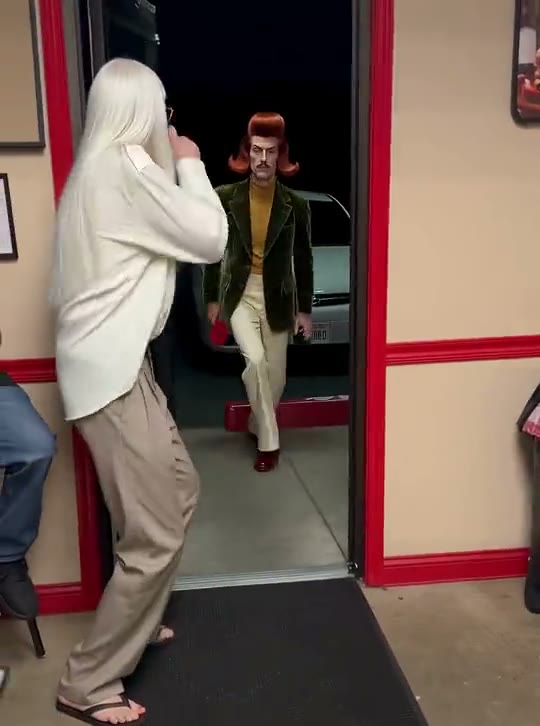 Pimp Walk Entrance AI Trend
Use one clear full-body photo of an adult to join the Pimp Walk entrance trend.
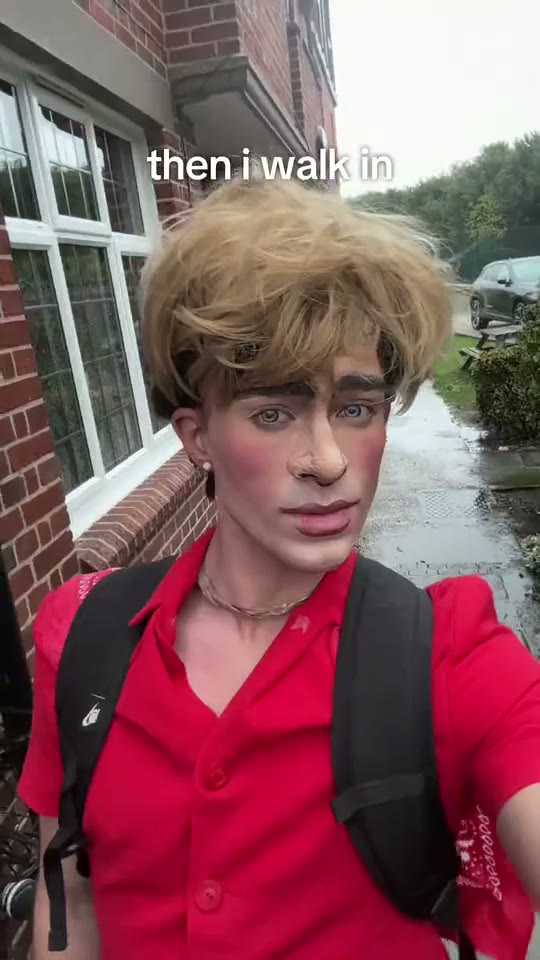 Then I Walk In AI Trend
Turn a clear portrait into a deadpan entrance with a simple walk-by setup.
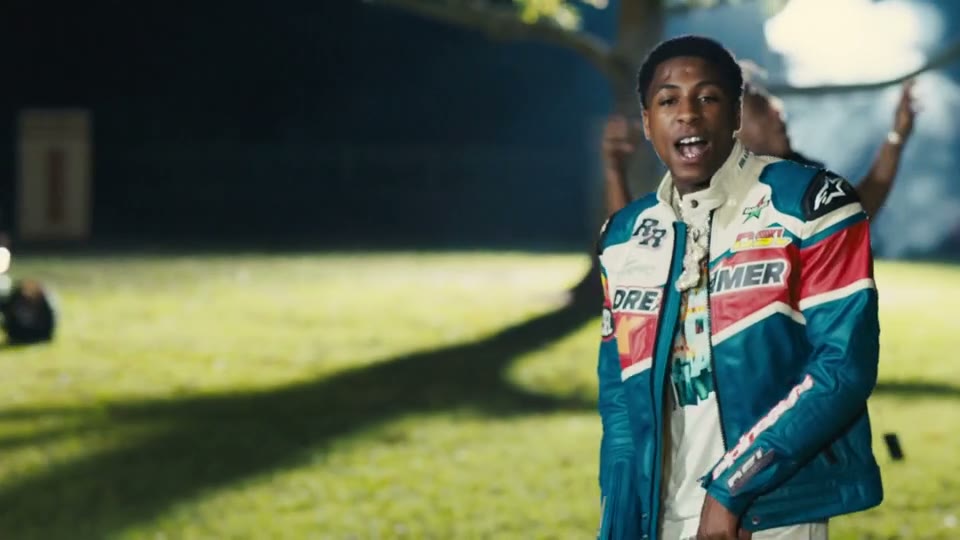 Bandit AI Trend Video Generator
Make a 15-second Bandit rap duet in widescreen. Upload two chest-up photos, one for each rapper.