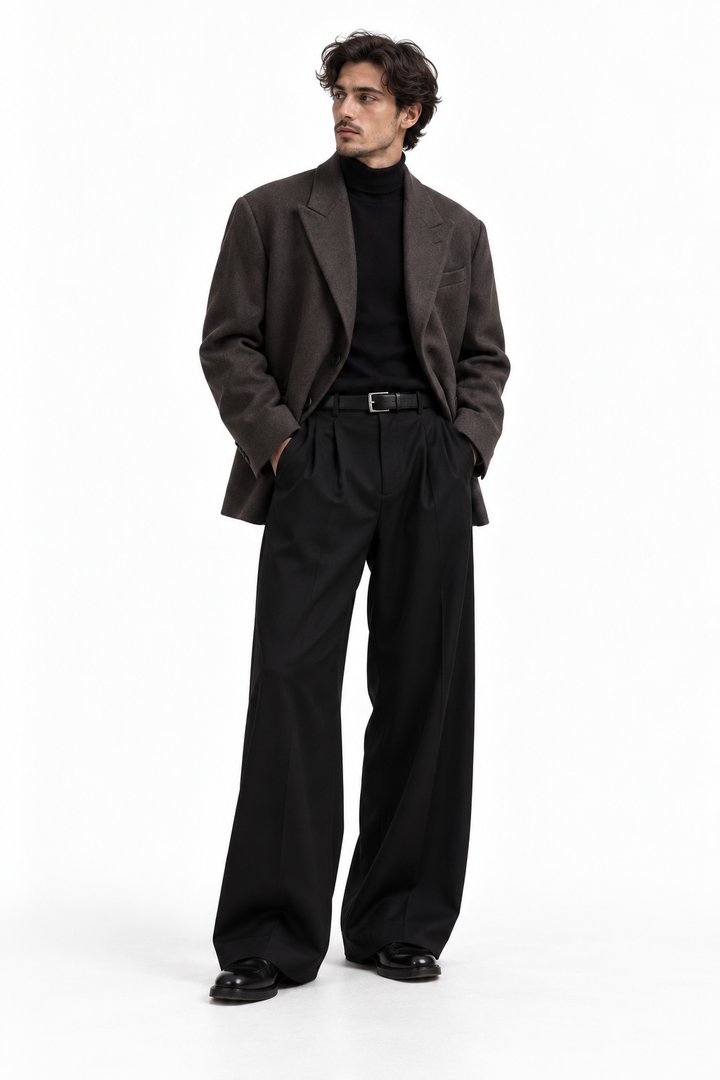
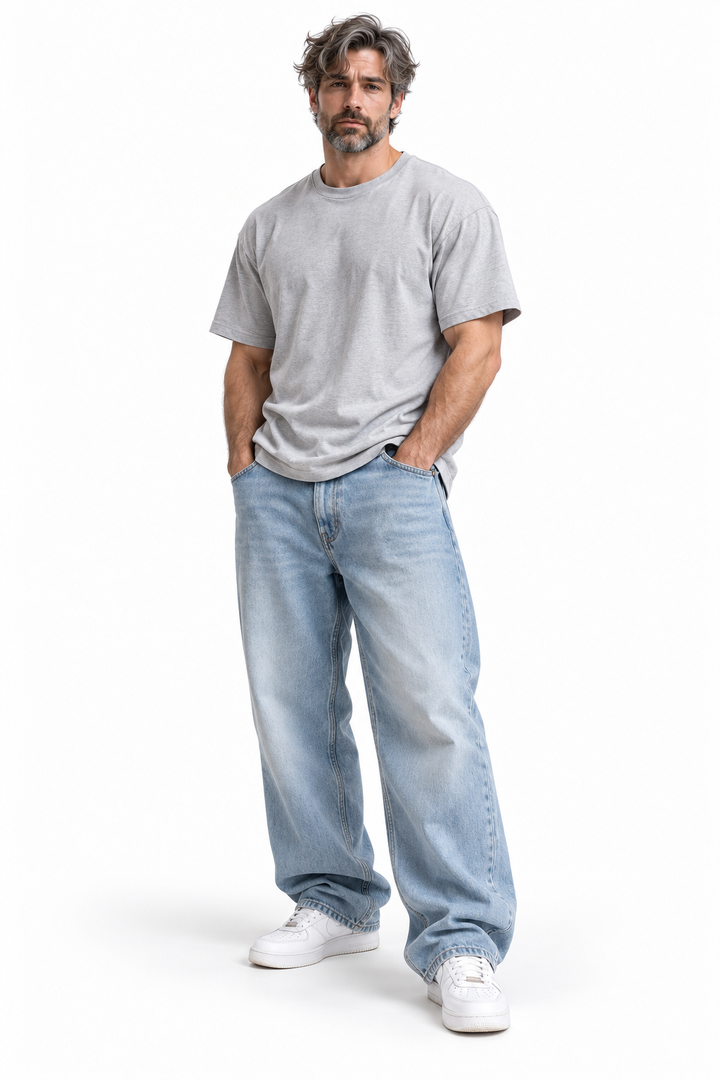
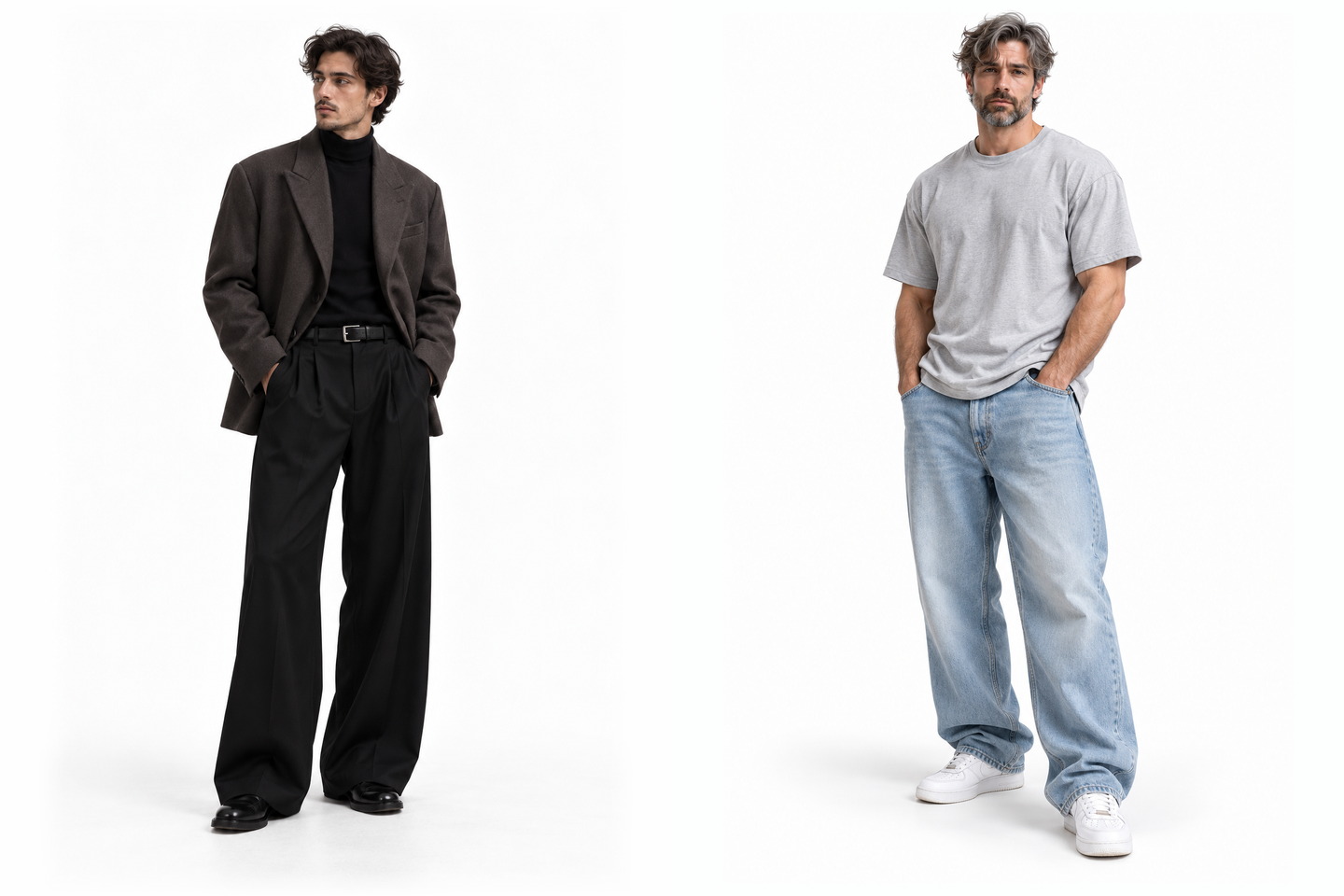
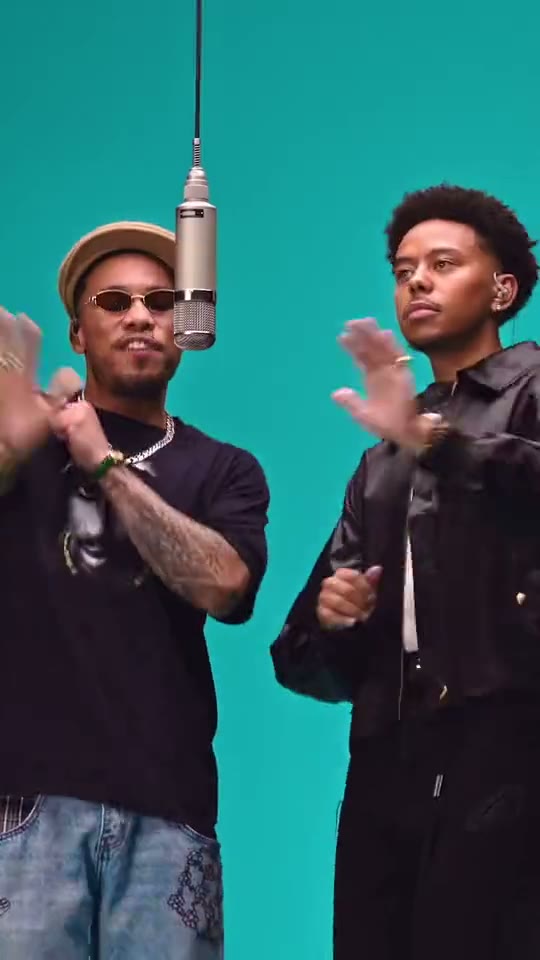
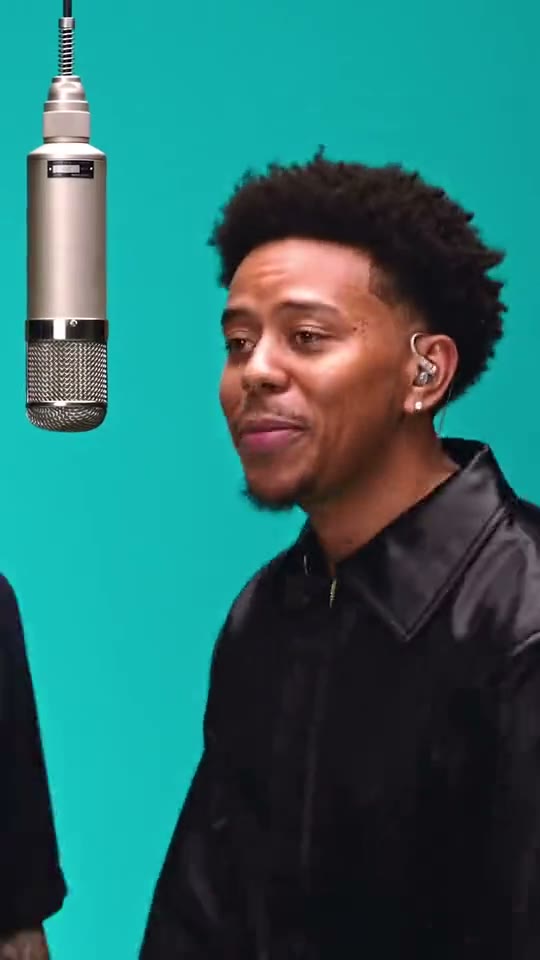
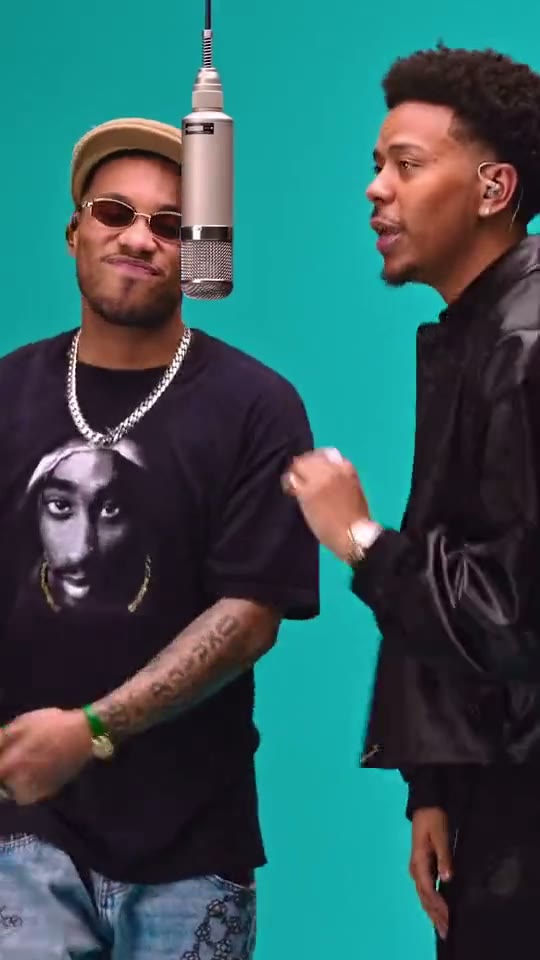
The 58th Floor clip is a studio performance with the studio stripped out. Two adults stand side by side in front of a flat teal wall, a single vintage condenser microphone hangs from a cable between them, and the camera drifts from a two-shot into a close shot of the performer on the right and back out again. Fifteen seconds, one take, no cuts, no props, no set. That leaves the faces and the timing to carry the clip, which is also why it is a fair test of your photos: nothing in the frame is there to hide a weak one. The reference below, the photo guidance and the creation controls are kept together so you can judge both pictures before spending anything.
Left performer · Right performer
START WITH YOUR PHOTO
Two photos, one adult in each
This effect takes two photos, not one. Each one supplies a single performer: face, hair, build, outfit and jewellery, carried into every frame. Because the reference is framed from roughly mid-thigh up, the upper half of each photo does most of the work, so a clear face and a legible outfit matter more than a clever pose. The two photos do not have to be shot in the same place or on the same day, but they do have to agree on light: if one person is lit from the front and the other is standing in shade, the pair never looks like they are sharing a room.
01
Two separate photos, never a group shot
Upload each person on their own. A photo with both people in it has to be split between two slots, and the scene has no way to tell which face belongs where, so the safer path is two single-person pictures even when you already have a good one of the pair together.
02
Keep the face big enough to survive the cut
Use a full-body photo with a clear, recognizable face: the reference spends most of its time at chest height or closer, so the face gets enlarged on the way in. Keep the person in frame from head to feet.
03
Match the light, not the background
The teal wall, the hanging microphone and the flat overhead light are part of the scene, so there is no need to find a painted wall to shoot against. What you do want is even, front-on light in both photos, so the two performers read as being in the same room once they are put side by side.
WATCH THE DETAILS
A two-shot, a push in, a two-shot again
01
Both of them, clapping
The clip opens on the pair from mid-thigh up against the flat teal wall, the microphone hanging between them, hands meeting in front of their chests. Nothing else is in the frame, so the first thing you read is that there are two people and one mic.
02
The camera drifts right
Without a cut, the framing tightens onto the performer on the right, who sings toward the microphone now hanging at the left edge of the shot. The wall stays the same colour, which is what makes the move read as a camera rather than a new location.
03
Back out, closer than before
The camera returns to both of them, this time tighter: the performer on the left in a hat and dark glasses, the other turned toward them, mid-line. The clip ends there, on the pair, with no reaction shot and no resolution.
THE IDEA
A performance with nothing to hide behind
01
Most performance templates try to give you a stage: a club, a street, a lit room with a mood. This one takes the opposite route. A single painted wall, one hanging microphone and a fixed camera that drifts a step closer and a step back. There is no edit to cover a weak moment, so the only thing left in the frame is two people and how they move together.
That is also what makes the format portable. The wall is a colour, not a place, so nothing in your photos has to match a location. What has to match is the pair: two faces that could plausibly stand shoulder to shoulder for fifteen seconds. Two photos taken in different rooms still work as long as the light and the scale of the faces are close.
Worth saying plainly: this is a performance template applied to your photos, not footage of the original artists. The reference is on the page so you can see the framing and the timing before you commit a single credit.
YOUR WORKFLOW
Check both thumbnails before you spend credits
02
Load the first photo into the left slot and the second into the right, then look at the thumbnails rather than the files. The thumbnails are what the scene actually starts from, and a pair can look fine as two separate pictures and wrong side by side: one person much larger, one lit from behind, one wearing something that swallows the shoulders.
The credit amount and the quality setting sit next to the creation button and describe the version you are about to request. Fifteen seconds at the lower setting is enough to see whether the pair holds together across the camera move; move up a step for anything you plan to publish. Keep the page open while it renders so you can watch the result in place before downloading it.
FRAMING
Two faces in a vertical frame
03
A vertical frame with two people in it splits the width in half, so each performer gets less room than they would alone. When you cut the clip for a story or a short, keep both faces out of the top edge, and leave the bottom band clear if interface elements are going to sit there. Trimming to a square is the usual way to lose a hat or a chin.
For a cover frame, pick something with both of them in it rather than the close shot: the pair explains the format faster than a single face. Keep captions off the faces. In a series, change the outfits rather than the wall, so the format stays recognisable from the thumbnail alone.
Frequently asked questions
What is the 58th Floor COLORS AI video?+
It is a fifteen-second studio-style performance: two adults in front of a flat teal wall, one condenser microphone hanging from a cable between them, and a camera that drifts from a two-shot into a close shot and back. One take, no cuts. The reference on this page shows the framing and the timing.
What do I need to upload?+
Two full-body photos, one adult in each, with a clear face and readable outfit. The two pictures go into separate slots, so they do not need to be taken in the same place.
Do the two people have to be photographed together?+
No. Two separate photos are the intended input, and they are usually the better choice: a single group photo would have to be split between two slots, and each face would arrive smaller than it needs to be.
Can I use the same person in both slots?+
The controls will accept it, and you would get that person twice. If you want a pair, two different photos give the scene two different faces to work with, which is what the format is built around.
Do I need a teal background in my photo?+
No. The wall, the microphone and the flat overhead light belong to the scene, not to your photograph. What helps is even, front-on light in both pictures, so the two performers do not look lit by two different rooms.
How long is the clip, and which quality should I choose?+
The reference runs fifteen seconds in a vertical frame. The quality options and their credit cost appear in the creation panel before you confirm. The lower setting is enough to check whether the pair holds through the camera move; choose the higher one for a clip you plan to publish.
Does the clip have sound?+
Yes. Your finished clip carries the same soundtrack as the reference, aligned to the performance. Watch the reference once with sound on before you choose photos: the gestures and the camera move follow that timing, so you know what the two people are performing to.
What should I avoid in the two photos?+
Group shots, faces that are tiny in the frame, one photo backlit and the other in flat shade, and anything that hides the whole face. A hat or dark glasses are fine when the face is still recognisable, since the reference itself wears both.
We use cookies to improve your experience, analyze site usage and support our marketing. You can accept or reject non-essential cookies; essential cookies needed for sign-in always stay on.