
Video Review and Approval: Turn Feedback Into Edits
 ReelBoop
Run a video review with timecoded comments, checkable shot revisions, and version-specific sign-off. Use a version log and worked product-ad example.
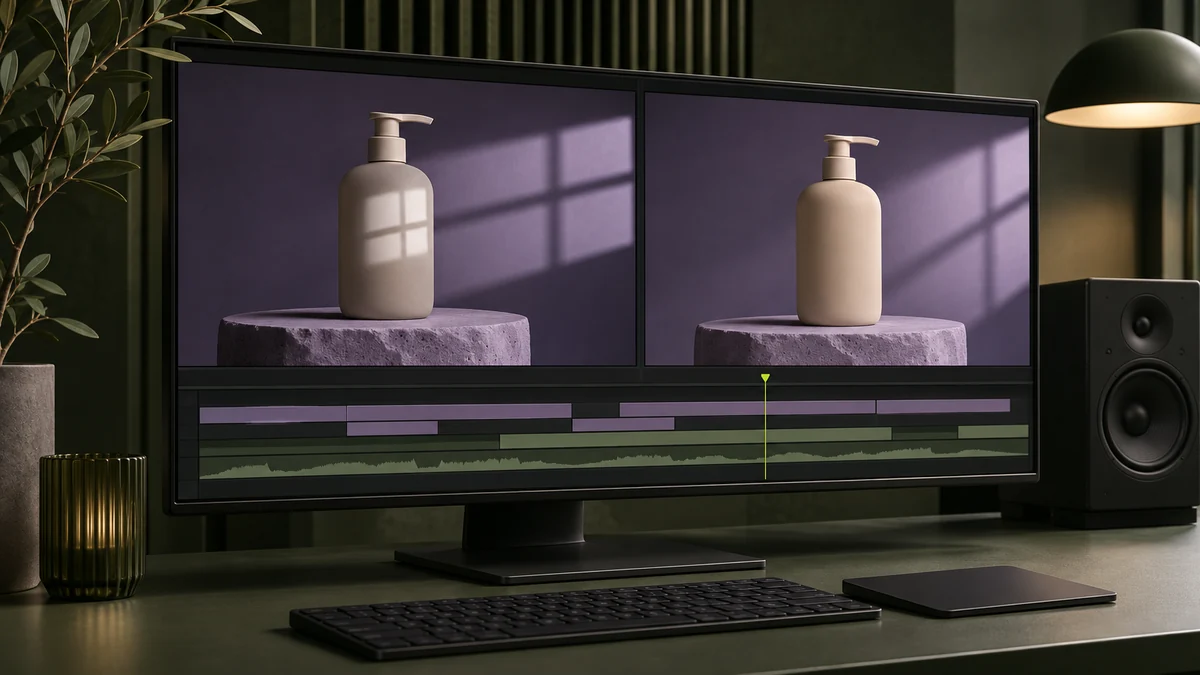
A video review and approval workflow turns comments into edits the reviewer can verify in the next cut. Share one named version, ask for feedback at a timecode or range, and translate each comment into a change, the details to keep, and a check. At delivery, record who approved which version and format.
Send a review cut with one clear decision
For a 15-second skincare ad, the first round might ask whether the product appears early enough and the final offer is legible. Share a file such as serum-launch_v02_9x16.mp4. Name the approving person, give a deadline including the time zone, and state the questions for this cut. Keep discussions on one review link or in one shared log.
Separate editorial decisions from finishing checks. Confirm the order and duration of shots before grading every cut. In the finishing round, inspect the approved product color, corrected captions, and delivery crop. Keep a locked shot list so a late style request can be evaluated against prior approvals.
Give the editor a spot, a change and a test
For a single visible moment, leave a comment on the exact frame. A glare, pacing issue, or audio problem may span multiple frames, so mark the start and end. Frame.io V4 Share links support both timestamped comments and range comments when the sender enables commenting. A plain spreadsheet works too: include the version, the time or range, and a short shot name. Frame.io’s guide for Share link reviewers
| Feedback on v02 | Revision to make | How to verify in v03 |
|---|---|---|
| 00:02.4–00:03.2 · Bottle close-up: “The logo disappears.” | Move the bright reflection off the printed mark. Keep the bottle position, label color, and angle. | Scrub the entire range. The printed mark stays visible while the bottle holds its original position. |
| 00:06.8–00:07.4 · Pump shot: “The sound feels late.” | Move the pump sound to the frame where the nozzle bottoms out. Keep the picture cut and music bed in place. | Play the movement at normal speed, then confirm the sound lands at the contact frame. |
| 00:12.2–00:15.0 · End card: “The offer goes too fast.” | Bring in the approved offer at 00:12.2 and hold it through the last frame. Preserve the cut's 15-second length. | Play the vertical export on a phone, confirm the whole offer fits within the frame, and read it once without pausing. |
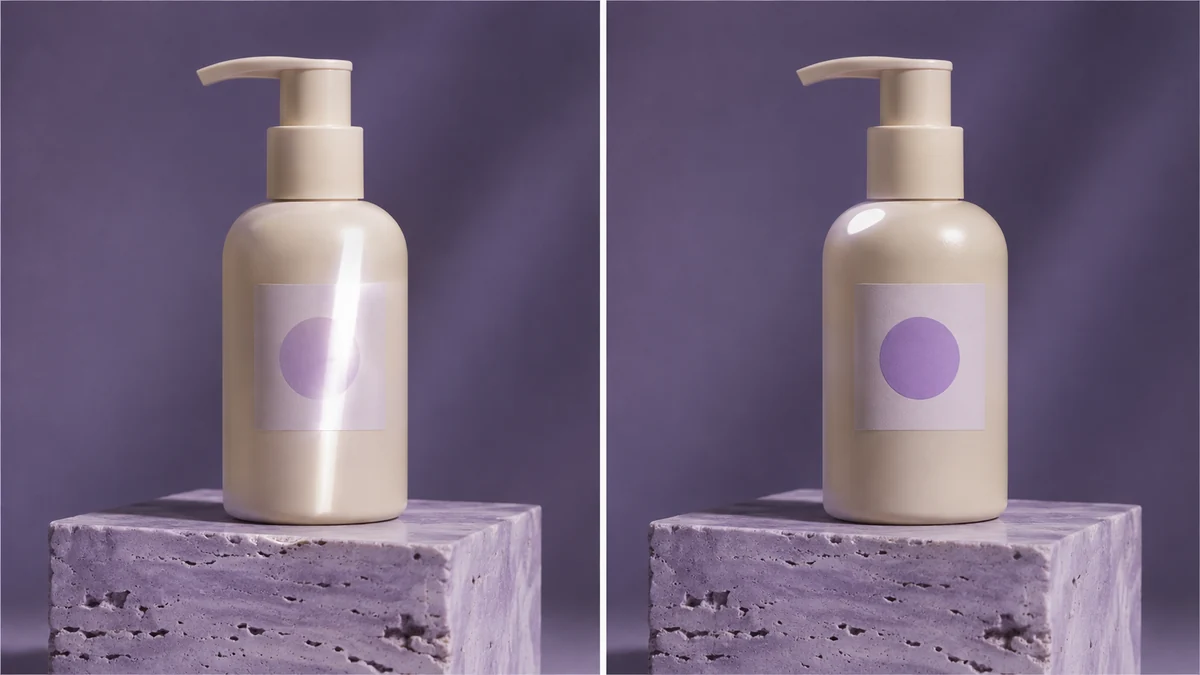
Illustrated close-up at 00:02.7. The note concerns the reflection. Use the bottle outline and label position to check what should stay the same.
If someone writes “make it pop,” identify what they had trouble seeing before changing the shot. Ask whether they mean the reflection over the label, the label color, or when the product first appears. Those lead to three different edits. For approved brand colors under changing light, use the color correction and grading guide to separate a lighting repair from a new look.
Shift a late audio cue in the editor. Repair a localized reflection if the approved bottle and performance can be retained. If you replace the take, recheck the entire affected range for the product silhouette, label and hand contact, then inspect the adjacent cuts.
Keep a version log the reviewer can follow
Give each request an ID and leave the original timestamp attached to the version on which it was reported. If v03 changes the cut length or moves a shot, add the new timestamp next to the old one. Identify the shot by name too, so the reviewer can find it after a timeline change. In Frame.io, a version stack keeps older uploads accessible and supports side-by-side comparison. Frame.io’s versioning guide
Copy this row into a spreadsheet or shared note:
ID | Reported version + time | Shot | Requested change | Keep | Pass check | Owner | Revision version + time | Status
R03 | v02 00:02.4–00:03.2 | Bottle close-up | Move reflection off mark | Bottle position, label color | Mark stays readable across the range | Editor | v03 00:02.4–00:03.2 | Changed
Use Changed when the editor submits an adjustment and Verified when the reviewer accepts the result on a named version. For conflicting notes, ask the approver to pick the priority, then record that decision and its reason beside the original comments.
Approve the exact delivery file
Ask the named approver to confirm the version and scope in writing. For example: “Approved for organic social: v04, vertical 1080 × 1920 MP4, 15 seconds, with captions burned in.” If paid placements need different disclosure text or safe areas, record approval for that export separately.
Before handing it off, open the delivered file and run the video quality control checklist. Recheck the corrected shots, the joins around them, the first and last frames, and the audio and captions. Keep the sign-off beside the approved file so someone taking over can identify the right version later.
For the next project, record the required end card, opening beat, aspect ratios and approver in your video brief so the first review starts with clear criteria.
Editing a two-person interview? See the active speaker tracking guide for how to review the picture at handoffs, interruptions and reactions.