
How to Write a Video Brief (Template and Example)
 ReelBoop
Write a one-page video brief with a clear goal, audience, deliverables and approval plan. Copy the template and follow a worked example for a short product ad.
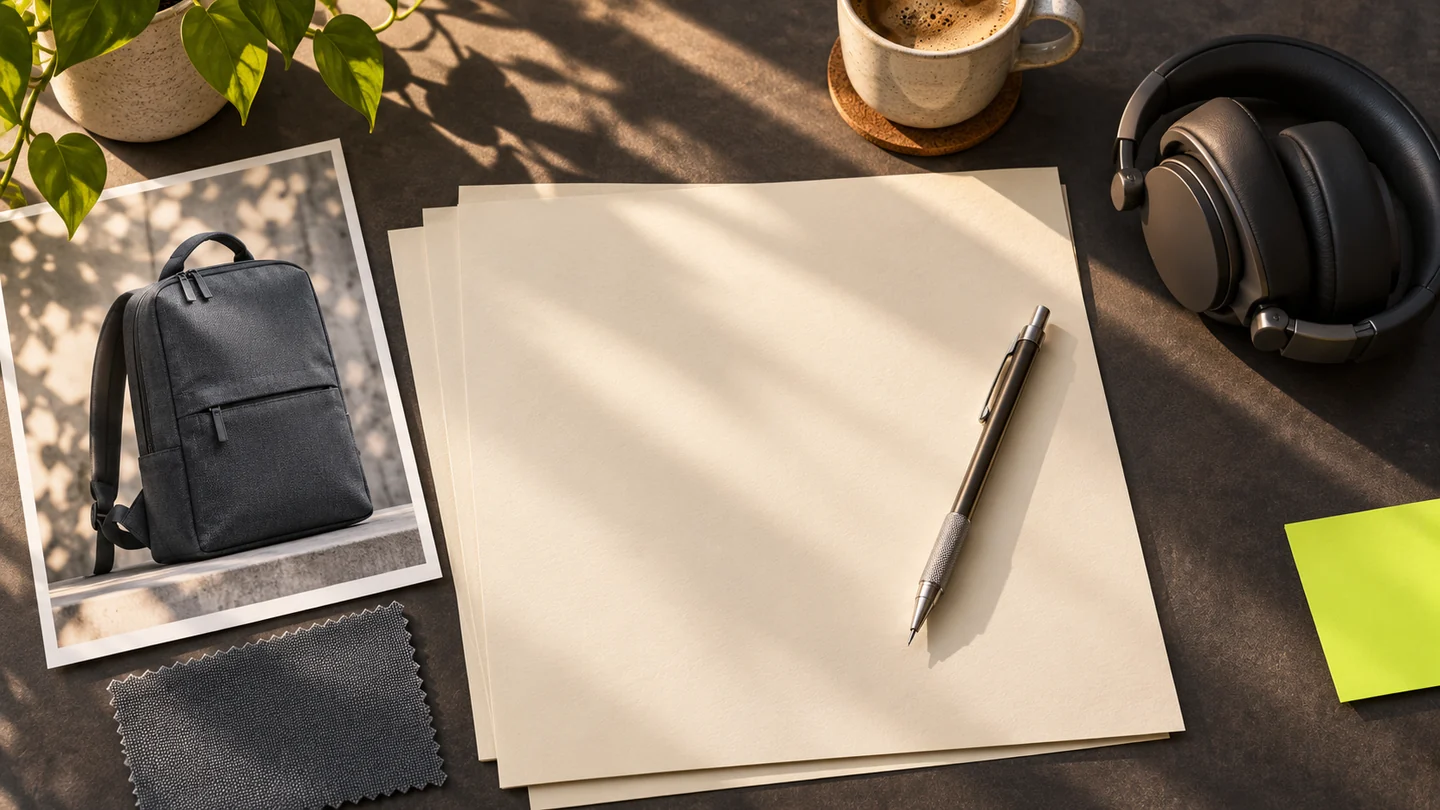
A video brief gives the people making and approving a video the same target. Start with who will see it, the action you want them to take, and the one thing the video needs to show. Then record exactly what you need delivered, which assets you can supply, and who signs off. Boords’ creative brief guide
For a short project, aim for one page. Use the agreed brief to write a script for the words and actions, then make a storyboard to show how they will appear in sequence.
Settle the decisions that change the video
1. Choose one viewer and one next action
Describe the audience at the moment they encounter the video. “Office commuters watching a vertical feed between trains” gives the team a setting, while “people aged 25–45” offers little help deciding what to show first.
Pick an action you can track on the placement where the video runs. If the video is meant to send viewers to a product page, decide what link they will use and how you’ll count visits. If the outcome is still uncertain, use the first run to establish a baseline.
2. Turn the message into something the camera can show
Write the takeaway in a sentence, then pick one visible piece of proof. For a commuter backpack, “the laptop slides into its own sleeve” gives the producer a specific action to film. Share the product details or source files the team can use to check the claim. For each creative reference, write down the part you want to borrow, such as natural daylight or the length of the product close-up.
3. List each file you expect to receive
Write one line per version with its placement, length, aspect ratio, and caption or sound requirements. Include the items that need their own files, such as a cover still or a captions file. If you need a second crop, specify that before the team frames the original.
4. Give the team an approval path
Write down the budget and what it covers, including any filming, editing, talent, or music needed. Add due dates for the concept, rough cut, and final files. Name who sends consolidated feedback and who approves each stage. If a brand claim or asset still needs a decision, put its owner and due date in the brief.
Copy this one-page video brief template
Project and brief owner
[Working title and the person who keeps this brief current]

Goal and measure
[Viewer action, how we will track it, and when we will check]

Audience and viewing context
[Who they are, where they will see the video, and what matters to them]

Main message and proof
[One takeaway and the action, detail, or evidence the video can show]

Creative direction
[Tone, reference links, and what to take from each reference]

Deliverables
[One line per file with placement, duration, aspect ratio, and captions or sound]

Assets and requirements
[What is ready, what needs sourcing, approved claims, and required text]

Budget and dates
[Cost ceiling, what it covers, and concept, review, and delivery dates]

Approvals
[Reviewer, final approver, included rounds, and feedback deadlines]
Worked example for a 15-second backpack ad
This fictional brief is for a small team making a vertical product ad. The roles, budget, and deliverables illustrate how much detail to give a producer.
| Field | Example |
|---|---|
| Project and owner | Slate commuter backpack launch. The product marketing lead owns the brief and supplies the sample. |
| Goal and measure | Send viewers to the backpack page. Count sessions from the tagged ad link in the first seven days. |
| Audience | People who carry a laptop on public transport and watch short videos with the sound muted. |
| Main message and proof | The laptop has a dedicated place. Show a 14-inch laptop sliding fully into the inner sleeve, then show the bag zipped. |
| Creative direction | Everyday pace, natural window light, slate fabric and a simple desk. Keep the laptop and sleeve visible together during the product demonstration. |
| Deliverables | One 15-second, 9:16 MP4 for the vertical ad, with the product name and “See the pack” on the end card. One JPG cover showing the bag in full. |
| Assets and requirements | Use the supplied backpack and laptop. Keep phone-screen details unreadable. Use the approved end-card logo. Add zipper sound if useful and keep the story legible muted. |
| Budget and dates | Example ceiling of $750 for a half-day shoot in one location with one performer, editing, the cover still, and one round of rough-cut revisions. Approve the concept Monday, review the rough cut Thursday, and deliver the following Monday. |
| Approvals | The product lead checks the fit claim at concept review. The marketing lead approves the concept, collects feedback, and approves the rough cut and final ad. |
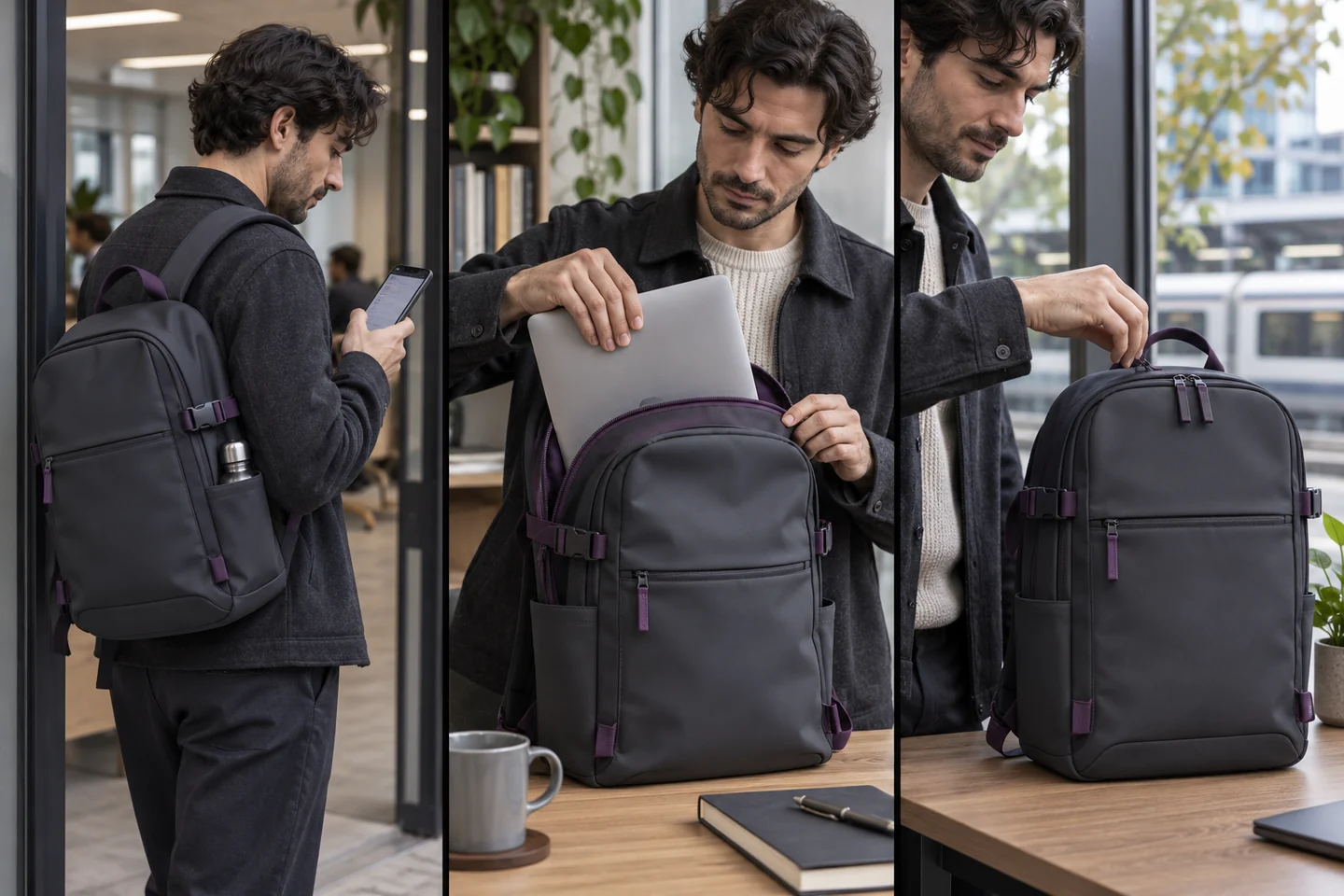
Concept illustration for the fictional brief. The middle view keeps the laptop and backpack in the same frame so the fit is easy to show.
At rough cut, the marketing lead can pause on the sleeve shot and ask whether a viewer can see the laptop go all the way in. They can then watch the full 15 seconds muted and check that the product and next step are clear. Those are review notes the editor can act on.
Send the brief before building the storyboard
Share the brief and the assets in one place. Confirm that the production team can name the main action, list the files they will deliver, and identify who will approve the rough cut. Once the brief is agreed, use the AI video storyboard guide to turn the main action into timed shots. For an ad with a product close-up, the product video prompt examples can help describe the action and framing.