
Kling 3.0 Image to Video: Plan a Focused 5-Second Shot
 ReelBoop
Prepare one starting image, write a focused motion prompt and review a five-second Kling 3.0 Pro clip on ReelBoop. Includes four shot recipes.
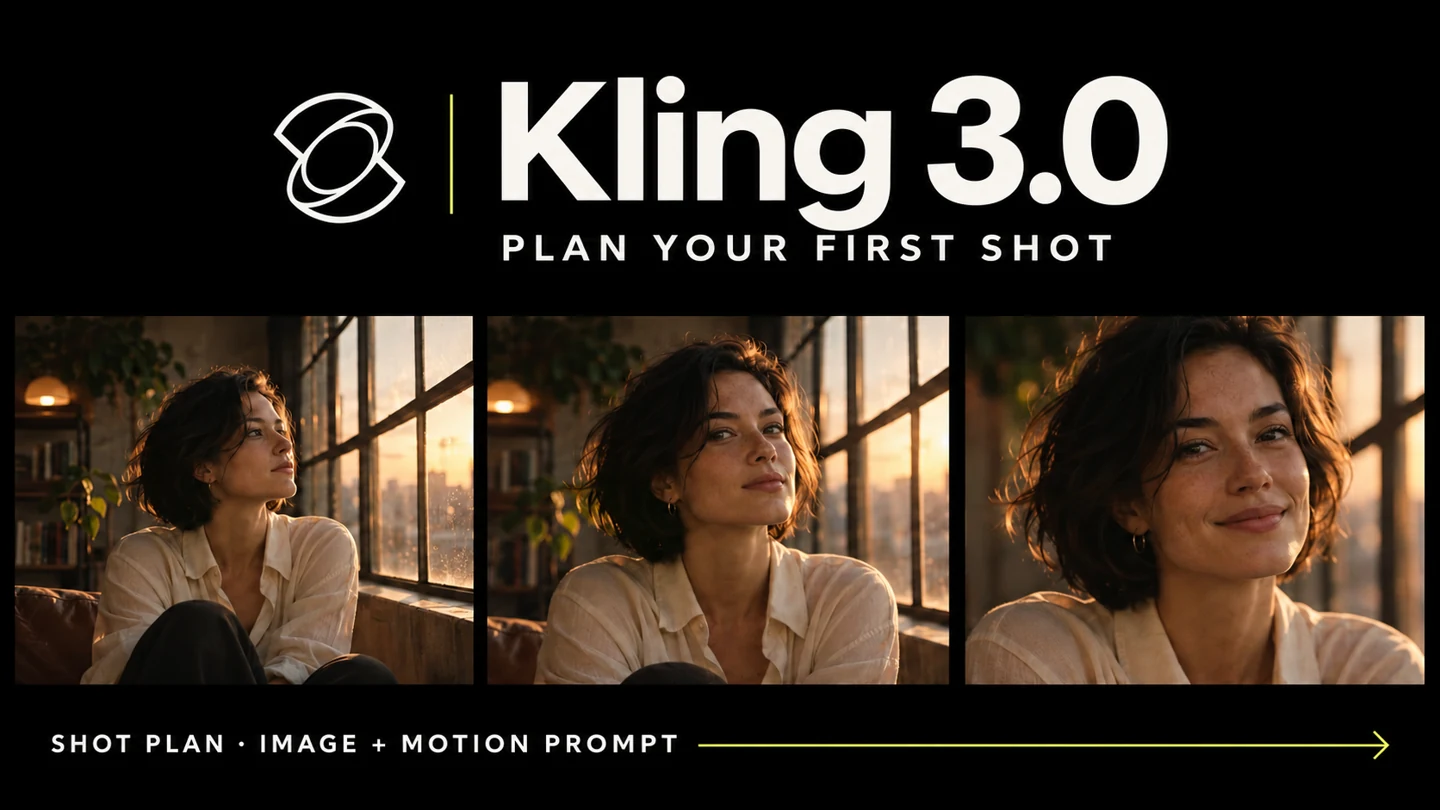
A useful Kling 3.0 image-to-video prompt starts where the photo ends: what should move, how should the camera behave, and where should the shot finish? Let the starting image establish the appearance, then describe one action you can recognize during playback.
The Kling 3.0 creator on ReelBoop uses Kling 3.0 Pro with one starting image to make a five-second silent clip for 60 credits. Choose 16:9 or 9:16 for your intended use. This guide focuses on that single-shot workflow.
Decide what the image should do
Pick a small action that fits the source. A person already facing the camera might give a slight smile and turn toward a window. A product photo might need only a gentle camera push-in. A landscape can gain atmosphere from a light breeze.
Write the result as a shot rather than a list of events. In five seconds, one visible action and a simple camera move give you clear things to review. A long sequence involving running, turning, picking up an object and changing locations gives each action less space.
Prepare the starting image
Choose an image whose main subject is sharp enough at the intended display size. For a person, inspect the face, hands and outfit. For a product, check its outline, parts and any text that will remain visible.
Give the planned movement room. A hand resting at the edge of the frame has little space for a large gesture. A product cropped tightly against the border has little space for a camera move. If the current crop conflicts with the intended action, prepare a wider source image first.
Choose the output ratio early. A source close to 9:16 is a useful starting composition for a vertical shot, while a wide scene can suit 16:9. Inspect the image at that crop and decide which features need to remain in view.
Build the motion prompt in three parts
Keep the prompt specific to your starting image:
[Subject's one main action]. [Camera position and movement]. [Pace, visible atmosphere and the details to keep coherent].
“The person slowly turns toward the window and pauses” gives the shot an action and a finish. “The camera makes a gentle push-in” gives the viewer one movement to follow. Describe the outfit or product details only where they matter to continuity.
The following recipes are prompts to adapt to your own starting image, each with a specific playback check.
Four five-second shot recipes
1. A small expression and turn
Use a portrait with a visible face and room around the head.
The person gives a small smile, then turns their head slightly toward the window and pauses. The camera stays at eye level with a very gentle push-in. Keep the hairstyle, shirt and soft daylight coherent. Calm natural movement in one continuous shot.
Review: watch the eyes, mouth, hairline and neckline during the turn. Check whether the final pose feels connected to the starting photograph.
2. A product with restrained camera motion
Use a complete product with a clear silhouette and a simple surface.
The camera makes a slow gentle push-in toward the product. The product remains resting on the surface in the same position. Soft side light reveals its material, with a stable contact shadow. Keep the product's visible shape, color and components coherent throughout one continuous shot.
Review: compare the product's silhouette and components in the first, middle and final frames. The product video prompt guide explains other small product-shot ideas.
3. Atmosphere in an outdoor scene
Choose a scene with visible foliage and an uncluttered point of interest.
A light breeze gently moves the leaves and the loose edge of the fabric in the scene. The main subject stays in place. The camera remains steady, with consistent soft daylight and a quiet natural pace. One continuous shot with subtle environmental movement.
Review: inspect the subject separately from the leaves or fabric. Look at edges and background details that should stay stable.
4. A quiet illustrated moment
Begin with an illustration whose character and background are easy to read.
The illustrated character raises one hand in a small wave, then returns to a relaxed pose. The camera remains fixed. Keep the character's face, outfit, colors and drawing style coherent. Soft background movement and a gentle pace in one continuous shot.
Review: compare the hand, face and outline through the wave. Check that the movement still belongs to the illustration's visual style.
Generate from the model tool
Open Kling 3.0 and upload your chosen starting image. Select the output ratio and write the motion prompt. Check the 60-credit quote for the five-second Pro clip before submitting.
After the task is confirmed, use My creations to follow progress and open the completed clip. Watch it once at normal speed before inspecting individual frames. A shot can have attractive still frames while moving awkwardly between them.
This ReelBoop workflow creates a silent clip. Add your chosen music, voiceover or effects in a video editor, then check the timing against the exported shot.
Review motion and appearance separately
First ask whether the shot performs the intended action. Does the person turn and pause? Does the camera move in one direction at a useful pace? Does the clip end in a pose or composition you can cut from?
Then inspect the subject against the source image. Compare facial features, clothing, product components, colors and proportions. Look for flickering edges, changing surfaces or shadows that lose their connection with the subject.
Finally, view the full clip at its intended crop on a phone or other target screen. Check that the main action remains visible and that space planned for later text is still useful. Download the completed video when those checks fit your brief.
Choose the next change from the result
If the action is too busy, reduce it to a smaller movement. If the camera move hides the subject, use a fixed camera for the next attempt. If the input is already tightly cropped, prepare a source with more room before requesting a larger action.
Keep the starting image and prompt together so the next version has a clear baseline. Each new generation uses the quote shown in the tool; choose the one change you need before submitting again.
If your task is to follow an exact supplied performance, the AI Body Swap workflow uses a motion video as a separate input. For newly described motion from one photograph, start a focused Kling 3.0 shot.